
• Skip to Content
  • Skip to Sidebar
  • Skip to Footer
Resume Genius home
  • View All Free Resume Templates
    Professional Designs
    • Basic
    • Creative
    • Modern
    • Minimalist
    File Types To Download
    • Word
    • Google Docs
    • PDF
    • Pages
    Formats
    • Chronological
    • Functional
    • Combination
    • Infographic
    Situational Templates
    • ATS
    • Entry Level
    • Picture
    • Blank

    Build your resume with a professional template

    Choose one of our ATS-friendly templates, pick your favorite layout and color, and apply for jobs within the app. Test it out today.

  • View All Resume Examples
    For Students
    • High School
    • Internship
    • College
    • Student CV
    By Experience
    • No Experience
    • Mid-Career
    • Manager
    • Executive
    Top Industries
    • Teaching
    • Nursing
    • Administrative Assistant
    • Customer Service
    • Cashier
    • Engineering
    • Graphic Design
    • Server

    Struggling to fill in your resume?

    Our builder's database of expert-written experience bullets plus AI-powered content suggestions transforms a blank page into a perfectly tailored resume. Try it now.

  • Visit the Genius Blog
    Tools
    • AI Resume Generator
    • ATS Resume Checker
    • Resume Summary Generator
    • Bullet Point Generator
    Resumes
    • How to Make a Resume for Any Job in 2026
    • The Best Resume Format for 2026
    • How to Put Skills on Your Resume
    • 40+ Professional Resume Summary Examples
    Cover Letters
    • Cover Letter Templates to Download
    • Cover Letter Examples for All Job Applications
    • How to Write a Cover Letter for a Job in 2026
    • Cover Letter Format: Template & Examples
    CVs
    • Professional CV Templates
    • 400+ CV Examples for Everyone
    • How to Write an Academic CV
    • CV Examples for Students

    Make a resume that stands out

    Our resume builder is powered by decades of industry expertise and the latest job-search tech. Get started now and give your application an edge.

    • The resume genius builder Make a professional resume in just a few minutes.
    • AI Cover Letter Generator Write custom cover letters for every application.
    • Professional CV Maker Create a detailed academic or professional CV.
    Read what our customers are saying about us 10 Best Resume Builders of 2026
  • Pricing
Login Build My Resume

Blog Resume Help Best Font for Resume

The Best Font for Your Resume in 2026

Headshot of Conrad BenzWritten By Conrad BenzContent Manager & Hiring Manager
Headshot of Geoffrey Scott, Senior Manager and Certified Professional Resume Writer at Resume Genius (the smartest online resume builder)Reviewed By Geoffrey ScottSenior Hiring Manager & Career Coach
Headshot of Conrad Benz

Conrad Benz

Content Manager & Hiring Manager

8 years of experience

Conrad Benz is a Content Manager and Hiring Manager at Resume Genius. With nearly a decade of experience as a career services professional, Conrad is passionate about helping people navigate...

View Profile
Updated March 10, 2026
Build My Resume NowUpload Existing Resume
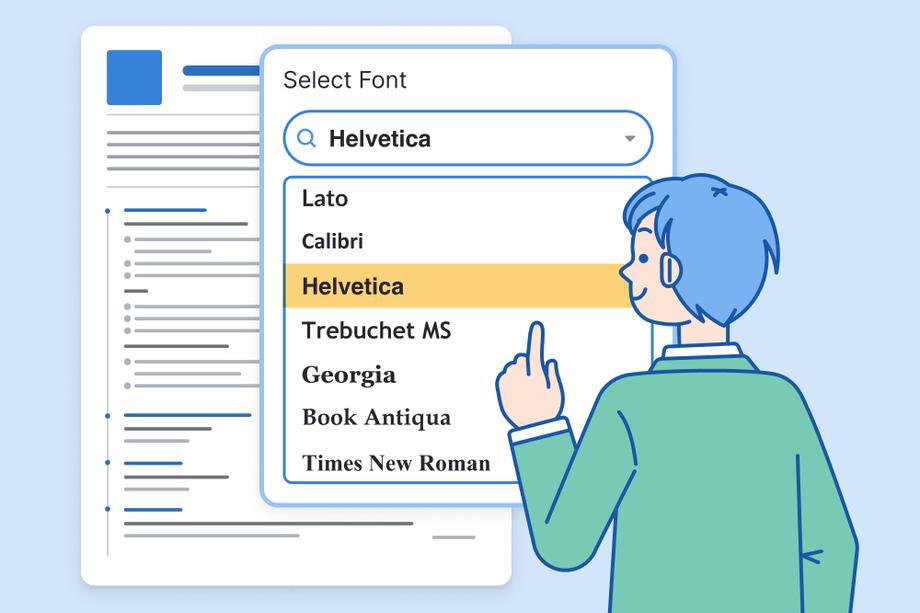
A person selecting a font for their resume.
Table of Contents
  • The Best Font for Your Resume in 2026
    • How to choose the best font for your resume
    • Popular resume fonts
      • 1. Arial
      • 2. Lato
      • 3. Calibri
      • 4. Helvetica
      • 5. Trebuchet MS
      • 6. Cambria
      • 7. Georgia
      • 8. Garamond
      • 9. Book Antiqua
      • 10. Times New Roman
    • How to choose a font size
    • Pair fonts to make your resume stand out
      • 1. Lora and Nunito Sans
      • 2. Josefin Sans and Raleway
      • 3. Abel and Open Sans
    • Frequently asked questions about resume fonts
      • How do I make sure my resume font is ATS-friendly?
      • Which fonts should I avoid using on my resume?
      • How can I make my resume stand out without using a crazy font?
      • Is it okay to use multiple fonts on my resume?
3 resume templates available in the Resume Genius builder with a banner explaining how quickly you can make a resume

Struggling to get interviews?

Make a professional resume

Share:

  • Copied

Choosing the right font ensures that your resume is professional, easy to read, and aligned with your industry’s expectations. We explain how to choose a font and list 10 of our favorites.

Not sure what font to use on your resume? It’s best not to overthink it. The best font is usually a simple sans serif font like Arial.

Geoffrey Scott, our hiring manager and Certified Professional Resume Writer (CPRW) with 9+ years of experience, agrees:

I like to see fonts that are easy to read like Arial since I’m on a computer all day and it’s something I’m familiar with. Essentially, fonts shouldn’t distract me from the content of your resume, so as long as I don’t think “what’s going on with this resume’s font?” then your choice of font and font size was good.

Geoffrey Scott, Senior Hiring Manager and CPRW

The best font for your resume is the one that nobody notices. So, use any clear, plain font like Arial, Calibri, Cambria, etc. Just stay away from goofy fonts like Comic Sans or Papyrus.

How to choose the best font for your resume

Choose a font that looks good to you and is clearly readable when you save your resume as a .pdf.

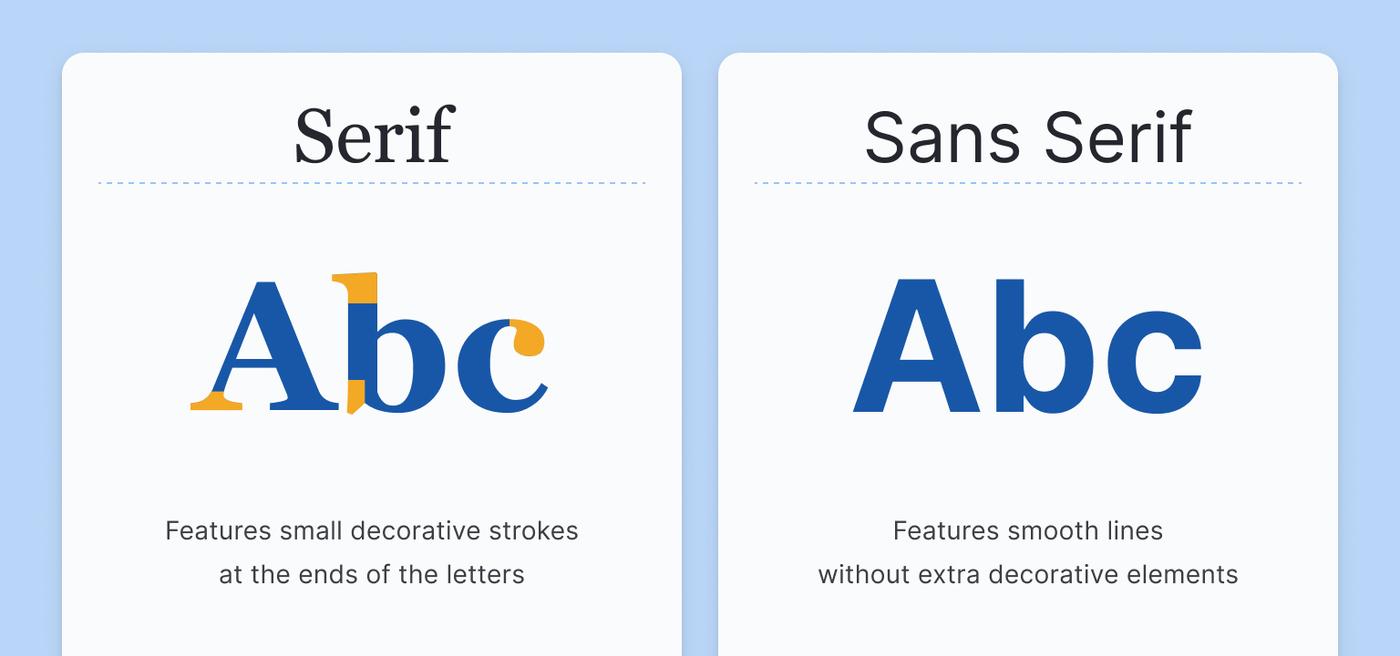
Fonts fall into two general categories: serif and sans serif.

Serif fonts have decorative pointy corners and accented edges on letters, called serifs. Serif fonts have a classy, traditional feel and are easy to read on paper.

Sans serif fonts don't have these. (Sans means "without" in French, so "without serifs".) Sans serif fonts look clean and modern, and are easier to read on screens, especially at lower resolutions.

An infographic showing the difference between serif and sans-serif fonts.

There's a lot of misleading information out there that says you have to use certain fonts for certain industries, but that's not correct. You can use a serif font or a sans serif font on a resume for any industry.

However, sans serif fonts are easier for computers to scan, which is important when you're writing an ATS-friendly resume.

Popular resume fonts

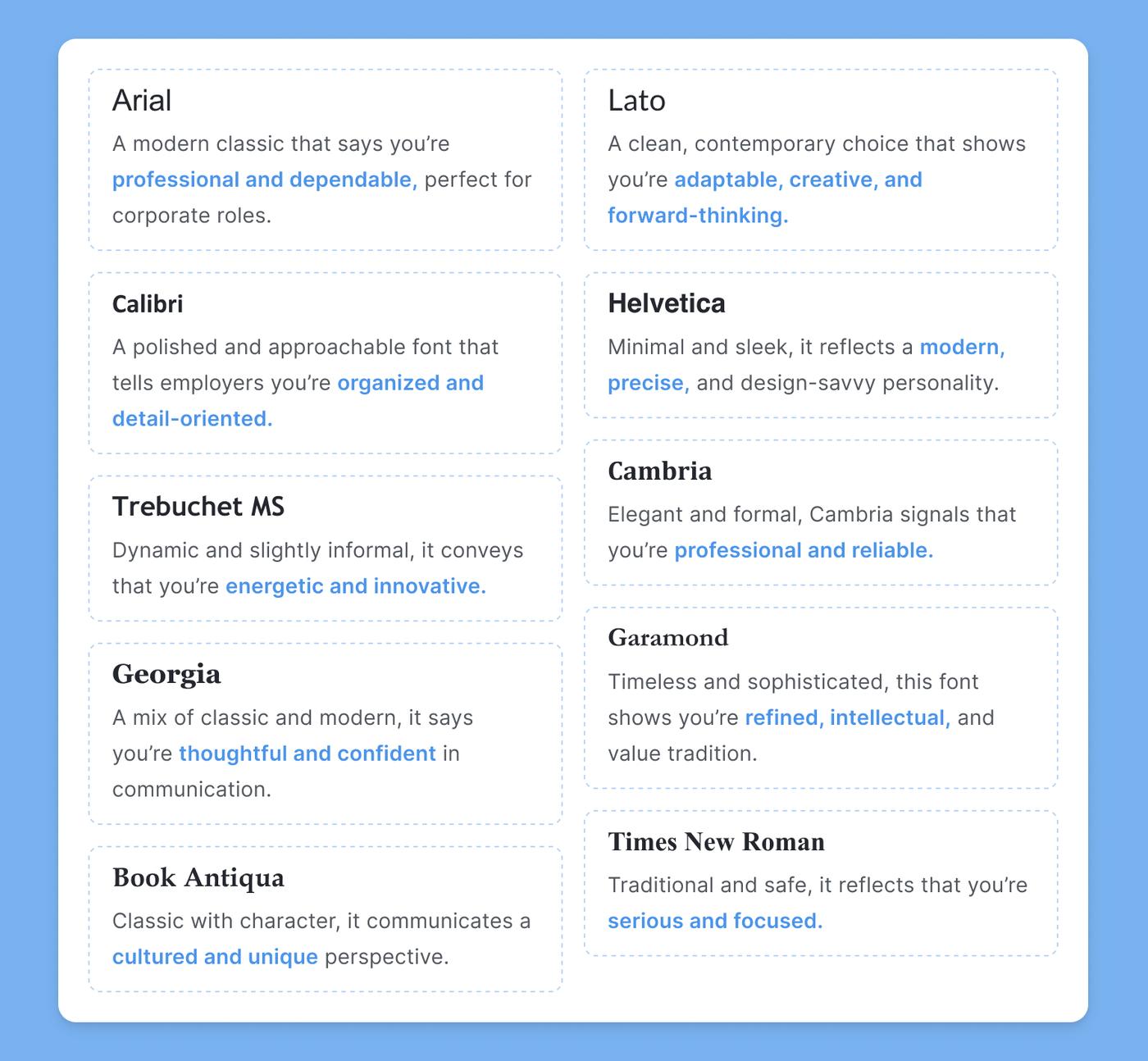
Here are some of the most popular fonts you can use on your resume:

An infographic showing the ten best fonts for your resume and what they say about you as a job seeker.

1. Arial

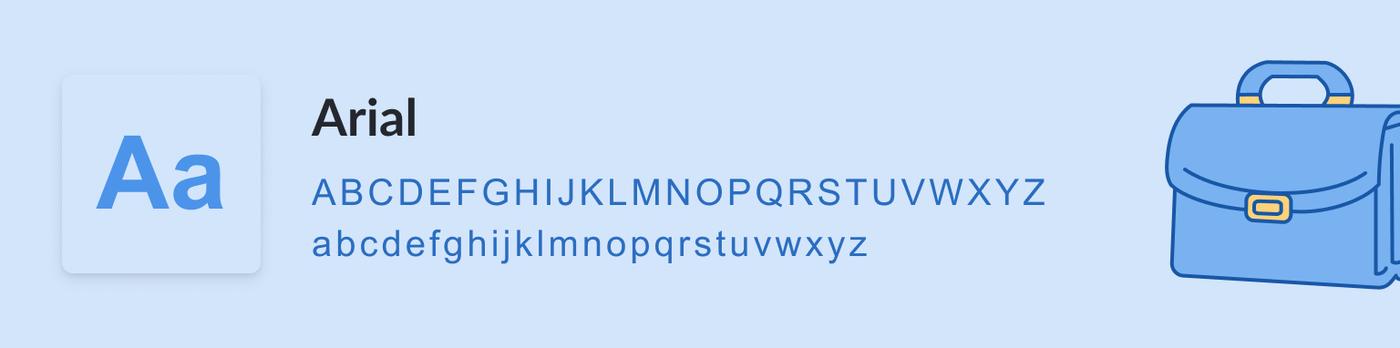
An example of how the Arial font looks using all of the letters of the alphabet.

Arial is a popular sans-serif font that’s easy to read. If you want a clean, no-nonsense font that can be displayed on any device, look no further.

2. Lato

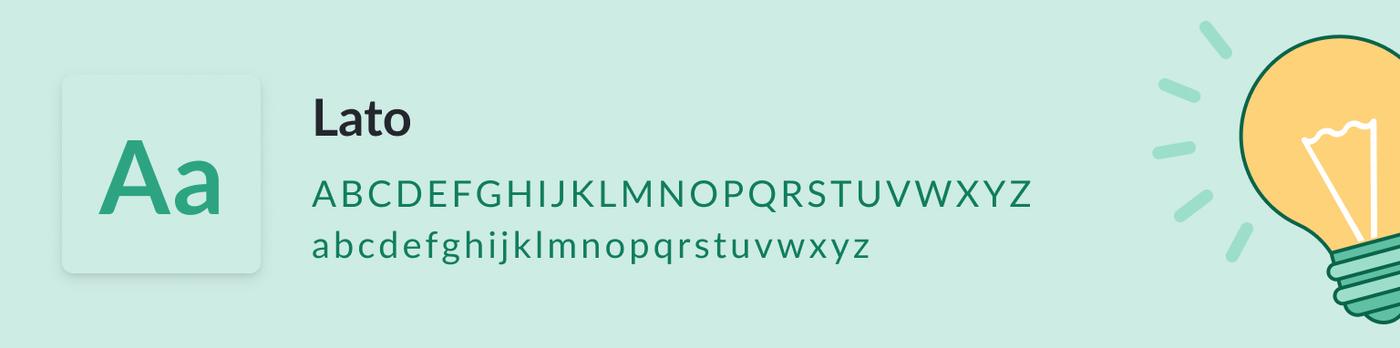
An example of how the Lato font looks using all of the letters of the alphabet.

Lato was designed to be “serious but friendly,” according to its designer. It's a clear sans serif font with slight differences from Arial that will make it seem fresher to readers.

3. Calibri

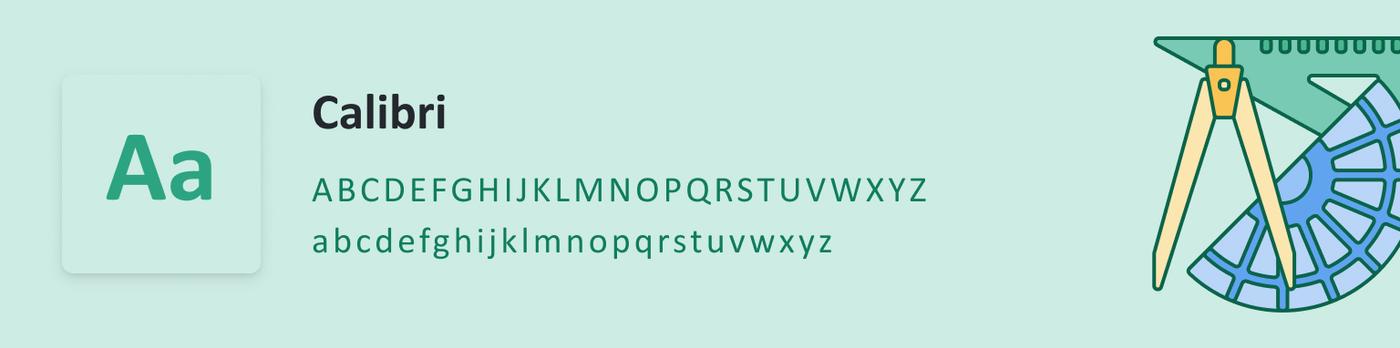
An example of how the Calibri font looks using all of the letters of the alphabet.

Calibri is the default font in Microsoft Office and it has a little more character than Arial. It's also slightly narrower, especially in upper case, which may allow you to fit more letters on a single line.

4. Helvetica

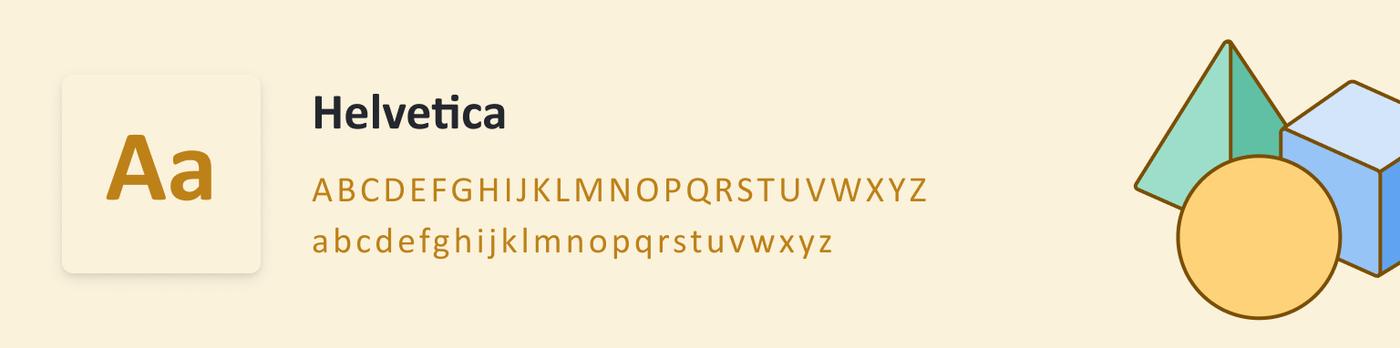
An example of how the Helvetica font looks using all of the letters of the alphabet.

Helvetica is a classic (dare we say famous?) sans-serif font widely used in logos and signs worldwide. Its clean and timeless design also makes it a top choice for resumes.

5. Trebuchet MS

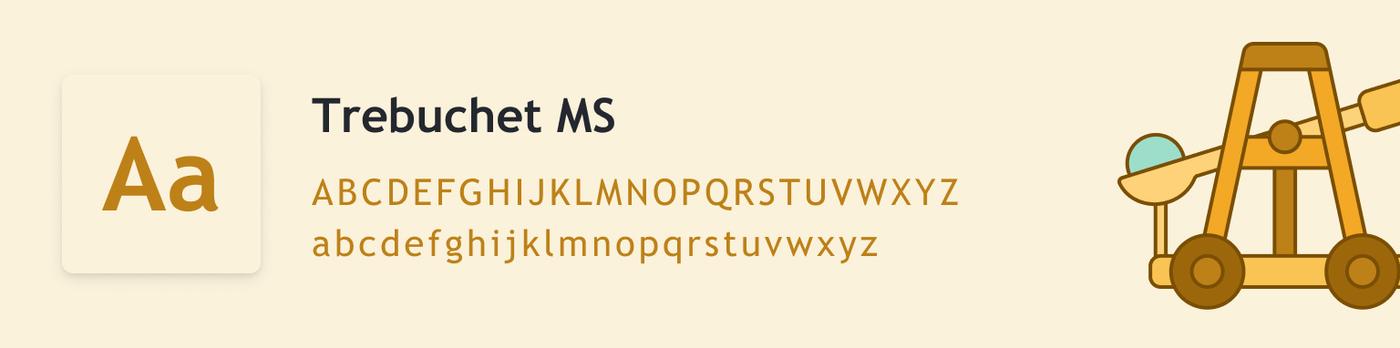
An example of how the Trebuchet MS font looks using all of the letters of the alphabet.

Designed for on-screen reading, Trebuchet MS is an excellent sans-serif font that features a hint of creativity (just look at that lowercase g) without sacrificing clarity.

6. Cambria

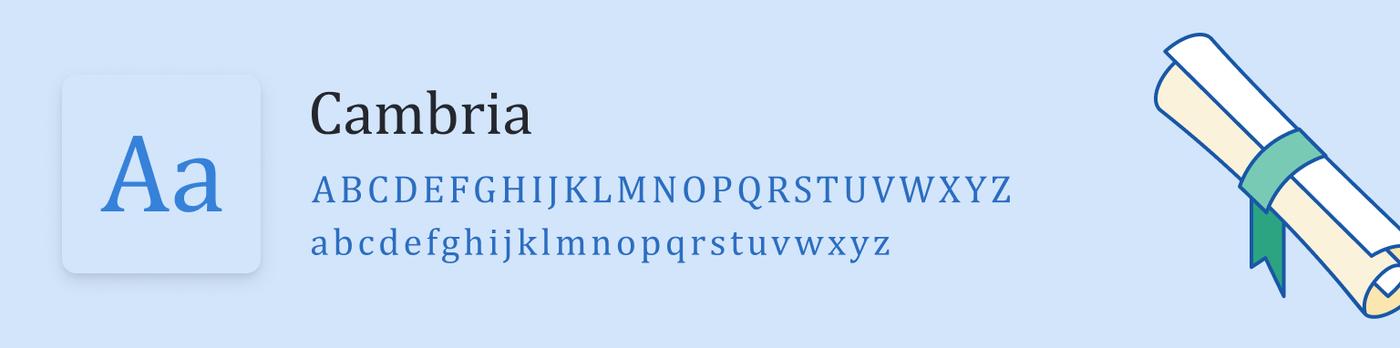
An example of how the Cambria font looks using all of the letters of the alphabet.

Cambria is a serif font known for its even proportions that make it easy to read even at smaller sizes. It's a classy choice if you want your resume to have a more academic feel.

7. Georgia

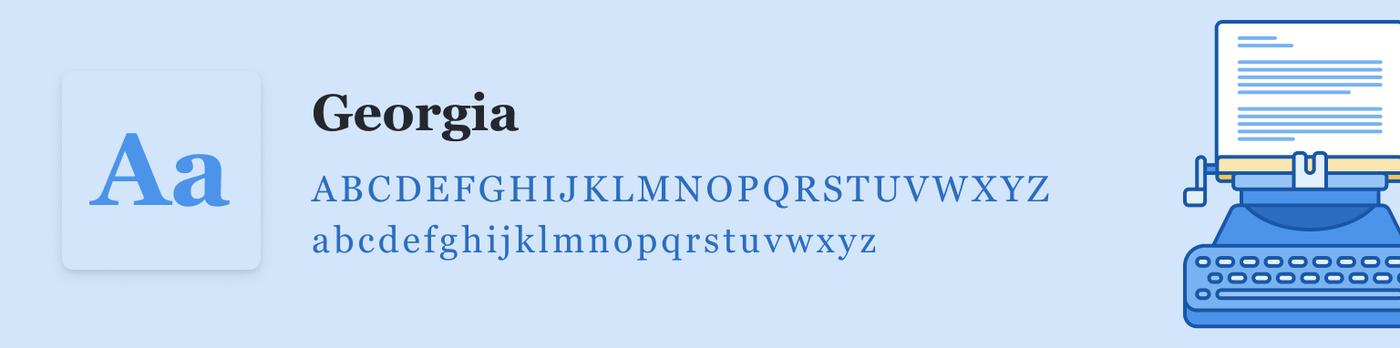
An example of how the Georgia font looks using all of the letters of the alphabet.

Georgia is another serif font that works well on digital displays because it's easy to read even in low resolution. It was commissioned by Microsoft in 1993 and is also widely used for digital content and is known for its readability.

8. Garamond

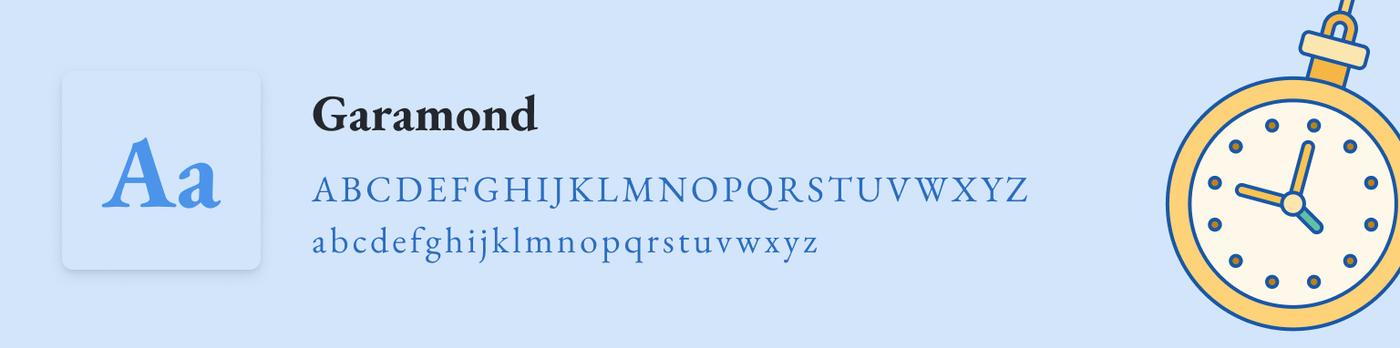
An example of how the Garamond font looks using all of the letters of the alphabet.

Based on Roman type, Garamond is a lighter serif font that brings a bit of formality to your resume. It's also a thinner font, so it's great for saving space if you need to fit a lot of information on your resume.

9. Book Antiqua

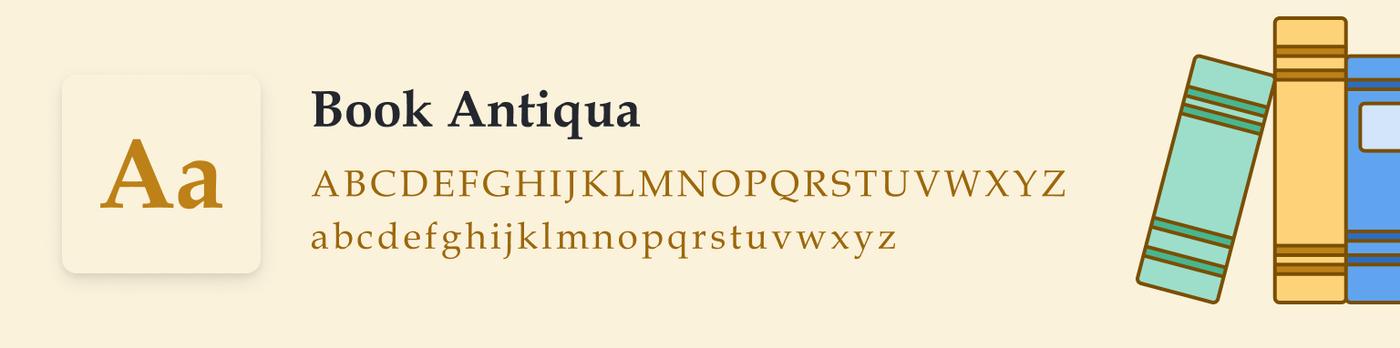
An example of how the Book Antiqua font looks using all of the letters of the alphabet.

Book Antiqua is another popular font choice if you prefer the look of serifs. It's one of the more elegant fonts on this list, and is perfect for fields like law and academia.

10. Times New Roman

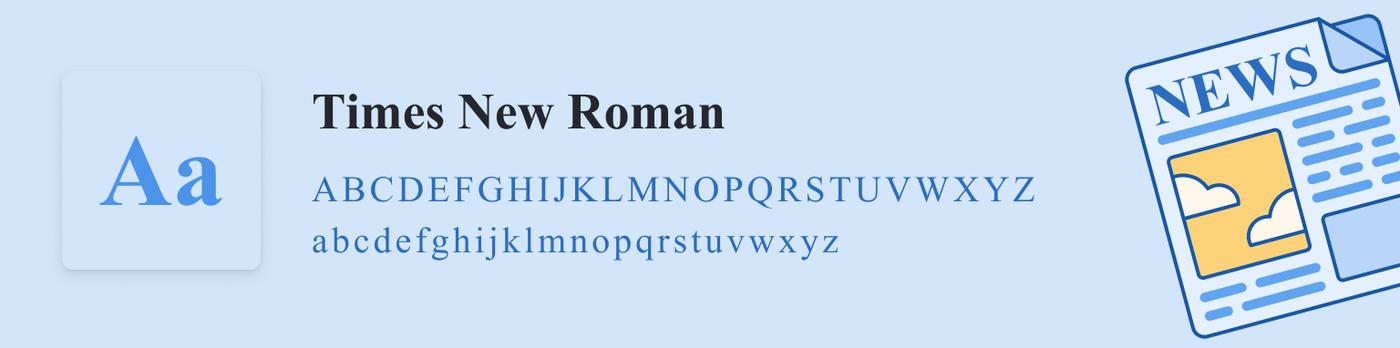
An example of how the Times New Roman font looks using all of the letters of the alphabet.

Times New Roman is a classic serif font that was created in 1931 for The Times newspaper and has since become one of the most popular fonts in the world.

However, it has fallen out of favor in recent years and many people think it gives resumes a dated feel.

How to choose a font size

The standard font sizes for resumes are:

  • Header (your name): 28-35pt
  • Section headers: 14-16pt
  • Body content: 10-12pt

Readability is the most important part of choosing your resume font size. So while 10–12 is the standard size for most fonts, some fonts might need to be set at a slightly smaller or larger size.

To find a perfect balance:

  1. Pick a font style
  2. Adjust the font size until your resume appears filled (but not stuffed) with text
  3. Ask someone else to read your resume to see if the text looks too big or small

Fonts vary in width and spacing, so some of them will take up more space on your resume, even at the same font size. To help you, we've included our recommended font size for the 10 best resume fonts on this list.

Ideal font sizes for your resume body content

FontSize
Arial10.5-11
Lato10.5-11
Calibri11-12
Helvetica10.5-11
Trebuchet MS10-11
Cambria11-12
Georgia10.5-11
Garamond12-12.5
Book Antiqua10.5-11.5
Times New Roman11-12

Pair fonts to make your resume stand out

One of the best ways to make your resume stand out is to use multiple complementary fonts so you get some variation between the headers and content.

You don't need to be a design expert to choose a great font pairing. Just use a high-quality resume template with pre-selected fonts. This makes it easy to create a sharp-looking resume that's sure to leave a positive first impression on hiring managers.

Below, we've selected a few examples of resume templates that use stylish font pairings:

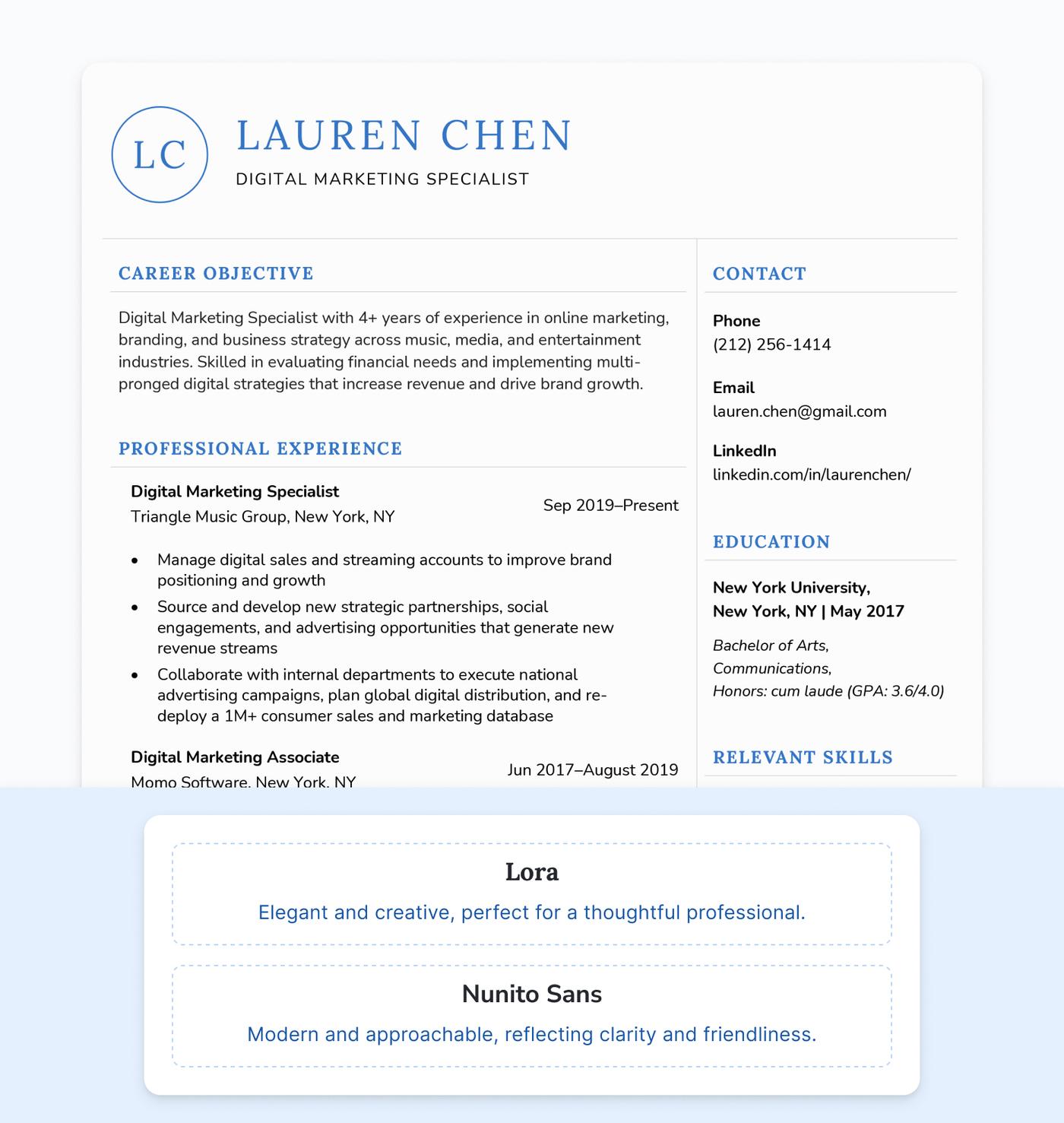
1. Lora and Nunito Sans

An example resume using Lora and Nunito Sans as fonts.

These fonts work together seamlessly to create a sleek, modern look in our Unique template, which also features a simple monogram detail in the header.

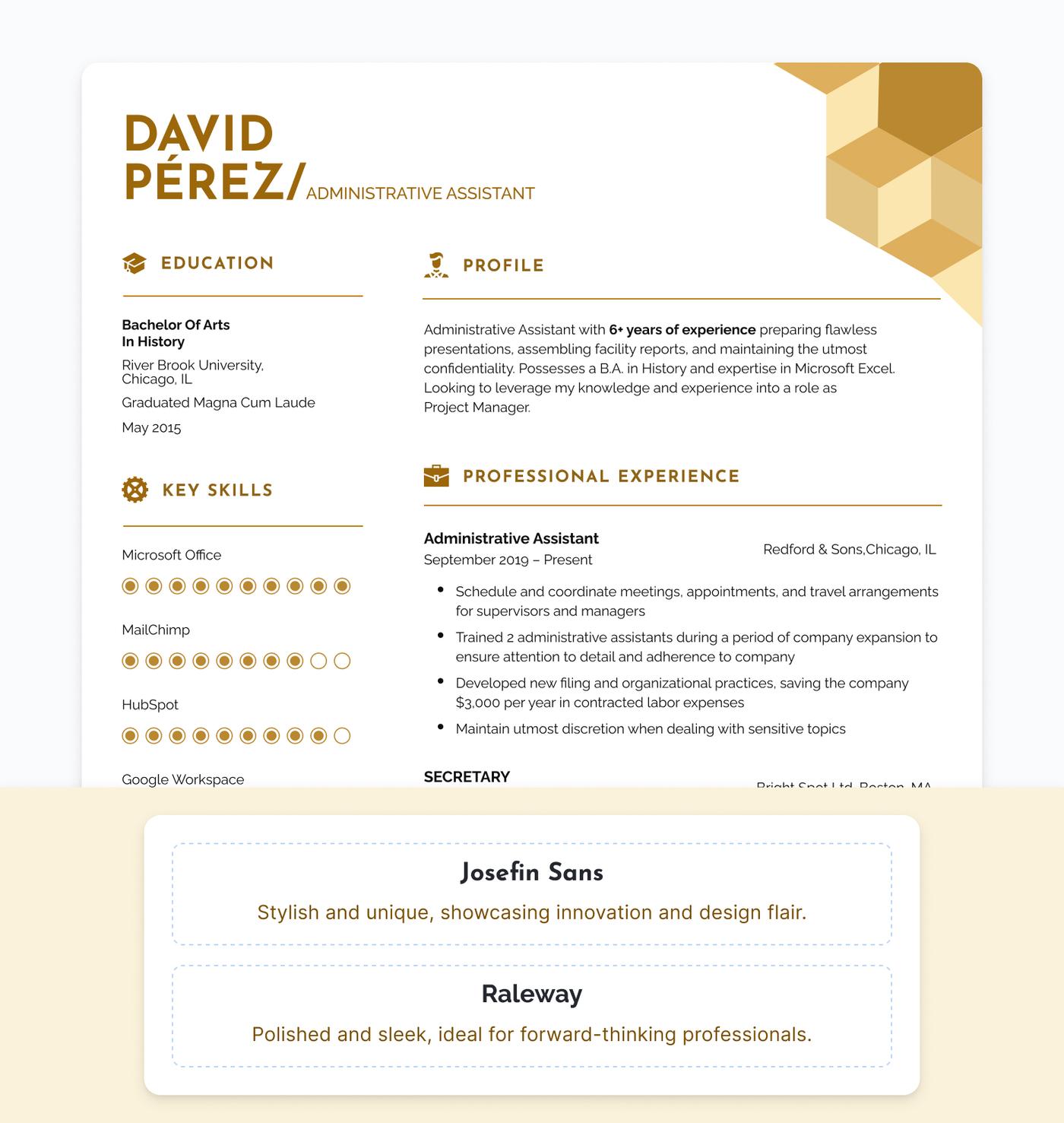
2. Josefin Sans and Raleway

An example resume using Josefin Sans and Raleway as fonts.

The modern design of our Current template uses clean fonts to balance out the stylized heading. This font pairing is perfect for industries like tech or design.

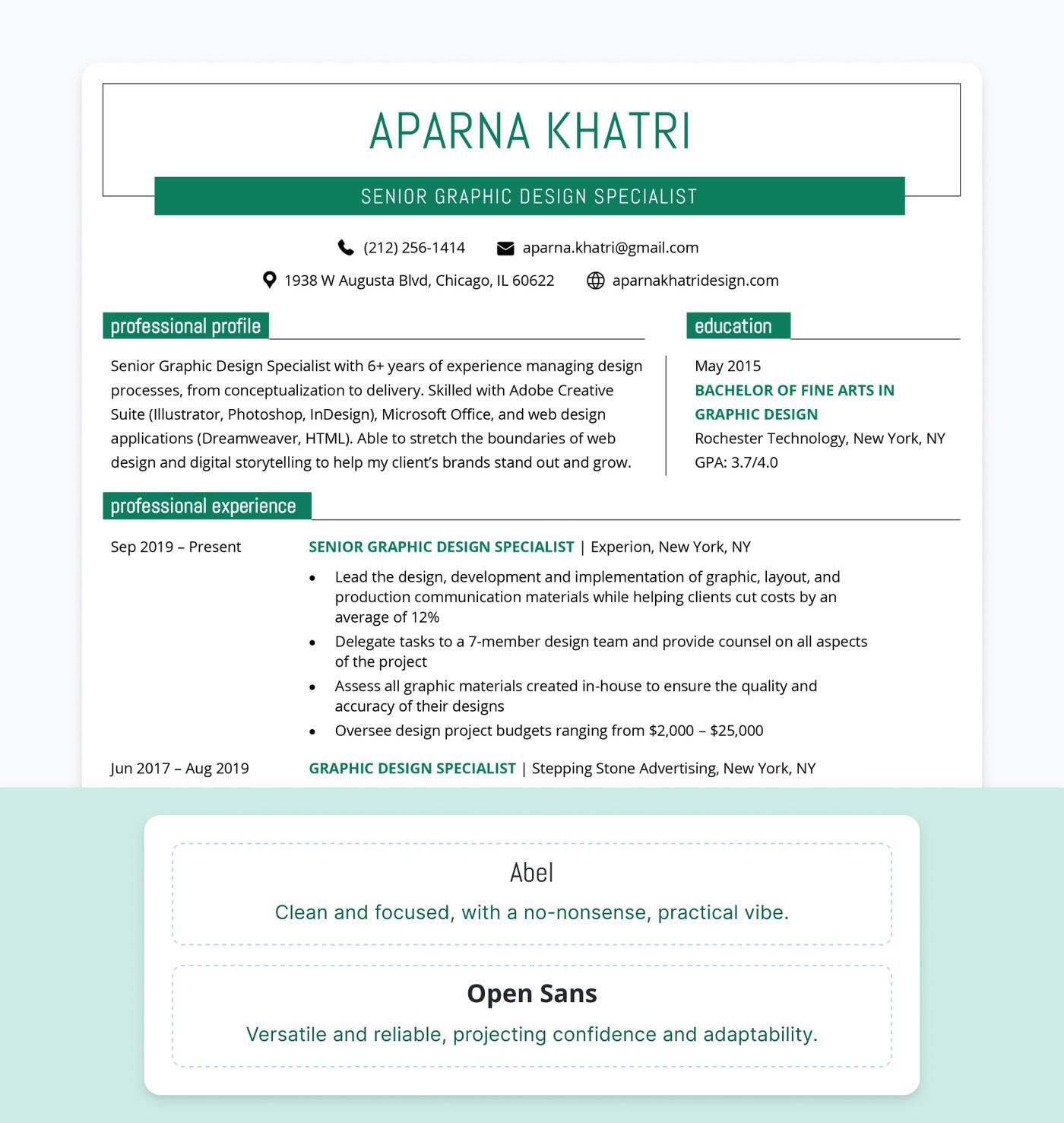
3. Abel and Open Sans

An example resume using Abel and Open Sans as fonts.

The sleek structure of our Windsor template allows for a more playful heading font while prioritizing readability in the body content.

Frequently asked questions about resume fonts

Here are some commonly asked questions about fonts on resumes:

How do I make sure my resume font is ATS-friendly?

To ensure compatibility with applicant tracking systems (ATS), use standard, widely available fonts like Arial, Calibri, or Times New Roman, as these are easily recognized by ATS.

Stick to clear, readable typefaces and avoid complex formatting or unusual fonts, which can cause parsing errors and potentially exclude your resume from consideration.

Which fonts should I avoid using on my resume?

Avoid using gimmicky fonts like Comic Sans, Brush Script, or Papyrus on your resume, as they appear unprofessional and distract from your content.

Also, steer clear of overly decorative or handwriting-style fonts, as well as extremely thin or hard-to-read options, which can make your resume difficult to read and leave a bad impression on hiring managers.

How can I make my resume stand out without using a crazy font?

To make your resume stand out without using an unconventional font, focus on:

  • Making header fonts larger and bolder
  • Consistent and clean formatting
  • Balanced use of white space

You could also opt for a professional but slightly less common font like Trebuchet MS.

Is it okay to use multiple fonts on my resume?

It’s perfectly fine to use 1–2 fonts on your resume to create a subtle contrast, such as pairing a bold header font with a clean body font. However, avoid using more than two fonts, as that can make your resume appear cluttered and unprofessional.

About the Author

Headshot of Conrad Benz
Conrad Benz
Content Manager & Hiring Manager
8Years of Experience
77Articles Written
508Articles Reviewed

Conrad Benz is a Content Manager and Hiring Manager at Resume Genius. With nearly a decade of experience as a career services professional, Conrad is passionate about helping people navigate the job search process and find fulfilling work.

You can find Conrad’s career insights in publications like Typsy, Resume Library, and more.

Conrad graduated with a B.A. in International Relations from Goucher College in Maryland and currently lives in Taipei, Taiwan, where he helps ensure every article on Resume Genius provides job seekers with the information they need to succeed.

If you want to reach Conrad for a quote or media-related inquiry, you can contact him at [conrad] @ [resumegenius.com].

Expertise
Resume Writing Team Management Career Coaching Copywriting Interview Preparation Content Strategy Hiking
Twitter/XTwitter/XLinkedInLinkedInMuck RackMuck Rack
View Profile
Table of Contents
Rate our article

Click to rate this article

4.9 Average rating

38 people rated this article

Related Articles

Resume Help

Resume Formatting: Margins, Spacing, & Fonts
Lauren Mastroni, a staff writer at Resume Genius

Lauren Mastroni

September 14, 2026

Cover Letter Help

How to Write a Cover Letter for a Job in 2026
Headshot of Conrad Benz

Conrad Benz

April 14, 2026

Resume Help

One-Page Resume: Templates & Formatting Tips
Headshot of Sam Johns, CPRW

Samuel Johns

February 23, 2026

Resume Help

Resume Examples for Jobs in 2026
Headshot of Geoffrey Scott, Senior Manager and Certified Professional Resume Writer at Resume Genius (the smartest online resume builder)

Geoffrey Scott

March 23, 2026

Resume Help

How to Make or Improve Your Resume Using ChatGPT
Lauren Mastroni, a staff writer at Resume Genius

Lauren Mastroni

April 16, 2026

Resume Help

6 Best Resume Paper Types (& How to Choose)
Headshot of Ida Petterson

Ida Pettersson

March 30, 2026

Resume Help

10 Best Resume Builder Websites & Apps in 2026
Headshot of Conrad Benz

Conrad Benz

June 21, 2026

Resume Help

Creative Resume Templates
Headshot of Sebastian Morgan

Sebastian Morgan

September 15, 2026
Resume Genius
Linkedin Instagram Youtube Facebook Twitter Tiktok Pinterest Reddit Giphy
RESUMES
  • Resume Builder
  • Resume Templates
  • ATS Resume Checker
  • AI Resume Generator
  • Resume Summary Generator
  • Resume Bullet Point Generator
  • Resume Skills Generator
  • Resume Parser
  • Resume Examples
  • How to Make a Resume
COVER LETTERS
  • Cover Letter Generator
  • Cover Letter Templates
  • Cover Letter Examples
  • How to Write a Cover Letter
  • Cover Letter Format
CVS
  • CV Maker
  • CV Templates
  • How to Write a CV
  • CV Examples
  • CV vs Resume
POLICIES
  • Terms & Conditions
  • Privacy Policy
  • CCPA/GDPR
  • Accessibility
  • Editorial Guidelines
ADDITIONAL RESOURCES
  • About Us
  • Career Experts Program
  • Join Our Team
  • Press & Media Mentions
  • Pricing
  • Product Reviews
  • The Genius Blog
SUPPORT
  • Help & Support
  • Contact Us
  • Forgot Password
  • Frequently Asked Questions
Certified professional resume writer official seal
4.6 / 5 4.5 stars Trustpilot
4.5 / 5 SmartCustomer
Add Resume Genius as a preferred source on Google
support@resumegenius.com (866) 215-9048 [Monday – Friday: 8:00 AM – 7:00 PM (EDT)] [Saturday – Sunday: Closed]

© 2026, Sonaga Tech Limited. All rights reserved

ResumeGenius.com is owned and operated by Sonaga Tech Limited, Hamilton, Zweigniederlassung Luzern with offices in Luzern Switzerland.