• Skip to Content
  • Skip to Footer

Resume Genius

Resume Genius

The World's Smartest Resume Builder

  • Resume Templates

    Professional Designs
    Basic
    Creative
    Modern
    Minimalist
    File Types To Download
    Word
    Google Docs
    PDF
    Pages
    Formats
    Chronological
    Functional
    Combination
    Infographic
    Situational Templates
    ATS
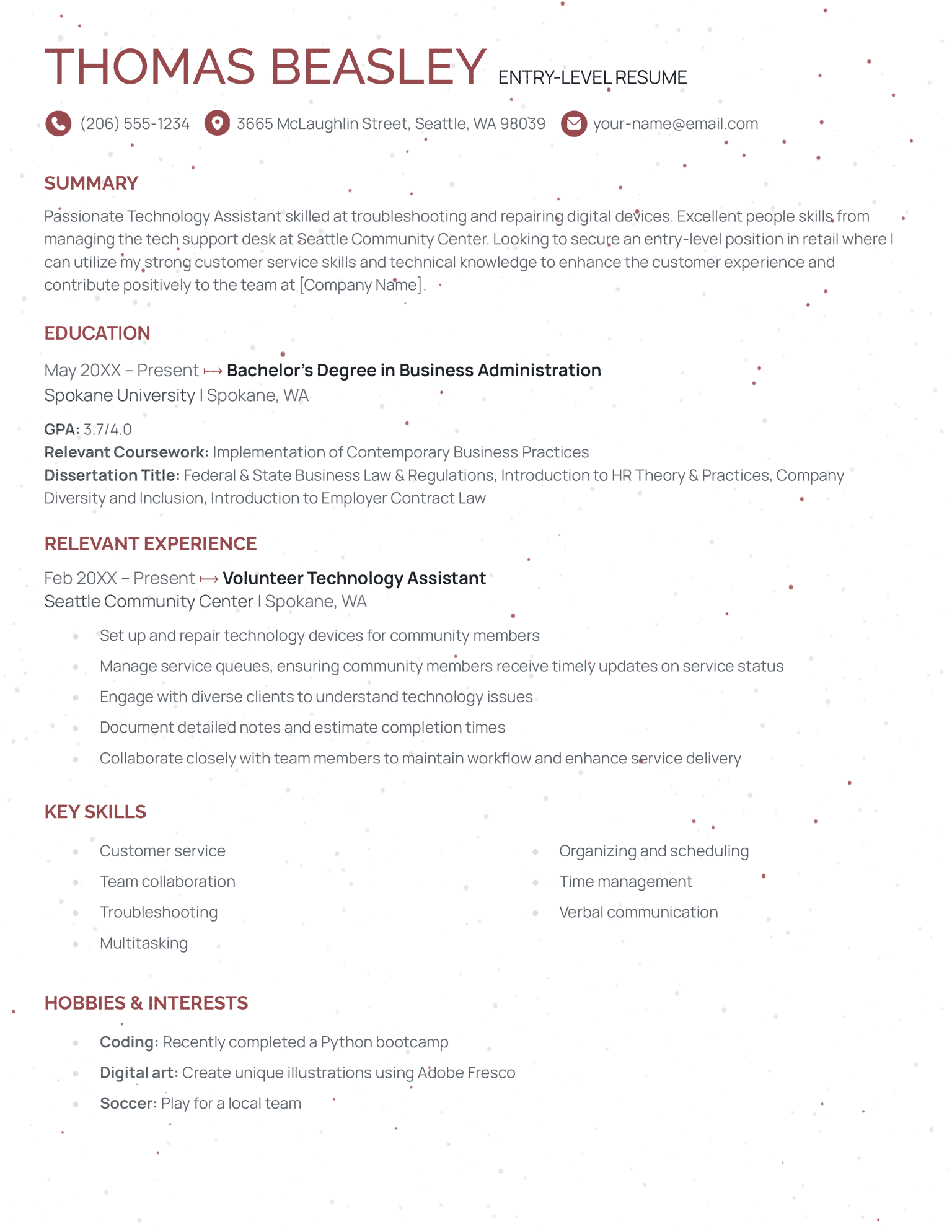
    Entry Level
    Picture
    Blank
    View All Free Resume Templates Use a Premium Template

    Monday – Friday: 8:00 AM – 7:00 PM (EDT), Saturday – Sunday: Closed(866) 215-9048

  • Resume Examples

    For Students
    High School
    Internship
    College
    Student CV
    By Experience
    No Experience
    Mid-Career
    Manager
    Executive
    Top Industries
    Teaching
    Nursing
    Administrative Assistant
    Customer Service
    Cashier
    Engineering
    Graphic Design
    Server
    View All Resume Examples Build My Resume Now

    Monday – Friday: 8:00 AM – 7:00 PM (EDT), Saturday – Sunday: Closed(866) 215-9048

  • Free Resources

    Tools
    • AI Resume Generator
    • ATS Resume Checker
    • Resume Summary Generator
    • Bullet Point Generator
    Resumes
    • How to Make a Resume for Any Job in 2026
    • The Best Resume Format for 2026
    • How to Put Skills on Your Resume
    • 40+ Professional Resume Summary Examples
    Cover Letters
    • Cover Letter Templates to Download
    • Cover Letter Examples for All Job Applications
    • How to Write a Cover Letter for a Job in 2026
    • Cover Letter Format: Template & Examples
    CVs
    • Professional CV Templates
    • 400+ CV Examples for Everyone
    • How to Write an Academic CV
    • CV Examples for Students
    Visit the Genius Blog Build My Resume Now

    Monday – Friday: 8:00 AM – 7:00 PM (EDT), Saturday – Sunday: Closed(866) 215-9048

  • Builders

    The Genius Resume Builder

    Make a professional resume in just a few minutes.

    AI Cover Letter Generator

    Write custom cover letters for every application.

    Professional CV Maker

    Create a detailed academic or professional CV.
    Resume Genius Customer Reviews 10 Best Resume Builders of 2026
    Build My ResumeLogin

    Monday – Friday: 8:00 AM – 7:00 PM (EDT), Saturday – Sunday: Closed(866) 215-9048

  • Pricing

Monday – Friday: 8:00 AM – 7:00 PM (EDT), Saturday – Sunday: Closed(866) 215-9048

Build My Resume Login

Monday – Friday: 8:00 AM – 7:00 PM (EDT), Saturday – Sunday: Closed(866) 215-9048

Resume Templates Creative Resume Templates

Creative Resume Templates to Edit & Download

Find a unique resume template that highlights your strengths. Our creative resume templates come in multiple designs and colors, and are easy to personalize — no design skills needed.

Build My Resume NowUpload Existing Resume
  • All Templates
  • ATS
  • Creative
  • Google Docs
  • Modern
  • Photo
  • Simple
  • Student
  • Word

All creative resume templates

Download these resume templates for free or edit them directly in our resume builder. Each template is available in six professional colors, making it easy to find an option that matches your personal style.

Easy Edit
Notre Dame Template Yellow
Edit This Template
Pin It
Notre Dame
PDF Word Text
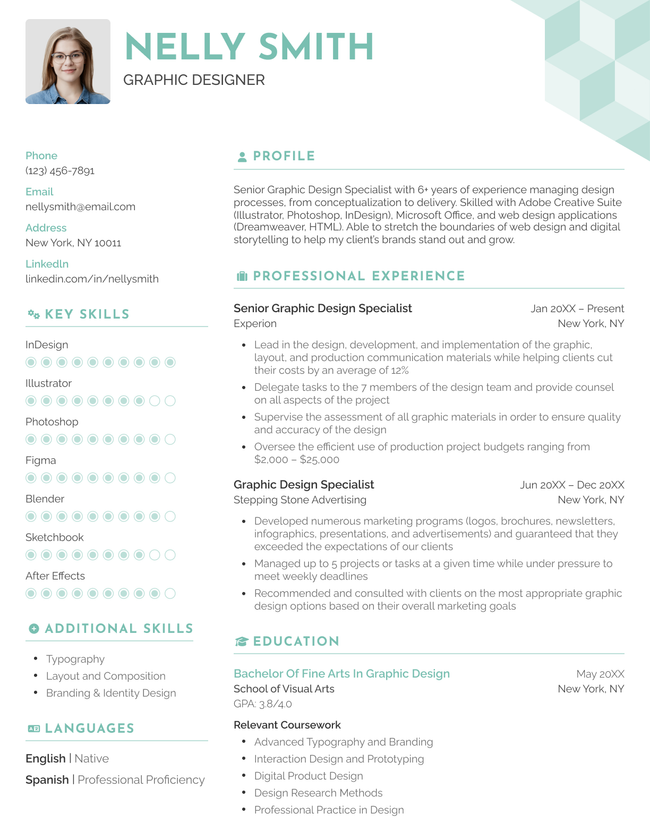
The "Social" resume template in blue, with a two-column layout and a photo at the top-right.
Free Download Download for Word Download for PDFBuild My Resume
Pin It
7,599
Social
Word PDF
Easy Edit
Edit This Template
Pin It
Picture
PDF Word Text
The Compact functional resume template in pink.
Download for WordBuild My Resume
Pin It
967
Compact
Word
Download for WordBuild My Resume
Pin It
52
Headshot
Word
Easy Edit
Pastel Template Green
Edit This Template
Pin It
Pastel
PDF Word Text
Download for WordBuild My Resume
Pin It
46
Milestone
Word
Brown Single Column Resume Template
Free Download Download for Word Open in G DocsBuild My Resume
Pin It
1,324
Single Column
Word Google Docs
Mockup infographic resume template in yellow
Download for WordBuild My Resume
Pin It
561
Mockup
Word
Easy Edit
Edit This Template
Pin It
Current
PDF Word Text
The Stanford combination resume template in green.
Download for WordBuild My Resume
Pin It
363
Stanford
Word
Download for WordBuild My Resume
Pin It
64
Cute
Word

Compare even more resume templates

Select a category and find the perfect template design for your application.

  • All
  • ATS
  • Blank
  • Canva
  • Creative
  • CV
  • Google Docs
  • InDesign
  • LaTeX
  • Libre Office
  • Minimalist
  • Modern
  • Pages
  • PDF
  • Photo
  • Simple
  • Student
  • Two-Column
  • Word

Resume templates for creative jobs

  • Artist
  • Communications Specialist
  • Entry-Level
  • Freelance Writer
  • Graphic Designer
  • Interior Designer
  • Illustrator
  • Marketing Specialist
  • Photographer
Table of Contents
  • Creative Resume Templates to Edit & Download
    • Should you use a creative resume template?
    • How to use our free creative resume templates
    • How to make your resume creative (but keep it professional)
      • Choose a layout that reflects your strengths
      • Set a clear visual hierarchy
      • Use graphic elements purposefully
      • Save as a text-based PDF
      • Make an ATS-friendly version of your resume
    • Tools to help you fill in your creative resume template
3 resume templates available in the Resume Genius builder with a banner explaining how quickly you can make a resume

Struggling to get interviews?

Make a professional resume

Share:

  • Copied

Should you use a creative resume template?

You should only use a creative resume template when the role you’re applying for rewards visual thinking.

Visual design is never a formal resume requirement, but it can help you distinguish yourself in certain roles and industries.

Appropriate industries

  • Graphic design
  • Web design
  • UI/UX
  • Advertising
  • Media & communications
  • Fashion

Inappropriate industries

  • Law
  • Finance
  • Academia
  • Government
  • Healthcare

Creative resume design and formatting can be an effective way to show employers your creative soft skills. This works well for jobs with a strong artistic focus.

If you use a creative resume, your design choices should stay secondary to your skills and qualifications. The resume should still make a convincing case for why you deserve the job, even as a plain text document. Make sure it’s written clearly and follows standard resume-writing guidelines.

How to use our free creative resume templates

  1. Choose a free template you like and click Download and select a file format
  2. The template pack will download to your computer
  3. Unzip the file and install any included fonts
  4. Open your preferred template color in Microsoft Word
  5. Replace the sample text with your own details
  6. When finished, select Save As → PDF to keep the formatting consistent on an employer’s computer

How to make your resume creative (but keep it professional)

Good creative resumes balance unique design with structure and restraint. Follow the tips below to preserve your resume’s clarity and build a compelling case for yourself.

Choose a layout that reflects your strengths

Your resume’s structure has a big influence on how the employer sees you. Information you present earlier in the document is automatically treated as more important, so get to your most relevant qualifications as fast as you can.

In most cases, your most relevant qualifications will be your practical experience and work experience. The chronological resume format is the most effective way to present these qualities persuasively. It focuses on your work experience, listing roles in reverse order, starting with your most recent role.

Other resume formats, such as the functional resume and combination resume, can work better in specific cases (e.g., if you have zero work experience or are applying for a highly technical role). What matters is that you pick a format that fits your skills, experience, and career goals.

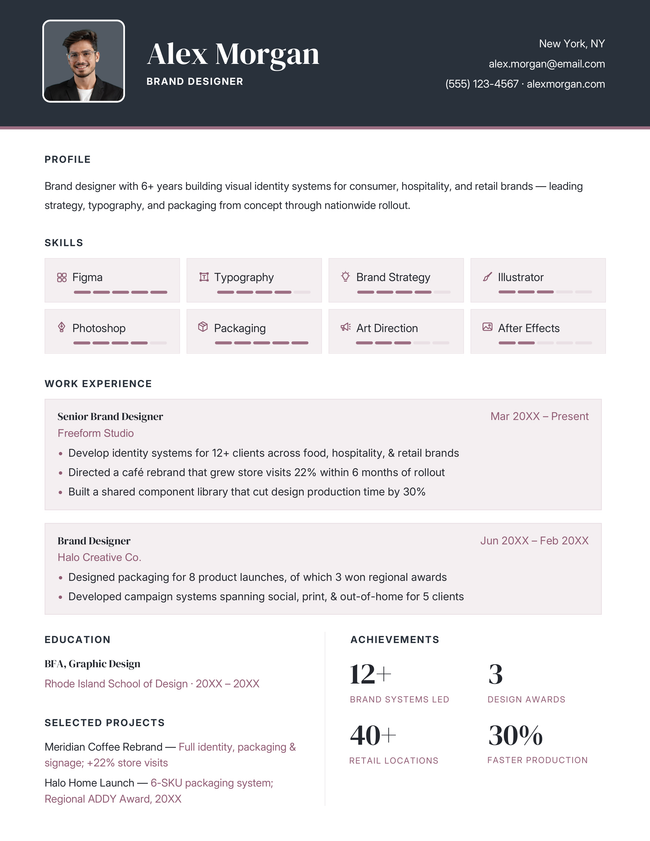
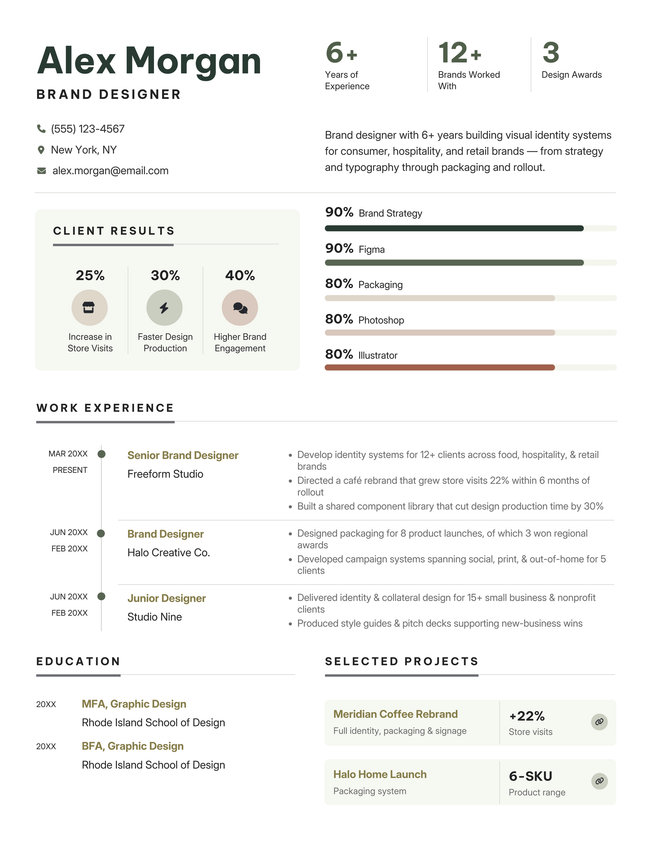
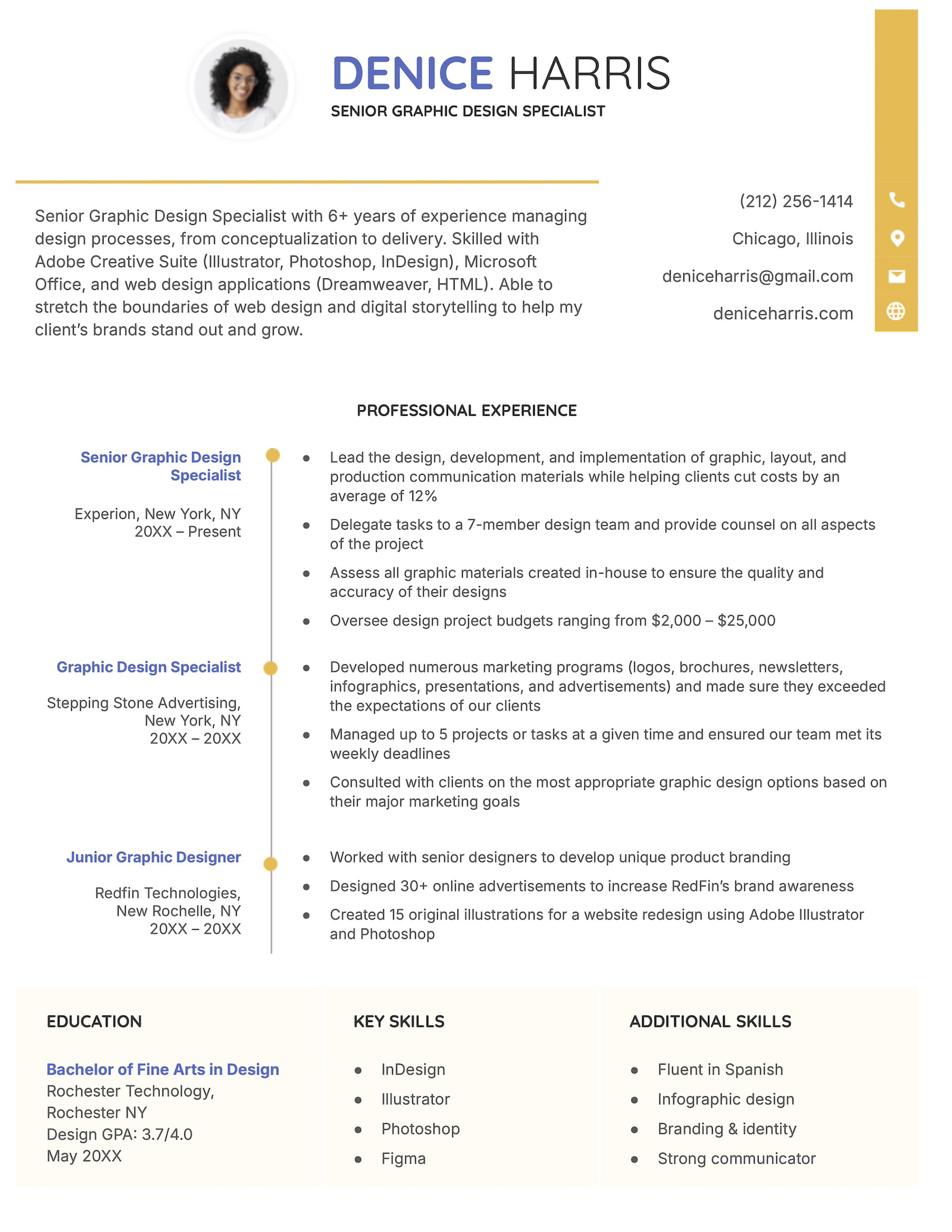
Here are three creative templates that use different formats:

The Cute resume template for Google Docs in yellow. Download Template
Chronological
The Compact functional resume template in black. Download Template
Functional
The Stanford combination resume template in green. Download Template
Combination

Set a clear visual hierarchy

Creative design only works when it’s easy to follow. Clear visual distinctions between your headings, subheadings, and achievements keep your resume logical, no matter which design you choose.

Your section headers (e.g., “Work Experience” or “Skills”) should stand out the most. Use bold text and a larger font size.

Job titles and company names come next in weight: bold, but smaller than your headers.

Your bullet points and achievements should be standard body text with no bolding, italics, or underlining. Keeping your bullet points clean and simple will make them easier to read.

Use graphic elements purposefully

Only add icons or illustrations when they clarify your strengths or personalize your application for a specific employer. Before adding any graphic, ask yourself one question: does this make the information easier to understand? If the answer’s no, leave it out.

Graphics that exist purely for decoration distract from your qualifications and can confuse ATS software.

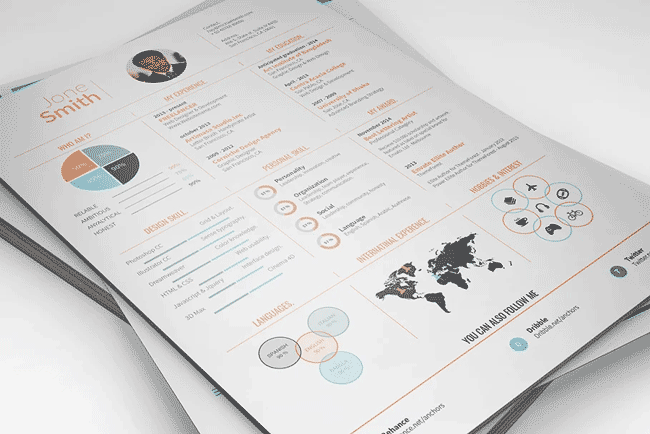
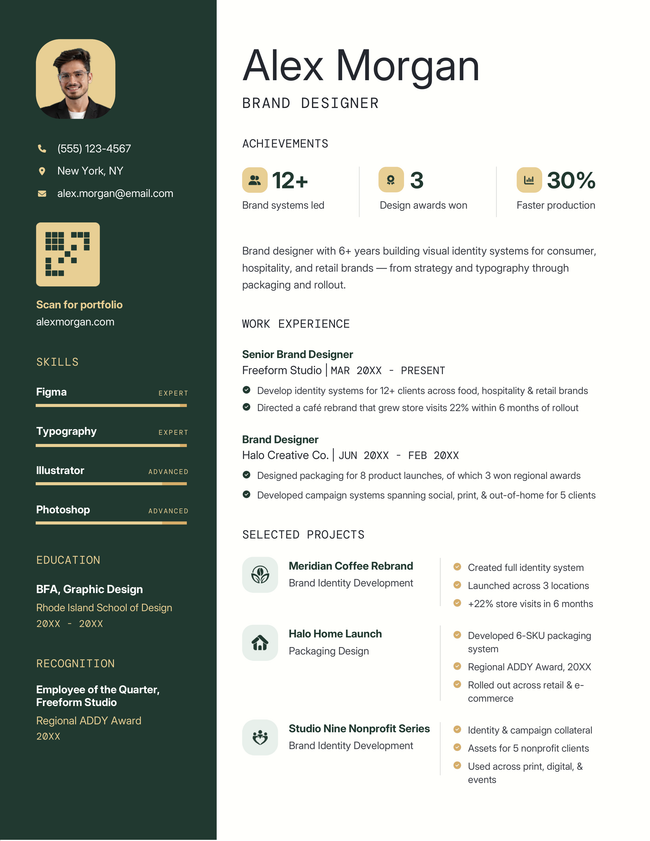
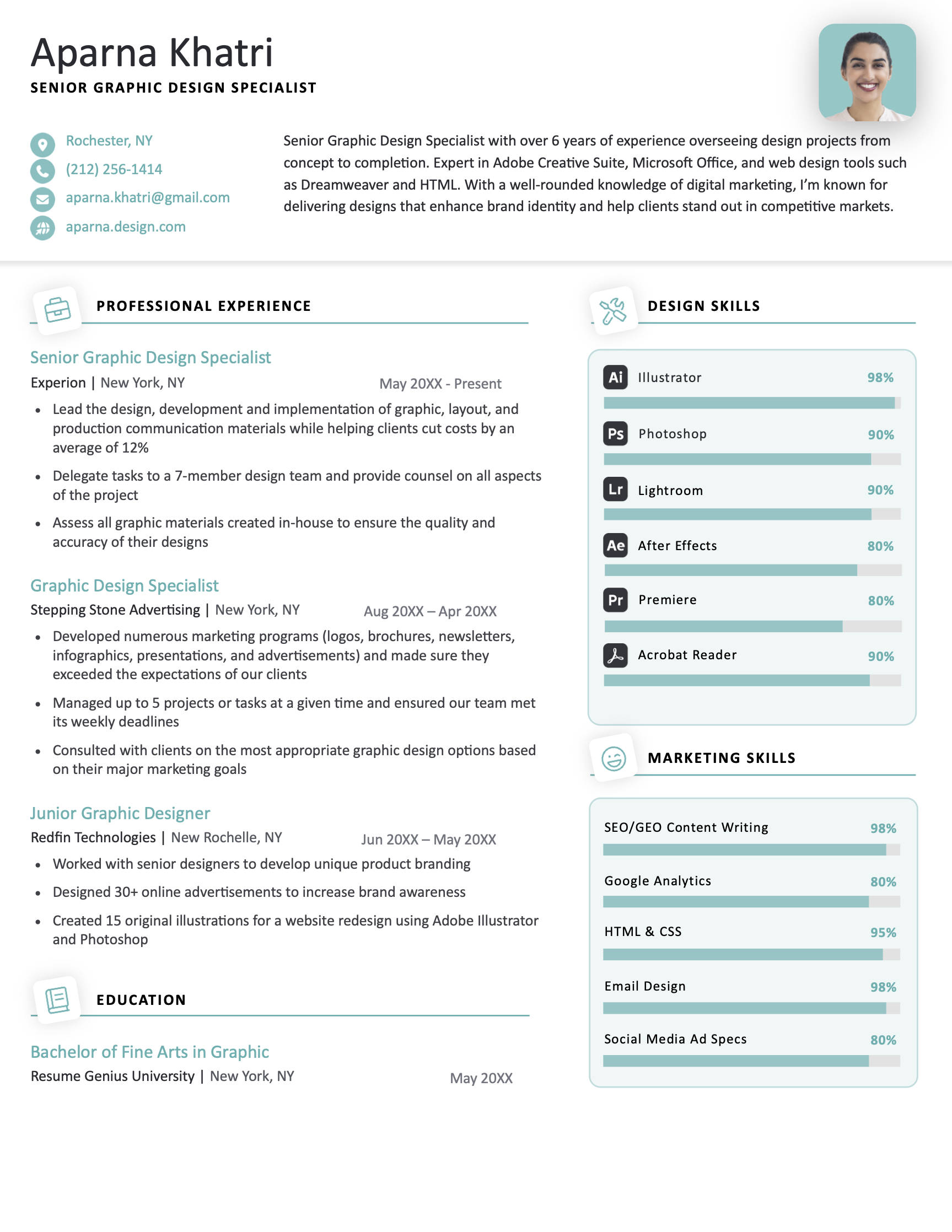
An infographic resume like the one below works well for creative fields like design or marketing, where visual storytelling is part of the job.

An example of a creative infographic resume
Infographic resumes can be useful for presenting technical ability in a memorable way.

Save as a text-based PDF

Always save your final resume as a text-based PDF.

Text-based PDFs let ATS software read your content correctly, and they keep your formatting intact on all operating systems. Your resume will look the same regardless of whether the employer uses Mac or Windows.

To save your resume as a PDF in MS Word or Google Docs select File > Save As (or Download) and choose PDF.

Make an ATS-friendly version of your resume

Prepare a stripped-down, ATS-friendly version of your resume alongside your creative one. Most career portals and company application systems scan resumes for text, and heavy formatting or graphics can trip them up.

Creative ResumeATS Resume
Visual hierarchy, icons, colorPlain text, no graphics
Best for creative/design rolesBest for online applications, traditional roles
Shows personality and design skillOptimized for recruitment software

Having both versions ready saves you time. You won’t need to reformat your resume every time you apply through an online portal — you’ll just grab the ATS version and go. To save even more time, fill out an ATS resume template ahead of time so it’s ready whenever you need it.

Tools to help you fill in your creative resume template

Speed up your writing and present yourself professionally with these free tools:

  • Resume summary generator: Builds a concise, tailored intro that highlights your strengths and makes a great first impression
  • Bullet point generator: Turns your job roles into clear, achievement-based bullet points that stand out to employers
  • Skills generator: Suggests relevant keywords based on your job title to match employer expectations
  • AI resume generator: Produces a full first draft of your resume using a simple description of your background and experience
  • Resume parser: Evaluates formatting, keyword optimization, and ATS compatibility to improve visibility
Table of Contents
Resume Genius
LinkedIn Instagram Youtube Facebook Twitter Tiktok Pinterest Giphy
Resumes
  • Resume Builder
  • Resume Templates
  • ATS Resume Checker
  • AI Resume Generator
  • Resume Summary Generator
  • Resume Bullet Point Generator
  • Resume Skills Generator
  • Resume Parser
  • Resume Examples
  • How to Make a Resume
  • Resume Format
Cover Letters
  • Cover Letter Generator
  • Cover Letter Templates
  • Cover Letter Examples
  • How to Write a Cover Letter
  • Cover Letter Format
CVs
  • CV Maker
  • CV Templates
  • How to Write a CV
  • CV Examples
  • CV vs Resume
Policies
  • Terms & Conditions
  • Privacy Policy
  • CCPA/GDPR
  • Accessibility
  • Editorial Guidelines
Additional Resources
  • About Us
  • Affiliate Opportunities
  • Career Experts Program
  • Join Our Team
  • Press & Media Mentions
  • Pricing
  • Product Reviews
  • The Genius Blog
Support
  • Help & Support
  • Contact Us
  • Forgot Password
  • Frequently Asked Questions
  • Add Resume Genius as a preferred source on Google
Member of
Certified professional resume writer official seal

© 2026, Sonaga Tech Limited. All rights reserved

ResumeGenius.com is owned and operated by Sonaga Tech Limited, Hamilton, Zweigniederlassung Luzern with offices in Luzern Switzerland.

Your review would mean a lot to us.

We hope our free downloadable resources will help you on your path to career success. If you have time, a quick review would really make our day (it'll only take 15 seconds). Best of luck on the job hunt!

Leave A Review