• Skip to Content
  • Skip to Footer

Resume Genius

Resume Genius

The World's Smartest Resume Builder

  • Resume Templates

    Professional Designs
    Basic
    Creative
    Modern
    Minimalist
    File Types To Download
    Word
    Google Docs
    PDF
    Pages
    Formats
    Chronological
    Functional
    Combination
    Infographic
    Situational Templates
    ATS
    Entry Level
    Picture
    Blank
    View All Free Resume Templates Use a Premium Template

    Monday to Friday, 8AM – 12AM (Midnight) and Saturdays and Sundays, 10AM – 6PM EDT (866) 215-9048

  • Resume Examples

    For Students
    High School
    Internship
    College
    Student CV
    By Experience
    No Experience
    Mid-Career
    Manager
    Executive
    Top Industries
    Teaching
    Nursing
    Administrative Assistant
    Customer Service
    Cashier
    Engineering
    Graphic Design
    Server
    View All Resume Examples Build My Resume Now

    Monday to Friday, 8AM – 12AM (Midnight) and Saturdays and Sundays, 10AM – 6PM EDT (866) 215-9048

  • Free Resources

    Tools
    • AI Resume Generator
    • ATS Resume Checker
    • Resume Summary Generator
    • Bullet Point Generator
    Resumes
    • How to Make a Resume for Any Job in 2026
    • The Best Resume Format for 2026
    • How to Put Skills on Your Resume
    • 40+ Professional Resume Summary Examples
    Cover Letters
    • Cover Letter Templates to Download
    • Cover Letter Examples for All Job Applications
    • How to Write a Cover Letter for a Job in 2026
    • Cover Letter Format: Template & Examples
    CVs
    • Professional CV Templates
    • 400+ CV Examples for Everyone
    • How to Write an Academic CV
    • CV Examples for Students
    Visit the Genius Blog Build My Resume Now

    Monday to Friday, 8AM – 12AM (Midnight) and Saturdays and Sundays, 10AM – 6PM EDT (866) 215-9048

  • Builders

    The Genius Resume Builder

    Make a professional resume in just a few minutes.

    AI Cover Letter Generator

    Write custom cover letters for every application.

    Professional CV Maker

    Create a detailed academic or professional CV.
    Resume Genius Customer Reviews 10 Best Resume Builders of 2026
    Build My ResumeLogin

    Monday to Friday, 8AM – 12AM (Midnight) and Saturdays and Sundays, 10AM – 6PM EDT (866) 215-9048

  • Pricing

Monday to Friday, 8AM – 12AM (Midnight) and Saturdays and Sundays, 10AM – 6PM EDT (866) 215-9048

Build My Resume Login

Monday to Friday, 8AM – 12AM (Midnight) and Saturdays and Sundays, 10AM – 6PM EDT (866) 215-9048

Resume Scanner

Resume Scanner: Get a Score That Will Help You Beat The ATS

Is your resume recruiter-ready? Scan your resume to see how it performs on applicant tracking systems (ATS) and if formatting or keyword mistakes are holding you back. Make quick fixes that’ll move your resume to the top of the employer’s review list.

Drop your resume here or choose a file. DOC, DOCX, PDF, HTML, RTF, TXT (Max 5MB)
Uploading...
0%
logoStar Summary4.5
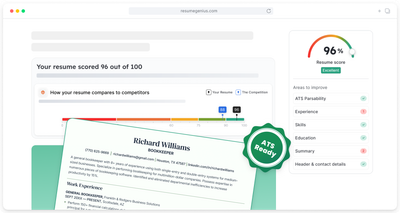
An illustration of the resume scanner results page showing a resume score and ATS-ready resume

Resume Genius has been reviewed by these companies*

The names and logos of the companies referred to are all trademarks of their respective holders. Unless specifically stated otherwise, such references are not intended to imply any affiliation or association with Resume Genius.

Scan your resume to avoid these mistakes

Formatting errors

Good formatting is essential for making sure your resume displays accurately on an ATS. Our scanner instantly fixes your formatting and optimizes your resume with an ATS-friendly template.

Missing sections

You can easily miss essential information when you‘ve been focusing on your resume for too long. Our scanner flags missing resume sections, ensuring your resume is complete and ready for the employer.

Keyword blind spots

To achieve a high ATS score and improve your chances of getting hired, your resume needs to be keyword optimized. See how your resume scores compared with similar resumes in our database and make quick improvements using our builder tool.

File incompatibility

Not all file formats are ATS-friendly, and an incompatible file could cost you the job. Our scanner makes sure your resume reaches recruiters in a format they can actually read.

Missing contact information

A complete, accurate contact section ensures no opportunity slips through the cracks. We'll flag if your resume is missing the essential contact information employers typically look for.

Skill gaps

The right skills can make all the difference in landing an interview. Knowing where your resume falls short gives you the power to close the gap and compete with confidence.

How to use our resume scanner

Checking and finishing up your resume only takes a couple of minutes with our resume scanner.

1st Step

Import your resume

Upload your resume as a DOC, DOCX, PDF, TXT, RFT, or HTML file.

2nd Step

Get your score

Our scanner considers your resume's formatting, keywords, and industry relevance to help you see how your application will perform on recruiter software.

3rd Step

Fix any flaws

This tool suggests quick, actionable improvements to boost your ATS score and help you stand out to employers.

What makes our resume scanner different

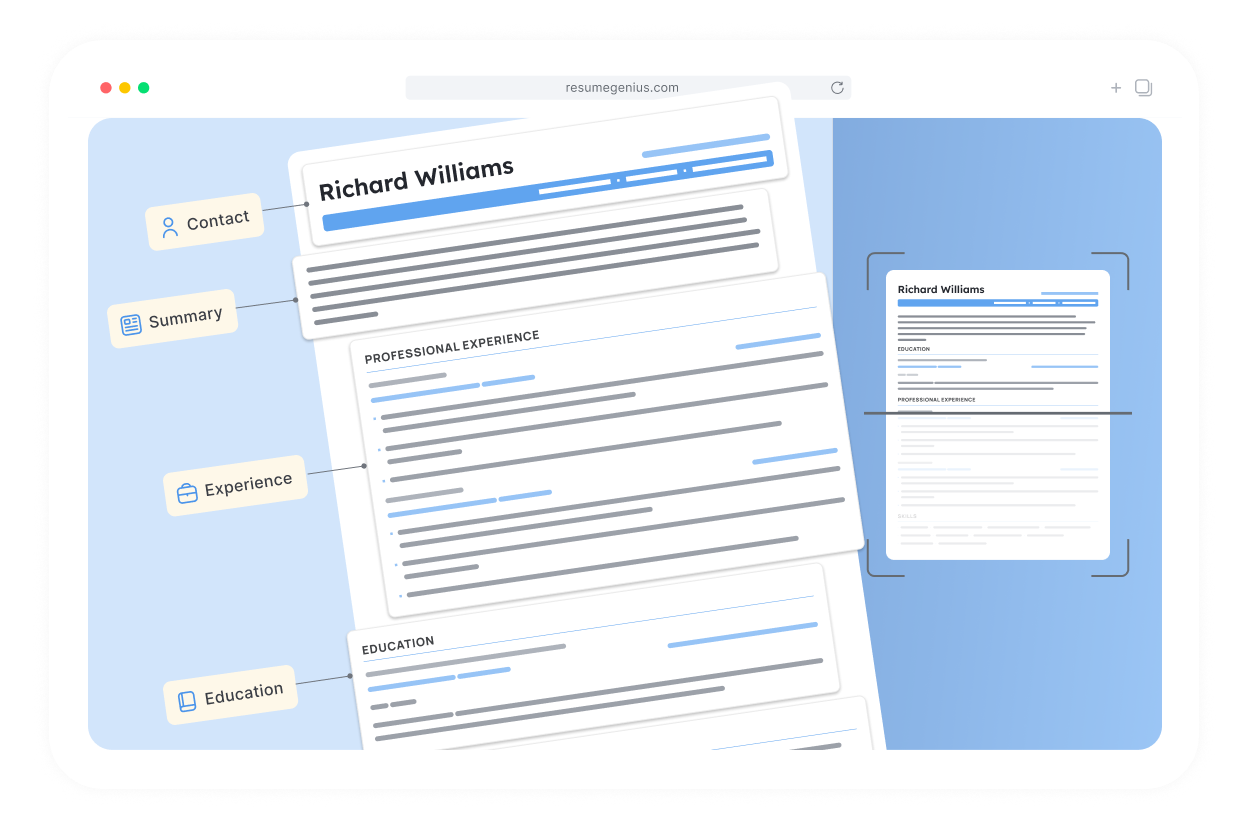
A resume being analyzed by an applicant tracking system

Mirrors real ATS

Our resume scanner reads your resume just like the applicant tracking software that real employers use, scanning your document for qualifications and keywords relevant to your target job title.

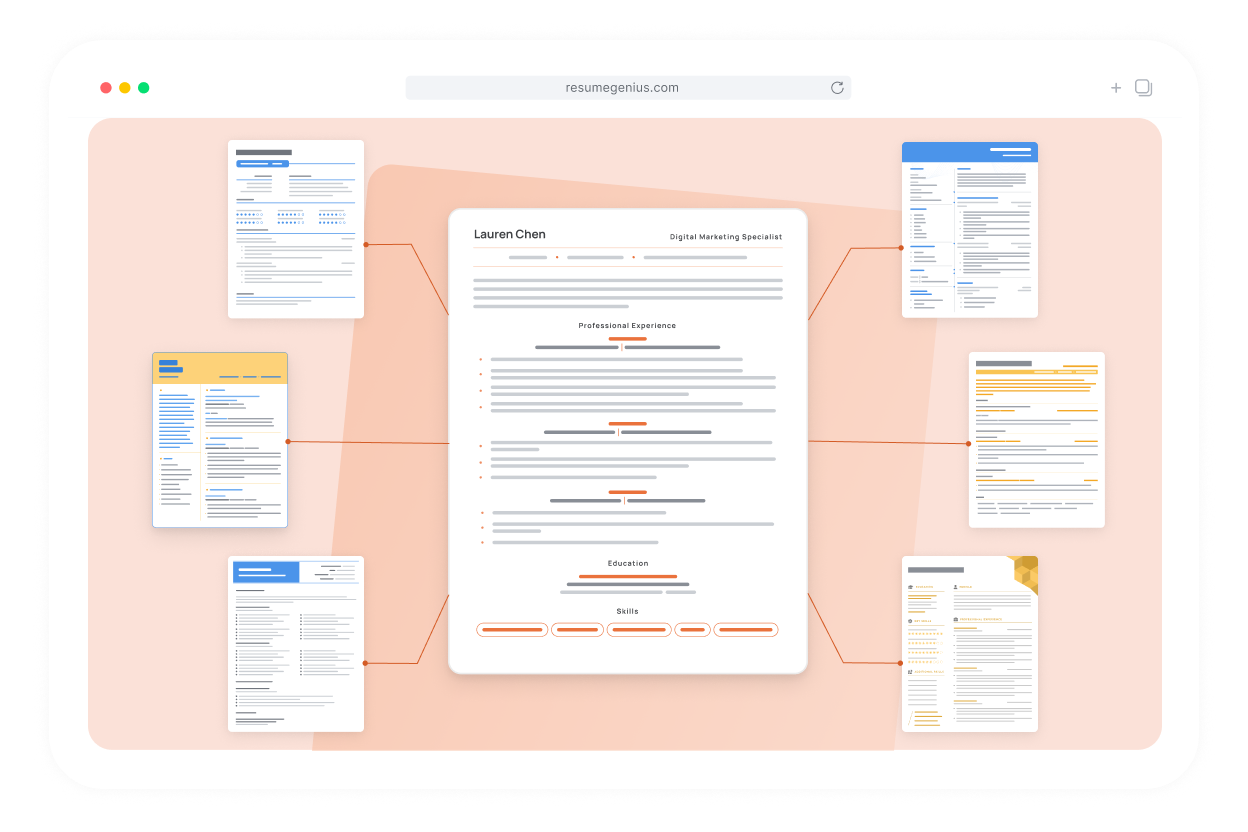
An ATS resume being compared against other resumes in database.

Accurate testing

We process millions of resumes, so we know what keywords applicants are using to apply for similar jobs. Our data allows us to benchmark your resume against the competition and show you how to improve it quickly.

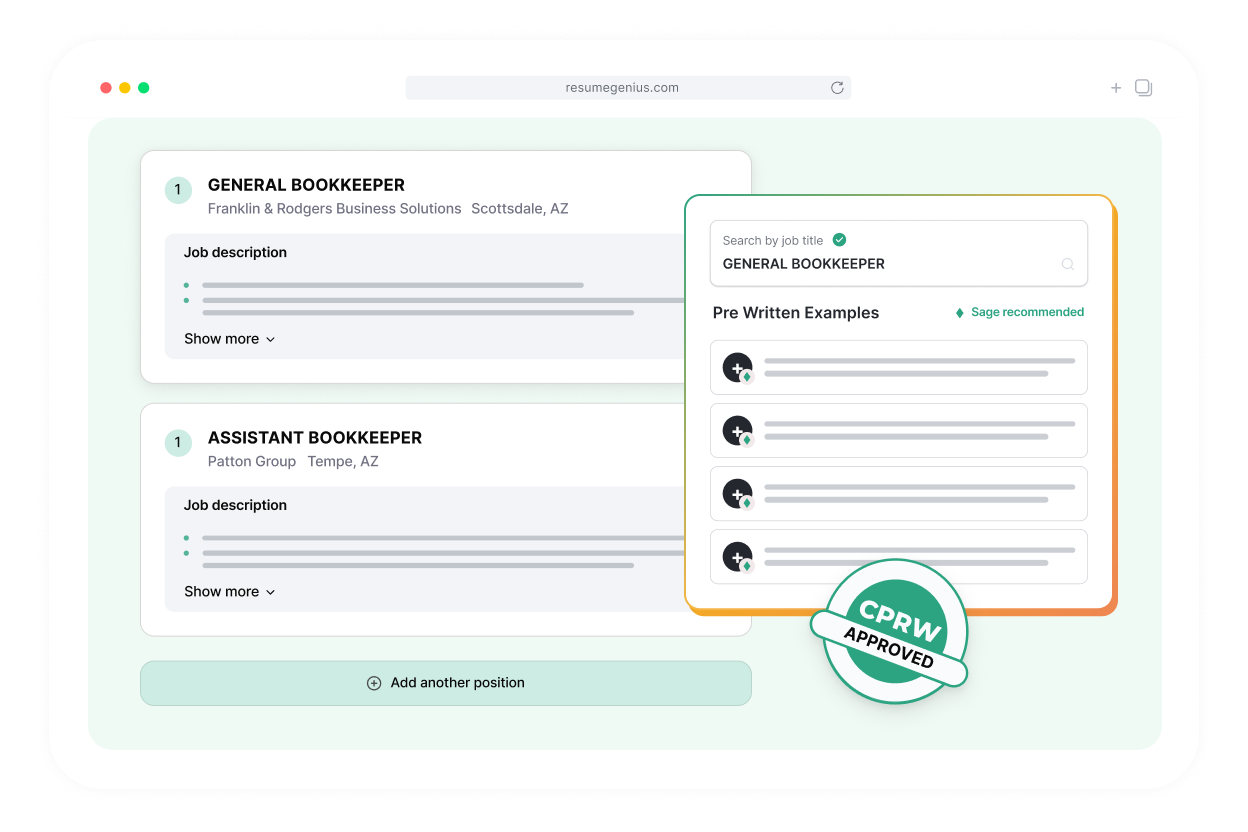
A resume being optimized for ATS software using the Resume Genius resume builder

Easy next-step improvements

We’ll copy your resume directly into our builder so you can make final edits and formatting tweaks in seconds with our AI writing assistant. No need to fill out a new resume or start from scratch with another tool — finish your application with a couple of clicks.

Drop your resume here or choose a file. DOC, DOCX, PDF, HTML, RTF, TXT (Max 5MB)
Uploading...
0%

Frequently asked questions

How is my resume's score calculated?

Our resume scanner looks at your resume's keywords, accuracy, and formatting to calculate your final score. These are some of the main criteria our scanner tests:

  • ATS parsability: Can your document be easily read by an applicant tracking system?
  • Missing information: Does your resume contain the basic details that an employer needs to see?
  • Formatting: Are your qualifications presented clearly and logically
  • Typos & spelling: Is your resume error free and consistent?
  • Content quality: Does your resume contain imprecise language, filler words, or unwanted personal details?
  • Contact Information: Are there any errors or inconsistencies? Can the employer reach you easily?
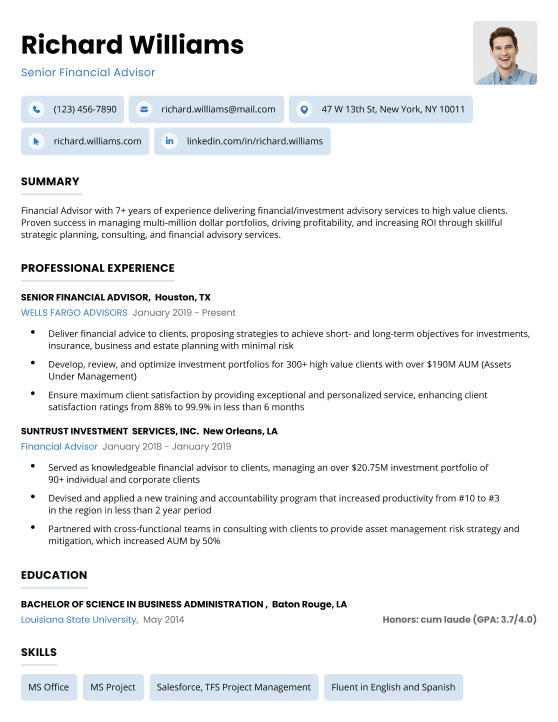
What does it mean for a resume to be ATS-optimized?

A resume is ATS-optimized when it is both easy for hiring software to scan and tailored to the target job with accurate keywords.

Applicant tracking systems work by matching your resume's keywords against the job description: the specific skills, experience, and responsibilities the employer is looking for. If your resume closely matches their language, you'll be awarded a high score.

How do I know which resume templates are optimized for an ATS?

You can spot an ATS-optimized resume template by its simplicity:

  • Single-column layouts
  • Standard section headers
  • Clean standard fonts

Templates with heavy graphics, text boxes, or decorative formatting may look visually impressive, but they can confuse scanning software and cause it to miss key information.

Why do keywords matter for a high ATS score?

Keywords matter because they are the main measure of your ATS score.

Applicant tracking systems like iCIMS and Workday grade or bucket your resume based on its relevance to the job you're applying for. They measure relevance by looking for keywords on your resume that match the employer's target terms (e.g., "customer service experience" or "fluent Spanish"). The more relevant keywords you include, the higher your score.

Remember to use keywords honestly and naturally. The employer will read your resume too, and keyword stuffing won't fool anyone. The goal is to show you're a genuine fit by including keywords when they are relevant to your achievements and qualifications.

How can I quickly improve my resume if the scanner identifies issues?

If your resume has room for improvement, click the Fix My Resume Now button in the left-hand side bar.

The scanner will parse your resume into our builder tool, where you can make quick improvements to your resume sections and document formatting

Our AI tool suggests the most relevant keywords for your resume by looking at your target job title and previous experience, ensuring that you get tailored suggestions that closely match employer expectations

What other free tools can help with my resume?

These free tools can help you improve your resume and land your target job:

  • Free AI resume generator: Drafts a complete resume from a quick summary of your skills and experience
  • Resume summary generator: Turns your career highlights into a polished, professional introduction
  • Bullet point generator: Writes high-impact bullet points for your work experience section
  • Resume skills generator: Optimizes your resume by suggesting high-demand skills employers are looking for in your field

More questions? Visit our FAQ library.

Ready to get started on your new resume?

Learn how our builder software can help you create a resume that perfectly highlights your talents and lands you more interviews.

Build My Resume
Resume Genius
LinkedIn Instagram Youtube Facebook Twitter Tiktok Pinterest Giphy
Resumes
  • Resume Builder
  • Resume Templates
  • ATS Resume Checker
  • AI Resume Generator
  • Resume Summary Generator
  • Resume Bullet Point Generator
  • Resume Skills Generator
  • Resume Parser
  • Resume Examples
  • How to Make a Resume
  • Resume Format
Cover Letters
  • Cover Letter Generator
  • Cover Letter Templates
  • Cover Letter Examples
  • How to Write a Cover Letter
  • Cover Letter Format
CVs
  • CV Maker
  • CV Templates
  • How to Write a CV
  • CV Examples
  • CV vs Resume
Policies
  • Terms & Conditions
  • Privacy Policy
  • CCPA/GDPR
  • Accessibility
  • Editorial Guidelines
Additional Resources
  • About Us
  • Affiliate Opportunities
  • Career Experts Program
  • Join Our Team
  • Press & Media Mentions
  • Pricing
  • Product Reviews
  • The Genius Blog
Support
  • Help & Support
  • Contact Us
  • Forgot Password
  • Frequently Asked Questions
  • Add Resume Genius as a preferred source on Google
Member of
Certified professional resume writer official seal

© 2026, Sonaga Tech Limited. All rights reserved

ResumeGenius.com is owned and operated by Sonaga Tech Limited, Hamilton, Zweigniederlassung Luzern with offices in Luzern Switzerland.