• Skip to Content
  • Skip to Footer

Resume Genius

Resume Genius

The World's Smartest Resume Builder

  • Resume Templates

    Professional Designs
    Basic
    Creative
    Modern
    Minimalist
    File Types To Download
    Word
    Google Docs
    PDF
    Pages
    Formats
    Chronological
    Functional
    Combination
    Infographic
    Situational Templates
    ATS
    Entry Level
    Picture
    Blank
    View All Free Resume Templates Use a Premium Template

    Monday – Friday: 8:00 AM – 7:00 PM (EDT), Saturday – Sunday: Closed(866) 215-9048

  • Resume Examples

    For Students
    High School
    Internship
    College
    Student CV
    By Experience
    No Experience
    Mid-Career
    Manager
    Executive
    Top Industries
    Teaching
    Nursing
    Administrative Assistant
    Customer Service
    Cashier
    Engineering
    Graphic Design
    Server
    View All Resume Examples Build My Resume Now

    Monday – Friday: 8:00 AM – 7:00 PM (EDT), Saturday – Sunday: Closed(866) 215-9048

  • Free Resources

    Tools
    • AI Resume Generator
    • ATS Resume Checker
    • Resume Summary Generator
    • Bullet Point Generator
    Resumes
    • How to Make a Resume for Any Job in 2026
    • The Best Resume Format for 2026
    • How to Put Skills on Your Resume
    • 40+ Professional Resume Summary Examples
    Cover Letters
    • Cover Letter Templates to Download
    • Cover Letter Examples for All Job Applications
    • How to Write a Cover Letter for a Job in 2026
    • Cover Letter Format: Template & Examples
    CVs
    • Professional CV Templates
    • 400+ CV Examples for Everyone
    • How to Write an Academic CV
    • CV Examples for Students
    Visit the Genius Blog Build My Resume Now

    Monday – Friday: 8:00 AM – 7:00 PM (EDT), Saturday – Sunday: Closed(866) 215-9048

  • Builders

    The Genius Resume Builder

    Make a professional resume in just a few minutes.

    AI Cover Letter Generator

    Write custom cover letters for every application.

    Professional CV Maker

    Create a detailed academic or professional CV.
    Resume Genius Customer Reviews 10 Best Resume Builders of 2026
    Build My ResumeLogin

    Monday – Friday: 8:00 AM – 7:00 PM (EDT), Saturday – Sunday: Closed(866) 215-9048

  • Pricing

Monday – Friday: 8:00 AM – 7:00 PM (EDT), Saturday – Sunday: Closed(866) 215-9048

Build My Resume Login

Monday – Friday: 8:00 AM – 7:00 PM (EDT), Saturday – Sunday: Closed(866) 215-9048

Resume Templates Chronological Resume

Chronological Resume Format: Templates, Examples, and Writing Guide

The chronological resume format is the clearest way to show employers your experience and career growth. Here are 12 chronological resume templates you can use to structure your resume professionally, plus advice on creating a resume that meets current employer standards.

Build My Resume NowUpload Existing Resume
  • All Templates
  • ATS
  • Google Docs
  • Modern
  • Photo
  • Simple
  • Student
  • Word

Chronological resume templates for any role

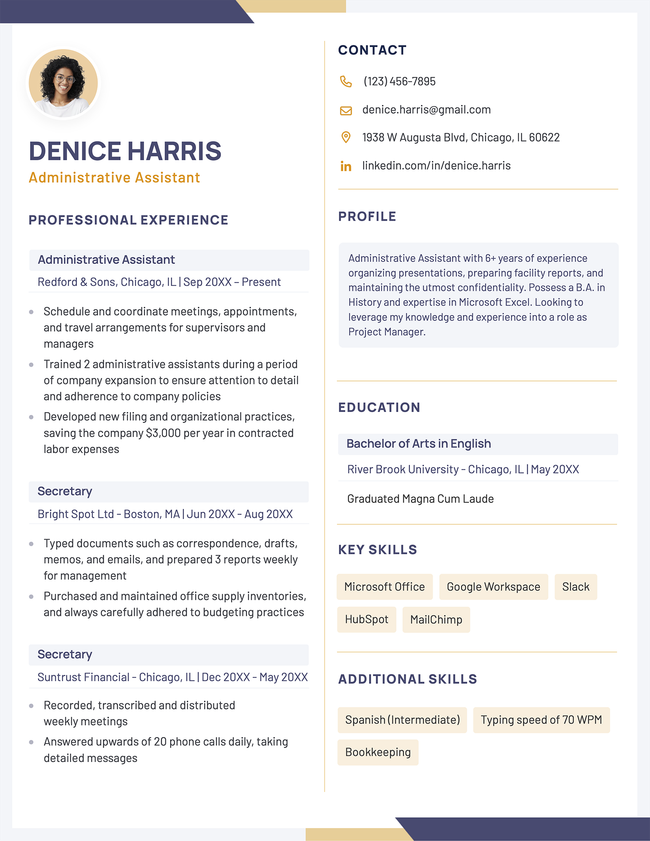
Below you'll find a mix of free and premium resume templates you can edit and download. All designs are clean, ATS-friendly, and easy to personalize.
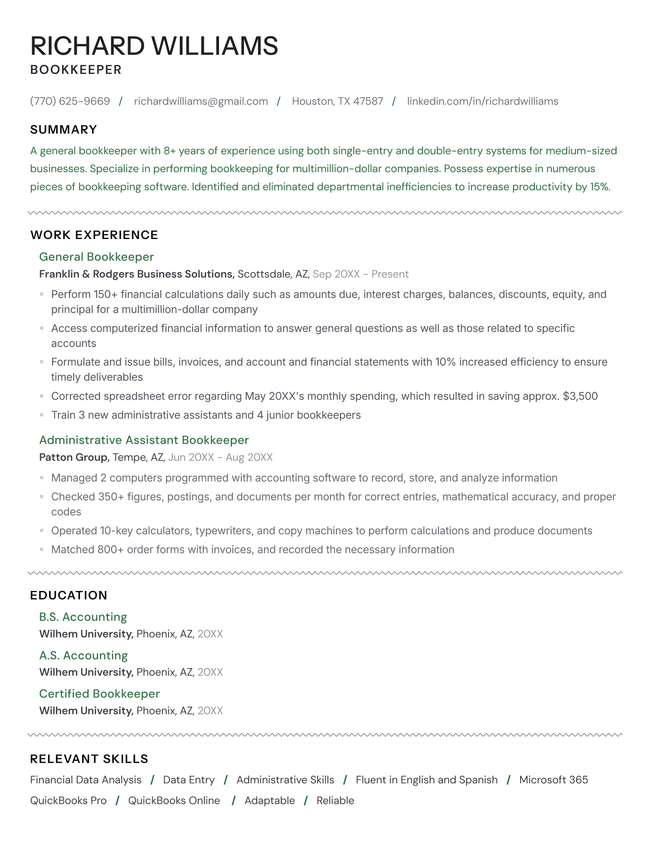
The Mono chronological resume template in green.
Download for WordBuild My Resume
Pin It
829
Mono
Word
Easy Edit
Professional Resume Violet
Edit This Template
Pin It
Professional
PDF Word Text
The Nova resume template in yellow.
Download for WordBuild My Resume
Pin It
1,008
Nova
Word
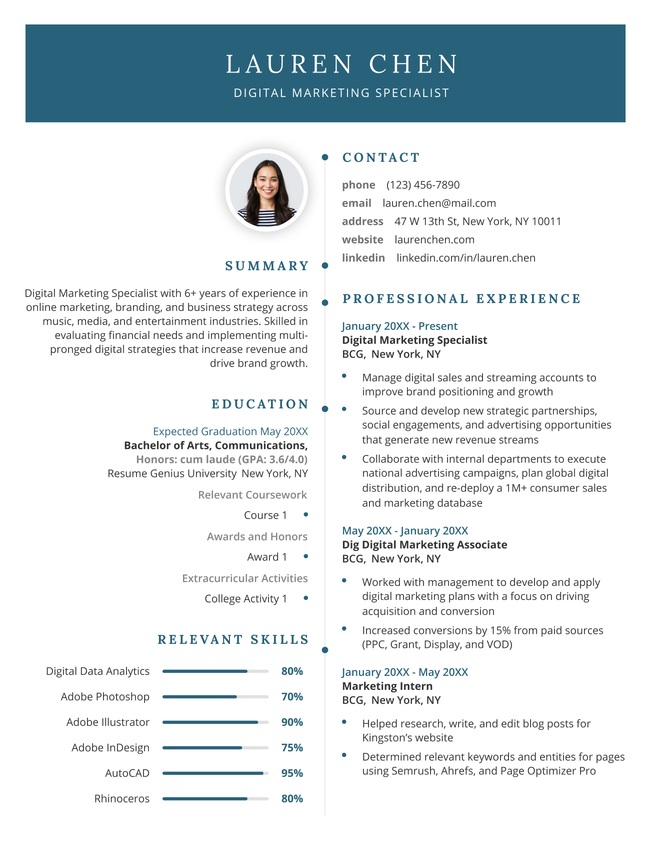
The Progress chronological resume template in blue.
Download for WordBuild My Resume
Pin It
345
Progress
Word
Easy Edit
Graduate Template Dark Blue
Edit This Template
Pin It
Graduate
PDF Word Text
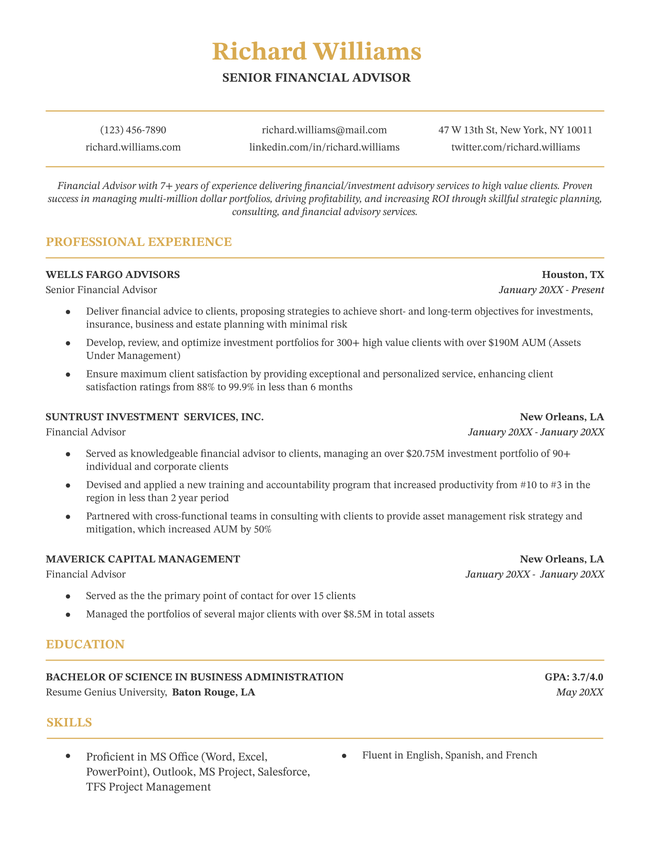
The Plain minimalist resume template in gold.
Download for WordBuild My Resume
Pin It
138
Plain
Word
Easy Edit
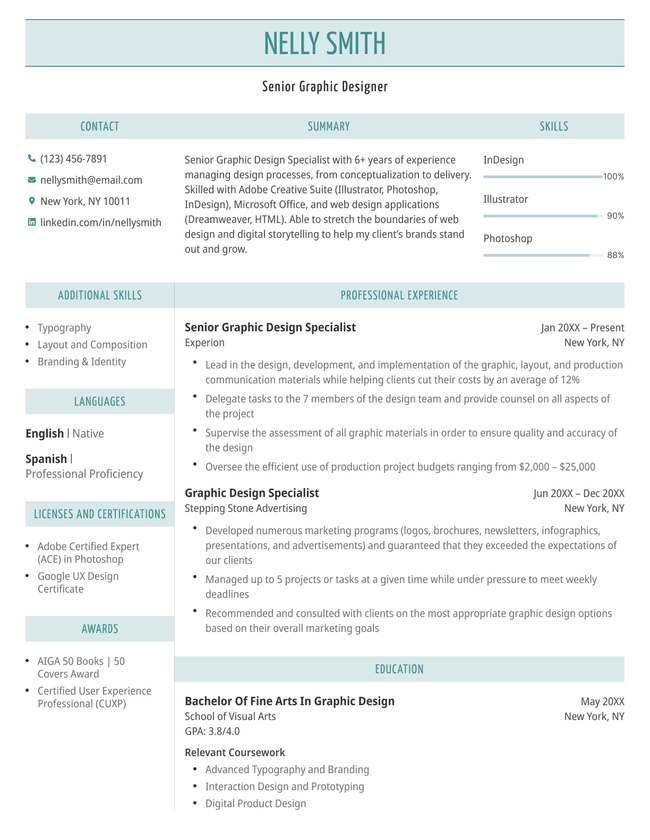
Contemporary resume template turquoise
Edit This Template
Pin It
Contemporary
PDF Word Text
The Path chronological resume template in purple.
Download for WordEdit This Template
Pin It
621
Path
Word
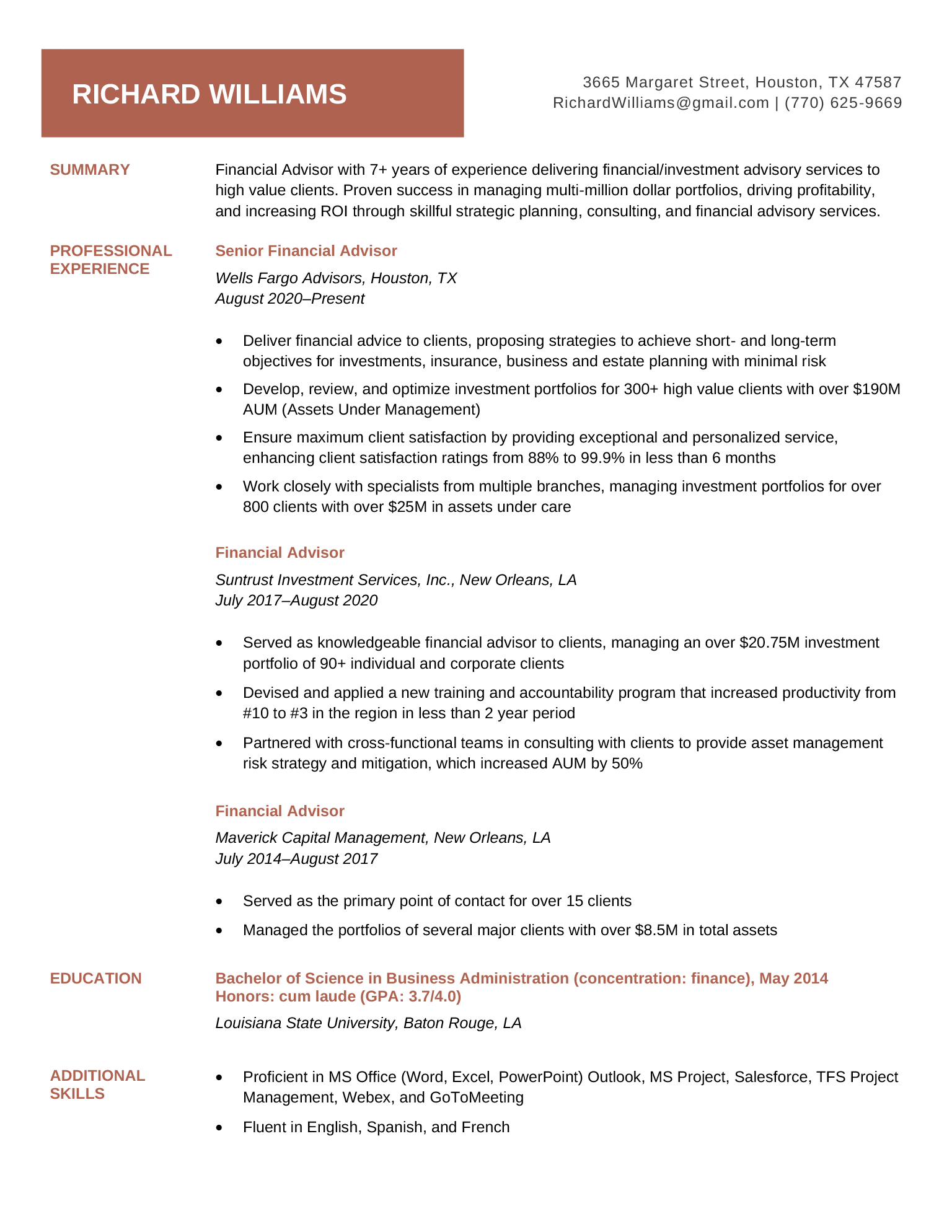
Brick Red Easy Resume Template
Free Download Download for Word Open in G DocsEdit This Template
Pin It
130
Easy
Word Google Docs
The Timeline chronological resume template in orange.
Download for WordEdit This Template
Pin It
276
Timeline
Word
The Empire State basic resume template in green, which uses subtle horizontal and vertical lines to distinguish sections
Free Download Download for Word Open in G DocsBuild My Resume
Pin It
2,683
Empire State
Word Google Docs
Easy Edit
The Corporate PDF resume template in black.
Build My Resume
Pin It
Corporate
PDF Word Text

Navigation chips header: More popular resume template categories

  • All
  • ATS
  • Blank
  • Canva
  • Creative
  • CV
  • Google Docs
  • InDesign
  • LaTeX
  • Libre Office
  • Minimalist
  • Modern
  • Pages
  • PDF
  • Photo
  • Simple
  • Student
  • Two-Column
  • Word

Resume templates by layout & career level

  • Chronological
  • Combination
  • Functional
  • Infographic
  • Entry-Level
  • Mid-Career
  • Manager
  • Executive
Table of Contents
  • Chronological Resume Format: Templates, Examples, and Writing Guide
    • What is a chronological resume?
    • When to use the chronological resume format
    • Resume formats compared: which resume is right for you?
    • How to list your work experience in reverse-chronological order
      • 1. List your roles in reverse
      • 2. Outline your main achievements in each role
      • 3. Keep early job entries brief
    • Example chronological resumes
      • Early career
      • Mid-career
      • Senior-level
    • Frequently asked questions (FAQs)
      • Do employers prefer chronological resumes?
      • What is the difference between a chronological resume and a functional resume?
      • What if I have gaps in my work history?
      • Should I include every job I’ve ever had?
3 resume templates available in the Resume Genius builder with a banner explaining how quickly you can make a resume

Struggling to get interviews?

Make a professional resume

Share:

  • Copied

What is a chronological resume?

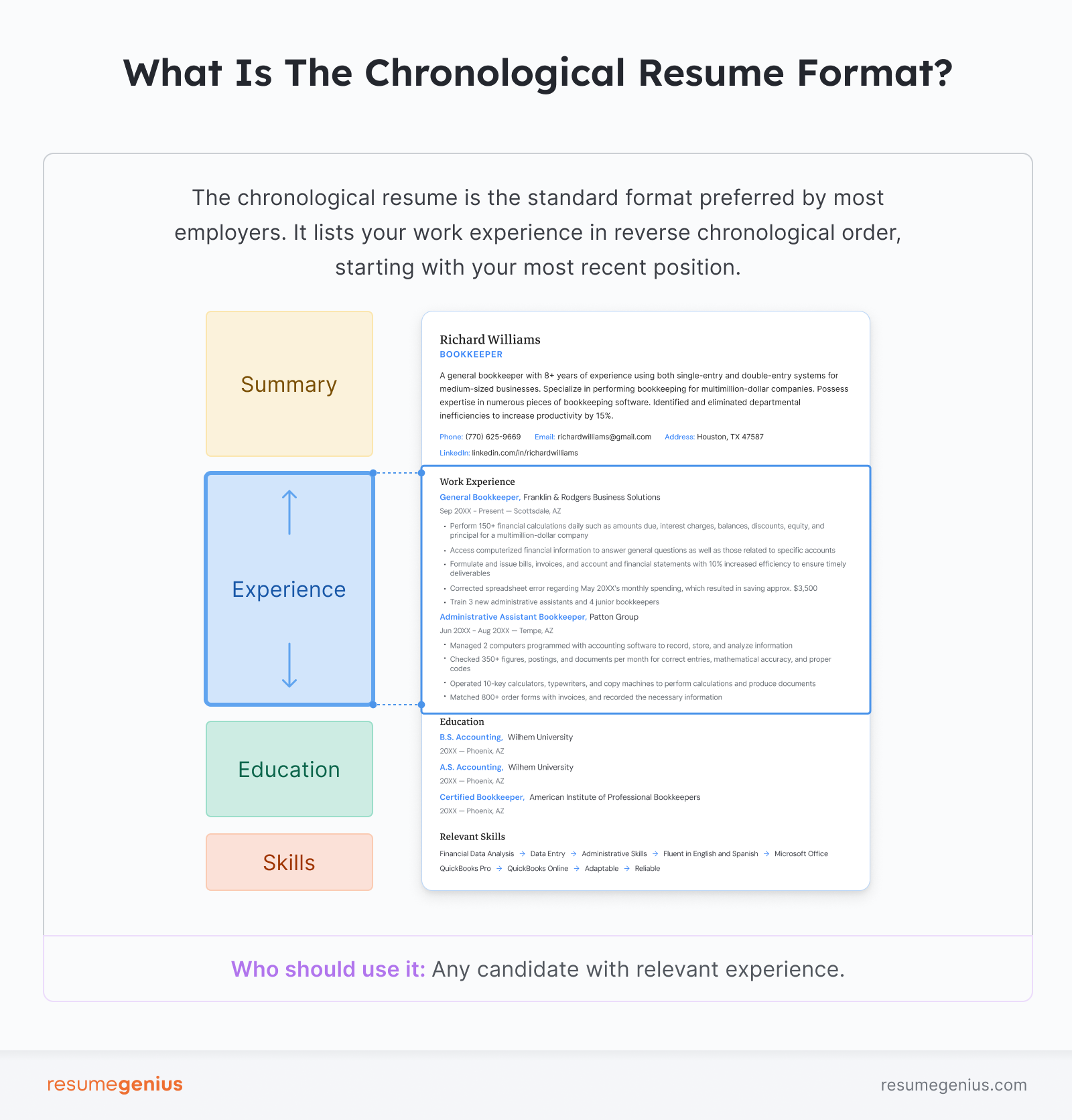
A chronological resume is a resume that lists your work experience in reverse, starting with your most recent job.

The chronological resume is the most widely used resume format on the job market. Employers prefer this layout because it focuses on your hands-on experience and makes your job history clear and easy to review.

Our 2026 resume statistics survey found that 1 in 3 hiring managers (34%) reject resumes that have unclear or incomplete job histories. Formatting your resume chronologically helps you avoid confusion and increase your chances of success.

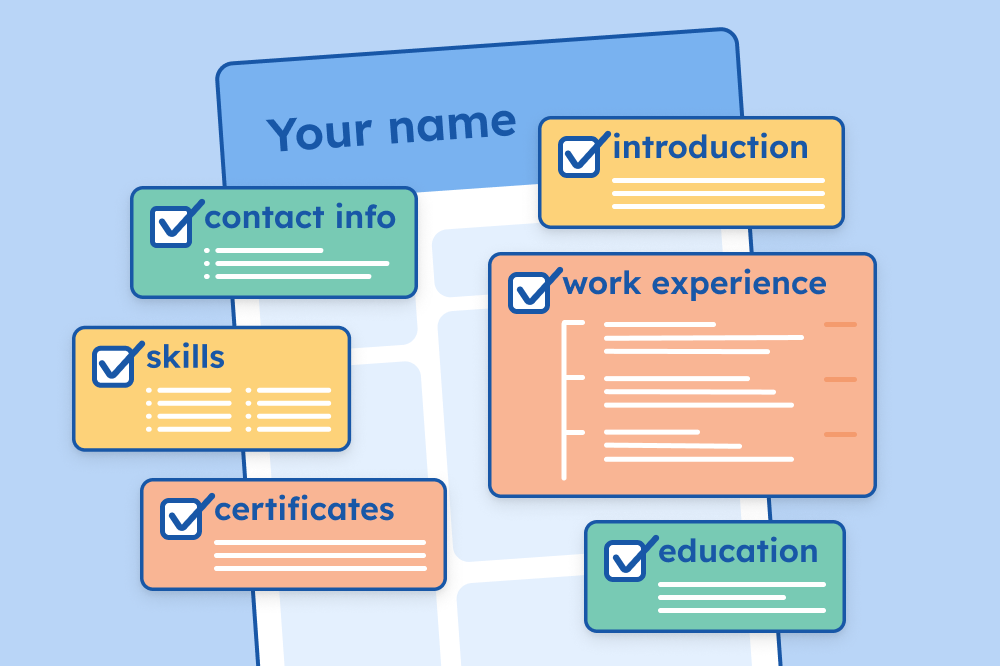
An illustration of the chronological resume format with the four main sections of a chronological resume highlighted in different colors.

When to use the chronological resume format

You should use the chronological resume format if you have any previous work experience. Chronological resumes are suitable for every experience level, including first-time job applicants.

“Experience doesn’t just mean full time jobs. You can also include experience from part time jobs, side hustles, internships, or volunteer work.” — Bonnie Dilber, Recruitment Manager at Zapier

A chronological resume does more than show your career growth. It also highlights your skills.

Employers can see your skills in action because you focus on your actual work in past roles. This makes it easier for them to picture the value you’d bring if hired.

When you should use a chronological resume:

  • You have a steady work history with no major gaps
  • You’re applying for a promotion or more senior role
  • Your most recent job is relevant to the one you want
  • You’re applying to a traditional or conservative industry (finance, law, corporate)

When you shouldn't use a chronological resume:

  • You have zero experience (paid or unpaid)
  • You’ve job-hopped frequently in a short span
  • You’re changing to a completely new career
  • You haven’t worked in a long time and want to emphasize your skills

Resume formats compared: which resume is right for you?

ViewsLikes

In some cases, an alternative resume format will help you present your skills and expertise more clearly.

Two alternative resume formats you should consider are the functional resume and combination resume.

Functional resumes focus on your skills and qualifications, grouping them by category. You still include a work experience section, but you keep it to a brief timeline of your previous jobs. Functional resumes are also known as skills-based resumes.

Combination resumes use the elements of both chronological and functional resumes. They lead with a detailed functional-style skills section, followed by a traditional work experience section with job entries listed in reverse-chronological order. Combination resumes are sometimes referred to as hybrid resumes.

How Different Resume Formats Compare

Format typeProsConsBest for
ChronologicalFormat most employers are familiar with

Clearly shows career growth and skill development
Draws attention to employment gaps or frequent job hopping 

Less impressive if your job history doesn't match your target role
Candidates with a stable work history in the same field or industry
Functional (skills-based)Focuses on what you know over where you've worked

Minimizes major and frequent employment gaps
Grouping your skills by category is less compelling than situating them in context

Can raise questions about your work experience
Zero-experience applicants, career changers, applicants
Combination (hybrid)Gives a balanced view of your skills and experience

Easy to customize
Resume often runs quite long

Takes more effort organize well
Career changers, freelancers, and technical professionals

How to list your work experience in reverse-chronological order

The work experience section is the core of a chronological resume. You should include it straight after your resume introduction and before your education and skills sections. By doing so, you immediately draw the employer’s eye to your job history.

Once you’ve downloaded one of the chronological resume templates above, follow these steps to list your jobs and achievements correctly.

1. List your roles in reverse

Start with your current or most recent job and work backward. This puts your newest skills and experience front and center and clearly illustrates your career growth.

For each role, include your job title, company name, location, and dates of employment:

Office Manager, September 20XX–Present
Express, Inc., San Jose, CA

2. Outline your main achievements in each role

Under each position, write three to five bullet points that highlight your key achievements.

Use the present tense for your current position and the past tense for previous jobs.

WORK EXPERIENCE

Office Manager, September 20XX–Present
Express, Inc., San Jose, CA

  • Manage schedules, organize office functions, and oversee daily operations of office with 50 employees
  • Hired, trained, and on-boarded over 13 new employees, providing initial support that expedited staff assimilation by 20%
  • Slashed office expenditures by $35K by negotiating cheaper supply contracts, implementing inventory control, and standardizing ordering procedures

Office Assistant, June 20XX–August 20XX
Simple Functions, Fresno, CA

  • Prepared daily, weekly, and monthly reports, and updated calendar of appointments
  • Performed basic accounting functions, including cash reconciliations and wire transfers
  • Discovered and rectified erroneous vendor billing, saving $2K in potential costs

Remember to quantify your achievements so hiring managers can clearly understand your impact in previous roles.

“[T]he eyes are naturally drawn to numbers so those pieces of your resume will really stand out”. — Bonnie Dilber.

3. Keep early job entries brief

Your oldest roles don’t need the same level of detail as your recent ones, particularly if the role was more than 15 years ago.

Your title, company, dates, and location are enough for early roles. This keeps your resume from running long and helps the employer focus on your more recent achievements.

Example chronological resumes

Here are some example resumes for different career stages that use the chronological format:

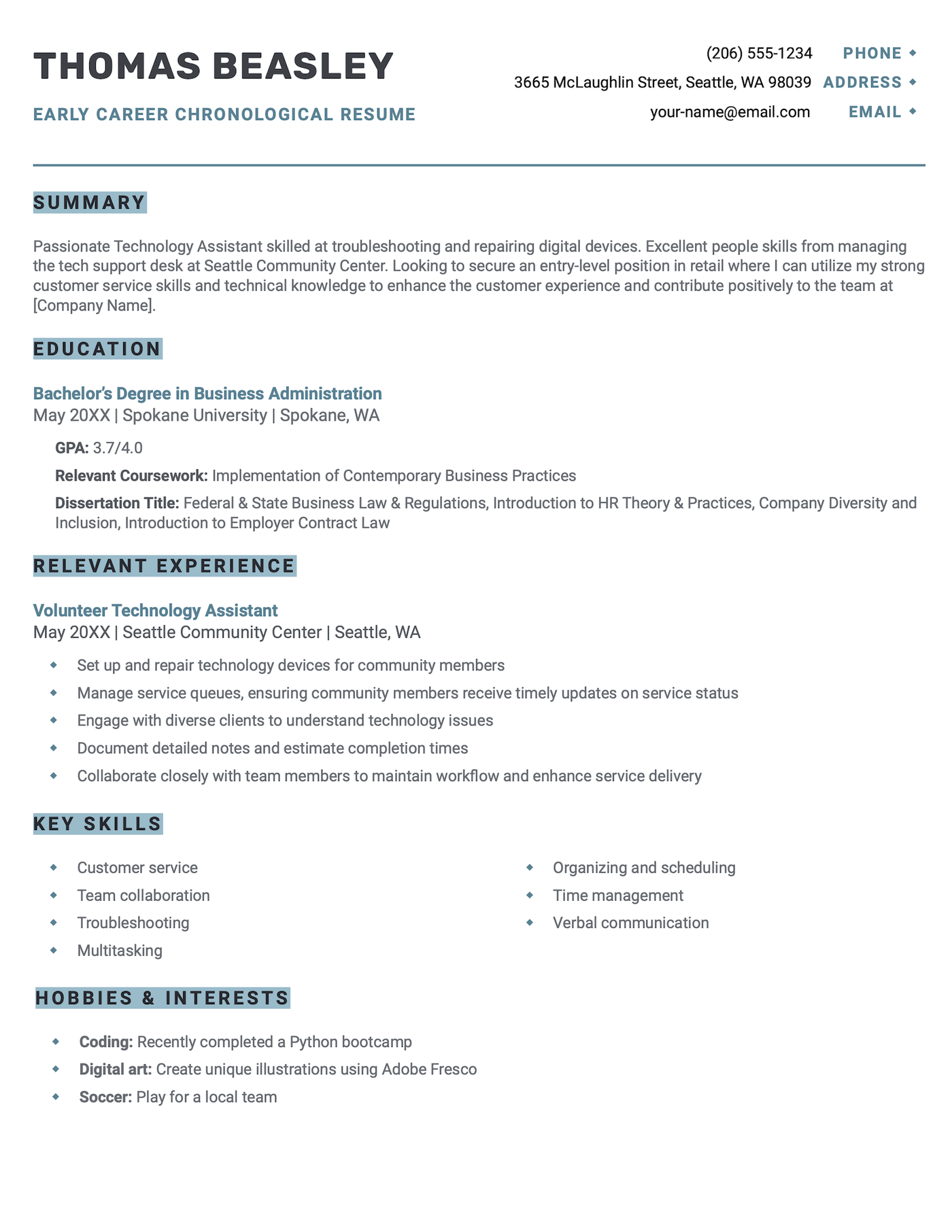
Early career

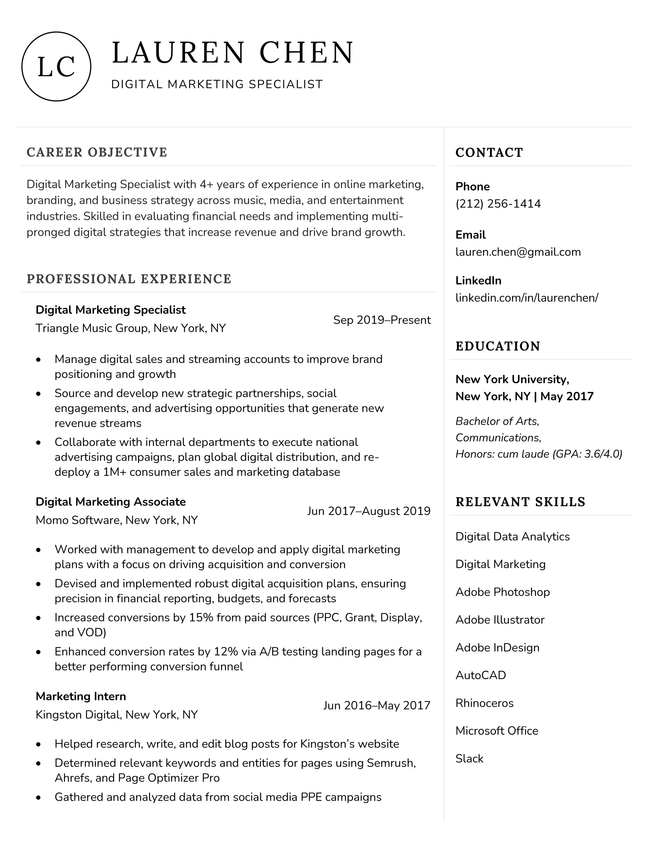
A chronological resume template designed for recent graduates and entry-level professionals.Download This Free Template

This resume example leads with education, with added academic details that demonstrate that the candidate is qualified even with limited formal work experience.

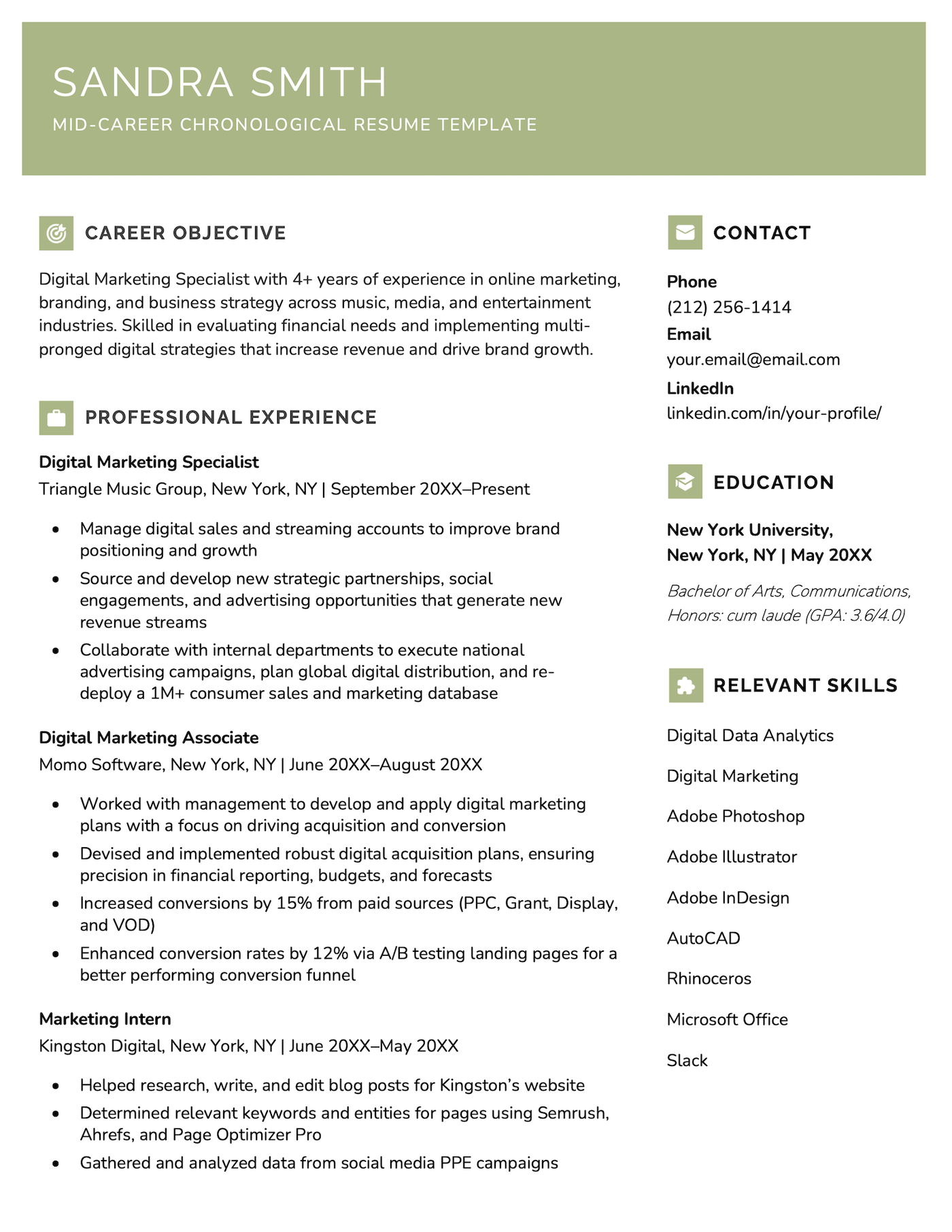
Mid-career

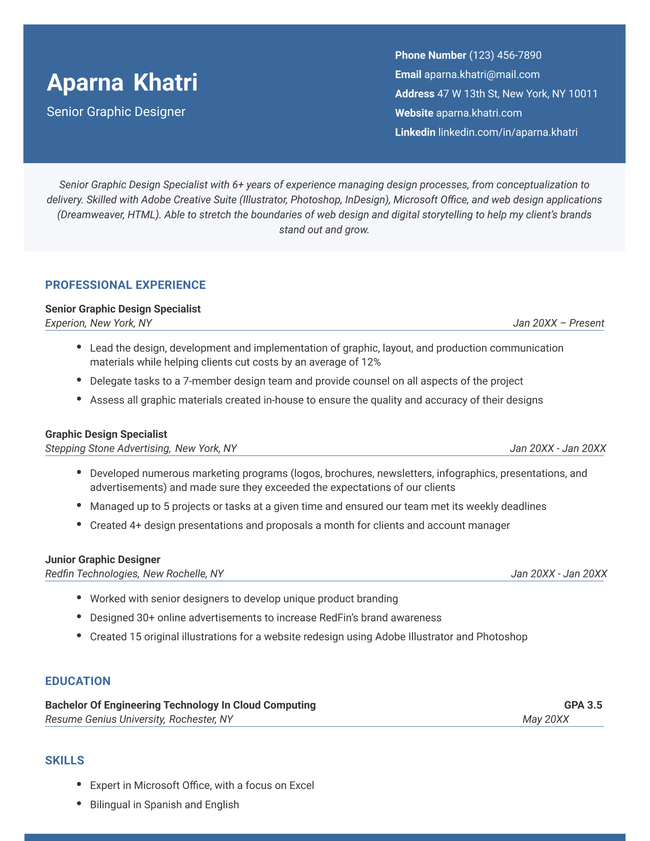
A chronological resume template designed for mid-career professionals.Download This Free Template

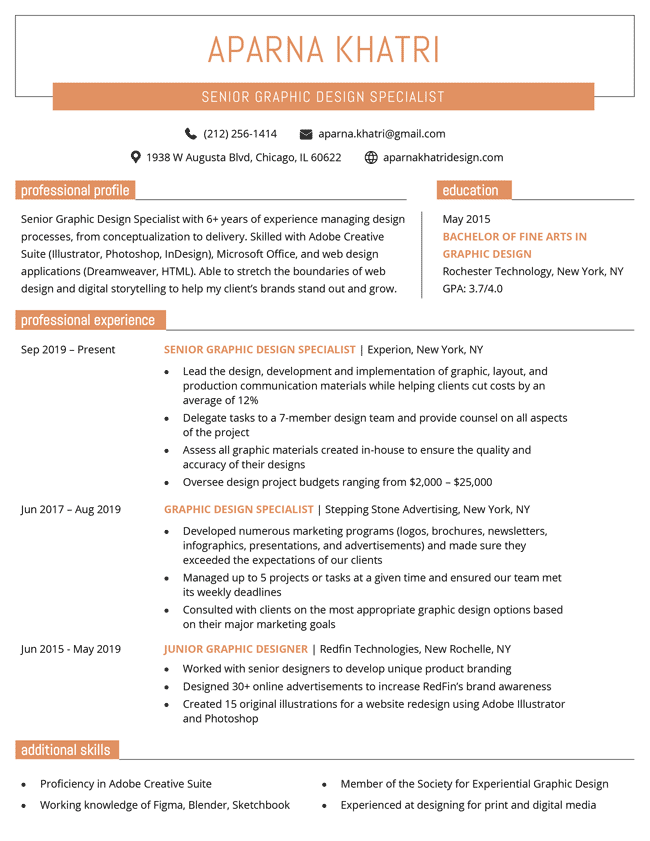
This example highlights steady career progression with clearly structured job entries. The chronological format shows career growth over time, making it easy for employers to see the applicant’s expanding responsibilities and impact.

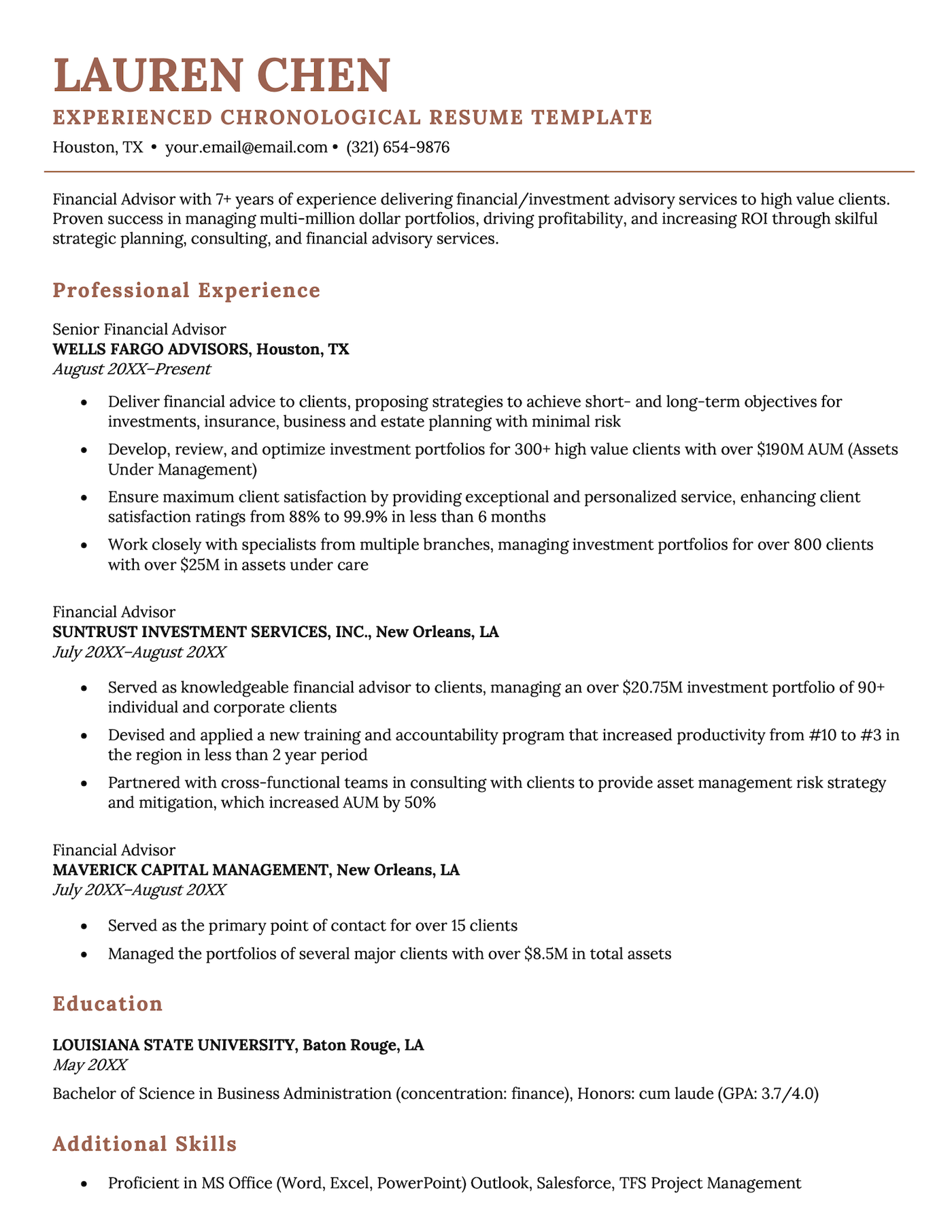
Senior-level

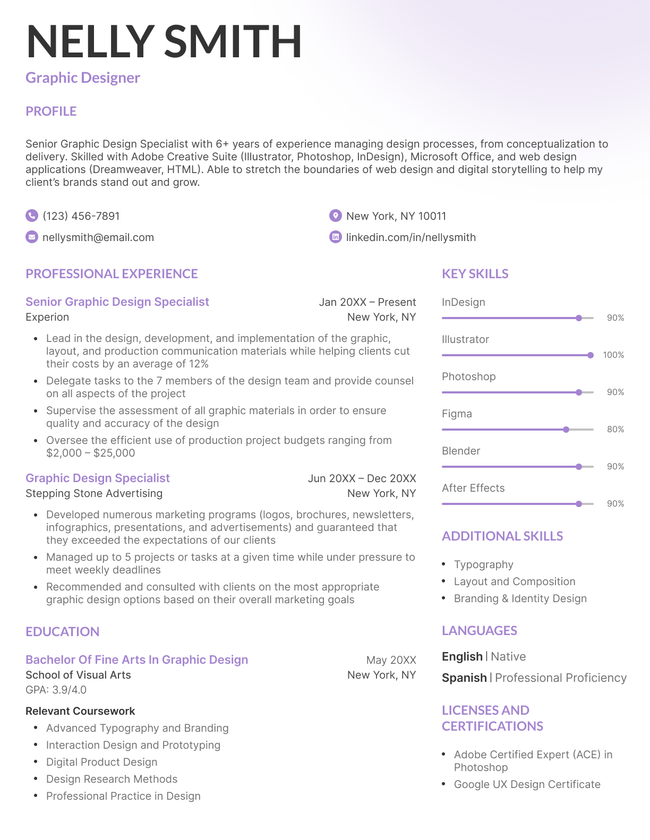
A chronological resume template for experienced professionals.Download This Free Template

The work experience section in this example takes center stage, featuring a clean, spacious layout that highlights career progression without appearing cluttered.

Frequently asked questions (FAQs)

Check out our answers to some of the most common questions about chronological resumes below.

Do employers prefer chronological resumes?

Yes, employers typically prefer chronological resumes because they provide a clear, easy-to-follow timeline of your work history.

This format highlights your career progression by placing your most recent and relevant experience at the top, making it easy for employers to see how your skills have developed over time.

What is the difference between a chronological resume and a functional resume?

Chronological and functional resumes differ in both structure and focus.

A chronological resume emphasizes your work history by listing roles in reverse-chronological order, emphasizing career progression over time. In contrast, a functional resume focuses on your skills and qualifications, grouping them by category rather than by job title or timelines.

Functional resumes can be useful for job seekers with employment gaps, frequent job changes, or any other resume red flags as they shift attention away from the traditional work history.

What if I have gaps in my work history?

If you have gaps in your work history, be honest. Never fudge dates. Instead, briefly explain the gap in your cover letter, and use your resume to highlight any freelance work, volunteering, or courses you completed during that time to show continued professional growth and initiative.

Should I include every job I’ve ever had?

Not necessarily. Focus on including jobs that are relevant to the role you’re applying for. Leave out short-term, outdated, or unrelated positions unless they demonstrate key skills the employer is looking for.

Table of Contents
Resume Genius
LinkedIn Instagram Youtube Facebook Twitter Tiktok Pinterest Giphy
Resumes
  • Resume Builder
  • Resume Templates
  • ATS Resume Checker
  • AI Resume Generator
  • Resume Summary Generator
  • Resume Bullet Point Generator
  • Resume Skills Generator
  • Resume Parser
  • Resume Examples
  • How to Make a Resume
  • Resume Format
Cover Letters
  • Cover Letter Generator
  • Cover Letter Templates
  • Cover Letter Examples
  • How to Write a Cover Letter
  • Cover Letter Format
CVs
  • CV Maker
  • CV Templates
  • How to Write a CV
  • CV Examples
  • CV vs Resume
Policies
  • Terms & Conditions
  • Privacy Policy
  • CCPA/GDPR
  • Accessibility
  • Editorial Guidelines
Additional Resources
  • About Us
  • Affiliate Opportunities
  • Career Experts Program
  • Join Our Team
  • Press & Media Mentions
  • Pricing
  • Product Reviews
  • The Genius Blog
Support
  • Help & Support
  • Contact Us
  • Forgot Password
  • Frequently Asked Questions
  • Add Resume Genius as a preferred source on Google
Member of
Certified professional resume writer official seal

© 2026, Sonaga Tech Limited. All rights reserved

ResumeGenius.com is owned and operated by Sonaga Tech Limited, Hamilton, Zweigniederlassung Luzern with offices in Luzern Switzerland.

Your review would mean a lot to us.

We hope our free downloadable resources will help you on your path to career success. If you have time, a quick review would really make our day (it'll only take 15 seconds). Best of luck on the job hunt!

Leave A Review