• Skip to Content
  • Skip to Footer

Resume Genius

Resume Genius

The World's Smartest Resume Builder

  • Resume Templates

    Professional Designs
    Basic
    Creative
    Modern
    Minimalist
    File Types To Download
    Word
    Google Docs
    PDF
    Pages
    Formats
    Chronological
    Functional
    Combination
    Infographic
    Situational Templates
    ATS
    Entry Level
    Picture
    Blank
    View All Free Resume Templates Use a Premium Template

    Monday to Friday, 8AM – 12AM (Midnight) and Saturdays and Sundays, 10AM – 6PM EDT (866) 215-9048

  • Resume Examples

    For Students
    High School
    Internship
    College
    Student CV
    By Experience
    No Experience
    Mid-Career
    Manager
    Executive
    Top Industries
    Teaching
    Nursing
    Administrative Assistant
    Customer Service
    Cashier
    Engineering
    Graphic Design
    Server
    View All Resume Examples Build My Resume Now

    Monday to Friday, 8AM – 12AM (Midnight) and Saturdays and Sundays, 10AM – 6PM EDT (866) 215-9048

  • Free Resources

    Tools
    • Resume Summary Generator
    • ATS Resume Checker
    • Bullet Point Generator
    • Skills Generator
    Resumes
    • How to Make a Resume for Any Job in 2026
    • The Best Resume Format for 2026
    • How to Put Skills on Your Resume
    • 40+ Professional Resume Summary Examples
    Cover Letters
    • Cover Letter Templates to Download
    • Cover Letter Examples for All Job Applications
    • How to Write a Cover Letter for a Job in 2026
    • Cover Letter Format: Template & Examples
    CVs
    • Professional CV Templates
    • 400+ CV Examples for Everyone
    • How to Write an Academic CV
    • CV Format: Examples & Guide
    Visit the Genius Blog Build My Resume Now

    Monday to Friday, 8AM – 12AM (Midnight) and Saturdays and Sundays, 10AM – 6PM EDT (866) 215-9048

  • Builders

    The Genius Resume Builder

    Make a professional resume in just a few minutes.

    AI Cover Letter Generator

    Write custom cover letters for every application.

    Professional CV Maker

    Create a detailed academic or professional CV.
    Resume Genius Customer Reviews 10 Best Resume Builders of 2026
    Build My ResumeLogin

    Monday to Friday, 8AM – 12AM (Midnight) and Saturdays and Sundays, 10AM – 6PM EDT (866) 215-9048

  • Pricing

Monday to Friday, 8AM – 12AM (Midnight) and Saturdays and Sundays, 10AM – 6PM EDT (866) 215-9048

Build My Resume Login

Monday to Friday, 8AM – 12AM (Midnight) and Saturdays and Sundays, 10AM – 6PM EDT (866) 215-9048

Resume Templates Minimalist Resume Templates

Free Minimalist Resume Templates

Create a polished resume with our free minimalist resume templates. These clean, modern designs are free to download and easy to edit in Word.
Build My Resume NowUpload Existing Resume
  • All Templates
  • ATS
  • Google Docs
  • Modern
  • Photo
  • Simple
  • Student
  • Word
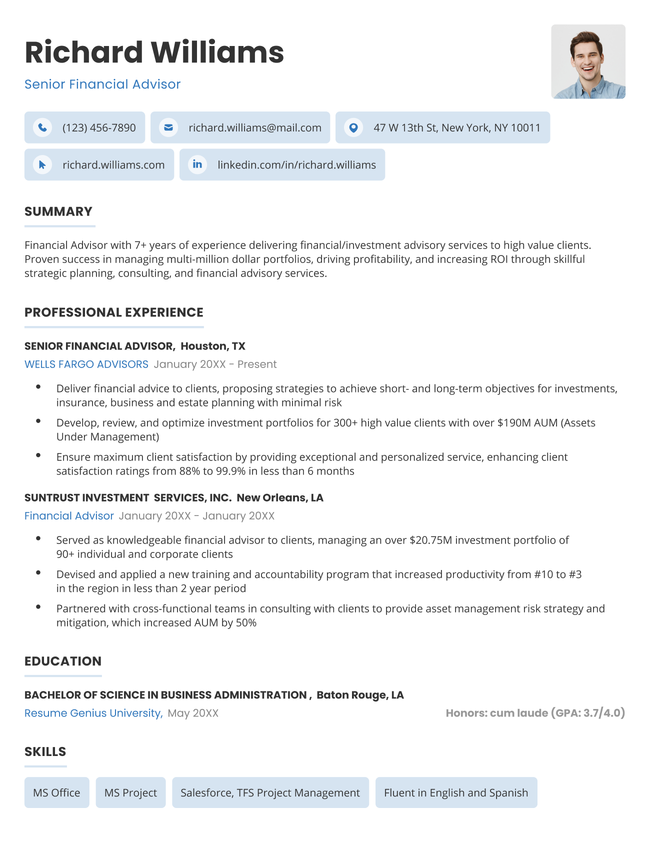
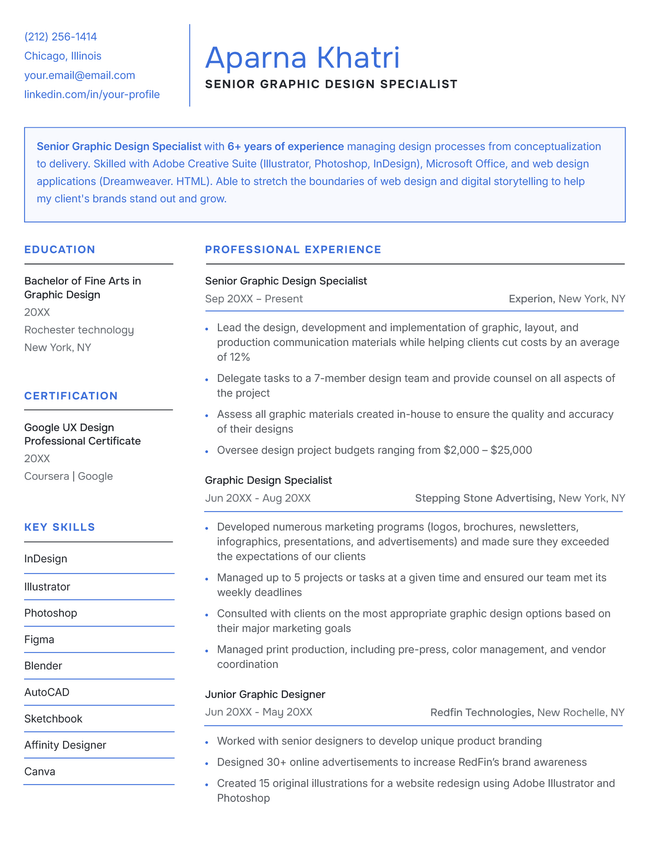
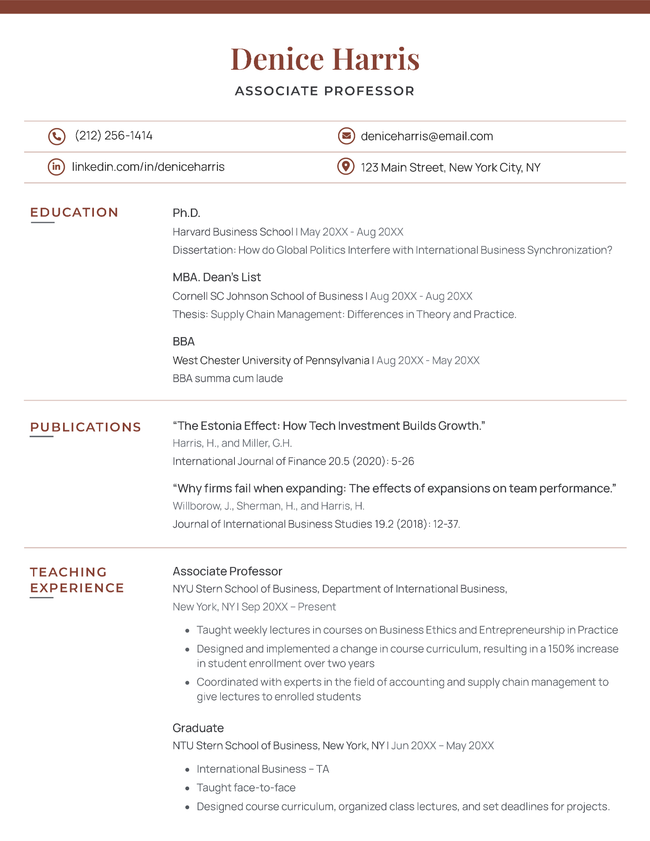
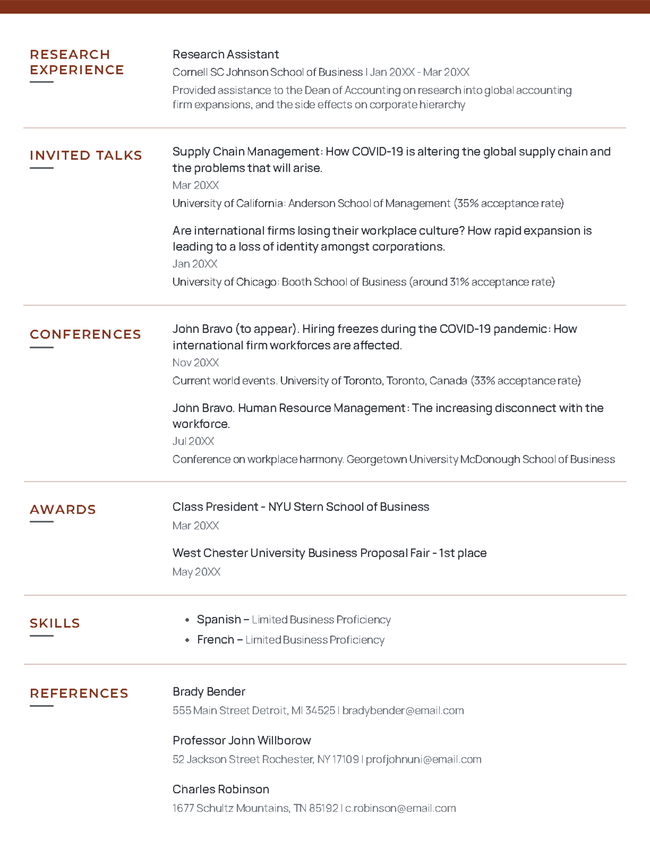
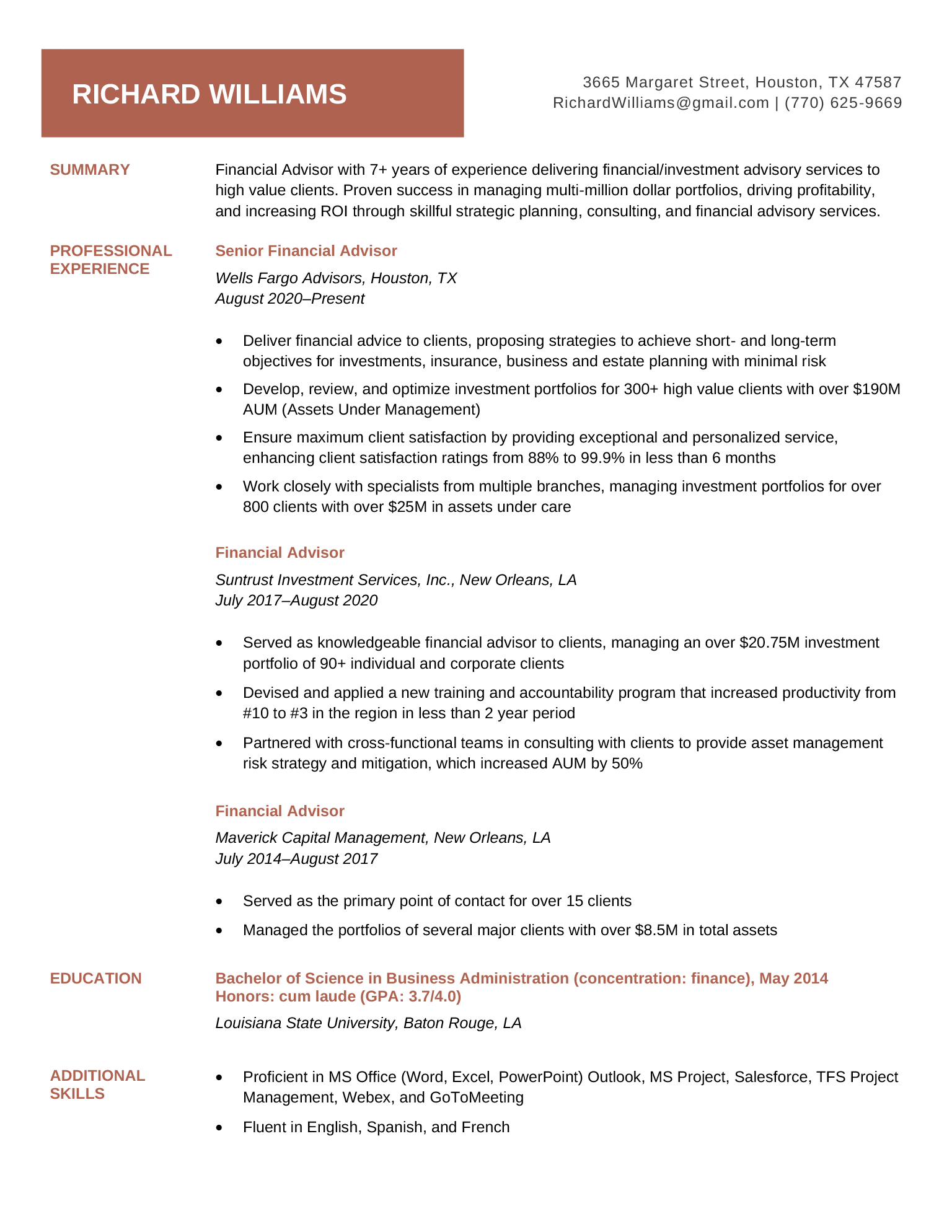
The Plain minimalist resume template in brown.

Featured minimalist resume template

Created with simplicity in mind, this template keeps the focus on your skills and experience.


Plain

Our Plain template is easy for both humans and applicant tracking systems to parse.

Format and styling details:

  • Ideal balance of text and whitespace
  • Subtle color accents
  • Modern sans-serif font suitable for any industry

How to download this template

Download for Word
Build My Resume Now

Free to download minimalist resume templates

A minimalist resume design lets your qualifications speak for themselves. Download one of these templates to create a professional resume that’s clear and easy to read.

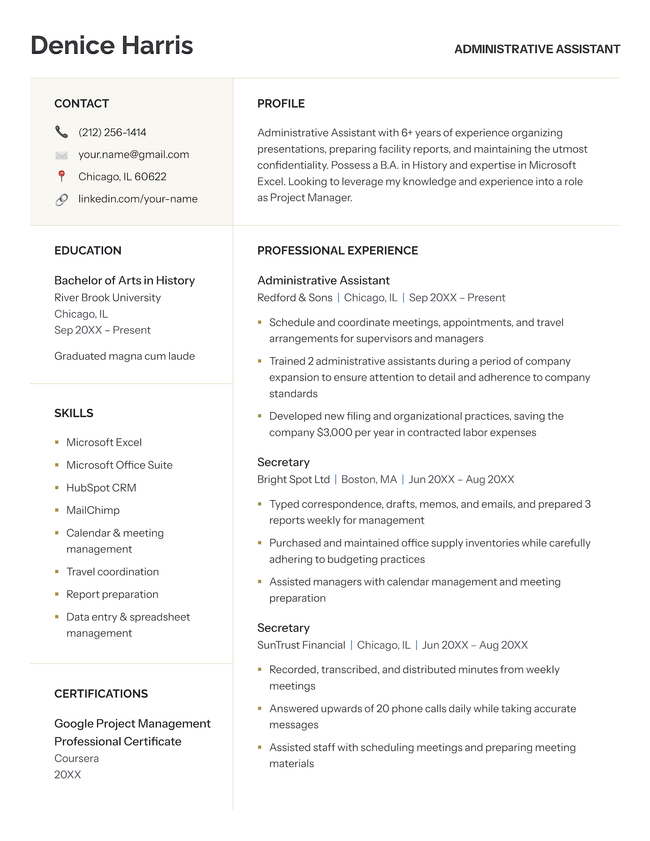
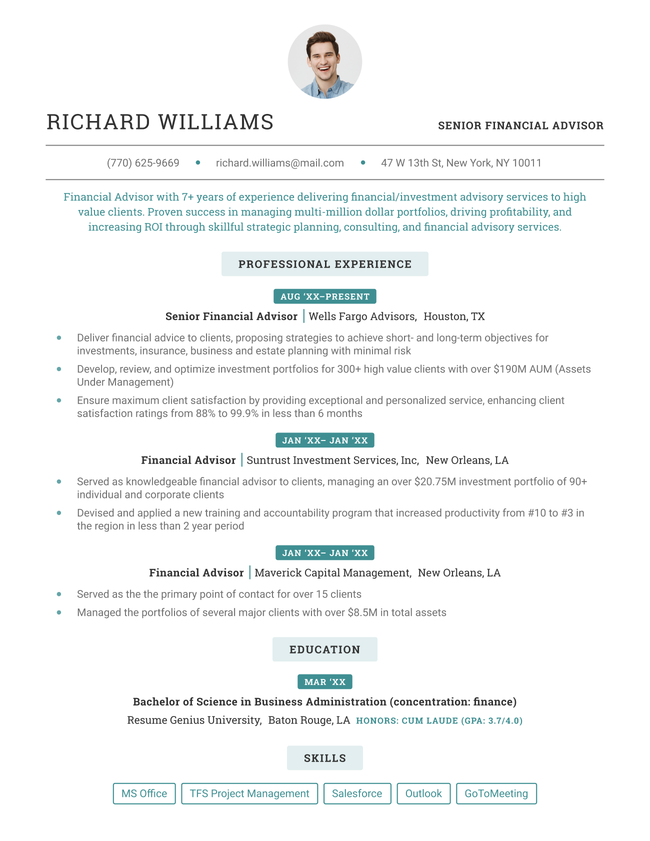
The Crisp minimalist resume template in black.
Build My Resume
Pin It
0
Crisp
Word
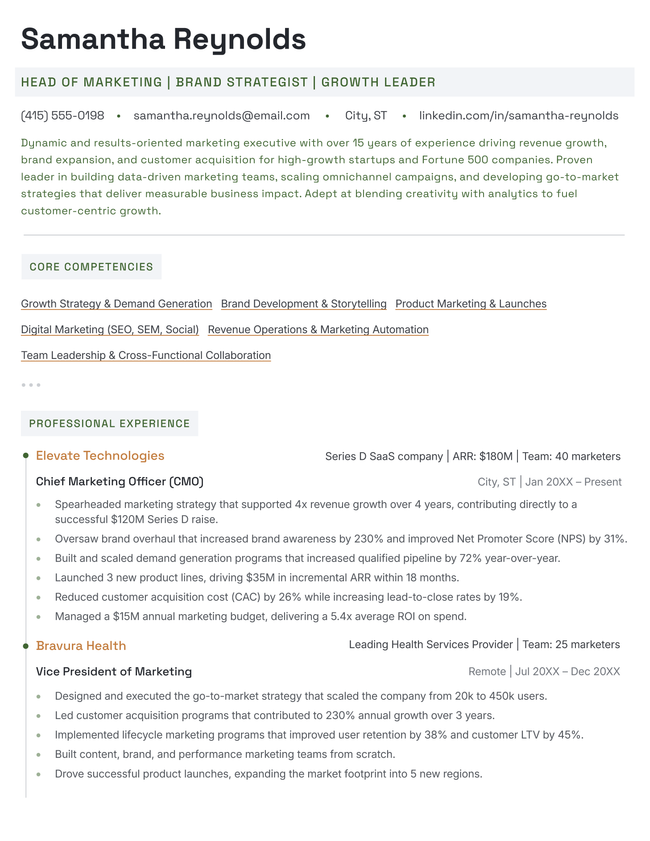
The Luma minimalist resume template in green.
Build My Resume
Pin It
0
Luma
Word
The Neat minimalist resume template in gold.
Build My Resume
Pin It
0
Neat
Word
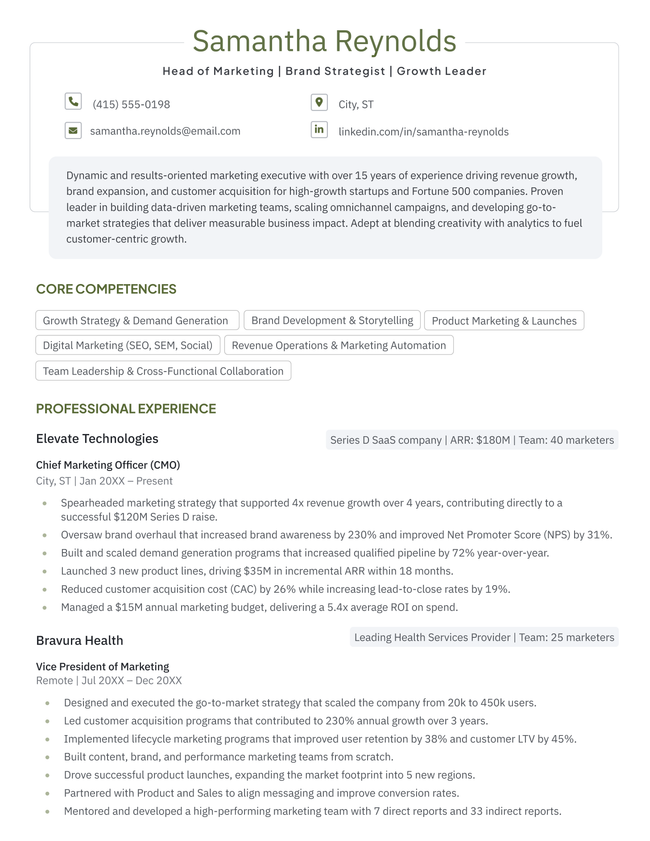
The Open minimalist resume template in blue.
Build My Resume
Pin It
0
Open
Word

Additional free resume templates

  • ATS
  • Blank
  • Canva
  • Creative
  • CV
  • Google Docs
  • InDesign
  • LaTeX
  • LibreOffice
  • Pages
  • PDF
  • Photo / Headshot
  • Minimalist
  • Modern
  • Simple / Basic
  • Student
  • Word

Resume templates by layout & career level

  • Chronological
  • Combination
  • Functional
  • Infographic
  • Entry-Level
  • Mid-Career
  • Manager
  • Executive
Table of Contents
Table of Contents
  • Free Minimalist Resume Templates
    • When to use a minimalist resume template
    • Tips for keeping your resume layout minimalist
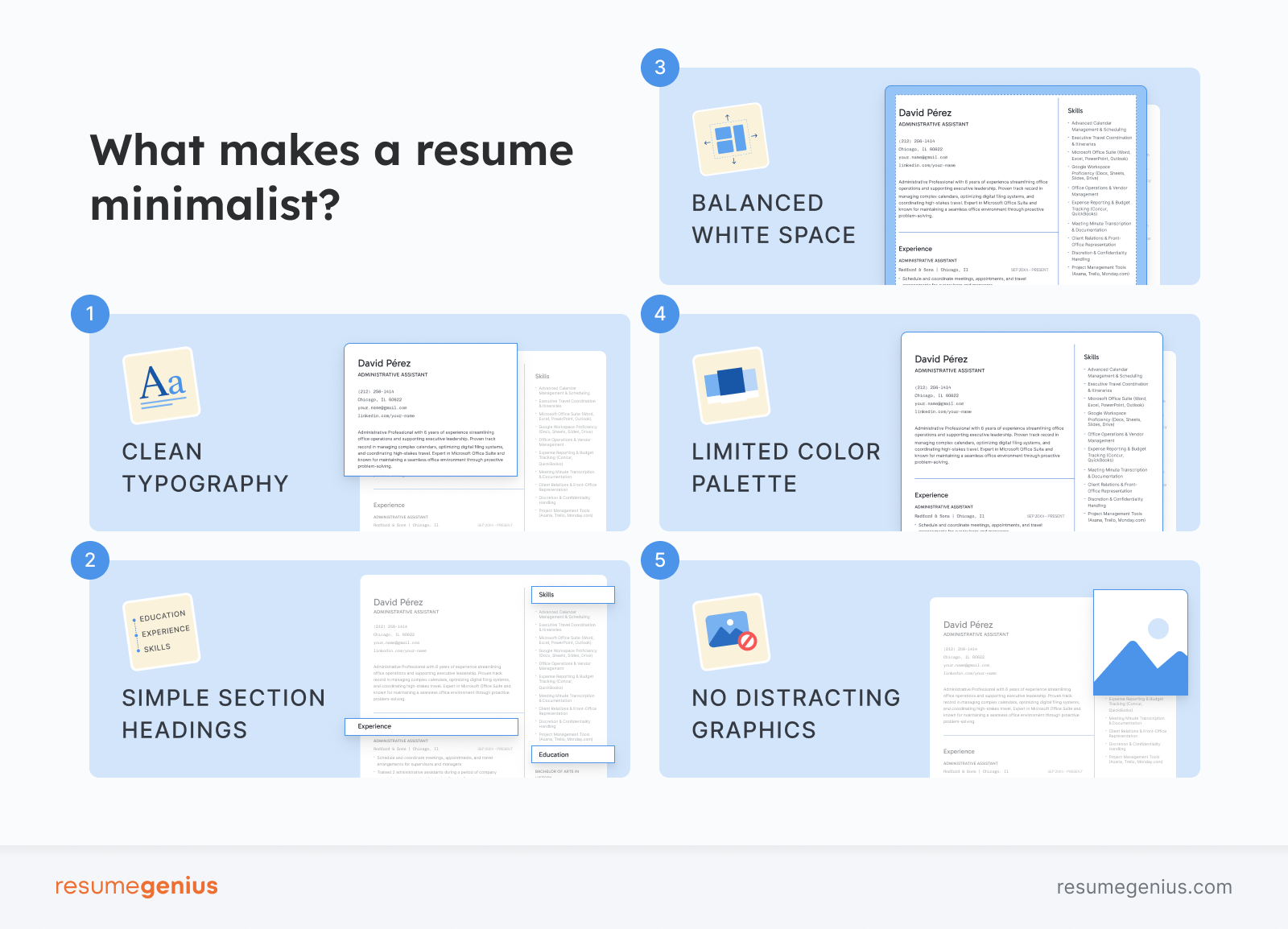
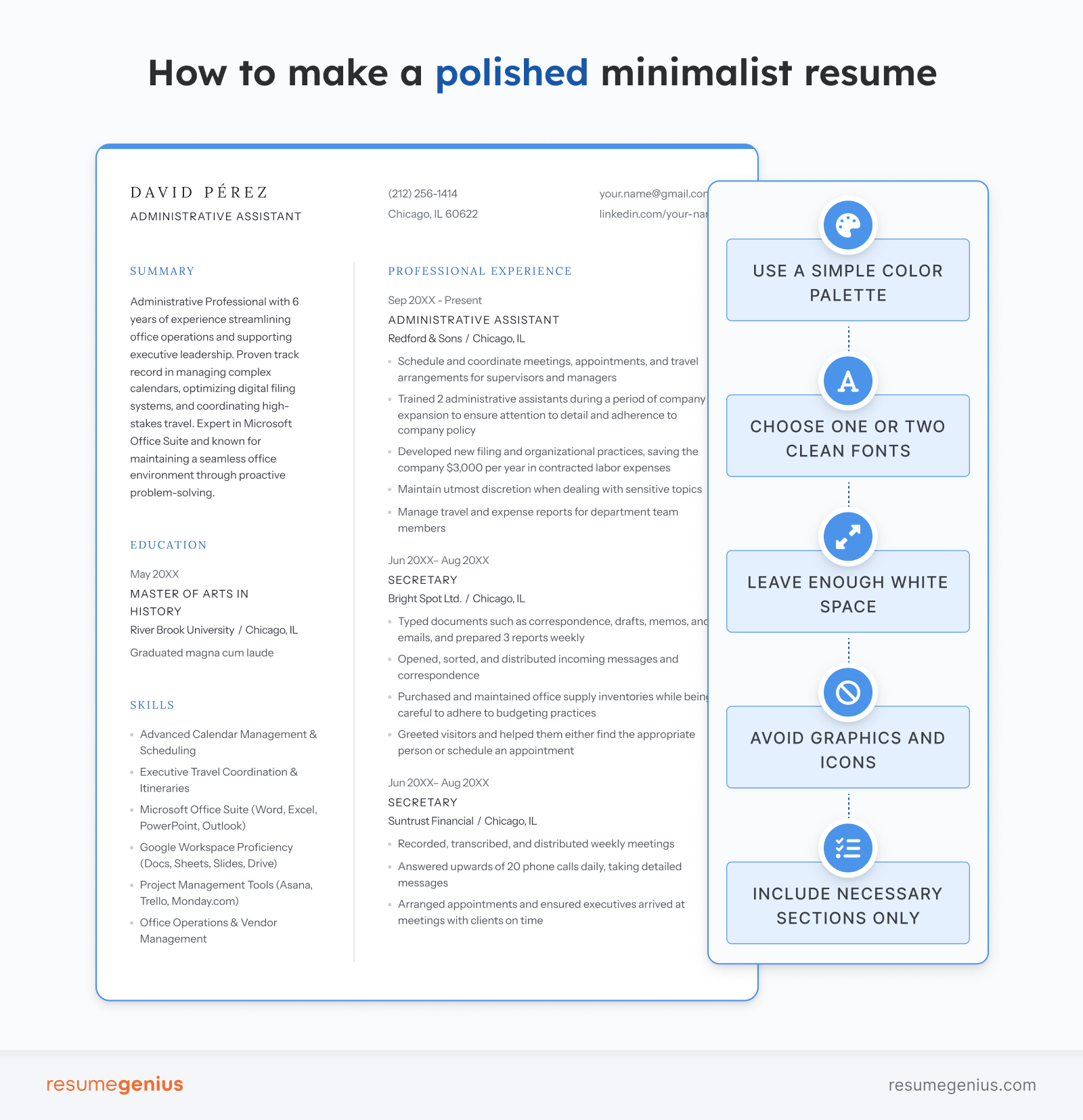
      • Stick to one or two fonts
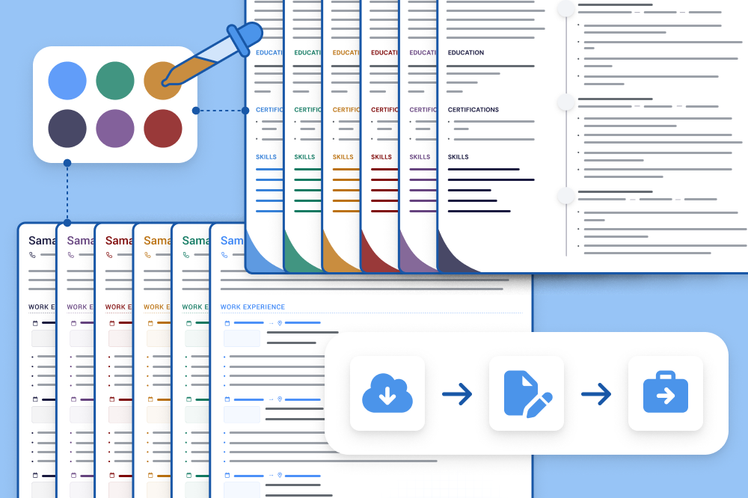
      • Limit your color palette
      • Leave enough white space
      • Avoid graphics and icons
      • Remove unnecessary sections
3 resume templates available in the Resume Genius builder with a banner explaining how quickly you can make a resume

Struggling to get interviews?

Make a professional resume

Share:

  • Copied

When to use a minimalist resume template

If your goal is to present your skills in a polished, professional way while keeping the design simple, a minimalist layout is the best option. Choose a minimalist resume design:

  • When applying to corporate or traditional industries: Employers in industries like finance, healthcare, education, government, and consulting prefer resumes with clean, professional formatting rather than elaborate designs.
  • When you want to ensure ATS compatibility: Many minimalist templates use standard fonts, simple headings, and straightforward formatting that help applicant tracking systems accurately scan your resume.
  • When you want your resume to look modern but professional: Minimalist templates balance simplicity and style, making them a safe choice for most industries.

Tips for keeping your resume layout minimalist

Follow these tips to maintain a clean and straightforward layout:

Stick to one or two fonts

Choose a simple resume font for the body text and slightly different font or font weight for section headings. Limiting your font choices prevents the layout from looking messy or inconsistent.

Sans-serif fonts like the following are popular choices because they’re modern and easy to read:

  • Calibri
  • Arial
  • Helvetica
  • Roboto
  • Open Sans

Limit your color palette

A consistent professional color scheme helps maintain a polished and minimalist look.

Stick to black or dark gray for most of your text, and consider adding one subtle accent color for section headings or lines. Too many colors can make your resume look cluttered.

Leave enough white space

White space helps keep your resume easy to read and visually balanced. Leave space between sections, headings, and bullet points to make your resume more aesthetically pleasing and easier for employers to scan quickly.

Avoid graphics and icons

Graphics and icons add unnecessary clutter. Many applicant tracking systems (ATS) also struggle to accurately read graphic elements or information labeled with icons.

Instead of visual flair, focus on:

  • Clear headings
  • Concise bullet points
  • Consistent fonts and spacing

Remove unnecessary sections

Minimalist resumes prioritize clarity and relevance. Including too many sections can make the layout feel crowded and distract from your experience.

Including awards, hobbies & interests, or very early work experience is not necessary unless they add clear value and are relevant to the job you’re targeting.

Share

Facebook

Twitter

Linkedin

Reddit

Copy link

https://resumegenius.com/resume-templates/minimalist-resume-templates
Resume Genius
LinkedIn Instagram Youtube Facebook Twitter Tiktok Pinterest Giphy
Resumes
  • Resume Builder
  • Resume Templates
  • Resume Examples
  • How to Make a Resume
  • Resume Format
  • Resume Summary Generator
  • ATS Resume Checker
  • Resume Parser
  • Resume Bullet Point Generator
  • Resume Skills Generator
Cover Letters
  • Cover Letter Generator
  • Cover Letter Templates
  • Cover Letter Examples
  • How to Write a Cover Letter
  • Cover Letter Format
CVs
  • CV Maker
  • CV Templates
  • How to Write a CV
  • CV Examples
  • CV vs Resume
Policies
  • Terms & Conditions
  • Privacy Policy
  • CCPA/GDPR
  • Accessibility
  • Editorial Guidelines
Additional Resources
  • About Us
  • Affiliate Opportunities
  • Career Experts Program
  • Join Our Team
  • Press & Media Mentions
  • Pricing
  • Product Reviews
  • The Genius Blog
Support
  • Help & Support
  • Contact Us
  • Forgot Password
  • Frequently Asked Questions
Member of
Certified professional resume writer official seal

© 2026, Sonaga Tech Limited. All rights reserved

ResumeGenius.com is owned and operated by Sonaga Tech Limited, Hamilton, Zweigniederlassung Luzern with offices in Luzern Switzerland.