
Resume Templates LaTeX Resume Templates
Free LaTeX Resume Templates to Download & Edit
Download one of our free LaTeX resume templates built for professionals who want complete control over the design of their resume.
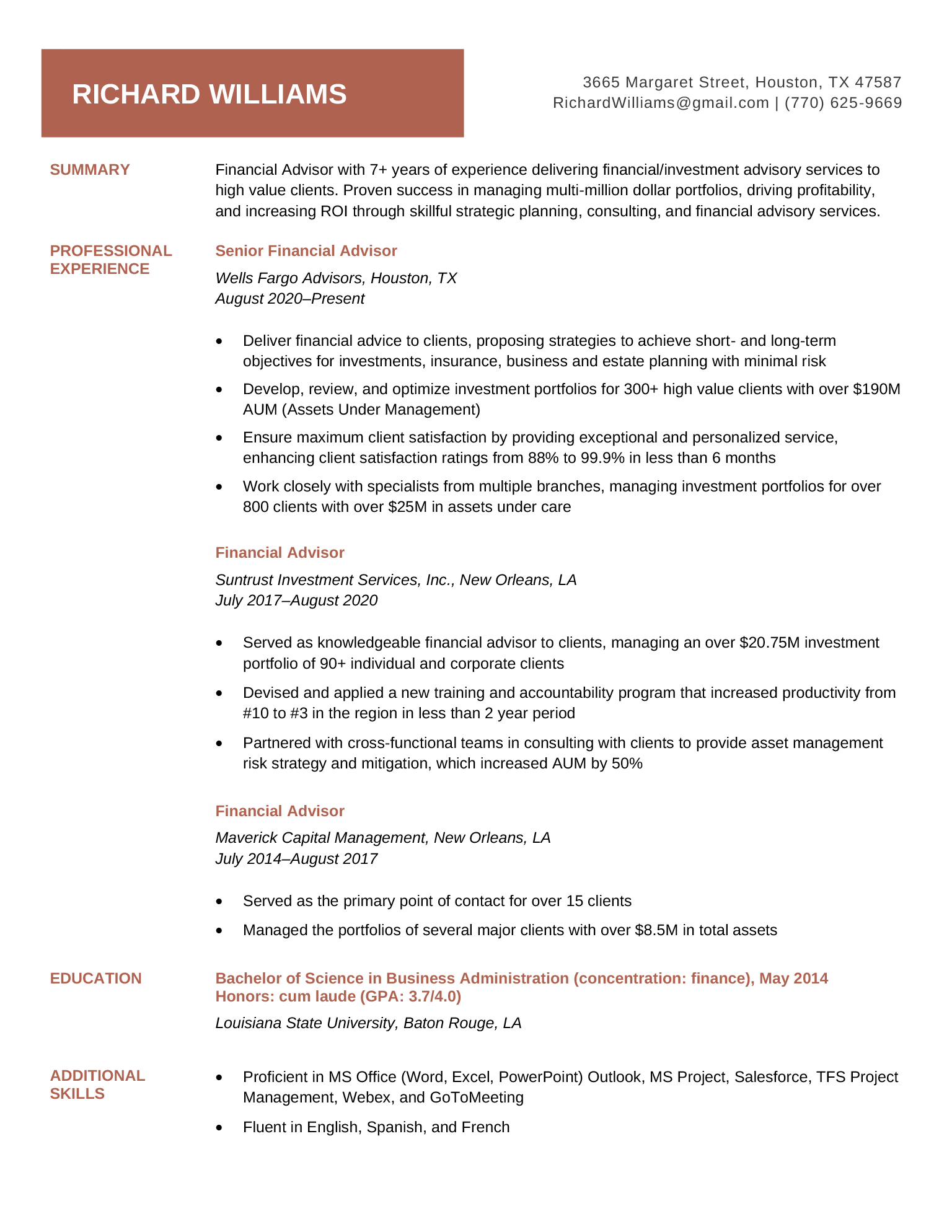
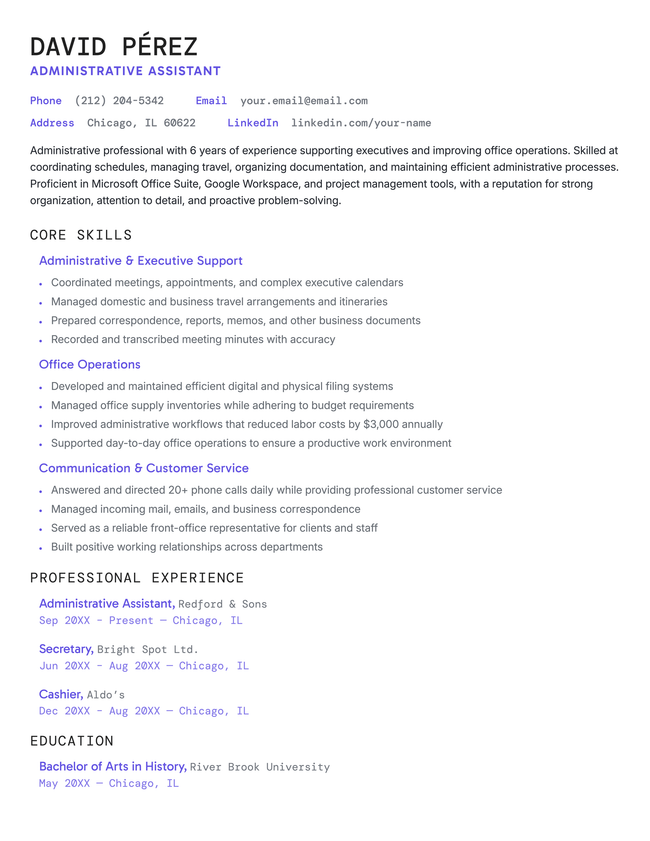
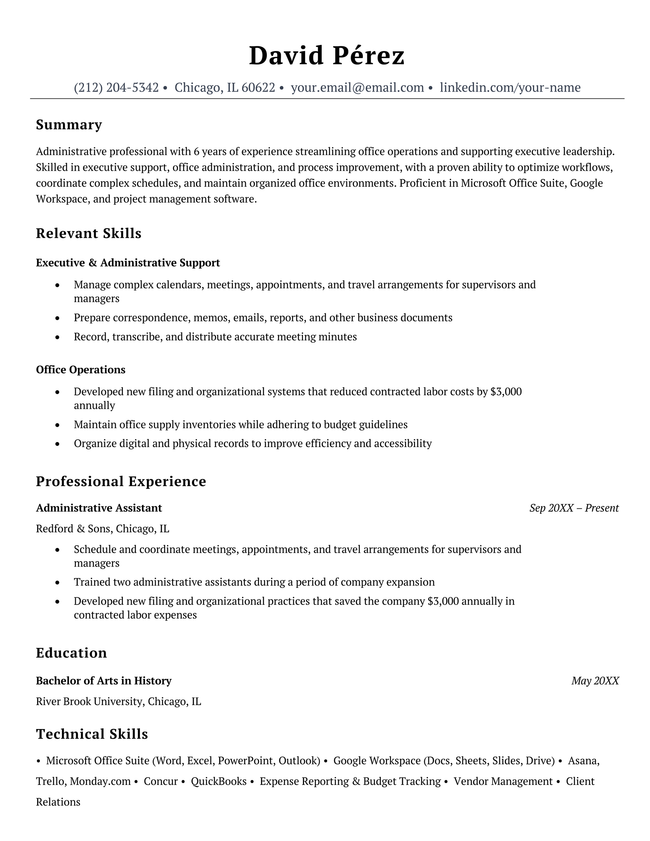
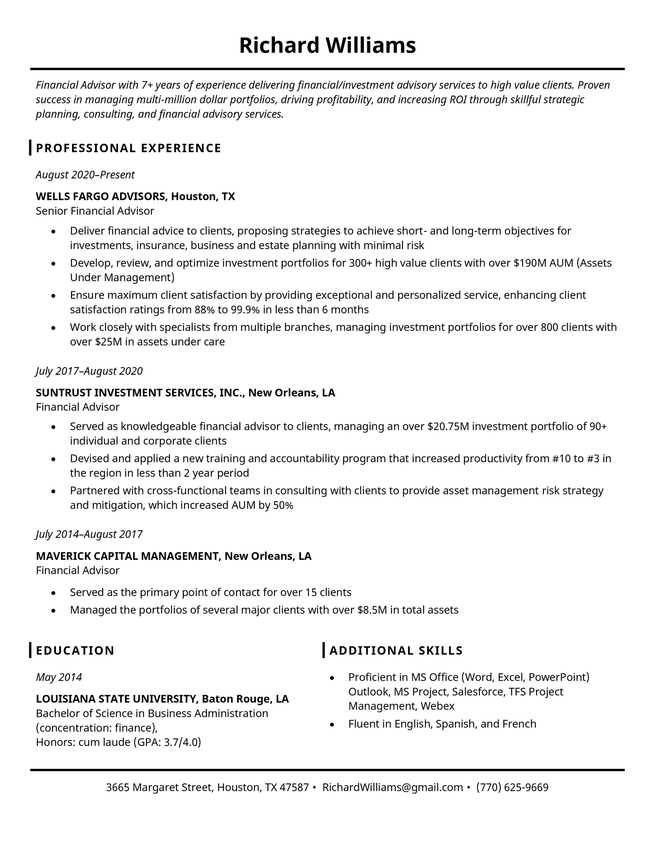
Additional free resume templates
RESUME TEMPLATES BY LAYOUT & CAREER LEVEL

Make your resume in minutes.
How to use our LaTeX resume templates
- Hover over a template you like and click Free Download and then Download for LaTeX.
- Find the template in your Downloads folder and open it in your preferred LaTeX editor.
- Compile the LaTeX file to generate your resume as a PDF.
- Replace the placeholder content with your own information. Update sections like your summary, work experience, education, skills, and contact details while keeping the template’s formatting code intact.
- Recompile when you’re finished editing and download your resume as a PDF.
Why use a LaTeX resume template?
LaTeX resume templates are a great choice for job seekers who want precise control over their resume’s formatting and appearance.
They’re especially useful for software engineers, developers, researchers, academics, and students who are already familiar with LaTeX or want a highly customizable resume that stays consistently formatted.
With a ready-made template, you can benefit from the control that LaTeX offers without having to build your resume from scratch.
Precise formatting
LaTeX gives you detailed control over your resume’s layout, typography, spacing, margins, and alignment far beyond what basic word processors offer. You can fine-tune every element of the page and maintain consistent formatting throughout your resume, without worrying about text shifting or sections moving unexpectedly as you make edits.
Easy to track changes
Because LaTeX resumes are stored as source files, you can use Git or another version control system to track changes over time. This makes it easy to see what you’ve changed, revert to an earlier version, and maintain different versions of your resume for different jobs without losing your previous work.
Reliable across devices
LaTeX generates your resume as a PDF, which preserves the fonts, spacing, margins, and alignment across any device or operating system.
Will a LaTeX resume be ATS-compatible?
Yes. LaTeX isn’t an issue for applicant tracking systems (ATS) because most ATS software reads the text from your finished PDF regardless of the software you used to create it. However, just like with resumes created in Word or other programs, certain layout and formatting choices can make your resume harder for an ATS to parse correctly.
Tips to maintain ATS compatibility:
- Use a simple layout: Stick to a simple design with clear sections and consistent spacing.
- Use standard section headings: Choose familiar headings such as Work Experience, Education, and Skills. Renaming these sections can cause your resume to be parsed incorrectly.
- Avoid graphics: Don’t use charts, icons, decorative elements, or other graphics, because they can interfere with text extraction.
When not to use a LaTeX resume template
LaTeX gives you greater control over your resume, but it also has a steeper learning curve than standard word processors and resume builders. If you aren’t already comfortable working with LaTeX, you shouldn’t use LaTeX to create your resume. You’ll save time by using a Word or Google Docs template or a resume builder with built-in formatting tools.
A simpler way to build your resume
Frequently asked questions (FAQs)
Here are answers to some of the most common questions about LaTeX resumes:
What is a LaTeX resume?
A LaTeX resume is a resume created using LaTeX, a precise typesetting system originally designed for academic and scientific publications. Unlike traditional word processors, LaTeX uses markup commands to format text.
How do I make a resume in LaTeX?
To make a resume in LaTeX:
- Choose a LaTeX editor such as Overleaf
- Start with an existing resume template to avoid formatting issues, or choose a document class like moderncv, altacv, or awesome-cv
- Compile frequently as you edit to catch errors early
- Use consistent spacing and formatting commands throughout
- Input your personal information, work experience, and skills using the LaTeX editor
- Export to PDF when your compiled resume is finished
Here’s a basic outline you can use:
documentclass{article}
usepackage{geometry, enumitem, titlesec}
begin{document}
section{Experience}
subsection{Job Title – Company Name}
Your job description and achievements
end{document}
Is LaTeX good for resumes?
LaTeX offers several advantages for resume creation, though it’s not ideal for everyone:
- Produces exceptionally clean, publication-quality documents
- You can fine-tune spacing, fonts, and layout elements
- Automatic formatting ensures uniform appearance throughout
- Text-based files work seamlessly with Git and other version control systems
- Steep learning curve to master markup syntax and commands
- Limited template designs compared to resume builders and word processors
- Debugging required to address compilation errors, which can be frustrating for beginners
- May be unnecessarily complex for standard job applications
What is the LaTeX format for a resume?
LaTeX resumes typically follow this structured format:
Document setup:
documentclass[11pt,a4paper]{moderncv}
moderncvstyle{classic}
usepackage[scale=0.8]{geometry}
This is the code you’d add when filling in your personal information:
firstname{John}
familyname{Doe}
title{Software Engineer}
address{123 Main St}{City, State 12345}
phone{(555) 123-4567}
email{john.doe@email.com}
And here’s the code for creating separate content sections:
- section{Education} for the academic section
- section{Experience} for work history
- section{Skills} for technical skills and soft skills
- section{Projects} for relevant projects
These document classes are popular:
- moderncv: Clean, modern design with color accents
- altacv: Alternative CV format with sidebar layout
- awesome-cv: Colorful, eye-catching design
- article: Basic format with custom styling
Can you write a CV in LaTeX?
Yes. LaTeX is ideal for academic CVs where you need to present extensive information in a well-organized format.
Is Overleaf free to use?
Yes, Overleaf has a free plan, which is sufficient for most resume and CV projects. You’ll have access to professional templates, and be able to compile your documents instantly and export them as high-quality PDFs.
Their free plan includes:
- Access to all LaTeX packages and templates
- Real-time collaboration with one collaborator
- Unlimited personal projects
- 15-second compile timeout
- Basic project history (24 hours)
What are the best practices for formatting a resume in LaTeX?
Here are some of the best practices to keep in mind when formatting your LaTeX resume:
- Use a consistent font size (11–12pt) with uniform spacing and standard margins
- Organize content with clear section headings
- List your work history in reverse-chronological order
- Compile frequently during development to catch errors early
- Comment your LaTeX code for easy future modifications
- Test your final PDF with an ATS checker to make sure it’s parsed correctly
LaTeX resume examples
These examples show how LaTeX can be used to create a clean, well-organized resume:
Tech resume
This example from Overleaf features a personalized QR code that can link to an online portfolio, LinkedIn profile, or personal website.
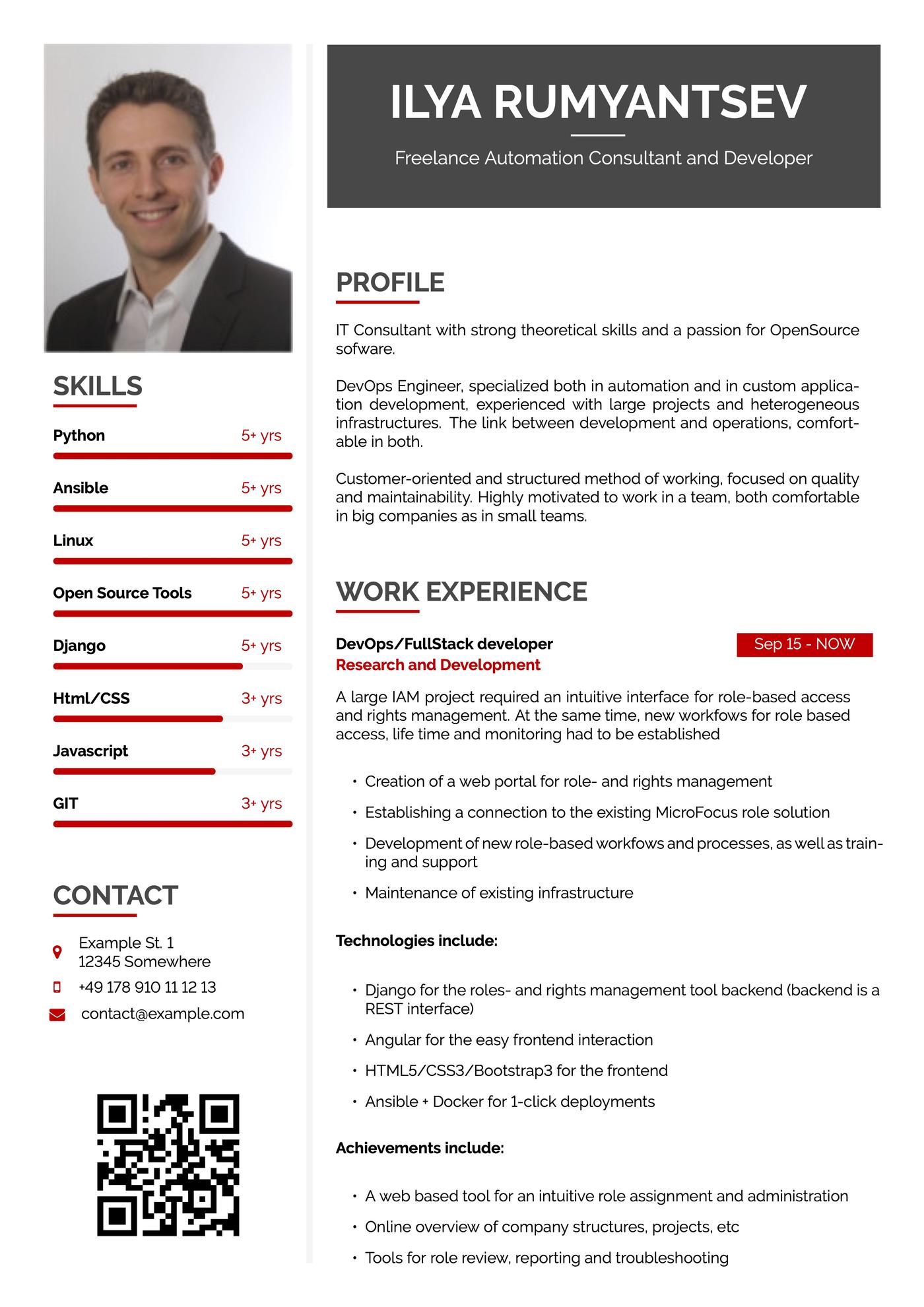
If you’re applying for a job in the US, don’t include a photo on your resume.
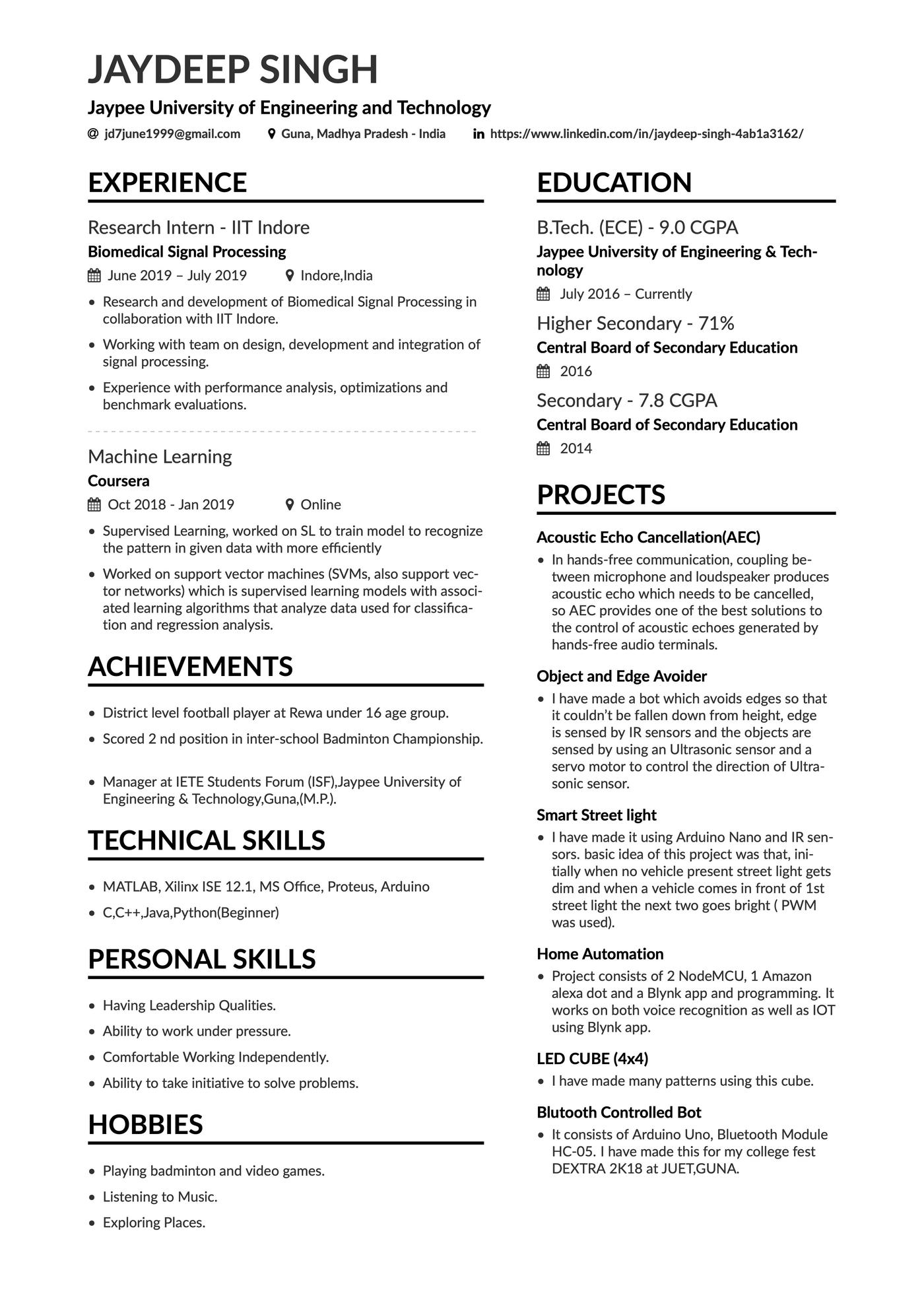
Project highlights resume
This example uses space efficiently, fitting ample details about work experience and specific projects on one page.
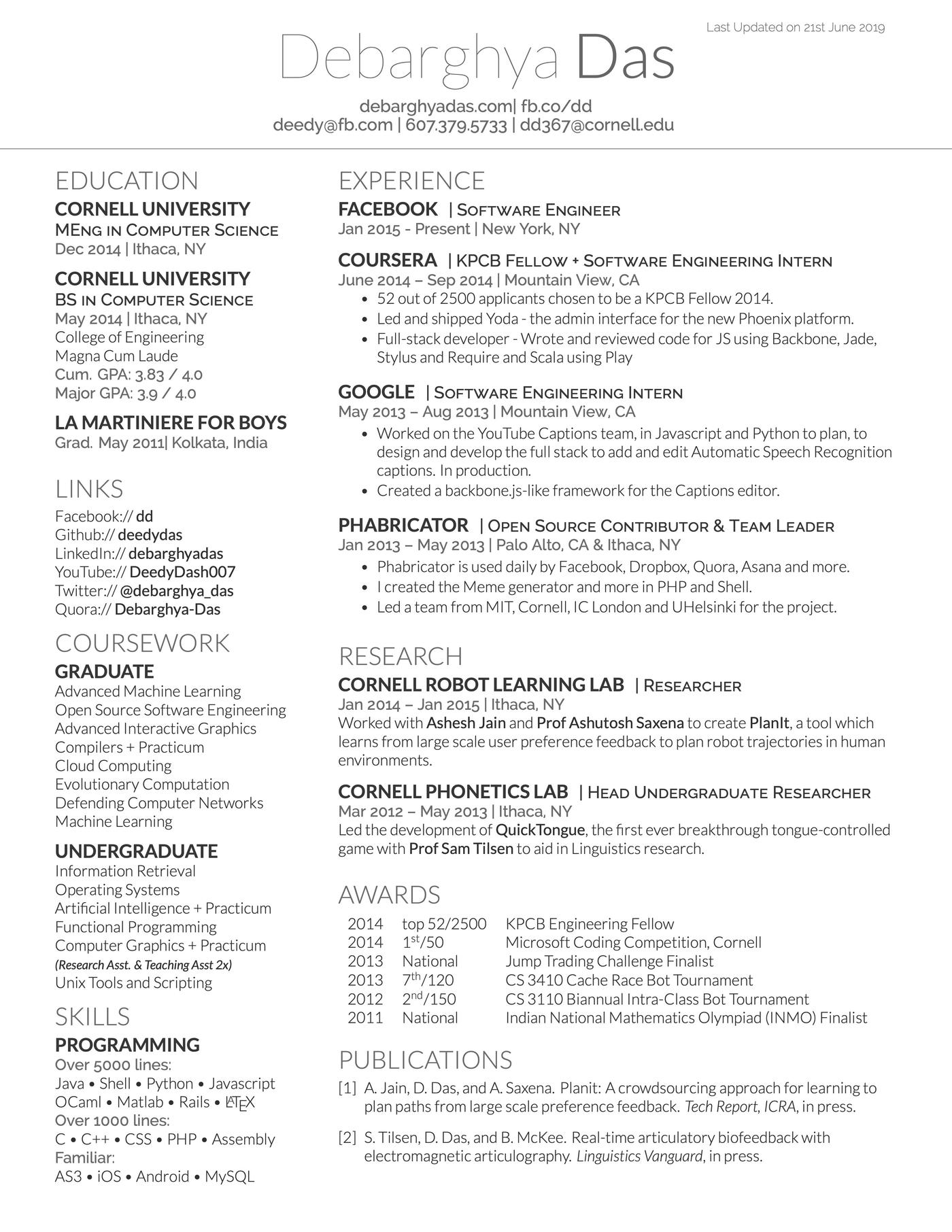
Scholarly resume
This example features all the key sections an academic CV or resume needs, including publications, relevant coursework, and research.
About the Author

Lauren Mastroni is a Senior Digital Content Writer at Resume Genius, where she creates data-driven career content and actionable job search advice. With a background in academic research, she brings a research-focused approach to topics like resume writing, interviewing, and career development. Lauren is dedicated to helping job seekers at all stages navigate the hiring process and present themselves more effectively to employers.


Related Articles
Resume Help
Resume Examples for Jobs in 2026
Geoffrey Scott
Resume Help
Creative Resume Templates
Sebastian Morgan

Lauren Mastroni
Lauren Mastroni

Nathan Soto
Sebastian Morgan

Lauren Mastroni


Corissa Peterson