Resume Templates Picture Resume Templates
Picture Resume Templates to Download & Edit
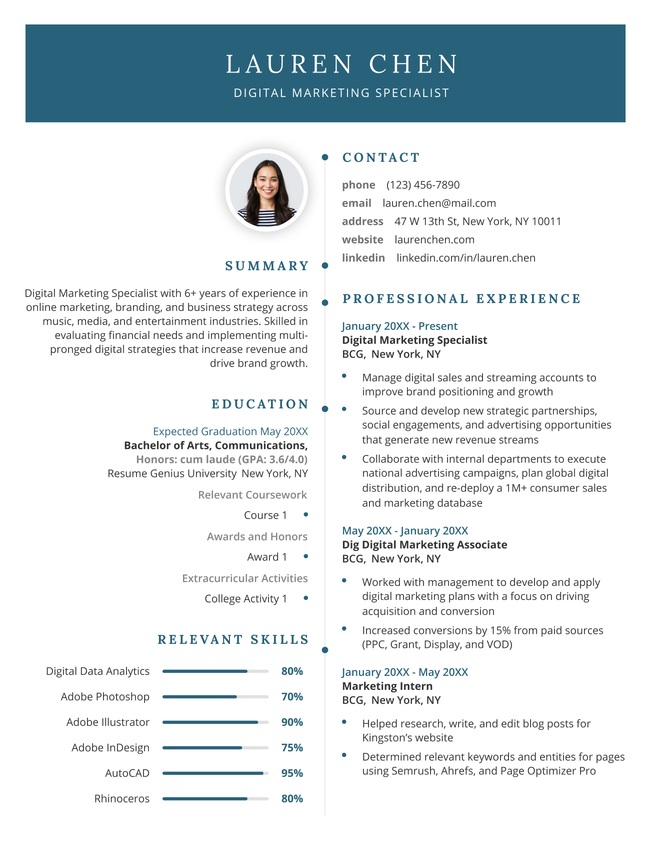
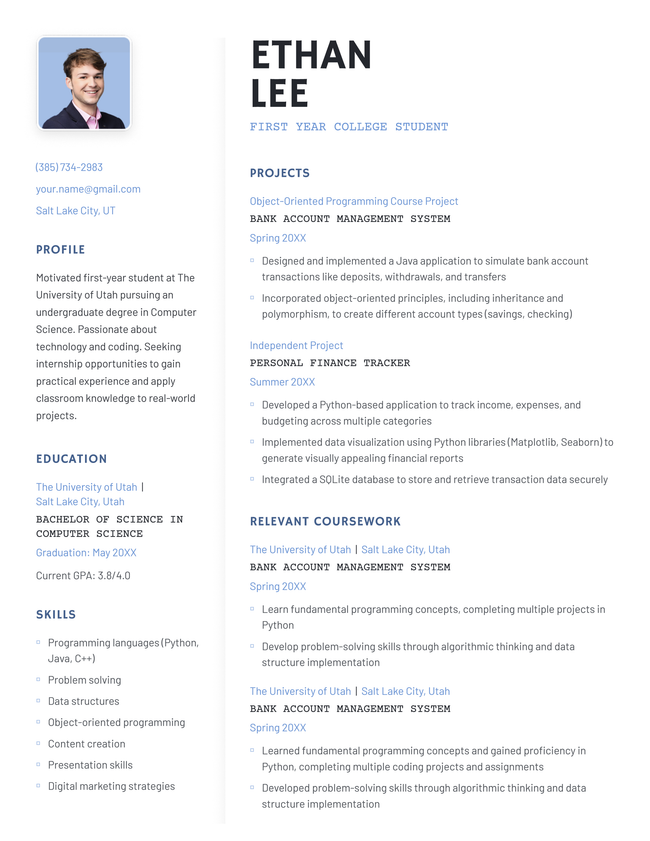
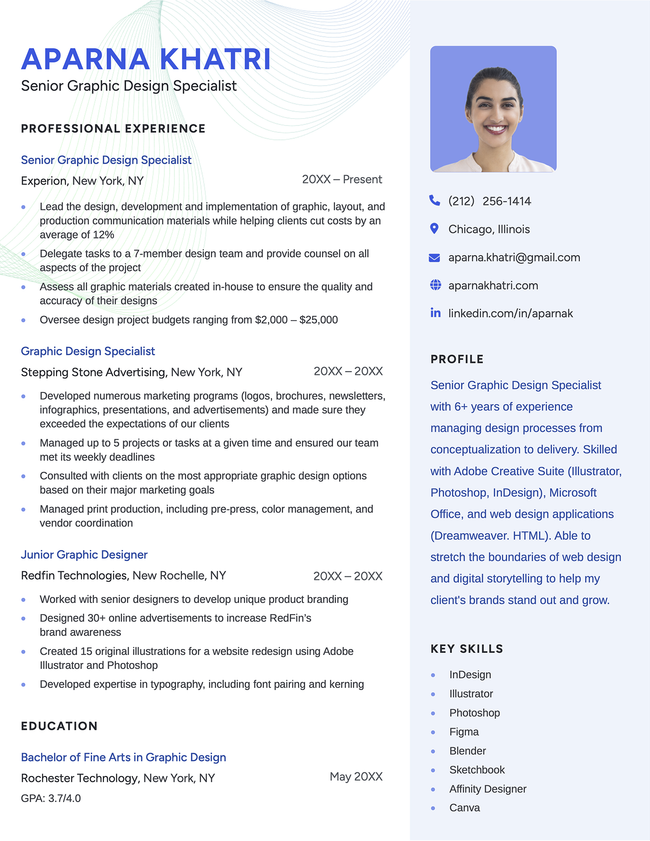
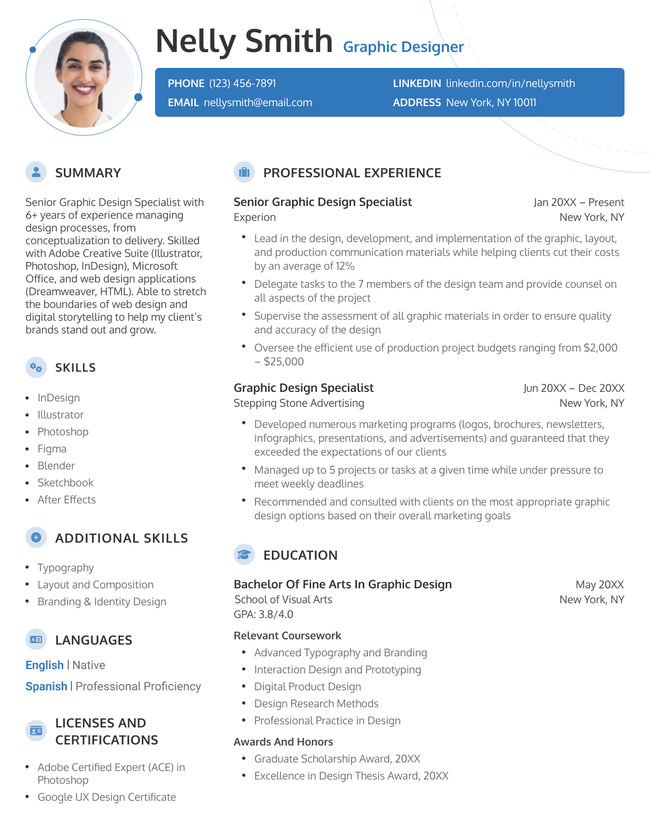
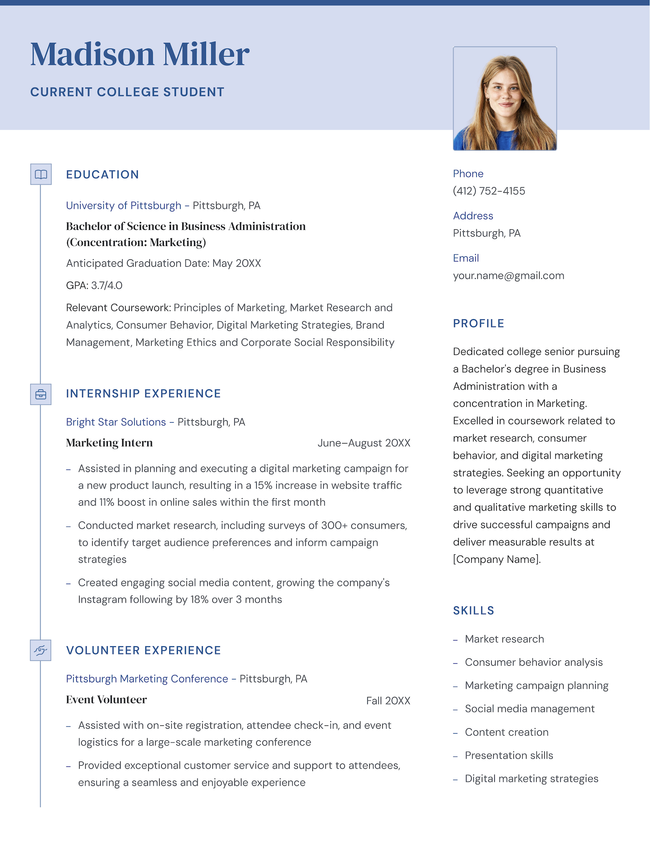
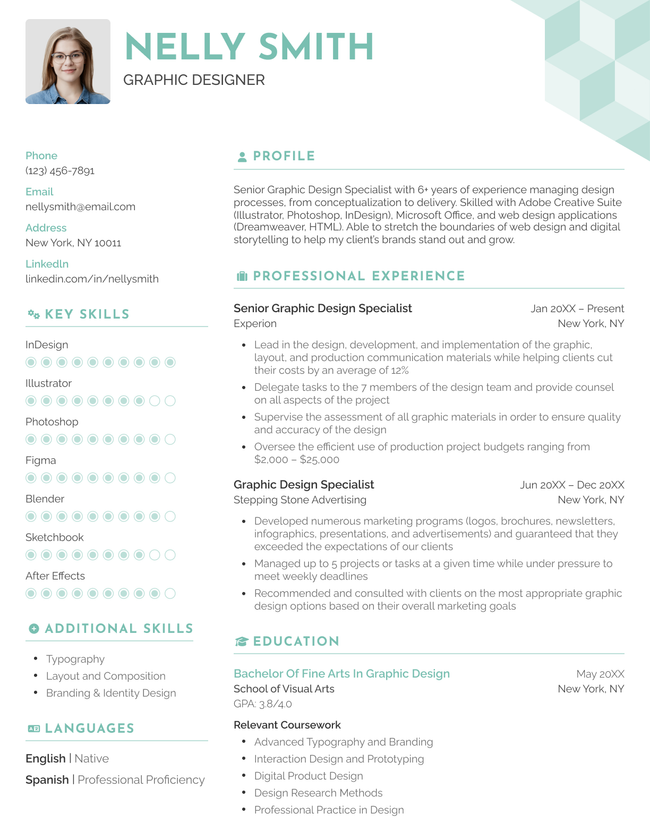
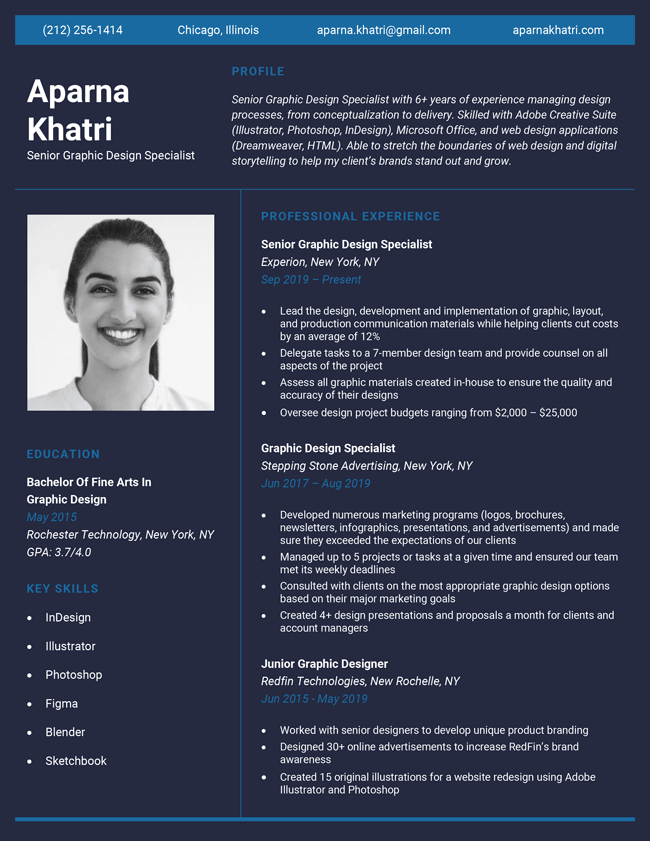
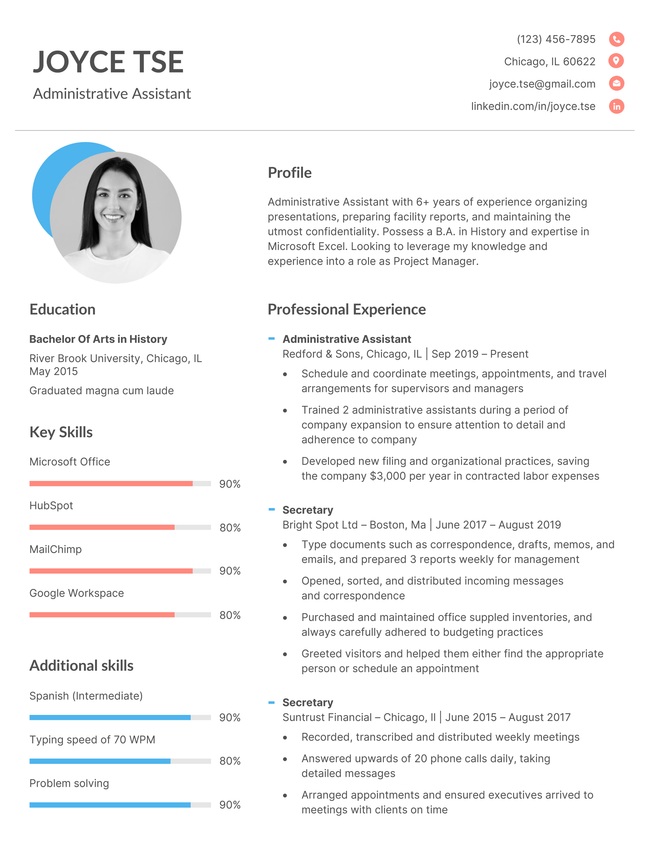
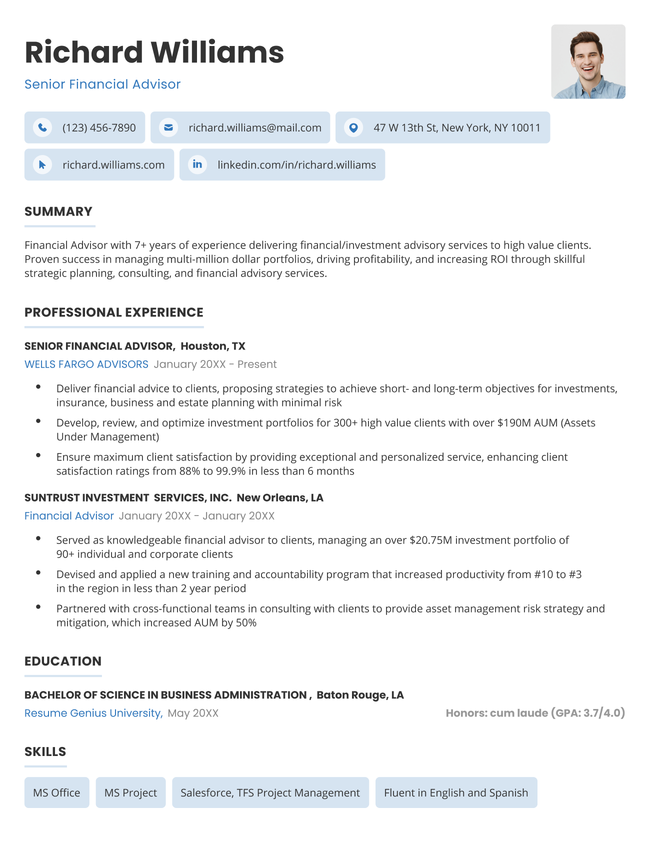
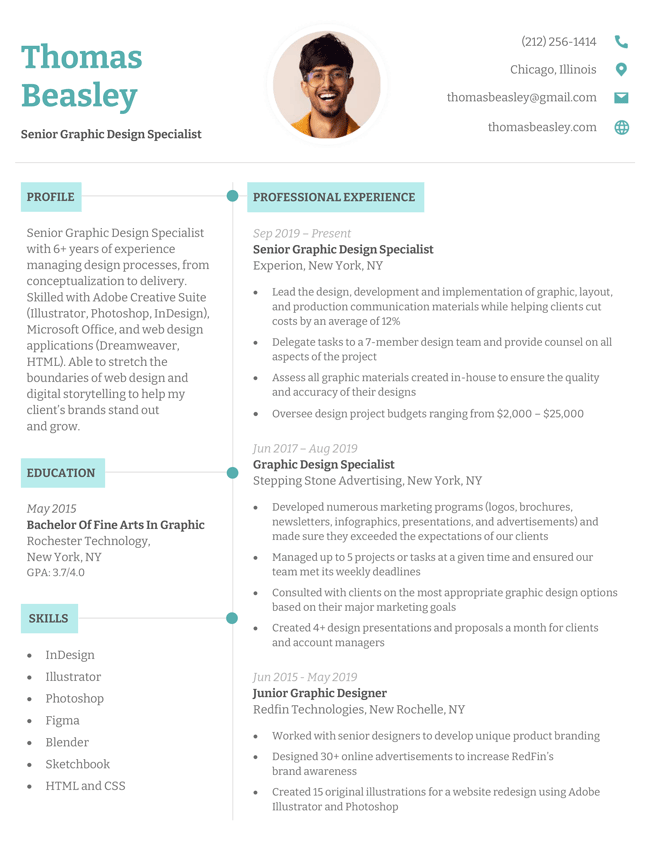
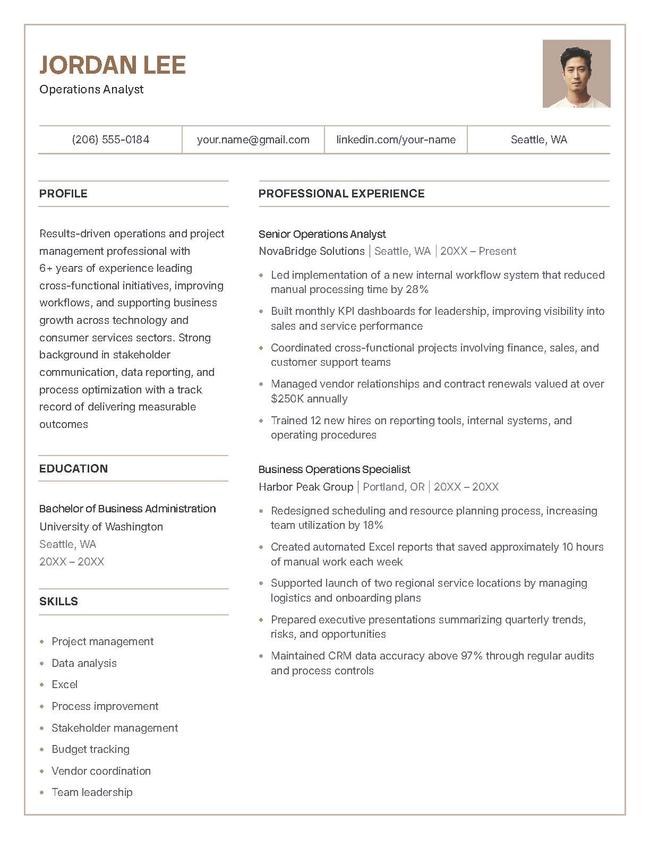
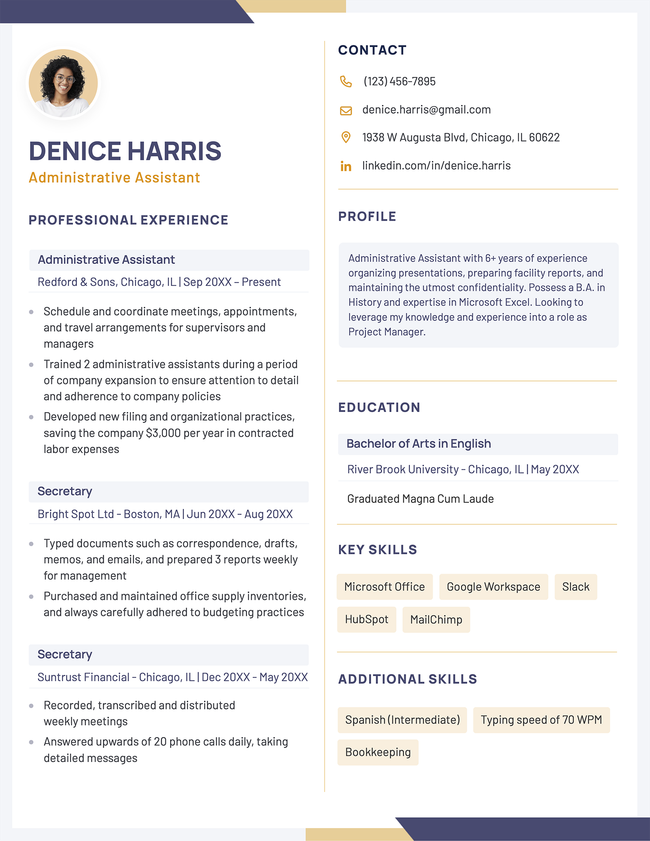
Our free picture resume templates give your headshot a dedicated spot in a professionally designed layout. Download for Word or open in Google Docs, add your details, and start applying for jobs.
Additional free resume templates
Resume templates by layout & career level

Struggling to get interviews?
Should you put a photo on your resume?
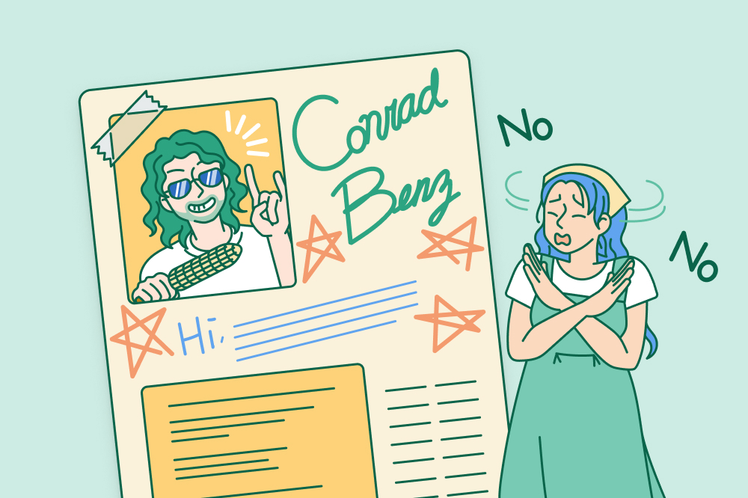
When applying for most jobs in the US, Canada, and the UK, you shouldn’t put a photo on your resume because it introduces potential bias into the hiring process and takes up space better used for qualifications.
However, putting a picture on your resume is appropriate when:
- You’re applying internationally: In parts of Europe, Asia, the Middle East, and Latin America, a professional headshot is standard practice and often expected by employers.
- Your role is appearance-based: Acting, modeling, brand ambassador, and luxury retail positions often require a photo so employers can assess visual fit.
- The employer requests one: Some job postings explicitly ask for a headshot. Follow the instructions provided.
If you’re unsure, leave the photo off. It’s usually safer to submit a resume without one than to risk triggering bias or violating local hiring norms.
How a photo on your resume impacts your application
If you’re applying in the US, Canada, or the UK, having a photo on your resume can cause your application to be overlooked or rejected outright. Here are the main reasons why:
Anti-discrimination laws & instant HR disqualification
In the United States, employers must comply with equal opportunity and anti-discrimination laws. To shield themselves from legal liability regarding claims of bias based on race, age, gender, or appearance, many HR departments have policies to automatically disqualify applications that include photos.
Applicant Tracking Systems (ATS)
Companies rely on ATS software that scans, parses, and ranks resumes. ATS software only reads text, so adding photos or other graphics may result in garbled output or a failure to parse critical parts of your resume altogether.
Space for your skills and experience
Your resume should ideally fit on one to two pages with the most important information at the top. A headshot takes up prime space at the very top of the page where your career accomplishments, hard skills, key metrics, and relevant qualifications could go.
Why you should put your headshot on LinkedIn, not on your resume
If you want to put a face to your name during your job search, there’s a dedicated, risk-free place built specifically for it: your LinkedIn profile.
Here’s why you should save your professional headshot for LinkedIn:
- It’s the expected standard: Unlike on a resume, recruiters and hiring managers actually expect to see a high-quality photo on your LinkedIn profile. Having a headshot on your profile increases trust and engagement without violating initial screening protocols.
- Hiring managers will see it: The vast majority of recruiters look up an applicant’s LinkedIn profile as part of the candidate evaluation process.
- Zero risk of disqualification: Moving your photo to LinkedIn keeps your resume 100% compliant with anti-discrimination policies.
How to make your picture resume stand out
Take a professional photo
Your headshot creates an immediate first impression, and a low-quality photo will make your resume look cheap and unprofessional. To make sure your photo is professional and polished, use the following checklist:
Professional headshot checklist
| ✅ Soft, clear lighting | Natural light from a window or balanced indoor studio lighting (avoid harsh shadows, flash, or glare). |
| ✅ A neutral background | A solid wall, a muted backdrop, or a slightly blurred, professional office setting. |
| ✅ Appropriate attire | Business professional or business casual clothing that aligns with your industry. |
| ✅ Your head and shoulders only | A clean, centered composition focusing on your face with a warm, confident expression. |
| ✅ Zero clutter or distractions | No casual selfies, cropped group photos, heavy social media filters, or sunglasses. |
| ✅ Resolution of at least 300 DPI | Aim for this resolution so the image looks sharp in print. |
| ✅ Saved as a JPG or PNG file under 1 MB | This avoids compatibility issues with applicant tracking systems. |
Insert the headshot cleanly
Inserting an image on Word can be tough. Here’s the correct way to do it without accidentally rearranging your existing resume content:
- Open your resume in Word and place the cursor where you roughly want the image.
- Go to the top menu bar and click Insert → Pictures → This Device…
- Select your image file and click Insert.
- Click on the image, then click the Layout Options button (or go to the Picture Format tab at the top and click Wrap Text).
- Select Square or Tight. This allows your resume text to flow neatly around the image, or lets you freely drag the photo into your header area.
- Resize the image by clicking and dragging the corner handles (never the side handles, which stretch your face). Keep it small and proportional, around 1.5 to 2 inches square.
Pick a template that aligns with your target industry
Submitting your application using an inappropriate resume template can make you appear unprofessional or unsuitable for the job.
To choose the right style for your resume, start by reviewing the company’s website. If the company uses a sleek, modern design, choose a template that echoes that aesthetic. If the organization leans traditional, choose something basic.
For example, a colorful design fits creative fields like marketing and graphic design, while a clean, minimal layout is better for finance, law, and corporate roles.
Use a matching color palette
Choosing a template with color accents that complement your headshot helps your picture fit with the resume’s overall design. This shows attention to detail, and removes distracting visuals from your resume, making it easier to read.
Avoid overly bright or neon color schemes unless your industry encourages bold visuals. Stick with muted, professional colors like blue or green.

Format your resume picture with ease
Frequently asked questions (FAQs)
Here are answers to some of the most frequently asked questions about picture resume templates:
Can I use AI to generate or edit my resume picture?
You should never use AI to generate a synthetic resume picture from scratch.
You can, however, use AI as a photo editor to remove the background or touch up your photo.
Here is how you should and shouldn’t use AI for your headshot: Do Don't
What size should my resume photo be?
A resume photo should be small and unobtrusive so it doesn’t compete with your content. Aim for a size of 1.5″ × 1.5″ to 2″ × 2″ (approx. 400-600 pixels).
Where should I place the photo on my resume?
You should place your resume photo in the top-left or top-right corner of your header, where it sits alongside your name and contact information without distracting from your content.
Tools to help you fill in your picture resume template
Fill out your resume template quickly with these helpful writing tools:
- Resume summary generator: Produces an effective introduction that highlights your key skills and qualifications
- Bullet point generator: Helps transform job duties into impactful, measurable achievements
- Skills generator: Finds relevant skills and keywords based on your profession
- AI resume generator: Creates a complete resume draft based on a short description about your professional background
- Resume parser: Evaluates your resume for ATS compatibility, keyword usage, and formatting quality
Our resume builder can make you a resume in as little as 5 minutes. Pick the template you want, and our software will format everything for you.