• Skip to Content
  • Skip to Sidebar
  • Skip to Footer
Resume Genius home
  • Professional Designs
    • Basic
    • Creative
    • Modern
    • Minimalist
    File Types To Download
    • Word
    • Google Docs
    • PDF
    • Pages
    Formats
    • Chronological
    • Functional
    • Combination
    • Infographic
    Situational Templates
    • ATS
    • Entry Level
    • Picture
    • Blank
    View All Free Resume Templates Use a Premium Template
  • For Students
    • High School
    • Internship
    • College
    • Student CV
    By Experience
    • No Experience
    • Mid-Career
    • Manager
    • Executive
    Top Industries
    • Teaching
    • Nursing
    • Administrative Assistant
    • Customer Service
    • Cashier
    • Engineering
    • Graphic Design
    • Server
    View All Resume Examples Build My Resume Now
  • Tools
    • AI Resume Generator
    • ATS Resume Checker
    • Resume Summary Generator
    • Bullet Point Generator
    Resumes
    • How to Make a Resume for Any Job in 2026
    • How to Write a Resume With No Experience
    • How to Put Skills on Your Resume
    • 40+ Professional Resume Summary Examples
    Cover Letters
    • Cover Letter Templates to Download
    • Cover Letter Examples for All Job Applications
    • How to Write a Cover Letter for a Job in 2026
    • Cover Letter Format: Template & Examples
    CVs
    • Professional CV Templates
    • 400+ CV Examples for Everyone
    • How to Write an Academic CV
    • CV Examples for Students
    Visit the Genius Blog Build My Resume Now
    • The Genius Resume Builder Make a professional resume in just a few minutes.
    • AI Cover Letter Generator Write custom cover letters for every application.
    • Professional CV Maker Create a detailed academic or professional CV.
    Resume Genius Customer Reviews 10 Best Resume Builders of 2026
    Build My ResumeLogin
  • Pricing
Build My Resume Login

Monday – Friday: 8:00 AM – 7:00 PM (EDT), Saturday – Sunday: Closed(866) 215-9048

Resume Templates Infographic Resume Templates

Free Infographic Resume Templates

Present your skills and achievements in a visually engaging way with these infographic resume templates. Download and edit for free and follow our advice on using graphics professionally.

Build My ResumeUpload Existing Resume
  • All Templates
  • ATS
  • Creative
  • Google Docs
  • Modern
  • Photo
  • Simple
  • Student
  • Word
Loading…
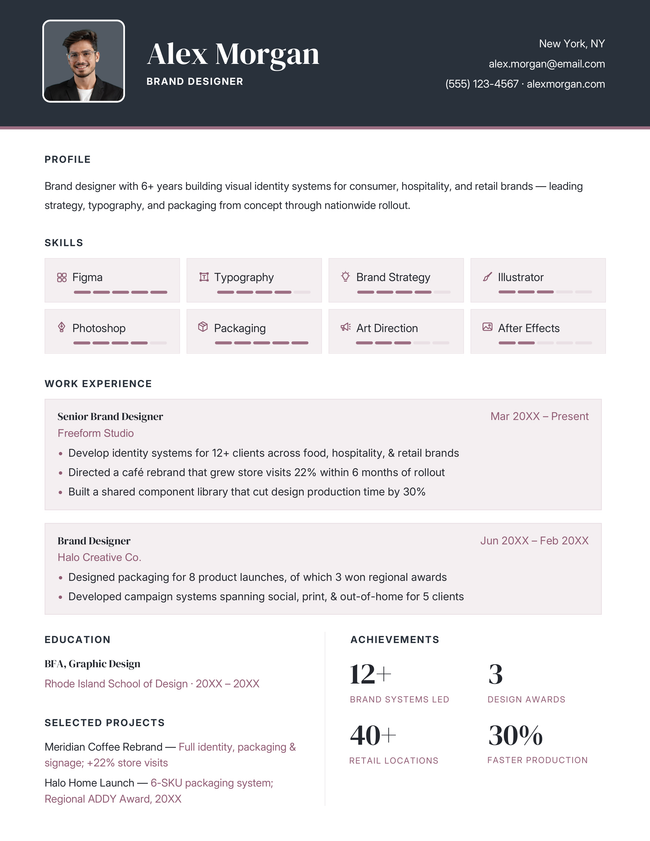
Monogram infographic resume template in black
Free Download Download for Word Download for PDFBuild My Resume
51
Monogram
Word PDF
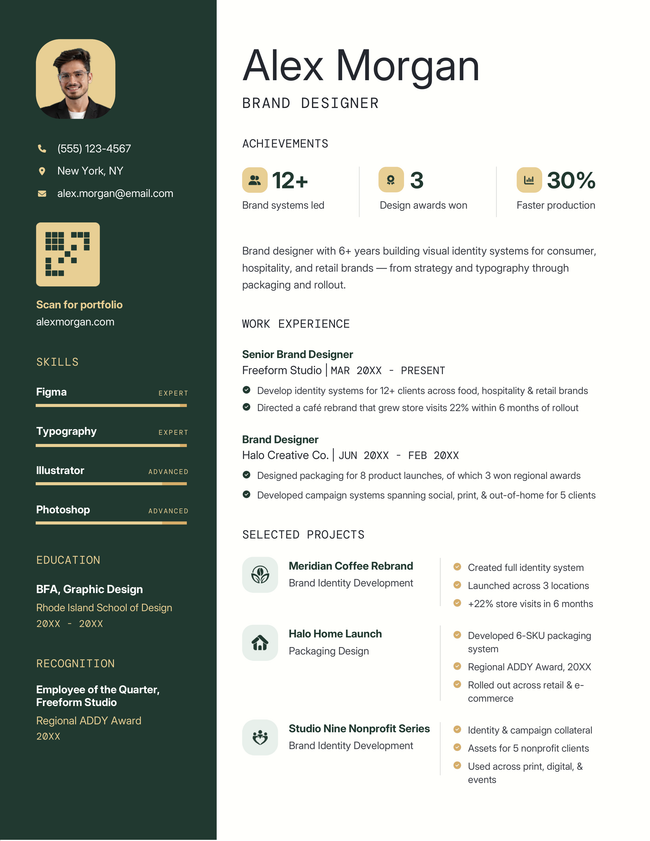
Node infographic resume template in green
Free Download Download for Word Download for PDF Download for InDesignBuild My Resume
46
Node
Word PDF InDesign
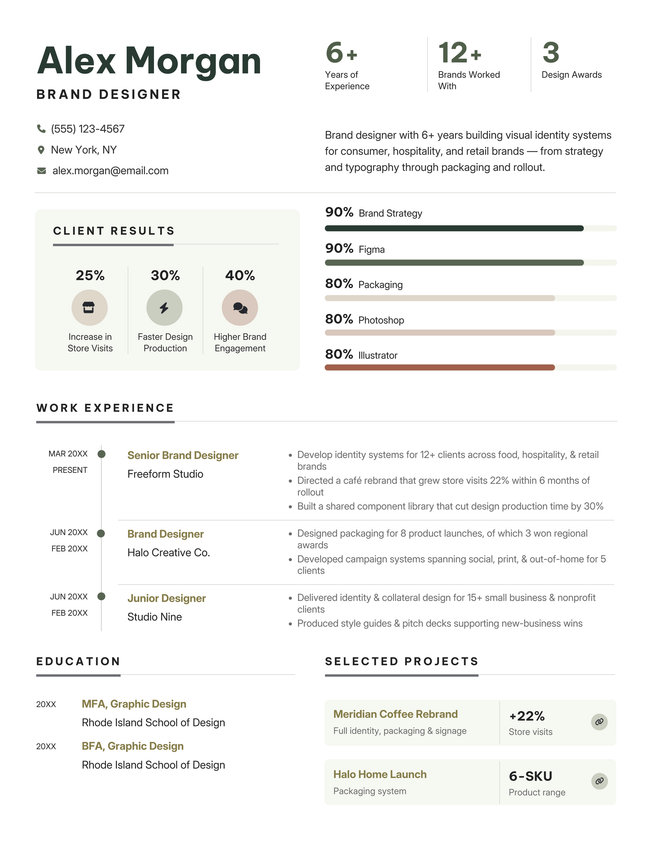
Metric infographic resume template in green
Free Download Download for Word Download for PDF Download for InDesignBuild My Resume
60
Metric
Word PDF InDesign
Trademark infographic resume template in teal color
Free Download Download for Word Download for PDFBuild My Resume
47
Trademark
Word PDF
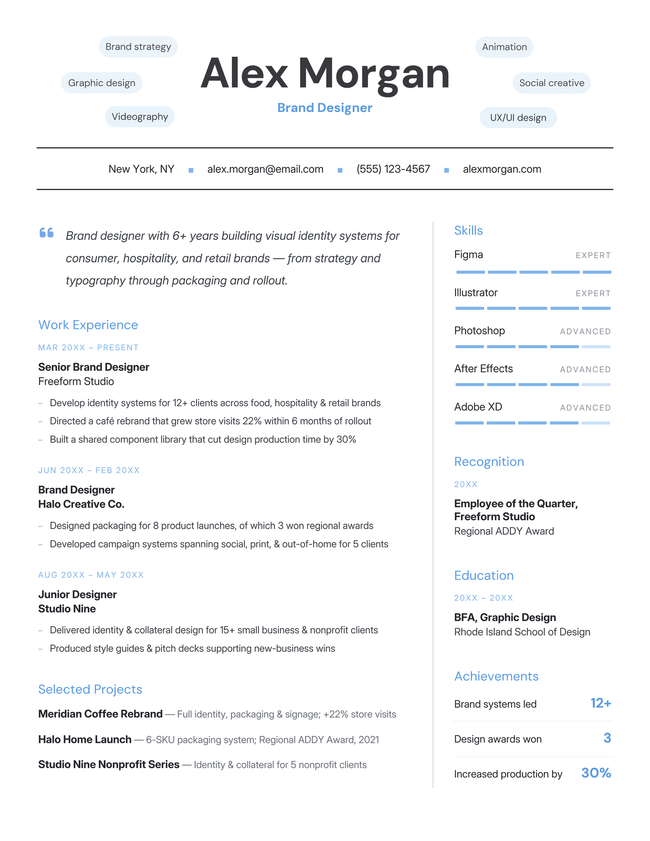
Legend infographic resume template in yellow
Free Download Download for Word Download for PDFBuild My Resume
44
Legend
Word PDF
Detailed creative resume template, blue image for resume templates hubpage
Download for WordBuild My Resume
361
Detailed
Word
Mockup infographic resume template in yellow
Download for WordBuild My Resume
709
Mockup
Word
Visual creative resume template, yellow image for the resume templates hubpage
Free Download Download for Word Open in G DocsBuild My Resume
2,371
Visual
Word Google Docs

Additional free resume templates

  • All
  • ATS
  • Blank
  • Canva
  • Creative
  • CV
  • Google Docs
  • InDesign
  • LaTeX
  • Libre Office
  • Minimalist
  • Modern
  • Pages
  • PDF
  • Photo / Headshot
  • Simple / Basic
  • Student
  • Word

RESUME TEMPLATES BY LAYOUT & CAREER LEVEL

  • Chronological
  • Combination
  • Functional
  • Infographic
  • Entry-Level
  • Mid-Career
  • Manager
  • Executive
Table of Contents
  • Infographic Resume Templates
    • What is an infographic resume?
    • Should you use an infographic resume?
      • Pros and cons of using an infographic resume
    • Tips for making an infographic resume that looks professional
      • Create a clear visual hierarchy
      • Choose appropriate colors
      • Pick clean fonts
      • Use graphics purposefully 
      • Make it one page
      • Prepare a plain text version
    • Bad infographic resume example
      • ❌ Why this resume format doesn’t work
    • Good infographic resume example 
      • ✅ Why this infographic format works
    • Frequently asked questions (FAQs)
      • What makes a good infographic?
      • Are infographic resumes ATS friendly?
Make your resume in minutes.

Make your resume in minutes.

Build My Resume Now

Share:

  • Copied

What is an infographic resume?

An infographic resume is a type of visual resume that presents your qualifications using graphic elements, such as icons, charts, or timelines. They are typically one page long.

In the right situation, a visual-first approach can make your resume look polished and detail-oriented. Good visual design distinguishes you from other applicants and makes your key skills and achievements instantly clear to the employer.

Should you use an infographic resume?

You should only use an infographic resume to apply for certain creative roles where visual communication is a key skill.

These are the best fields for an infographic resume:

  • Design
  • Marketing
  • Media roles 

Before deciding to use an infographic resume, carefully consider the role’s responsibilities.

If the role has a strong focus on visual communication (e.g., it’s a UX designer role for a marketing agency), then an infographic resume will serve as proof of your relevant skills.

You should not use an infographic resume for non-creative roles as it won’t be helpful to the employer.

In particular, avoid using an infographic resume for jobs in:

  • Law & legal fields
  • Finance
  • Government
  • Medicine

Pros and cons of using an infographic resume

Infographic resumes can be visually compelling, but they also come with drawbacks that text-based layouts typically avoid.

Pros
  • Stands out visually
  • Offers proof of design skills
  • Can make complex info easier to read quickly
Cons
  • Harder to update
  • Can look gimmicky
  • May distract from qualifications
  • ATS software can’t scan infographics (important if you need to upload your resume to a career portal)

The takeaway: If you do choose an infographic layout you should also prepare a plain ATS-friendly resume to use in situations where a visual document is not appropriate.

Tips for making an infographic resume that looks professional

The trick to making a professional infographic resume is to prioritize clarity and professionalism. Any creative design choices you make should emphasize your key information and be appropriate for the organization you’re applying to.

Follow these tips to strike the right balance.

Create a clear visual hierarchy

Your resume needs to be easy to read top to bottom. Follow the standard resume structure.

Your resume header should be the first thing that the employer notices, followed by your subheadings. 

Any visual elements you add should not distract from these key elements.

Choose appropriate colors

Your color choices should make your resume clear and easy to read.

Use black for body text (e.g., your summary, bullet points etc.). Black is easy to read and will ensure your resume is easy to follow.

You can use one or two other resume colors for headings or graphic elements. It’s safest to opt for dark colors. More vibrant tones can be used sparingly to accent key information.

Stick to a White background

Don’t change your page color to black or any other dark color. Your resume will be hard to read on some computer displays — and it won’t look good on paper if the employer prints it out.

Pick clean fonts

Standard fonts are best for resumes. 

Widely-used fonts like Arial and Times New Roman are designed to be easy to read. 

These are a few of the best fonts for your resume:

  • Arial
  • Lato
  • Trebuchet MS
  • Cambria
  • Georgia
  • Garamond

Avoid highly decorative fonts. Unusual letter shapes slow down the employer’s reading speed, making it more likely that they lose interest or miss important details. Even experienced recruiters can make mistakes. Your messaging should be as clear as possible.

Use graphics purposefully 

Your graphics should always serve a clear function. Some good uses for graphics include:

  • Illustrating skill levels 
  • Highlighting headers and key information
  • Distinguishing your header 

Avoid using graphics that are purely decorative because they take up valuable space and distract from your qualifications. 

Make it one page

Infographic resumes should never exceed one page.

A single infographic is difficult to understand when it is split across two pages, and resumes with multiple infographics lose their flow and become difficult to read.

Standard text-based resumes can be longer than one page because employers read them top to bottom like a normal piece of writing.

Prepare a plain text version

Always have a plain text-based version of your resume. You’ll need it any time you apply through a career portal or company webpage. 

If you’re required to upload your resume to a webpage, the employer will almost certainly use an applicant tracking system (ATS) to process your application. ATS software scans your resume and imports its contents so the employer can compare applications quickly.

However, most ATS tools can’t read infographics, so key information can easily be skipped over or displayed incorrectly.

Need an ATS-ready Resume FAST?

Paste your resume text into a simple ATS-friendly resume template to create a plain version quickly.

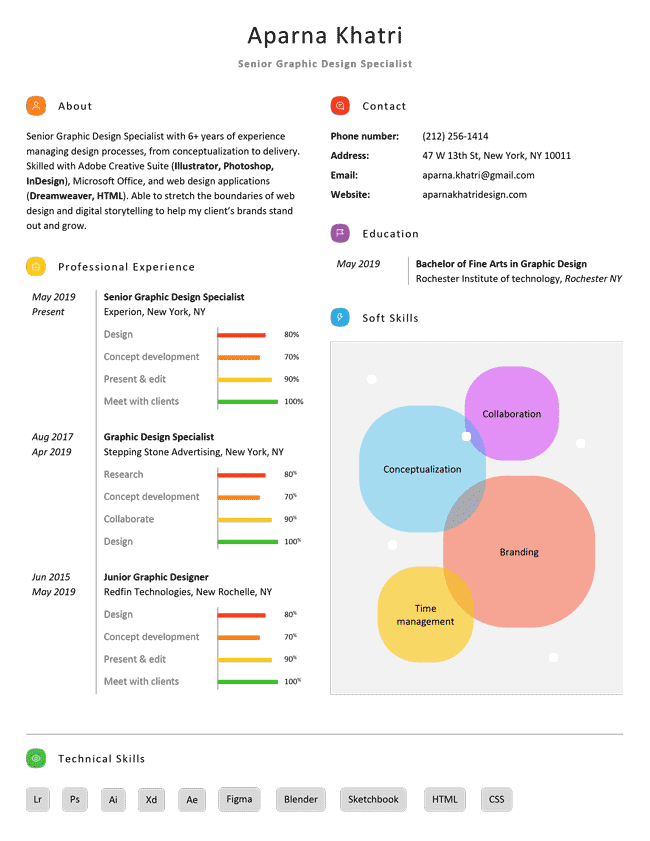
Bad infographic resume example

❌ Why this resume format doesn’t work

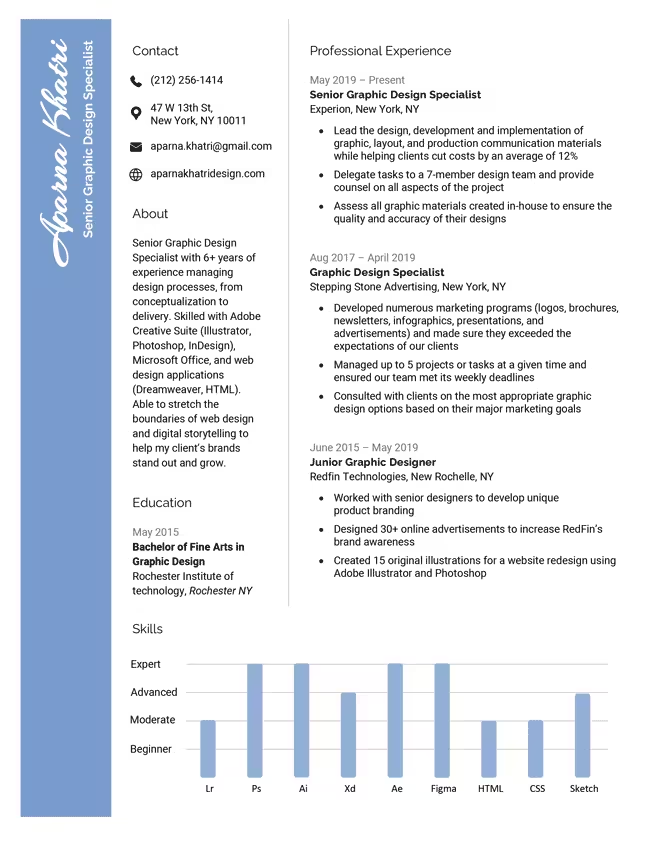
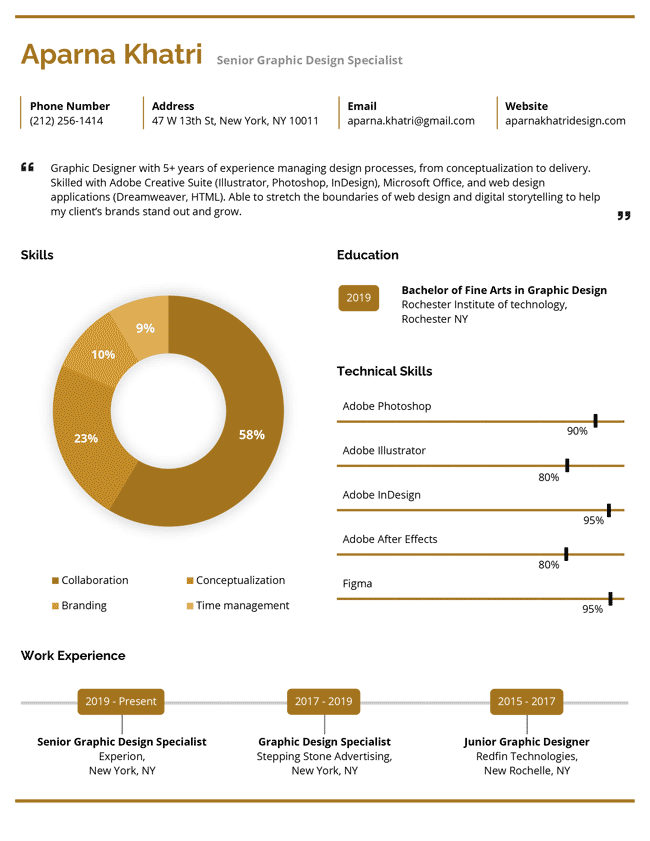
  • Distracting graphic: The bubble chart is the first thing you notice, not the applicant’s name or section headers 
  • Unclear work experience: The bar charts don’t communicate what the applicant did in each role
  • All design, no context: The applicant lists many skills but never gives any specific examples of how they used them

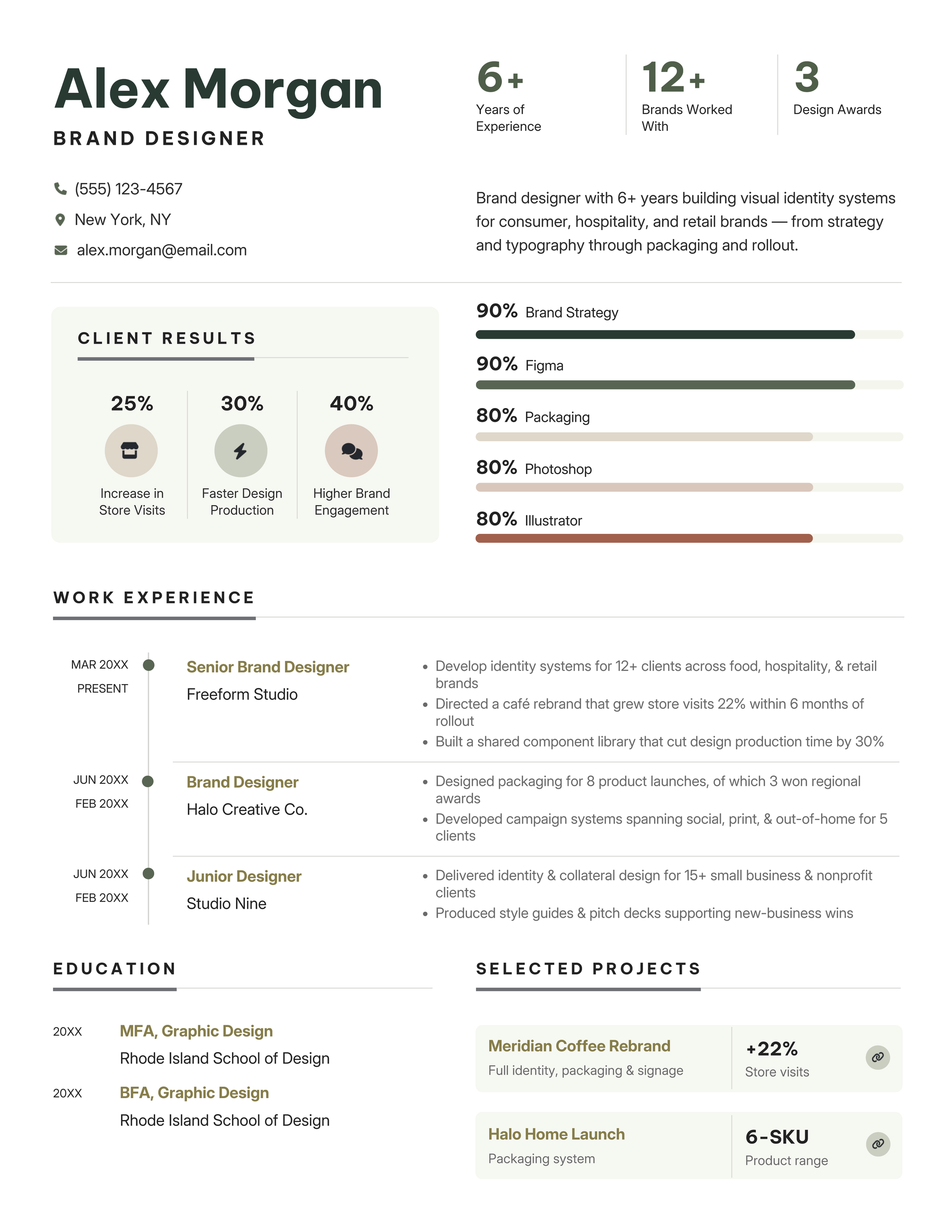
Good infographic resume example 

✅ Why this infographic format works

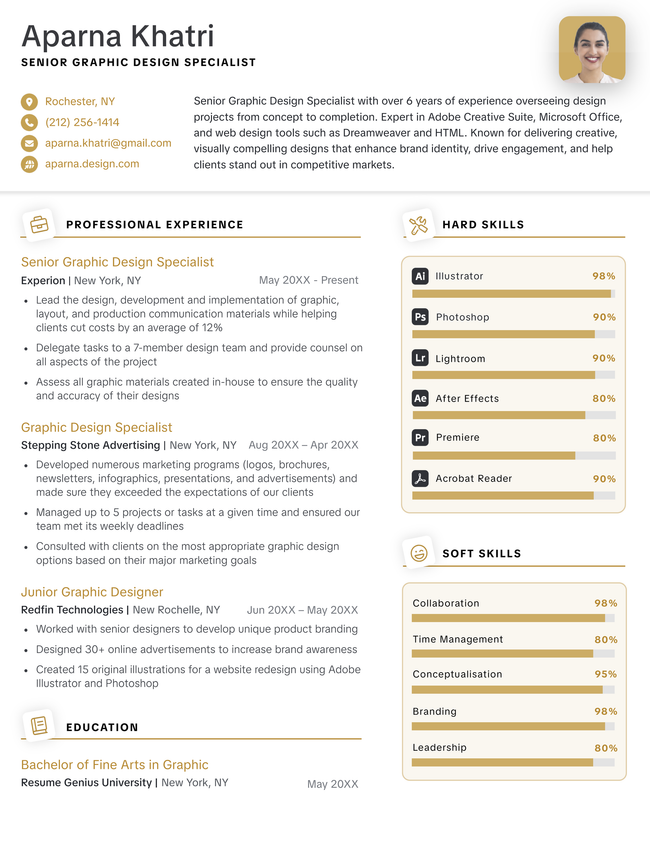
  • Clear hierarchy: Bold headings make the structure easy to read through   
  • Tactful color choices: The colors don’t clash with each other or obscure the text  
  • Purposeful design: The graphic elements aid comprehension by outlining the applicant’s relevant skills

Frequently asked questions (FAQs)

What makes a good infographic?

A good infographic has the following qualities:

  • Clear hierarchy: one main point, guided by size, color, or position so the eye knows where to go first
  • Purposeful visuals: Icons and charts should clarify data, not decorate it
  • Limited color palette: 2–4 colors is appropriate 

Are infographic resumes ATS friendly?

No, infographic resumes are not ATS friendly.

ATS software is built to read plain text, so it struggles with:

  • Text embedded in images or graphics
  • Charts, graphs, and other non-standard elements
  • Pictures and illustrations

The system often skips this content entirely or displays it incorrectly.

If you’re applying through a company’s online portal or career page, upload a plain resume instead of an infographic resume.

About the Author

Headshot of Sebastian Morgan
Sebastian Morgan
Senior Content Writer & Certified Professional Resume Writer
10 Years of Experience
142 Articles Written
8 Articles Reviewed

Seb is a Certified Professional Resume Writer with 10 years of combined experience in career counseling and editorial work. With a MA in International Communications from National Chengchi University (Taiwan), he helps job seekers translate their experience into employer-ready applications for global job markets.

Certifications
Certified Professional Resume Writer (CPRW)
Published In
Employee Benefit News 360 Learning The Vector Impact
Expertise
Resume Writing Job Market Research Fact Checking & Editing Job Application Preparation Interview Coaching
LinkedIn LinkedIn Muck Rack Muck Rack
View Profile
Table of Contents

Resume Genius
LinkedIn Instagram Youtube Facebook Twitter Tiktok Pinterest Giphy
Resumes
  • Resume Builder
  • Resume Templates
  • ATS Resume Checker
  • AI Resume Generator
  • Resume Summary Generator
  • Resume Bullet Point Generator
  • Resume Skills Generator
  • Resume Parser
  • Resume Examples
  • How to Make a Resume
Cover Letters
  • Cover Letter Generator
  • Cover Letter Templates
  • Cover Letter Examples
  • How to Write a Cover Letter
  • Cover Letter Format
CVs
  • CV Maker
  • CV Templates
  • How to Write a CV
  • CV Examples
  • CV vs Resume
Policies
  • Terms & Conditions
  • Privacy Policy
  • CCPA/GDPR
  • Accessibility
  • Editorial Guidelines
Additional Resources
  • About Us
  • Career Experts Program
  • Join Our Team
  • Press & Media Mentions
  • Pricing
  • Product Reviews
  • The Genius Blog
Support
  • Help & Support
  • Contact Us
  • Forgot Password
  • Frequently Asked Questions
  • Add Resume Genius as a preferred source on Google
Member of
Certified professional resume writer official seal

© 2026, Sonaga Tech Limited. All rights reserved

ResumeGenius.com is owned and operated by Sonaga Tech Limited, Hamilton, Zweigniederlassung Luzern, with offices in Luzern, Switzerland.

Your review would mean a lot to us.

We hope our free downloadable resources will help you on your path to career success. If you have time, a quick review would really make our day (it'll only take 15 seconds). Best of luck on the job hunt!

Leave A Review