• Skip to Content
  • Skip to Sidebar
  • Skip to Footer
Resume Genius home
  • Resume Templates

    Professional Designs
    Basic
    Creative
    Modern
    Minimalist
    File Types To Download
    Word
    Google Docs
    PDF
    Pages
    Formats
    Chronological
    Functional
    Combination
    Infographic
    Situational Templates
    ATS
    Entry Level
    Picture
    Blank
    View All Free Resume Templates Use a Premium Template

    Monday – Friday: 8:00 AM – 7:00 PM (EDT), Saturday – Sunday: Closed(866) 215-9048

  • Resume Examples

    For Students
    High School
    Internship
    College
    Student CV
    By Experience
    No Experience
    Mid-Career
    Manager
    Executive
    Top Industries
    Teaching
    Nursing
    Administrative Assistant
    Customer Service
    Cashier
    Engineering
    Graphic Design
    Server
    View All Resume Examples Build My Resume Now

    Monday – Friday: 8:00 AM – 7:00 PM (EDT), Saturday – Sunday: Closed(866) 215-9048

  • Free Resources

    Tools
    • AI Resume Generator
    • ATS Resume Checker
    • Resume Summary Generator
    • Bullet Point Generator
    Resumes
    • How to Make a Resume for Any Job in 2026
    • How to Write a Resume With No Experience
    • How to Put Skills on Your Resume
    • 40+ Professional Resume Summary Examples
    Cover Letters
    • Cover Letter Templates to Download
    • Cover Letter Examples for All Job Applications
    • How to Write a Cover Letter for a Job in 2026
    • Cover Letter Format: Template & Examples
    CVs
    • Professional CV Templates
    • 400+ CV Examples for Everyone
    • How to Write an Academic CV
    • CV Examples for Students
    Visit the Genius Blog Build My Resume Now

    Monday – Friday: 8:00 AM – 7:00 PM (EDT), Saturday – Sunday: Closed(866) 215-9048

  • Builders

    The Genius Resume Builder

    Make a professional resume in just a few minutes.

    AI Cover Letter Generator

    Write custom cover letters for every application.

    Professional CV Maker

    Create a detailed academic or professional CV.
    Resume Genius Customer Reviews 10 Best Resume Builders of 2026
    Build My Cover LetterLogin

    Monday – Friday: 8:00 AM – 7:00 PM (EDT), Saturday – Sunday: Closed(866) 215-9048

  • Pricing

Monday – Friday: 8:00 AM – 7:00 PM (EDT), Saturday – Sunday: Closed(866) 215-9048

Build My Cover Letter Login

Monday – Friday: 8:00 AM – 7:00 PM (EDT), Saturday – Sunday: Closed(866) 215-9048

Cover Letter Templates Google Docs Cover Letter Templates

Google Docs Cover Letter Templates to Edit & Print

No need to start from scratch. These free cover letter templates for Google Docs are ready-made to help you create a polished application.

Build My Cover Letter
  • All
  • Google Docs
  • Word
  • Basic
  • Modern
  • Creative
  • Picture
  • CV
Loading…
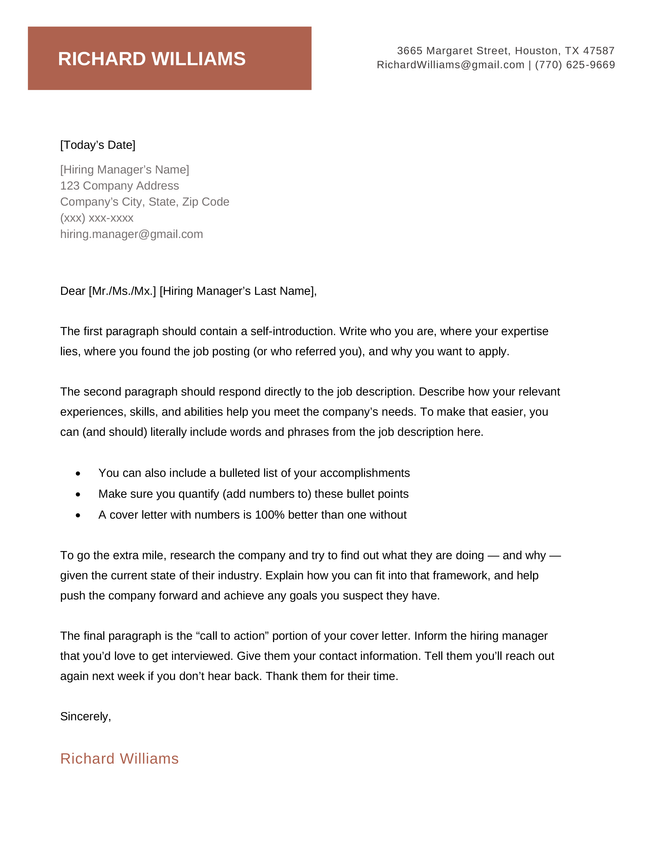
White House Cover Letter Template, Coral Color
Free Download Download for Word Open in G DocsBuild My Cover Letter
85
White House
Word Google Docs
The Work cover letter template in orange
Free Download Download for Word Open in G DocsBuild My Cover Letter
849
Work
Word Google Docs
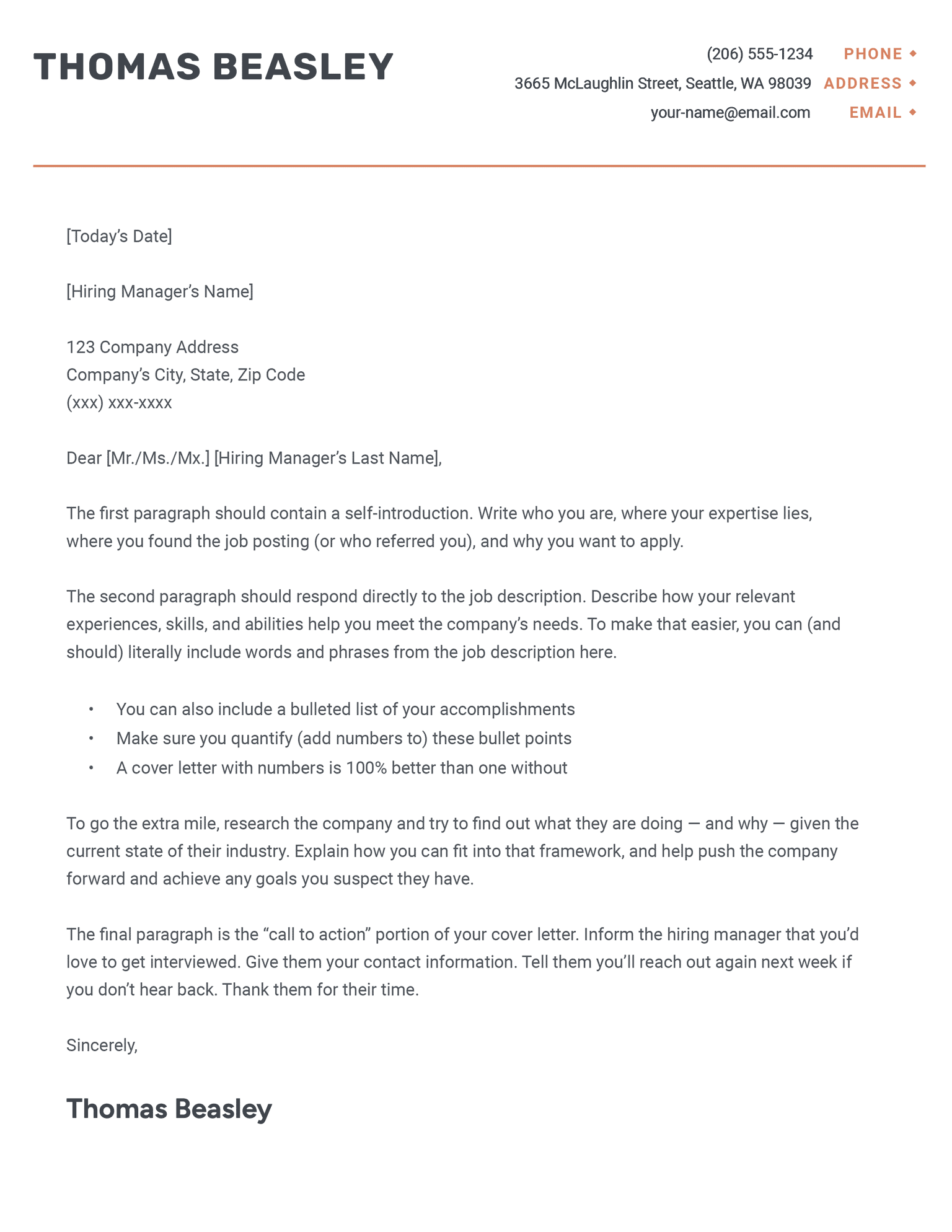
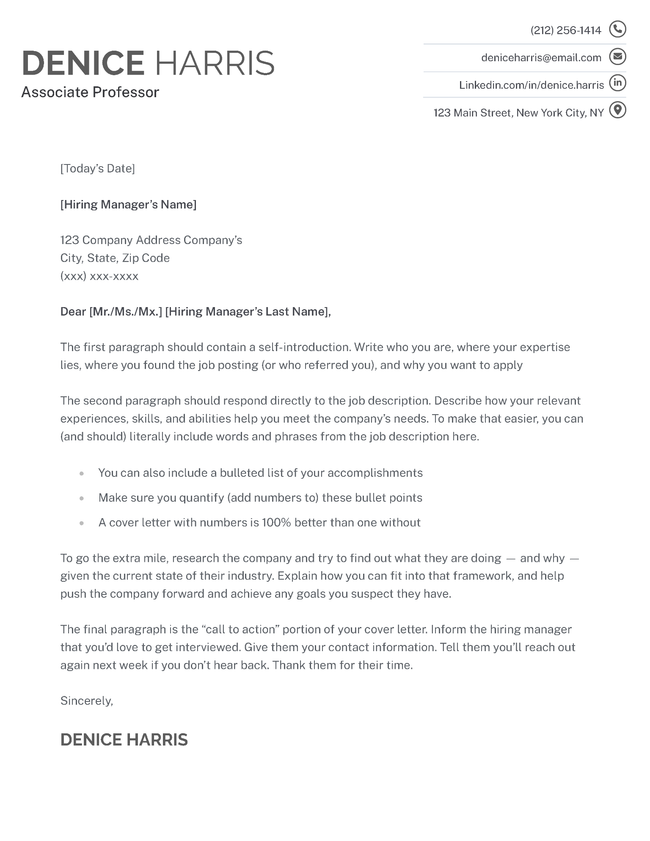
Black Single Column Cover Letter Template
Free Download Download for Word Open in G DocsBuild My Cover Letter
1,028
Single Column
Word Google Docs
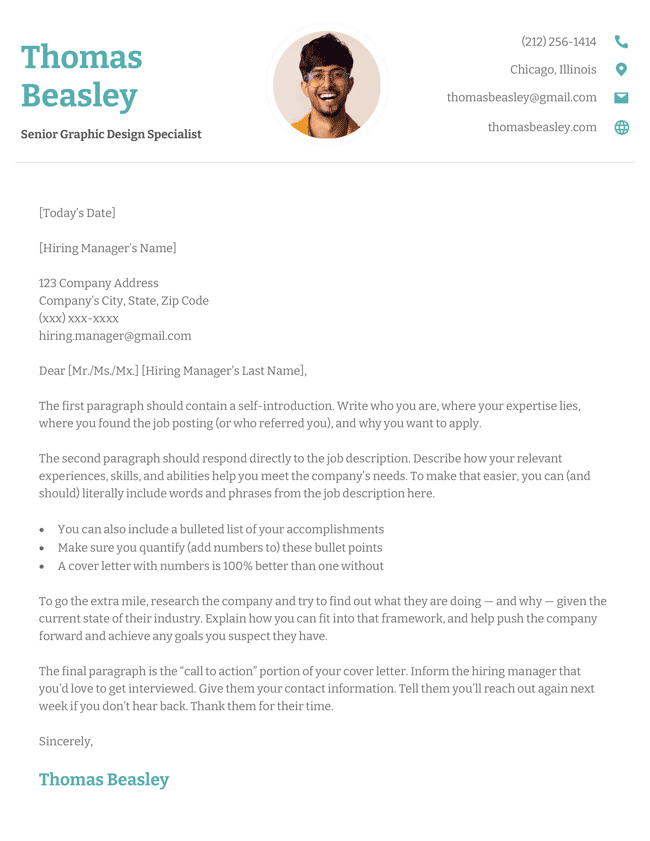
The Fun photo cover letter template in teal
Free Download Download for Word Open in G DocsBuild My Cover Letter
47
Fun
Word Google Docs
business-cover-letter-template-black
Free Download Download for Word Open in G DocsBuild My Cover Letter
51
Business
Word Google Docs
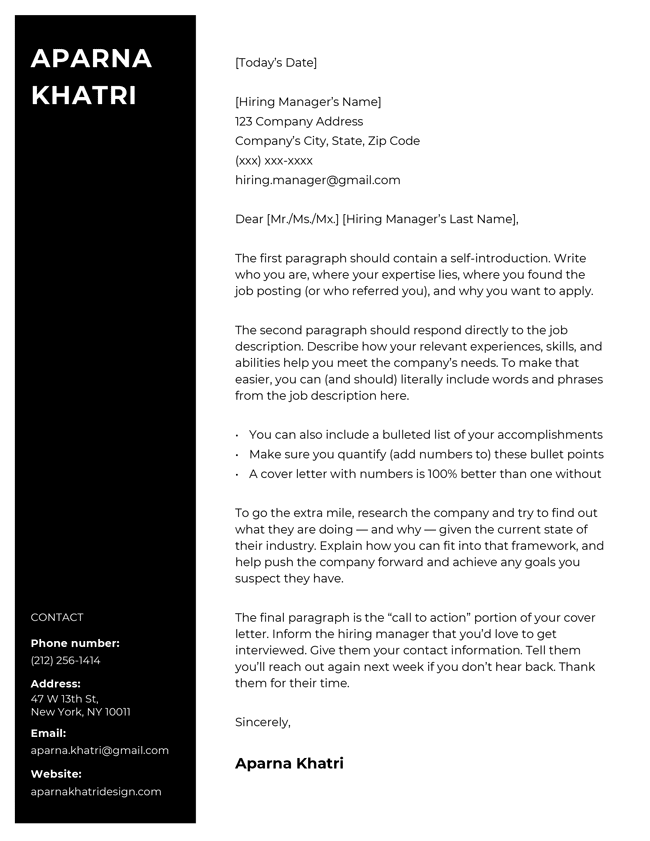
The Cool creative cover letter template in black
Free Download Download for Word Open in G DocsBuild My Cover Letter
51
Cool
Word Google Docs
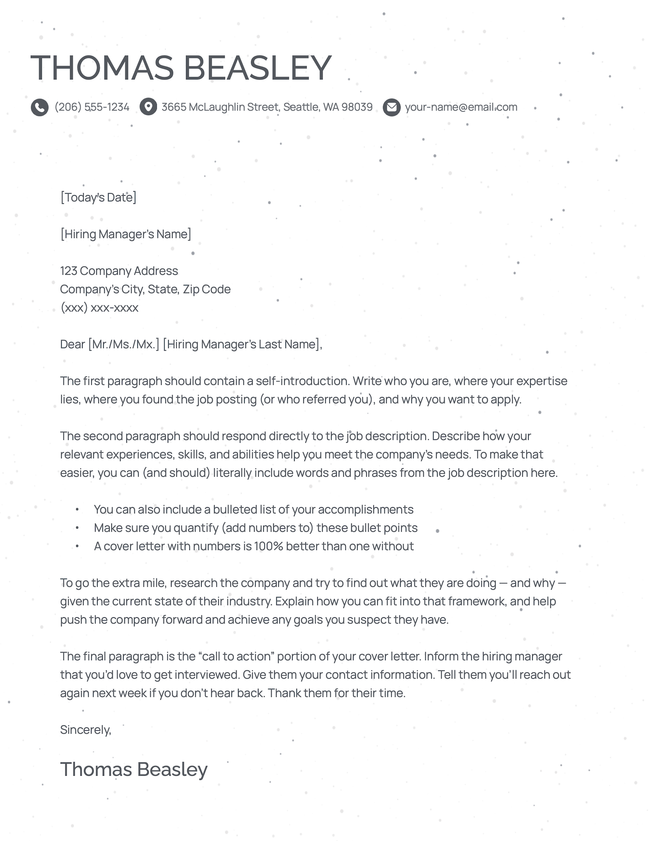
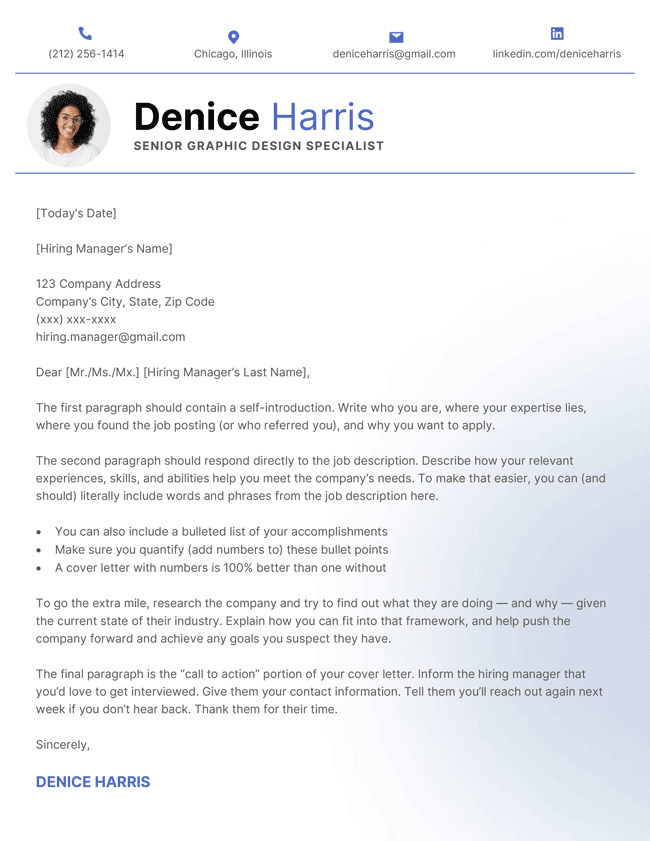
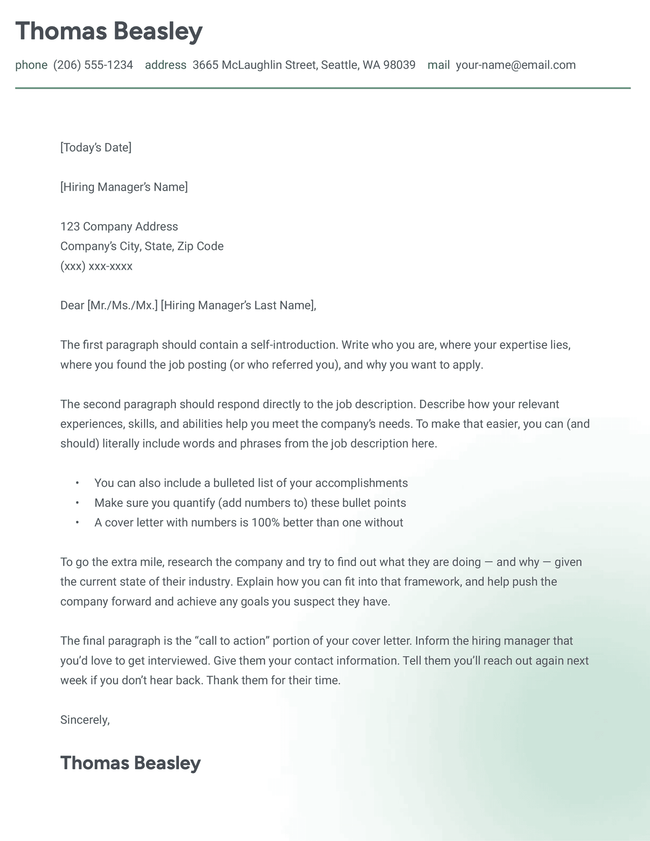
The Fresh picture cover letter template in blue featuring a subtle gradient in the background
Free Download Download for Word Open in G DocsBuild My Cover Letter
52
Fresh
Word Google Docs
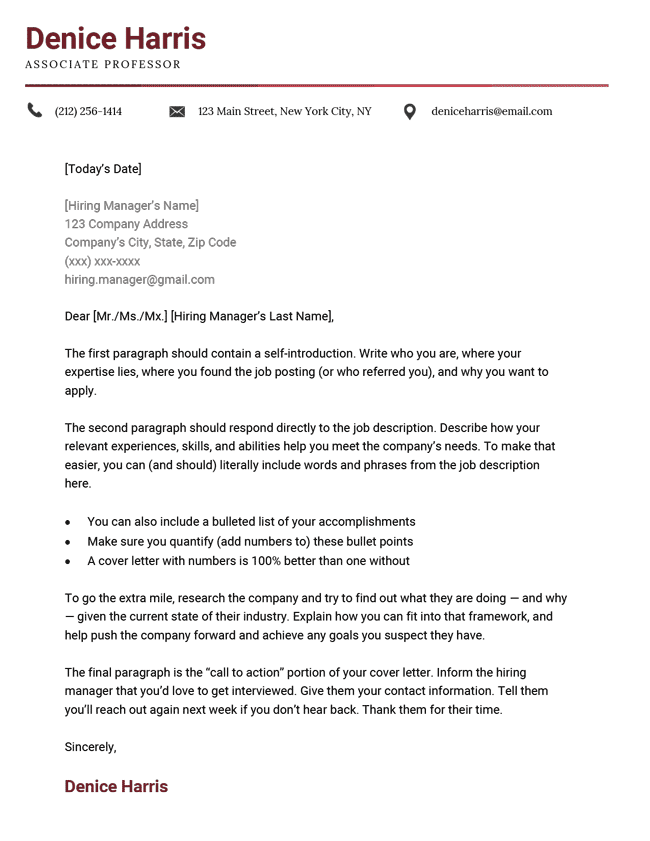
The "Harvard" CV cover letter in burgundy
Free Download Download for Word Open in G DocsBuild My Cover Letter
43
Harvard
Word Google Docs
The Novice cover letter template in green
Free Download Download for Word Open in G DocsBuild My Cover Letter
417
Novice
Word Google Docs
photon-cover-letter-template-black
Free Download Download for Word Open in G DocsBuild My Cover Letter
56
Photon
Word Google Docs
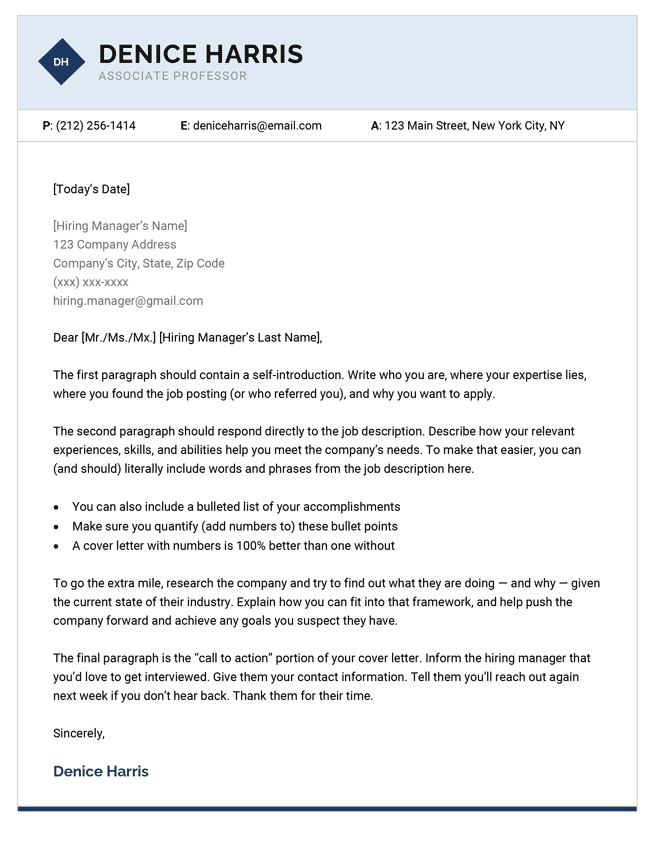
The "Research" CV cover letter in dark blue
Free Download Download for Word Open in G DocsBuild My Cover Letter
53
Research
Word Google Docs
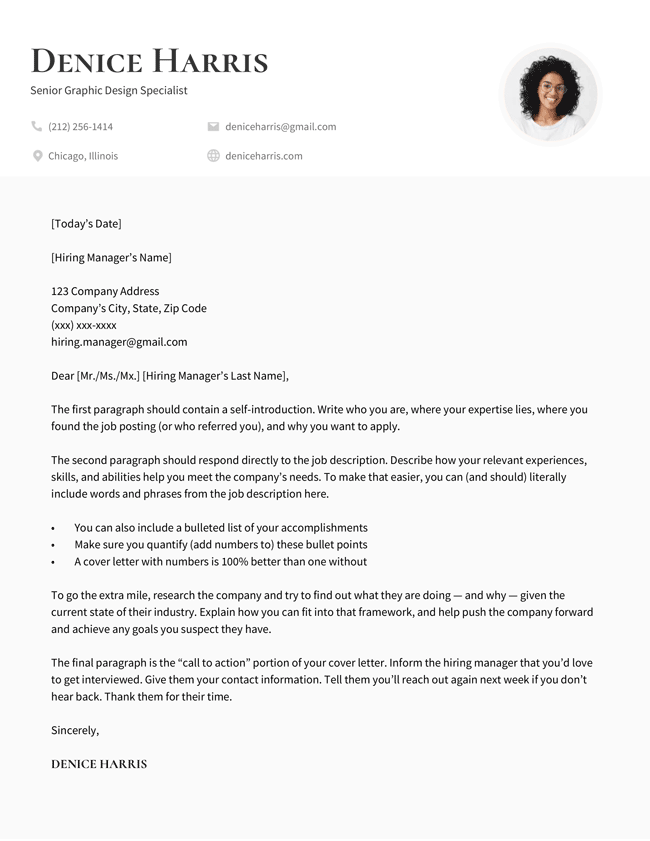
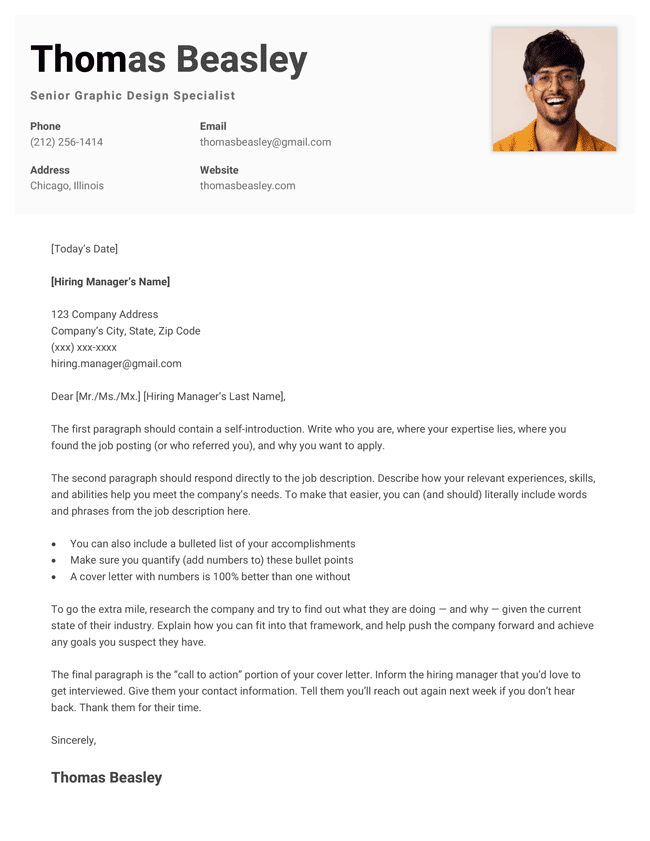
The Top picture cover letter template in black with a large header
Free Download Download for Word Open in G DocsBuild My Cover Letter
41
Top
Word Google Docs
Table of Contents
  • Google Docs Cover Letter Templates
    • Why use our Google Docs resume templates
      • Designed for job applications
      • Formats for every industry
      • Easy to edit
      • Made to pair with your resume
      • How to use our Google Docs cover letter templates
    • Default cover letter templates in Google Docs
      • Spearmint
      • Swiss
      • Geometric
      • Modern Writer
    • Frequently asked questions (FAQs)
      • Where can I find Google’s own letter templates?
      • Can I use ChatGPT to write my cover letter?
      • Are cover letters outdated in 2026?
      • Can I attach my cover letter as a Google Drive link?
      • How do I convert my Google Docs cover letter to PDF?
      • How do I make sure employers can view my cover letter in Google Docs?
Make your cover letter in minutes.

Make your cover letter in minutes.

Build My Cover Letter Now

Share:

  • Copied

Why use our Google Docs resume templates

Our Google Docs templates are designed by professionals, easy to edit, and free to download and print.

Here’s why they’re a great choice for writing your cover letter:

Designed for job applications

Unlike the default letter templates in Google Docs, our cover letter templates are specifically made for job applications.

Each template layout is informed by our research into cover letters and current hiring practices, and focuses on capturing and holding hiring manager interest without relying on flashy graphic design.

Each template has a distinctive yet business-appropriate header that centers your name, job title, and contact information. Employers will instantly know how to contact you and have no trouble returning to your cover letter should they need to reference it.

Formats for every industry

While what you write matters most, visual design still has an important role to play in winning over employers.

Ensuring your cover letter has the right page layout and format signals to your reader that you’ve thought deeply about every aspect of your job application — rather than rushed it over the finish line.

Our template selection includes a broad range of traditional and modern designs so you can find something that fits your professional style and target industry, whether you’re pursuing an opportunity in a creative or buttoned-up field.

Give yourself an aesthetic advantage

Research shows that graphic design can improve your likelihood of being shortlisted for a job, provided your document isn’t excessively creative.

Easy to edit

We design with functionality in mind, not just aesthetics. Our templates are simple to use because they avoid the custom design elements that make other templates awkward to fill in.

There’s no need for a high-level understanding of word processors or graphic design. Just add your personal information and you’re good to go!

Made to pair with your resume

Every cover letter has a matching free Google Docs resume template, so you can make your whole job application polished and consistent.

Coordinated design isn’t only about appearance. It gives you a strong personal brand and makes your application easier for the employer to remember.

How to use our Google Docs cover letter templates

Using our cover letter templates is easy:

  1. Choose a template you like from the selection above
  2. Select the hover-over “Free Download” button, then “Open in G Docs”
  3. You will be redirected to Google Docs
  4. Click “Make a Copy” to copy the template
  5. Edit your template.
  6. Once finished, select “File” > “Download” > “PDF” to export your letter.

Default cover letter templates in Google Docs

Google Docs has a few modern templates you can use to write your cover letter.

These templates are easy to use, but more suitable for creative positions or employers with more casual company cultures. 

ViewsLikes

Spearmint

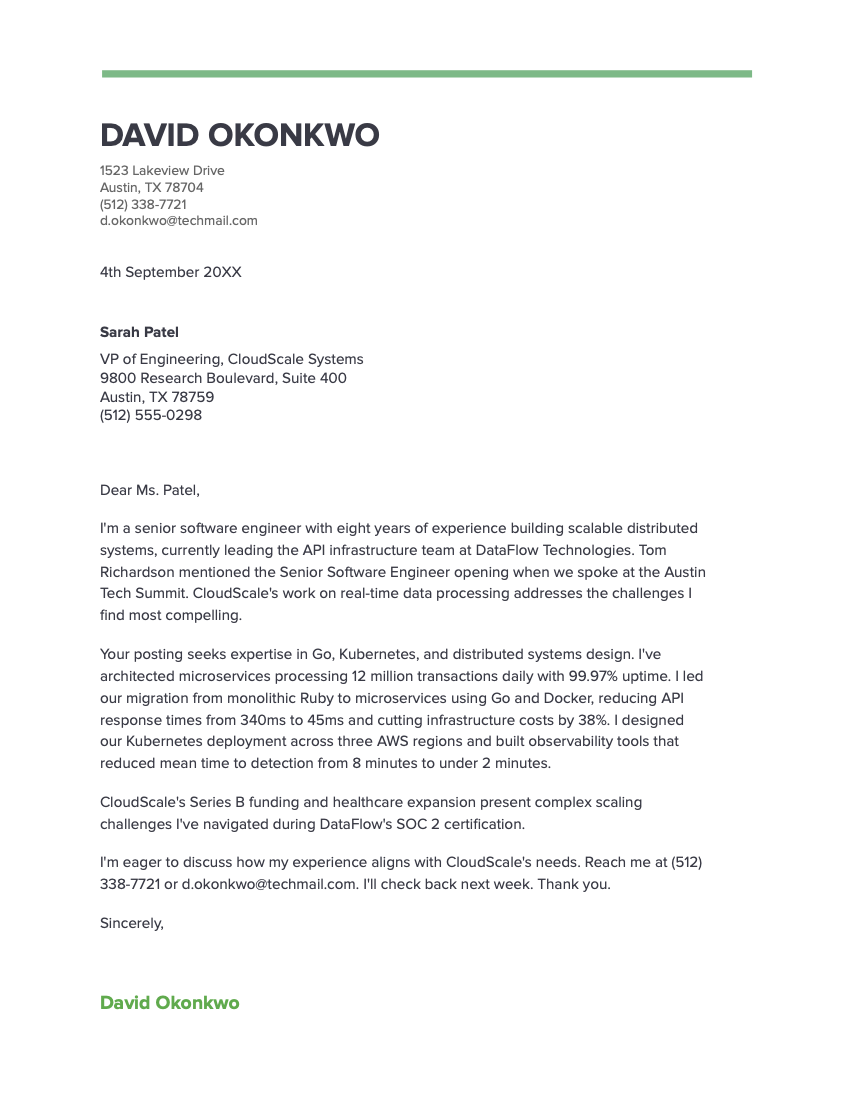
The Spearmint’s template’s simple green header and minimal design is a good choice if you want your cover letter to feel modern and corporate.

Copy this template to Google Docs.

Avoid overly decorative templates

Not all Google Docs letter templates are suitable for job applications. Designs like “Plum” are cutesy for the job market and may undermine your job application.

Swiss

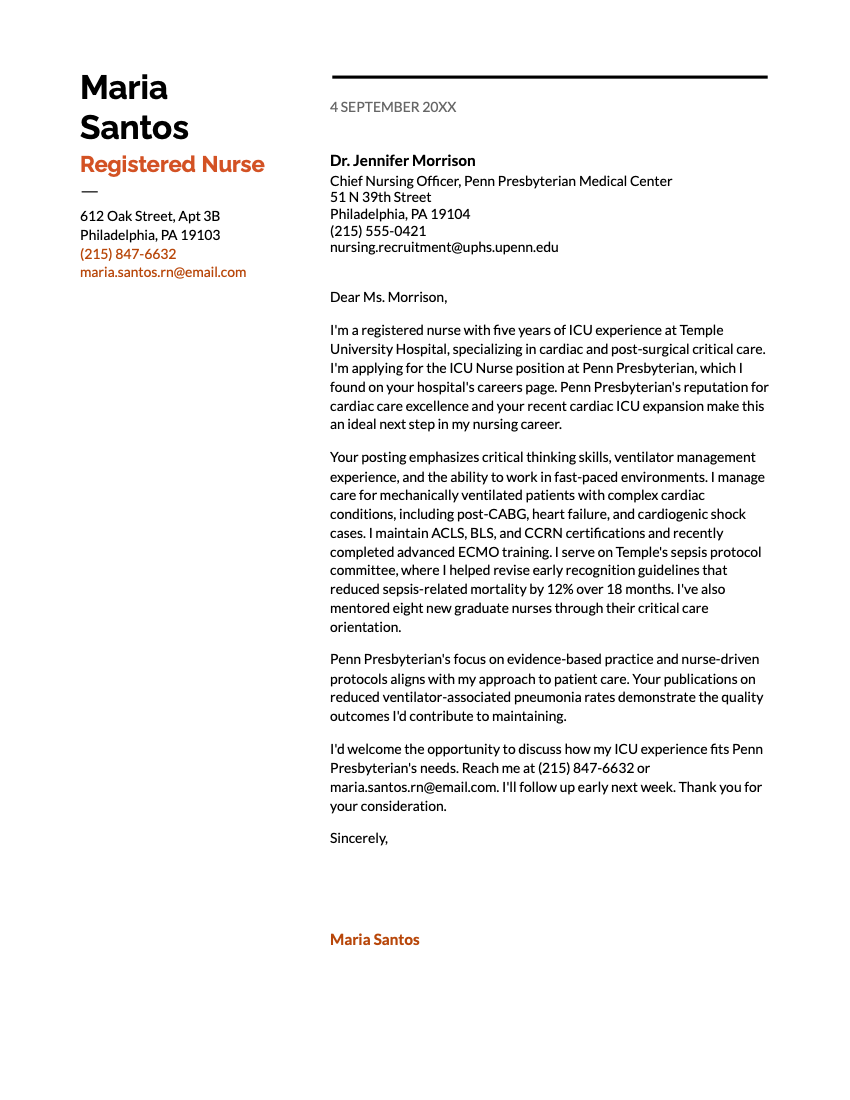
Featuring clean lines and a two-column layout, the Swiss template from Google is tasteful and contemporary. It’s ideal if you want to add a creative edge without looking flashy.

Copy this template to Google Docs.

Geometric

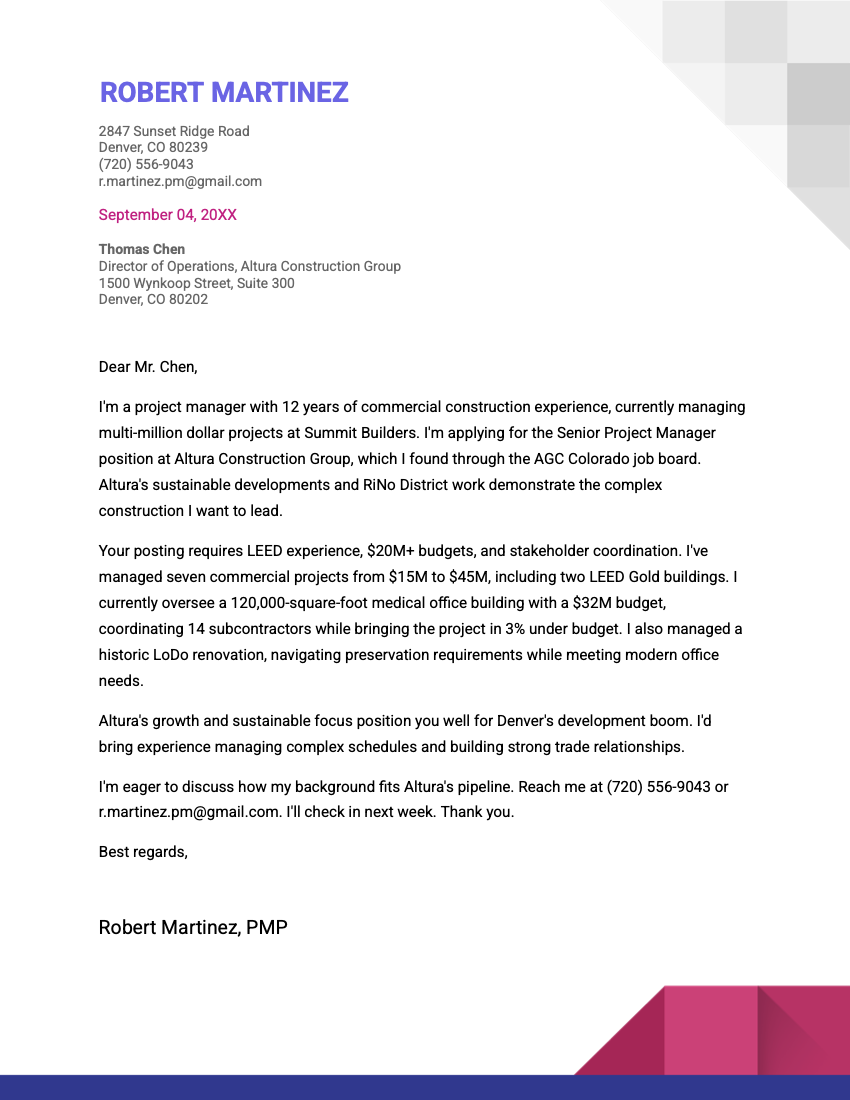
The Geometric cover letter template is a modern business letter with a unique pixel-inspired design.

Copy this template to Google Docs.

Modern Writer

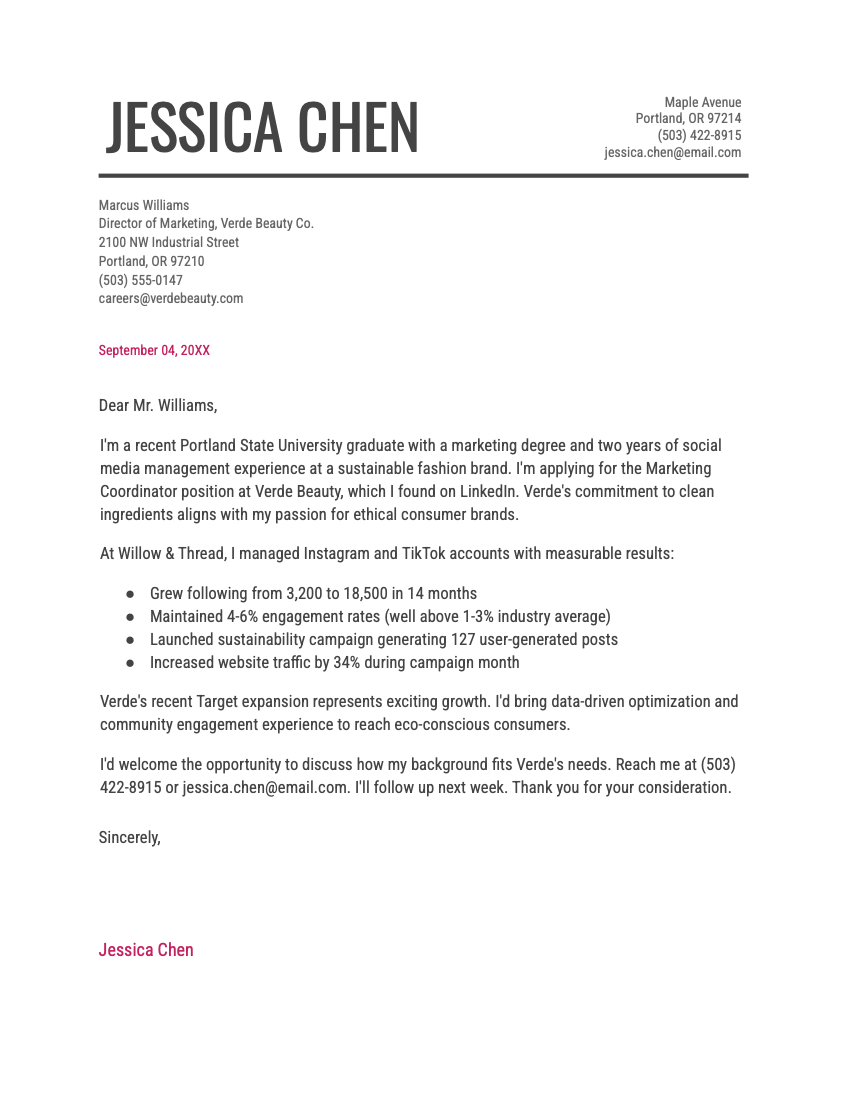
The Modern Writer cover letter template has clean editorial layout, with a clear header and pink accents on the date and sign off.

Copy this template to Google Docs.

Frequently asked questions (FAQs)

Where can I find Google’s own letter templates?

Here is where you can find Google’s letter templates to write your cover letter:

  1. Open the Google Docs home page.
  2. Under “Start a New Document,” select “Template gallery.”
  3. Scroll down to “Letters”
  4. Select an appropriate template design to start writing.

Can I use ChatGPT to write my cover letter?

Yes, you can use ChatGPT to write your cover letter, but you should use it as an editing tool rather than a start-to-finish cover letter builder.

To impress employers and land job interviews, you need to decide what goes in your cover letter. An AI tool won’t highlight your most relevant strengths — or present them in the most compelling way.

Writing a cover letter with ChatGPT works best when you provide all the details that you want in your letter, and have it structure your letter for flow and clarity.

Here is a prompt you can personalize to write your letter:

You are a [Your job title]. I want you to write a cover letter for a [Your targeted job title] job at [Company name]. Your cover letter should be no longer than 300 words and have 3 main paragraphs.

Paragraph 1 should start by expressing enthusiasm for the [Your targeted job title] job at [Company name]. It should highlight your experience with [Your expertise]. It should specify a reason for wanting to apply for the role.

Paragraph 2 should specify a strength you can bring to the hiring team: experience in [Areas

you focused on]. It should give context to that strength by specifying that your approach

toward [More details on your expertise and experience].

Paragraph 3 should explain why you want to work for [Company name]. Mention that you

Admire their commitment to [The company’s mission] and that this aligns with

your desire to develop your [Skills]. Explain what you hope to gain if given the job opportunity.

Paragraph 4 should conclude by expressing your interest in meeting for an interview and specify how the employer can contact you.

End with an appropriate sign-off.

Are cover letters outdated in 2026?

No, cover letters aren’t outdated in 2026. Although many job opportunities don’t require cover letters, hiring managers still read them.

Our own cover letter research found that 83% of hiring managers read most cover letters, even at companies where they’re not required. Additionally, 94% of hiring managers say cover letters influence their interview decisions, with 1 in 4 calling them “very important.”

These findings show that writing a cover letter will still help your job application, even if it wasn’t asked for. 

Can I attach my cover letter as a Google Drive link?

You should attach your cover letter as a PDF if you can. Most employers prefer to read PDFs, and they open in any browser or device without extra steps.

Using a Google Docs link instead is acceptable, but it adds an extra step to the employer’s review process. And if your sharing permissions aren’t set correctly, they may not be able to open your cover letter at all.

How do I convert my Google Docs cover letter to PDF?

Converting your Google Docs cover letter to PDF is easy:

  1. Open your cover letter in Google Docs.
  2. Click File in the top menu.
  3. Select Download, then choose PDF Document (.pdf).
  4. Save the file with a clear name, like “Full-Name-Cover-Letter.pdf.”

How do I make sure employers can view my cover letter in Google Docs?

Here’s how to set your sharing permissions so employers can view your cover letter in Google Docs:

  1. Open your cover letter in Google Docs.
  2. Click the blue Share button in the top right corner.
  3. Under General Access, click the dropdown and select Anyone with the link.
  4. Set the role to Viewer so employers can read the document but not edit it.
  5. Click the Copy link and paste it into your application.

About the Author

Headshot of Sebastian Morgan
Sebastian Morgan
Senior Content Writer & Certified Professional Resume Writer
10 Years of Experience
140 Articles Written
8 Articles Reviewed

Seb is a Certified Professional Resume Writer with 10 years of combined experience in career counseling and editorial work. With a MA in International Communications from National Chengchi University (Taiwan), he helps job seekers translate their experience into employer-ready applications for global job markets.

Certifications
Certified Professional Resume Writer (CPRW)
Published In
Employee Benefit News 360 Learning The Vector Impact
Expertise
Resume Writing Job Market Research Fact Checking & Editing Job Application Preparation Interview Coaching
LinkedIn LinkedIn Muck Rack Muck Rack
View Profile
Table of Contents

Resume Genius
LinkedIn Instagram Youtube Facebook Twitter Tiktok Pinterest Giphy
Resumes
  • Resume Builder
  • Resume Templates
  • ATS Resume Checker
  • AI Resume Generator
  • Resume Summary Generator
  • Resume Bullet Point Generator
  • Resume Skills Generator
  • Resume Parser
  • Resume Examples
  • How to Make a Resume
Cover Letters
  • Cover Letter Generator
  • Cover Letter Templates
  • Cover Letter Examples
  • How to Write a Cover Letter
  • Cover Letter Format
CVs
  • CV Maker
  • CV Templates
  • How to Write a CV
  • CV Examples
  • CV vs Resume
Policies
  • Terms & Conditions
  • Privacy Policy
  • CCPA/GDPR
  • Accessibility
  • Editorial Guidelines
Additional Resources
  • About Us
  • Career Experts Program
  • Join Our Team
  • Press & Media Mentions
  • Pricing
  • Product Reviews
  • The Genius Blog
Support
  • Help & Support
  • Contact Us
  • Forgot Password
  • Frequently Asked Questions
  • Add Resume Genius as a preferred source on Google
Member of
Certified professional resume writer official seal

© 2026, Sonaga Tech Limited. All rights reserved

ResumeGenius.com is owned and operated by Sonaga Tech Limited, Hamilton, Zweigniederlassung Luzern, with offices in Luzern, Switzerland.