
Here’s how to download your finished cover letter from Resume Genius:
1. Complete all steps in the cover letter builder.
2. Click the orange “Download” button in the review panel.
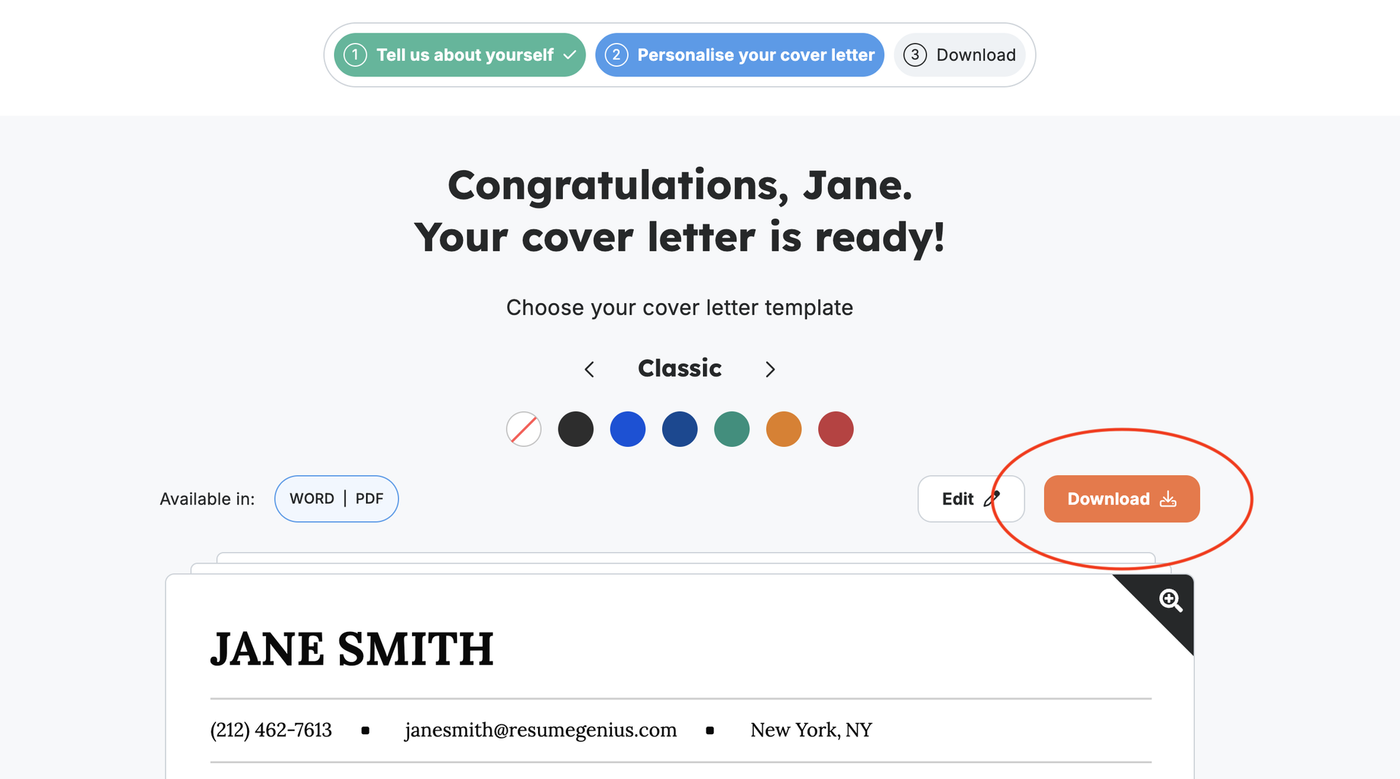
3. Choose whether you want to download your cover letter as a MS Word document (.docx), PDF, or plain text file (.txt).
4. Complete your subscription and select a pricing plan to download your cover letter as a MS Word document or PDF (14-days of access costs $2.95). You do not need a paid subscription to download your cover letter as a plain text file.
You can also download cover letters you made earlier from the Resume Genius dashboard.
Log in to your Resume Genius account, scroll down to “Recent Cover Letters”, then select “View All” to find the cover letter you want to download.