



Unlike generic AI tools like ChatGPT and Claude, cover letter generators are specifically designed for job seekers. They are also considerably cheaper and faster than traditional cover letter writing services, allowing you to speed through the job application process.
We’ve reviewed some of the best cover letter builders on the job market, focusing on affordability, features, and AI quality. Use the following assessments to pick a tool that works for your needs without adding unnecessary cost or complexity to your job search.
1. Resume Genius
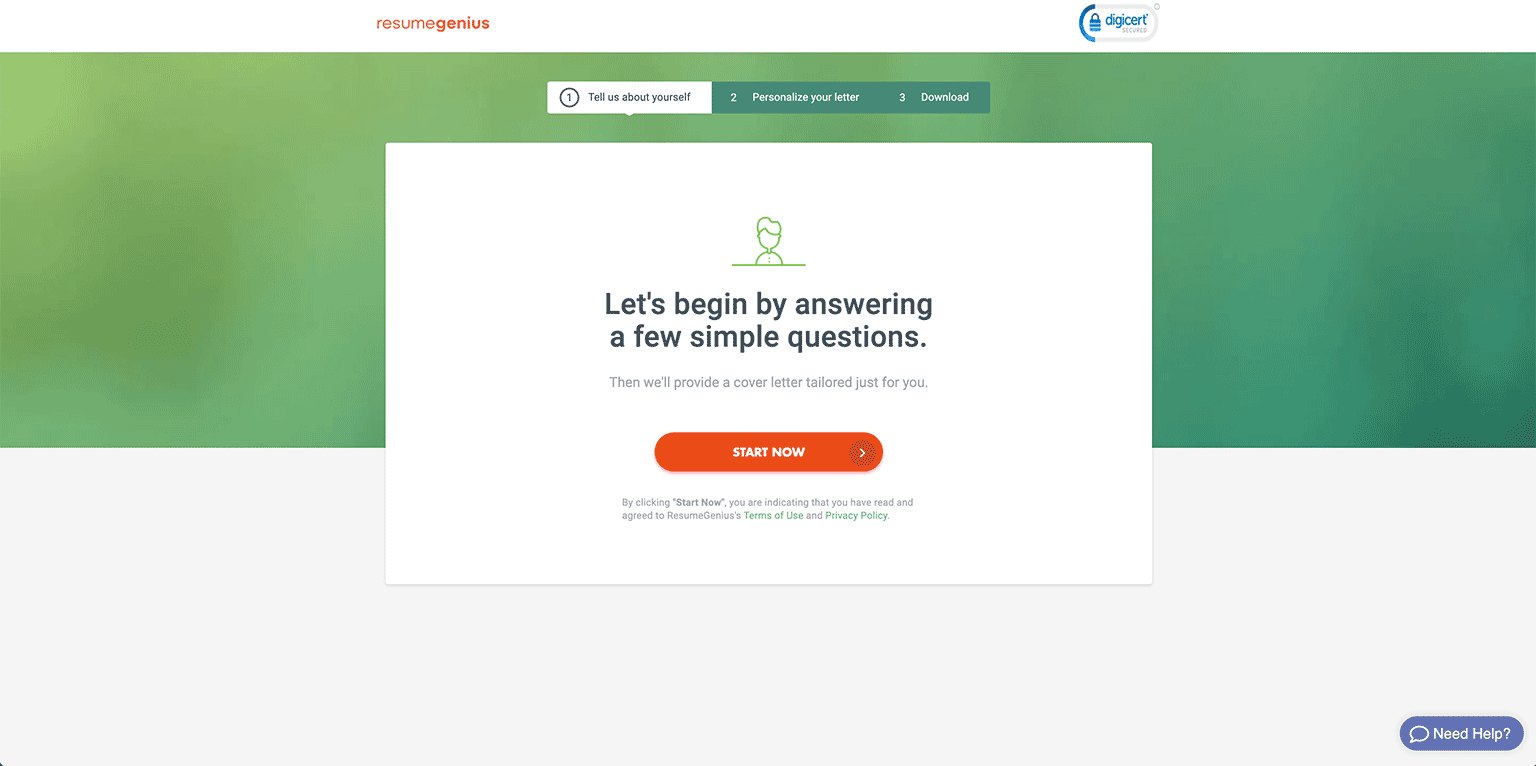
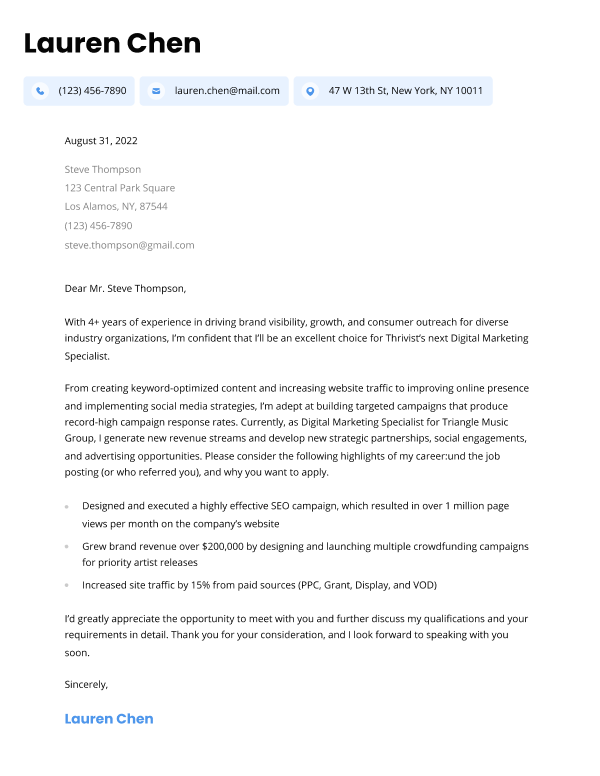
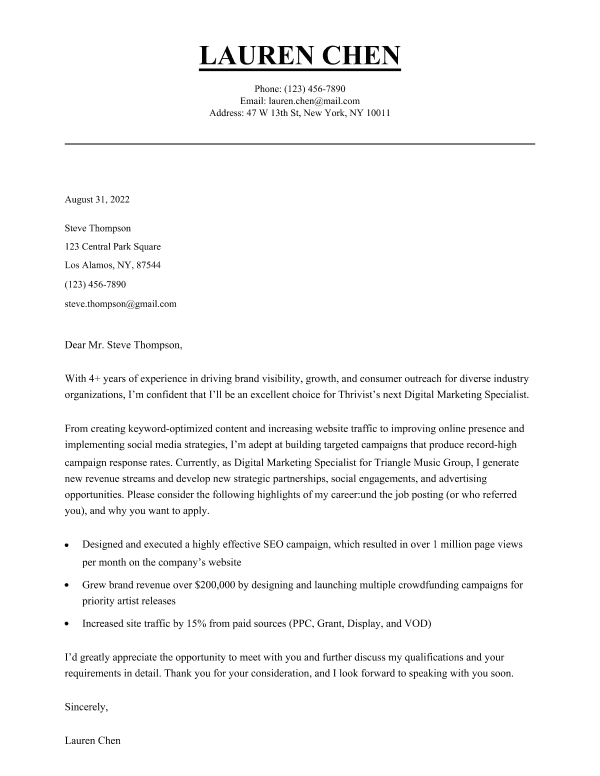
We know what you’re thinking — of course a website that offers a cover letter builder would rank its own at the top. However, we truly believe our AI-powered software delivers the best quality cover letter.
Our cover letter builder is easy to navigate, so you’ll only have to answer a few questions about your background and format it the way you want. Once you’ve completed the questionnaire and added your personal information, you’ll be able to preview your cover letter, customize it, and download it in your preferred file format.
You can see how your letter will look using a number of different templates, and select a matching resume template so your job application looks polished and professional.
Cost: To download your cover letter, you can opt to pay $2.95 for a 14-day trial, after which it costs $23.95 per month to maintain your subscription.
2. Kickresume
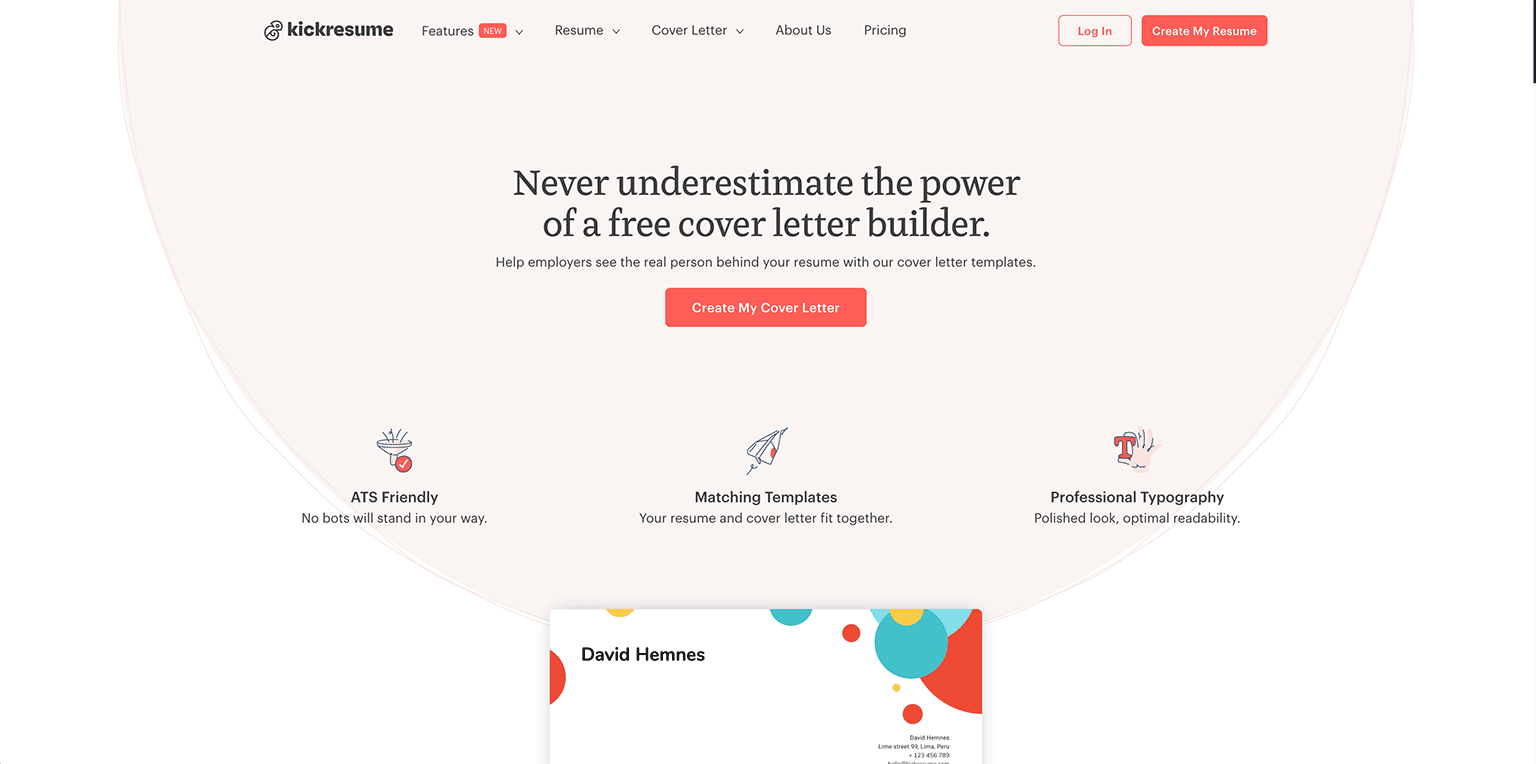
When you enter Kickresume‘s cover letter builder, you first need to sign in, then you can begin by choosing a template for your cover letter. They have both professional and creative cover letter templates to choose from, though only a few of them are free.
The best feature of Kickresume’s cover letter tool is its AI cover letter writer, which generates a cover letter, then allows you to customize it by adding pre-written phrases or editing yourself. We found that this saved us a lot of time writing, and their AI was among the best that we tested.
Overall, Kickresume is a practical option for creating a cover letter, but it isn’t the best choice for users who need a quick, one-time solution. Their base plan for premium services is monthly, and only budget-friendly if you need several weeks of full access.
Cost: For their premium services, Kickresume charges $24 for a monthly plan.
Pros
- Writes cover letter for you using AI
- Variety of attractive template options
Cons
- Must create an account before trying their cover letter builder
- No trial period or single-download option for premium services
3. Resume.io
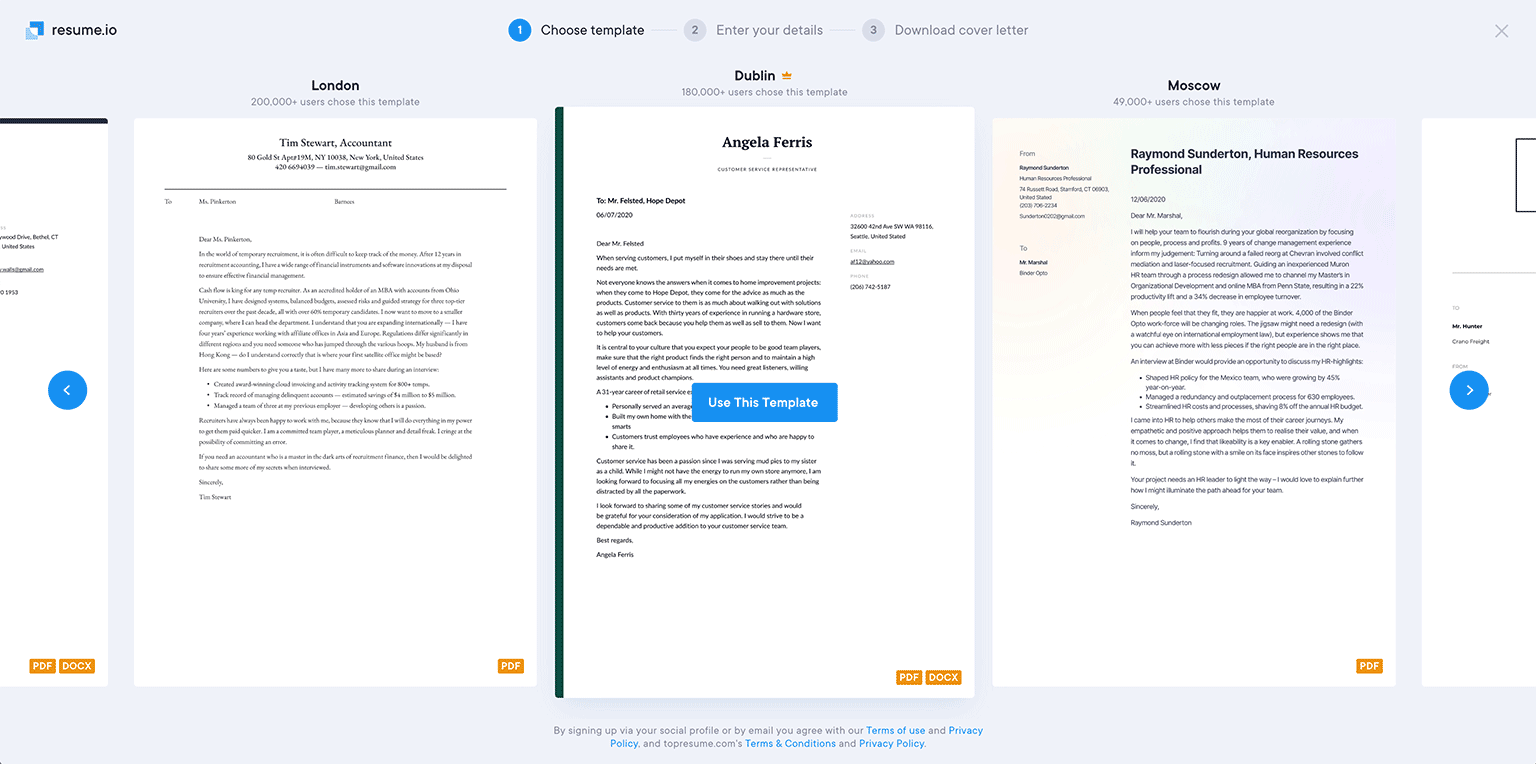
Resume.io is a newer website than some of the other options on this list, but they offer useful software for formatting your cover letter. Simply choose a template from a range of both traditional and creative options, then input your information and write the body of the letter in their text editor.
However, one area that Resume.io’s builder falls behind the competition is that it doesn’t automatically generate the content of your cover letter for you — it only formats it. If you’re looking for a cover letter generator that helps you write the body of your letter, you’re better off using a different option on this list.
Cost: Resume.io offers a seven-day trial period for $2.95 that auto-renews at $29.95 per month.
Pros
- Easy to use
- Professional templates
Cons
- Primarily a formatting tool
- More expensive than competitor builders with writing tools
4. Cover Letter Now
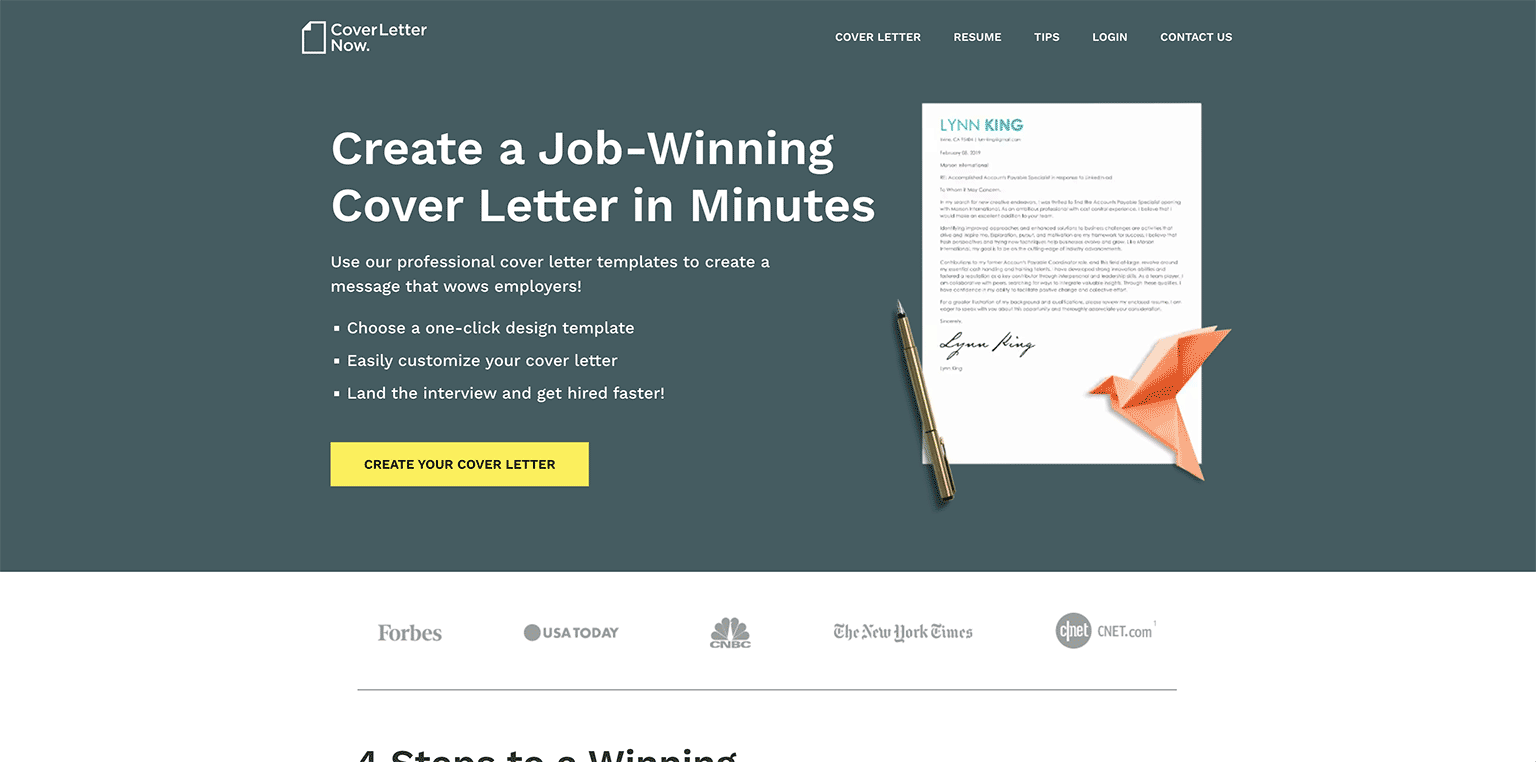
Cover Letter Now has several attractive cover letter templates to choose from. Their builder includes a document preview that lets you see your cover letter come together as you make it, which is a nice touch if you like to tweak the look of your application a lot.
The main drawback of Cover Letter Now’s service is that you have to select paragraphs of text at a time based on desired attributes (results-oriented, problem solver, etc.) so your cover letter won’t have a unique voice unless you take time to edit the wording later.
That being said, the workflow was quick and easy. You get a complete cover letter with all the right details in minutes. You just need to do a little manual editing to make the tone of your letter natural and authentic.
Cost: 14 days of full access costs $2.85, after which your Cover Letter Now membership automatically renews to $23.95 per month.
Pros
- Easy-to-use builder
- Nice templates
Cons
- Must select from pre-written paragraphs
- Cover letter templates don’t match the site’s resume templates
5. Novoresume
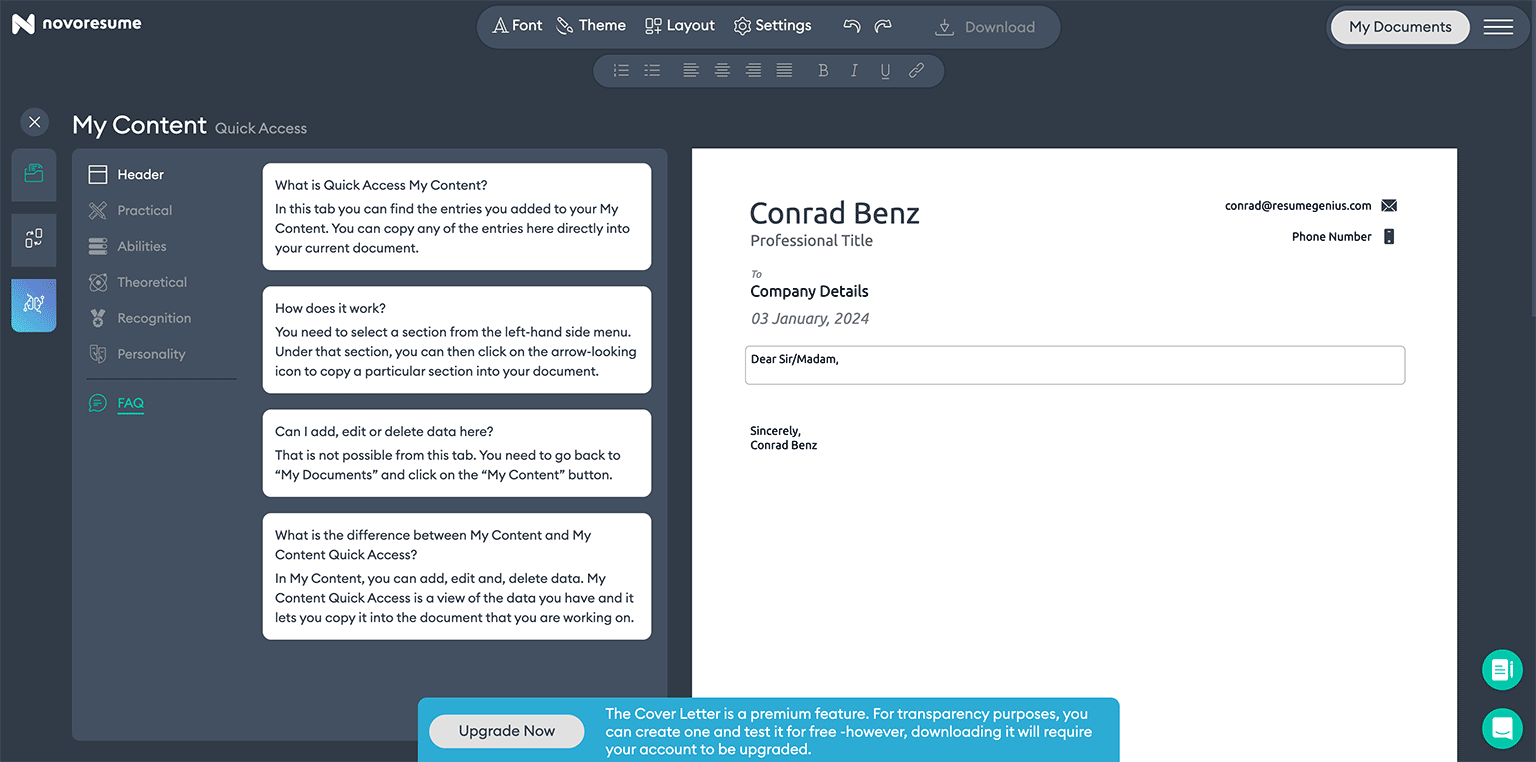
Novoresume offers a cover letter builder that formats your cover letter and gives you helpful tips along the way. They have plenty of professional-looking templates to choose from, plus corresponding resume templates if you plan to use their service for both.
Cost: Novoresume’s monthly plan costs $21.99.
Pros
- Matching cover letter and resume templates
- Lots of good template options
Cons
- Doesn’t write cover letter for you
- More expensive than competitors
6. Canva
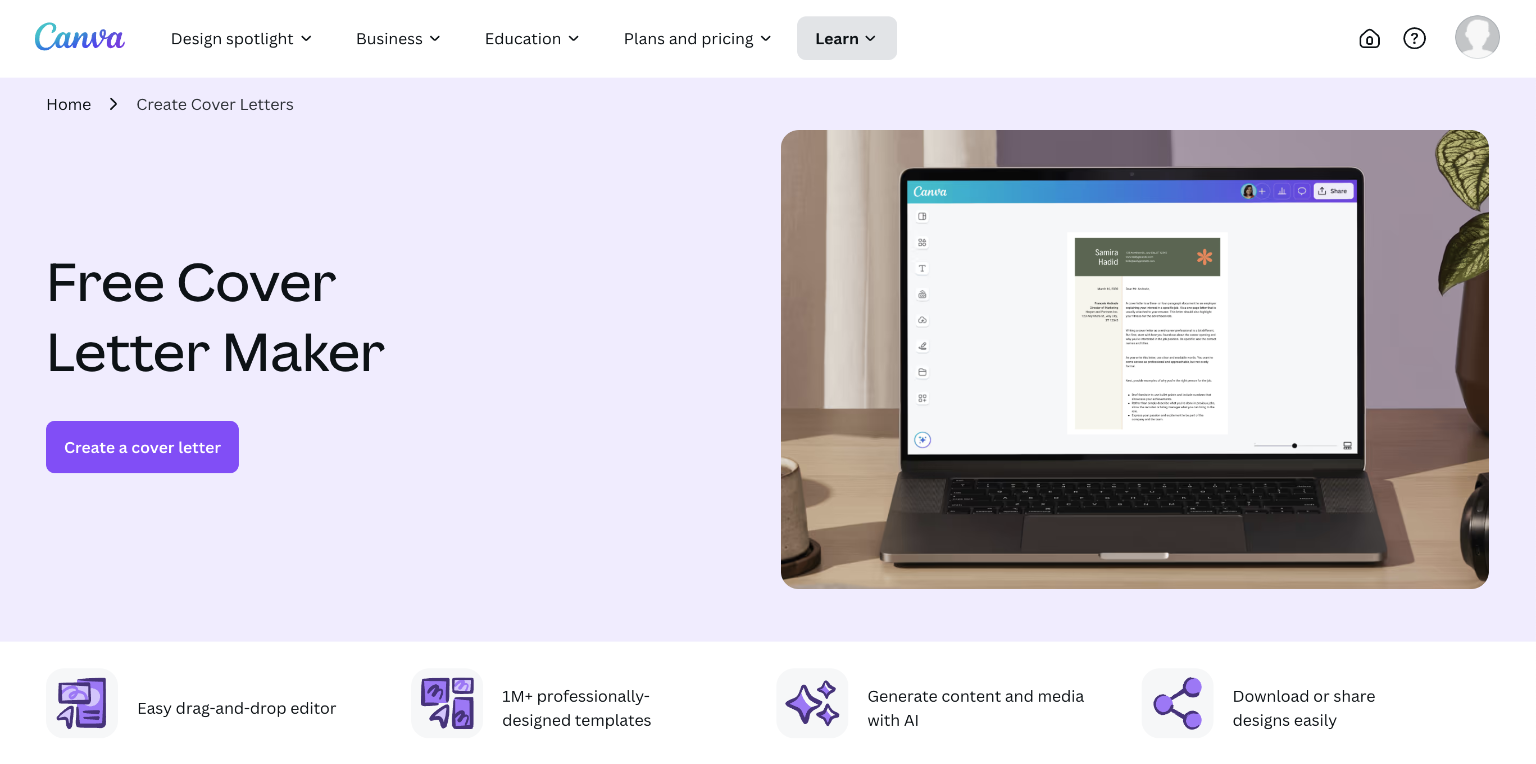
Canva is a graphic design tool that can be used to create cover letters. Clicking on “Create a cover letter” opens up a blank document. From here you can either edit your cover letter directly or apply a template.
Since it’s primarily a design tool, Canva doesn’t give you suggestions on how to create an effective cover letter. The builder is essentially a word editor with a built-in AI writing tool. It lacks the career focus of more purpose-built cover letter generators, and you can find the same AI features on free platforms like Google Docs.
Cost: Canva offers a free plan, but a Pro membership with AI features costs $18 monthly.
Pros
- Can be used for free
- Professional-looking templates
Cons
- Unintuitive interface
- No professional cover letter advice
7. Grammarly
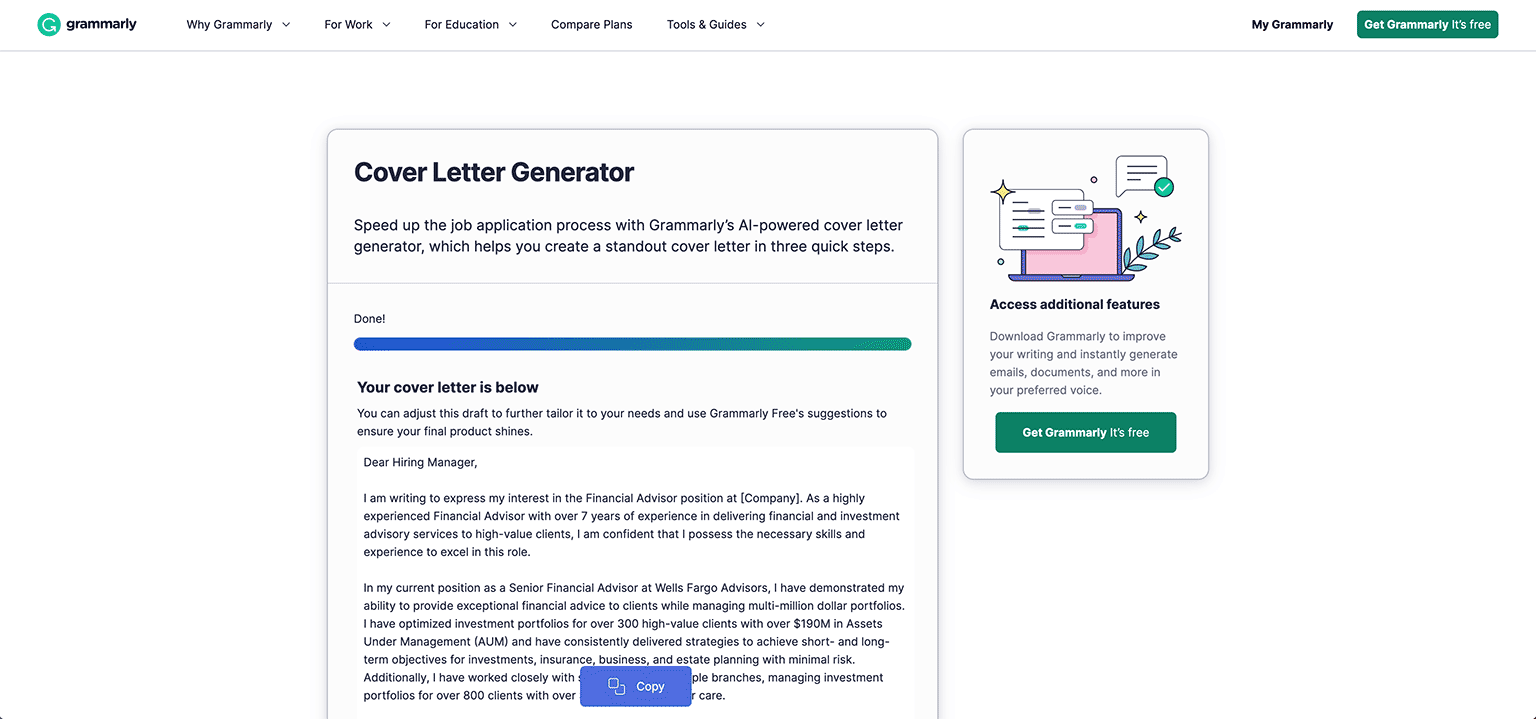
Although known primarily for its grammar checker, Grammarly also provides a free, AI-powered cover letter generator.
Unlike most of the websites on this list, Grammarly’s cover letter builder actually uses AI to make your cover letter, producing detailed, tailor-made content almost instantly.
However, Grammarly’s builder requires more work than other options. You need to upload your resume and then paste in the list of requirements for the job you’re targeting before your cover letter can be made. Then, your cover letter is provided as plain text, which means you’ll need to manually format it yourself if you want it to look professional.
Cost: Grammarly’s cover letter generator is completely free.
Pros
- Completely free
- Generates an effective cover letter fast
Cons
- More manual work required
- No templates offered
About the Author

10
Years of Experience
116
Articles Written
8
Articles Reviewed
Seb is a Certified Professional Resume Writer with 10 years of combined experience in career counseling and editorial work. With a MA in International Communications from National Chengchi University (Taiwan), he helps job seekers translate their experience into employer-ready applications for global job markets.











Share
Facebook
Twitter
Linkedin
Pinterest
Reddit
Copy link