• Skip to Content
  • Skip to Footer

Resume Genius

Resume Genius

The World's Smartest Resume Builder

  • Resume Templates

    Professional Designs
    Basic
    Creative
    Modern
    Minimalist
    File Types To Download
    Word
    Google Docs
    PDF
    Pages
    Formats
    Chronological
    Functional
    Combination
    Infographic
    Situational Templates
    ATS
    Entry Level
    Picture
    Blank
    View All Free Resume Templates Use a Premium Template

    Monday to Friday, 8AM – 12AM (Midnight) and Saturdays and Sundays, 10AM – 6PM EDT (866) 215-9048

  • Resume Examples

    For Students
    High School
    Internship
    College
    Student CV
    By Experience
    No Experience
    Mid-Career
    Manager
    Executive
    Top Industries
    Teaching
    Nursing
    Administrative Assistant
    Customer Service
    Cashier
    Engineering
    Graphic Design
    Server
    View All Resume Examples Build My Resume Now

    Monday to Friday, 8AM – 12AM (Midnight) and Saturdays and Sundays, 10AM – 6PM EDT (866) 215-9048

  • Free Resources

    Tools
    • AI Resume Generator
    • ATS Resume Checker
    • Resume Summary Generator
    • Bullet Point Generator
    Resumes
    • How to Make a Resume for Any Job in 2026
    • The Best Resume Format for 2026
    • How to Put Skills on Your Resume
    • 40+ Professional Resume Summary Examples
    Cover Letters
    • Cover Letter Templates to Download
    • Cover Letter Examples for All Job Applications
    • How to Write a Cover Letter for a Job in 2026
    • Cover Letter Format: Template & Examples
    CVs
    • Professional CV Templates
    • 400+ CV Examples for Everyone
    • How to Write an Academic CV
    • CV Format: Examples & Guide
    Visit the Genius Blog Build My Resume Now

    Monday to Friday, 8AM – 12AM (Midnight) and Saturdays and Sundays, 10AM – 6PM EDT (866) 215-9048

  • Builders

    The Genius Resume Builder

    Make a professional resume in just a few minutes.

    AI Cover Letter Generator

    Write custom cover letters for every application.

    Professional CV Maker

    Create a detailed academic or professional CV.
    Resume Genius Customer Reviews 10 Best Resume Builders of 2026
    Build My ResumeLogin

    Monday to Friday, 8AM – 12AM (Midnight) and Saturdays and Sundays, 10AM – 6PM EDT (866) 215-9048

  • Pricing

Monday to Friday, 8AM – 12AM (Midnight) and Saturdays and Sundays, 10AM – 6PM EDT (866) 215-9048

Build My Resume Login

Monday to Friday, 8AM – 12AM (Midnight) and Saturdays and Sundays, 10AM – 6PM EDT (866) 215-9048

Two Column Resume Templates

Two-Column Resume Templates to Download and Edit

Create a professional resume with our two-column templates built to use space efficiently and make your qualifications stand out.
Build My Resume NowUpload Existing Resume
  • All Templates
  • ATS
  • Google Docs
  • Modern
  • Photo
  • Simple
  • Student
  • Word
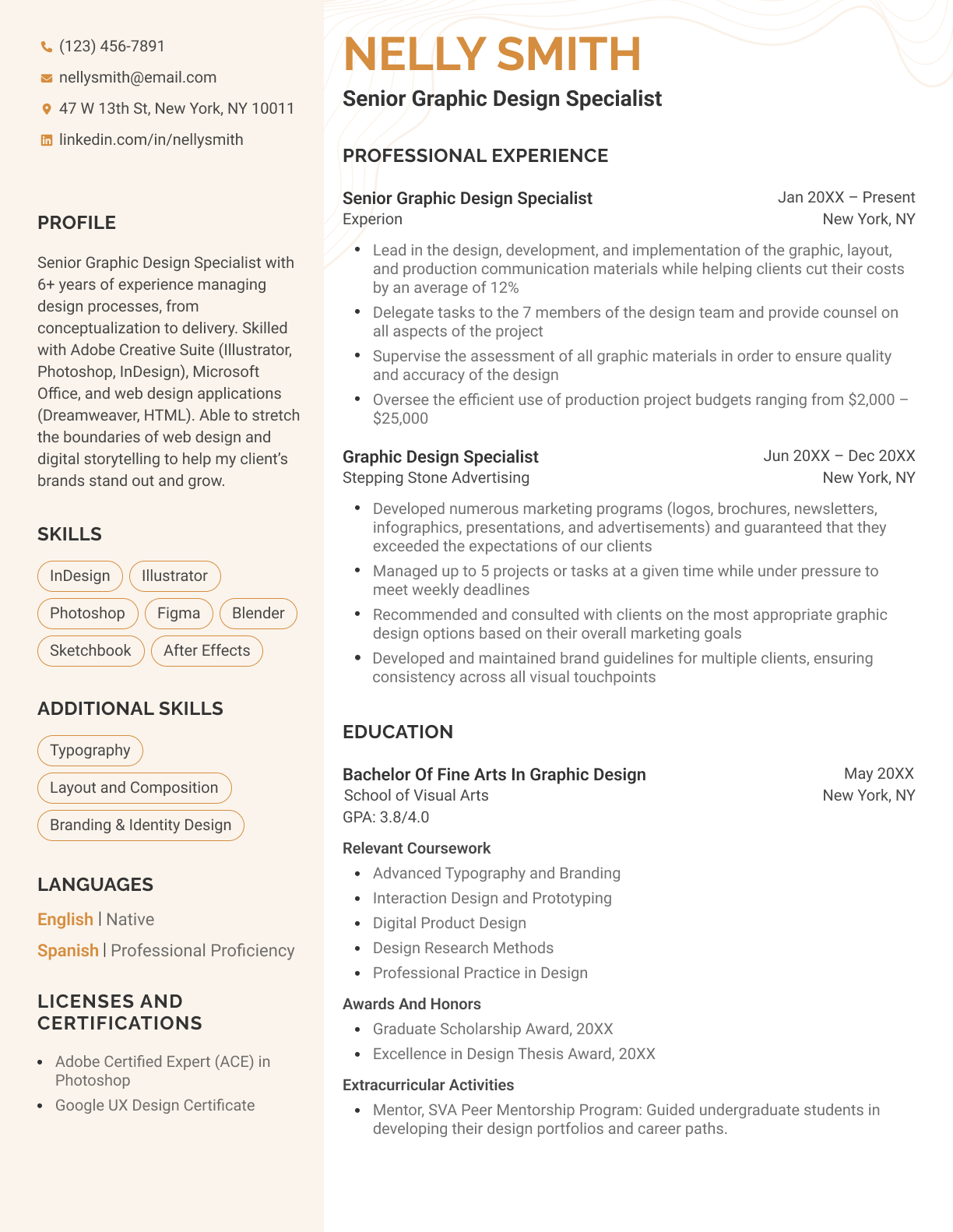
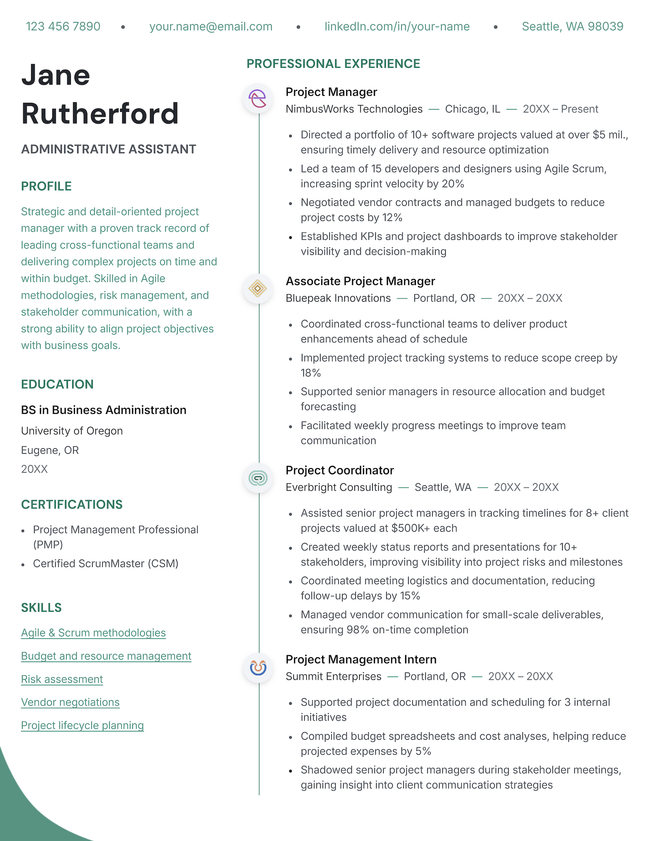
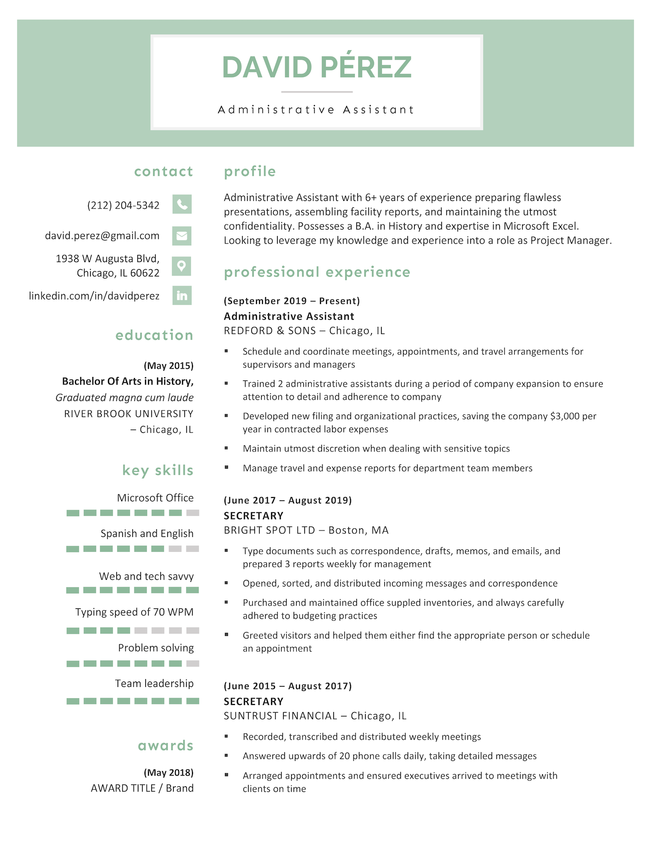
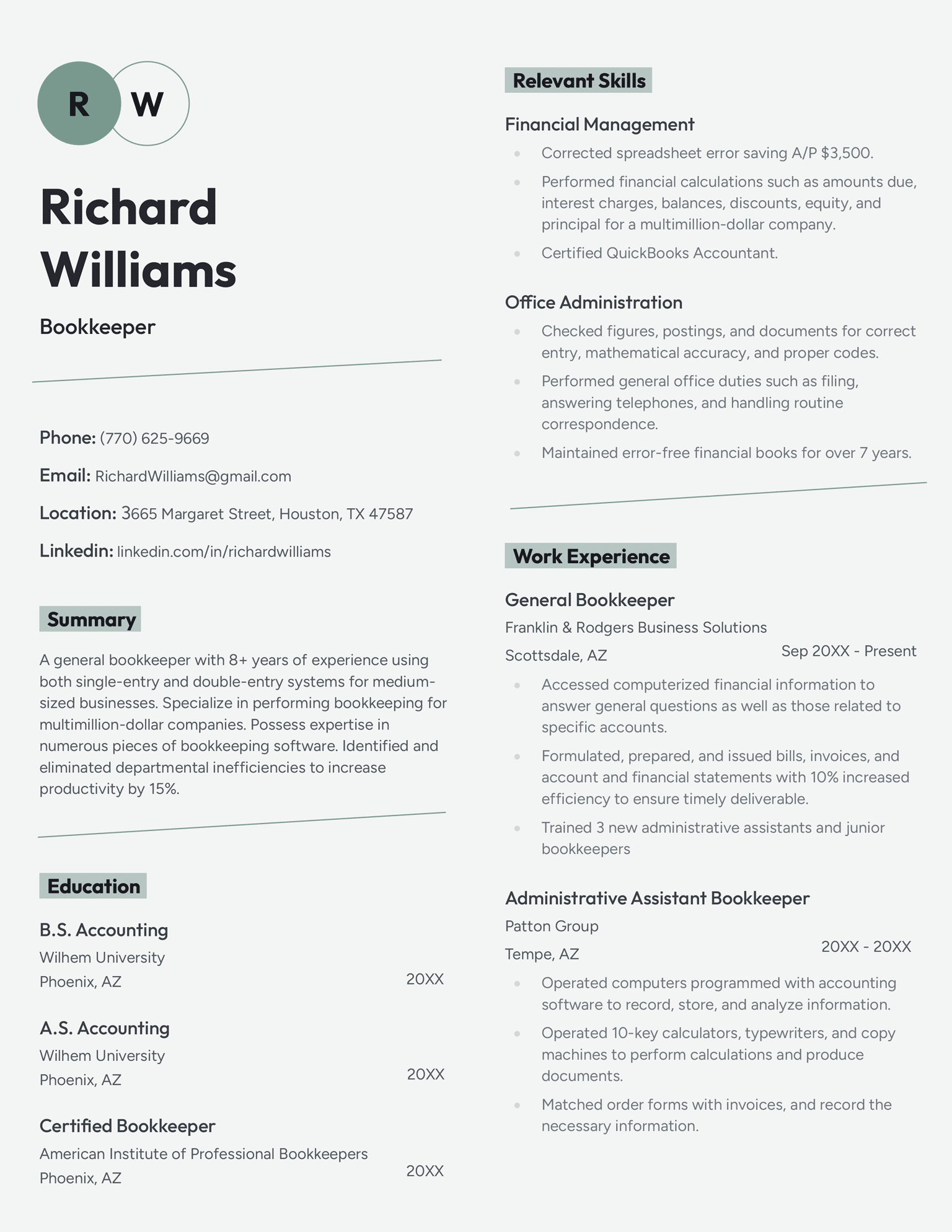
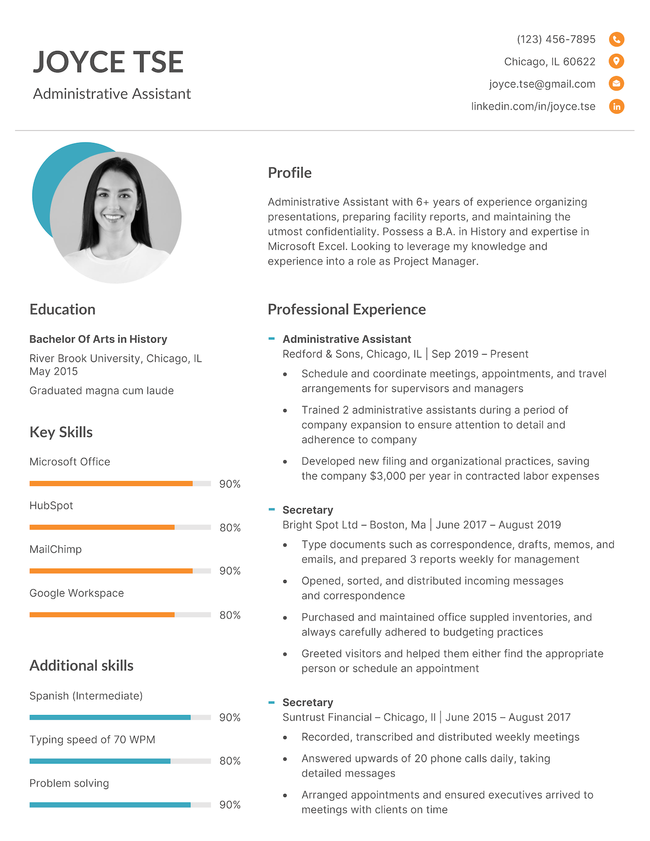
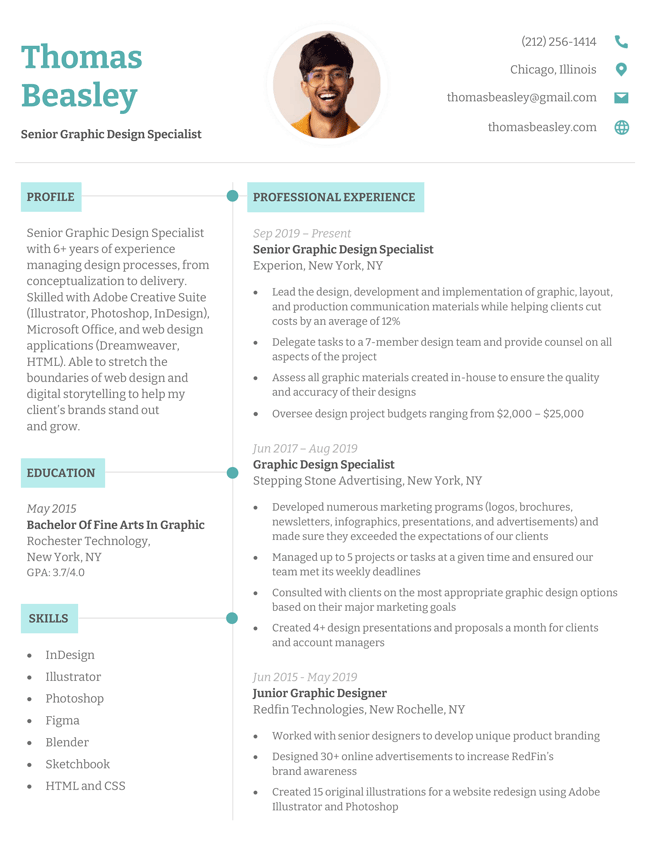
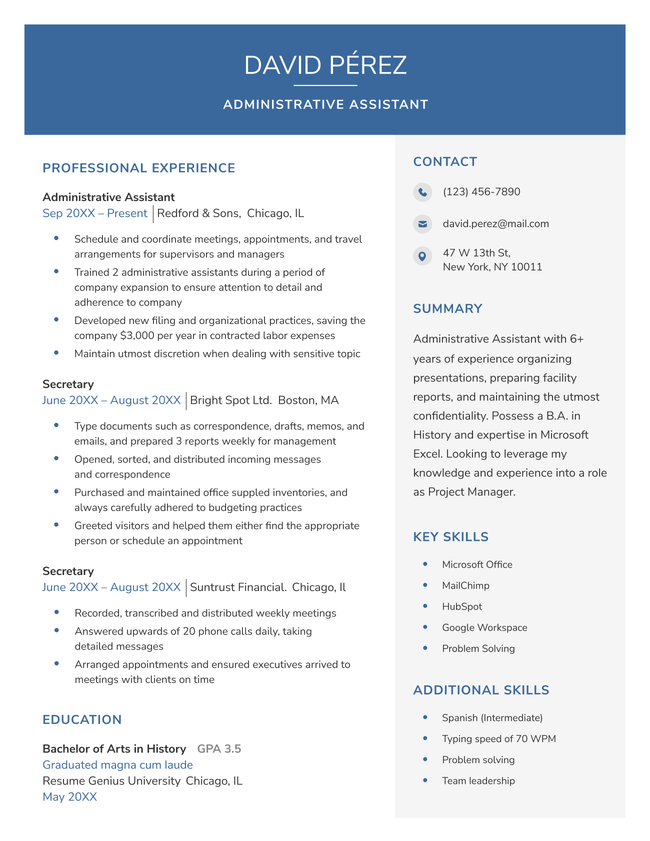
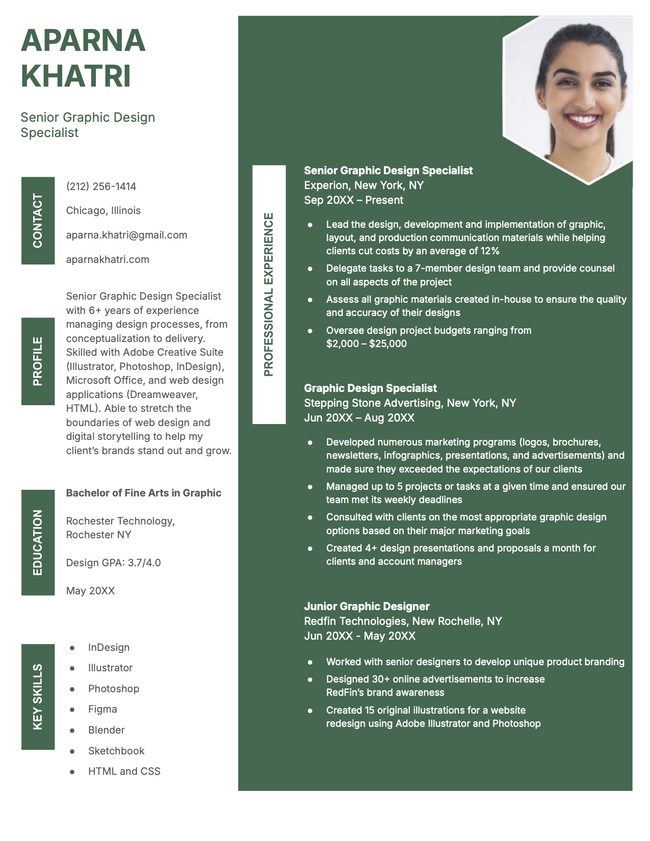
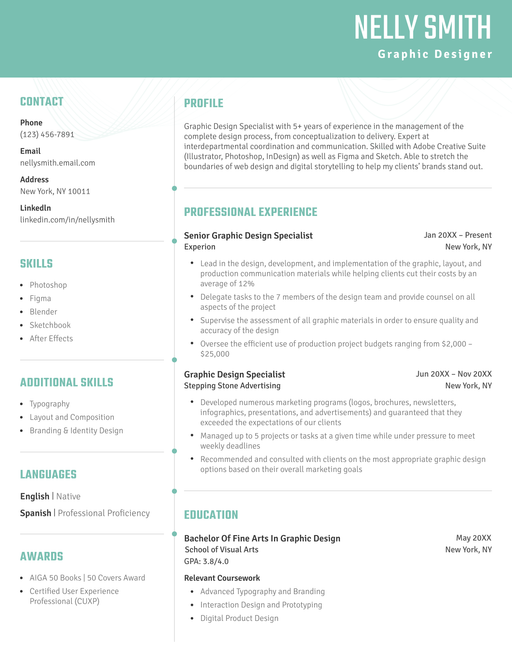
Aesthetic Template Green

Featured two-column resume template

The Aesthetic template’s bold header and subtle background graphics catch the reader’s eye without distracting from your content.


Format and styling details:

  • Timeline-style graphics highlighting each section
  • Thin header to maximize space
  • Bold accent colors

How to download this template

Download for PDF Edit and download from our builder
Edit This Template

More two-column resume templates

Use these downloadable two-column resume templates to create a professional resume that stands out from the crowd.
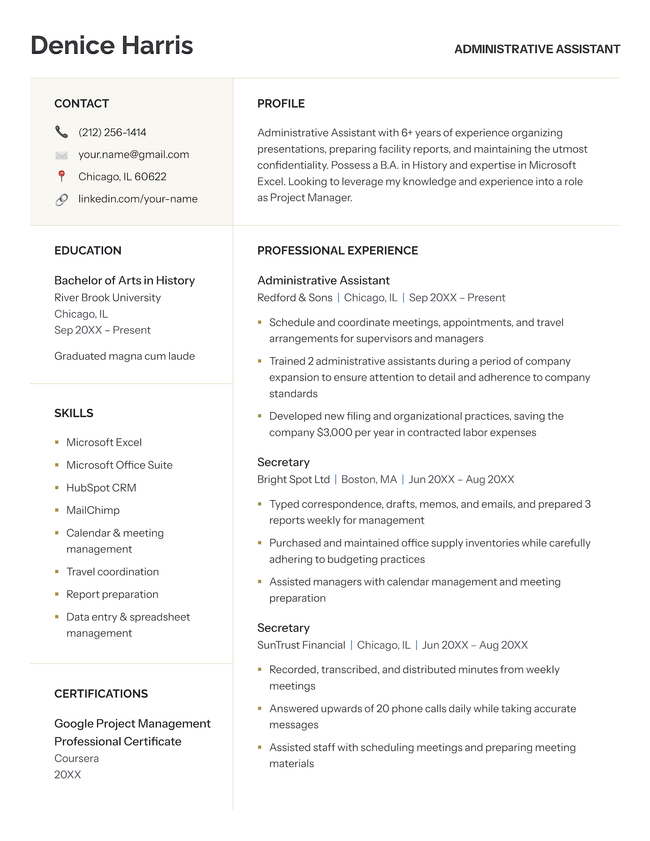
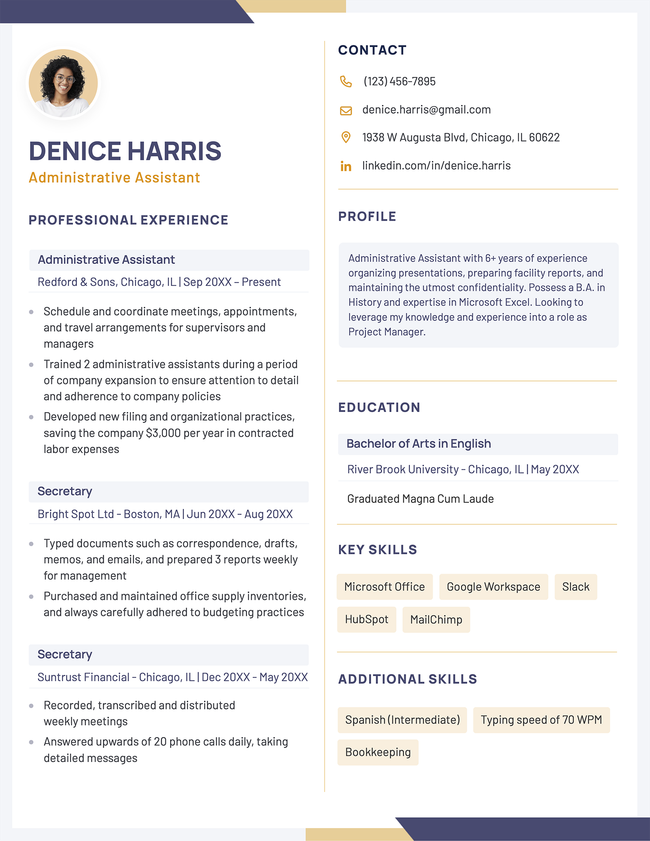
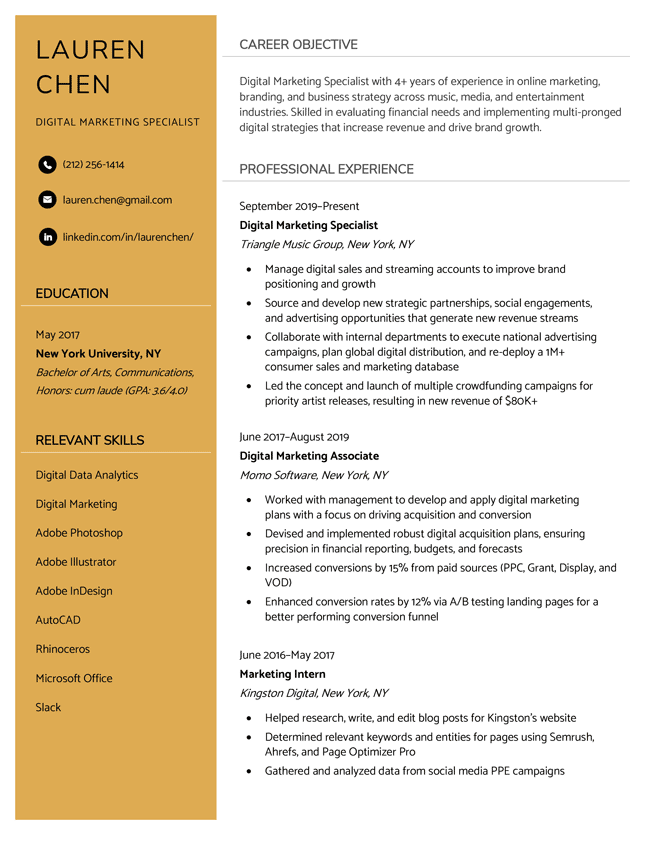
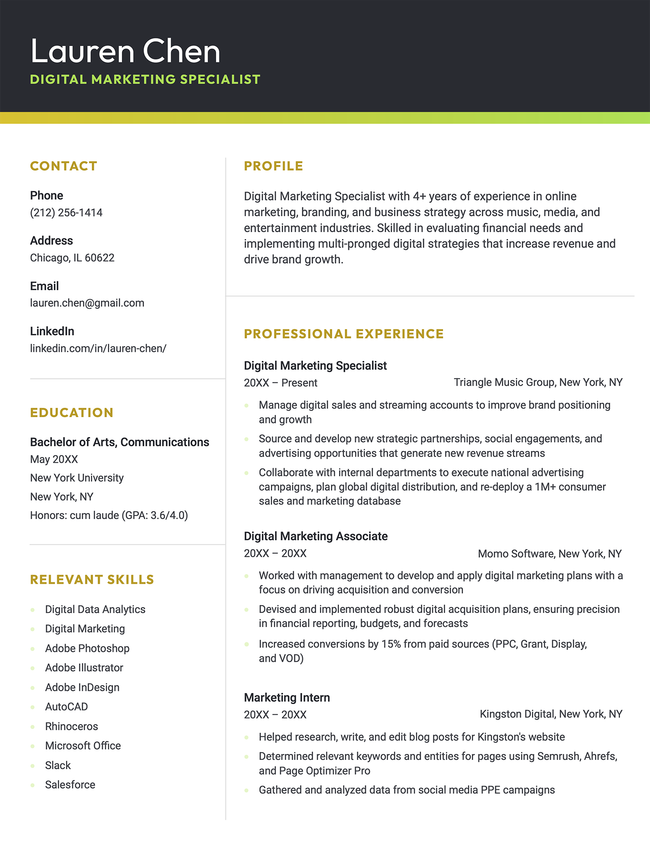
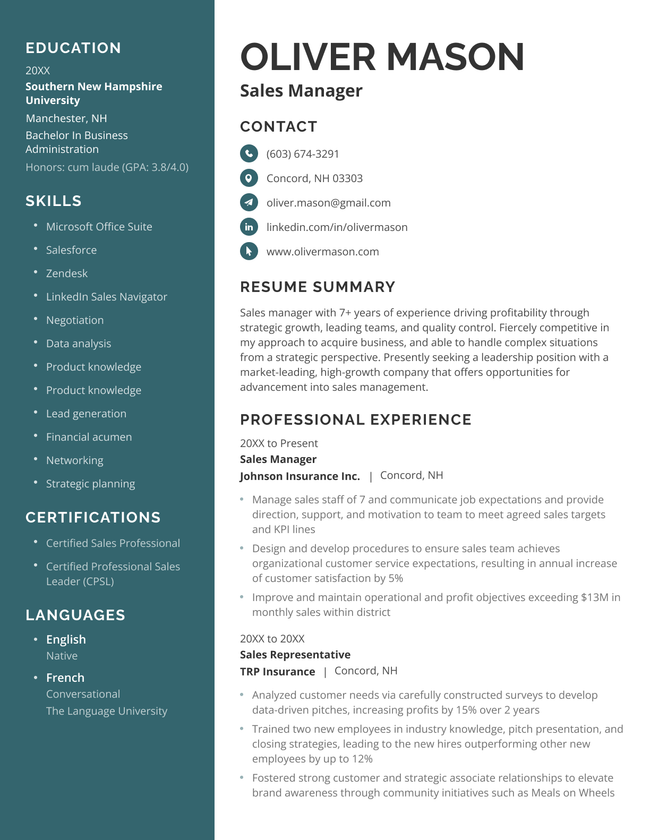
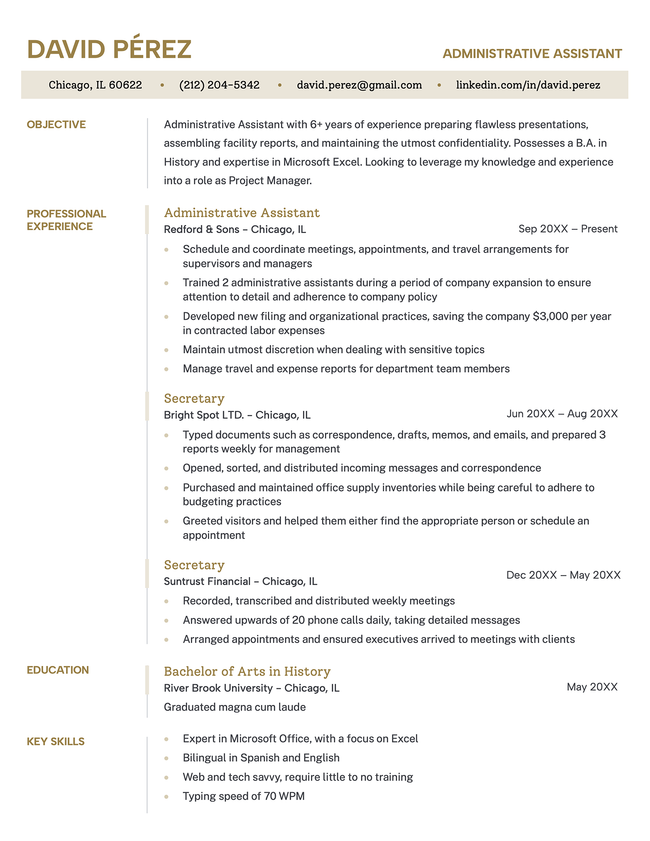
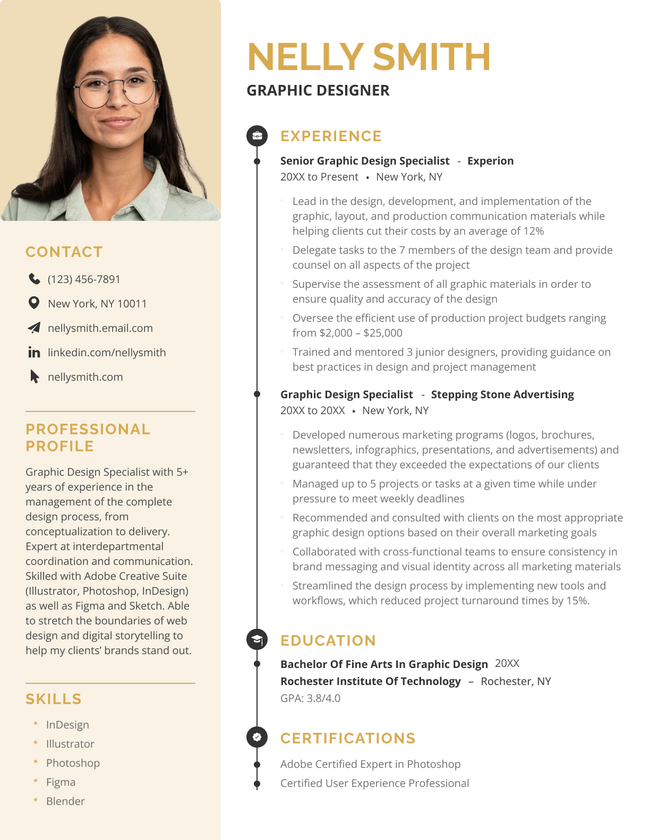
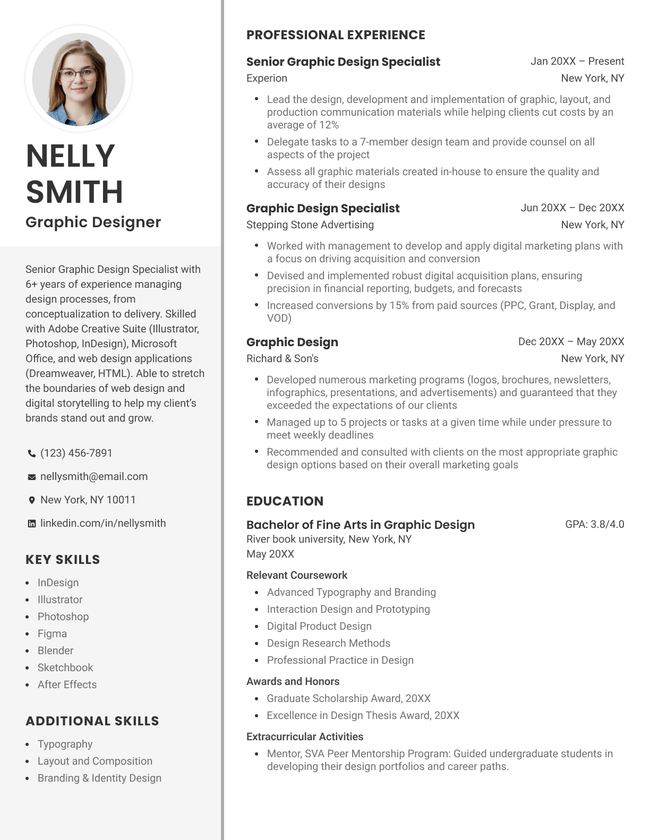
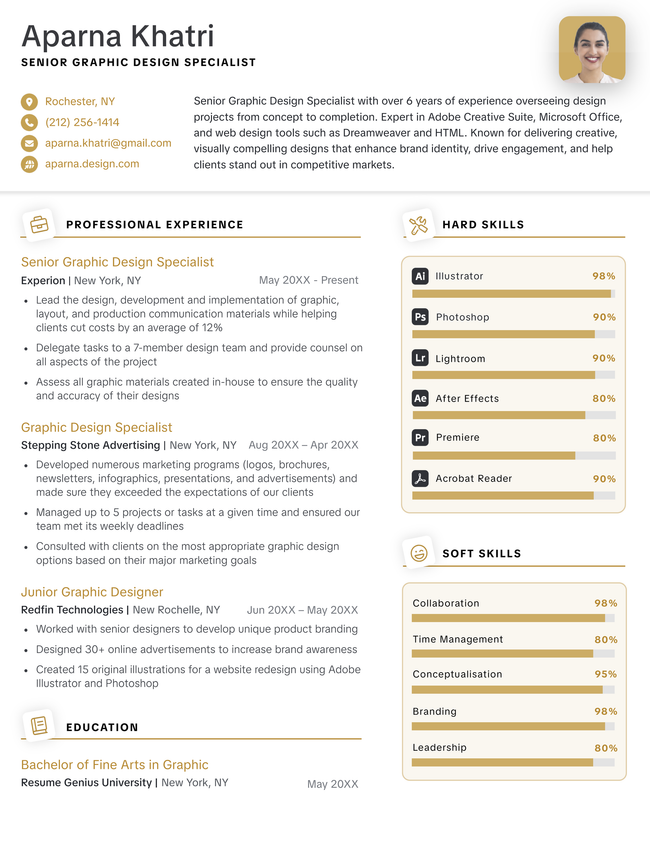
The Bright two-column resume template in gold.
Download for Word
Pin It
0
Bright
Word
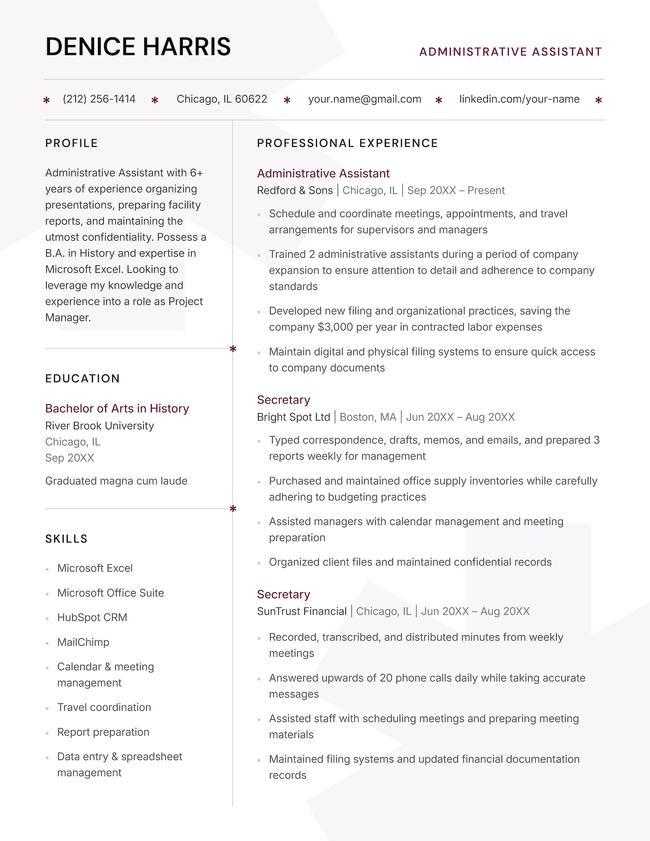
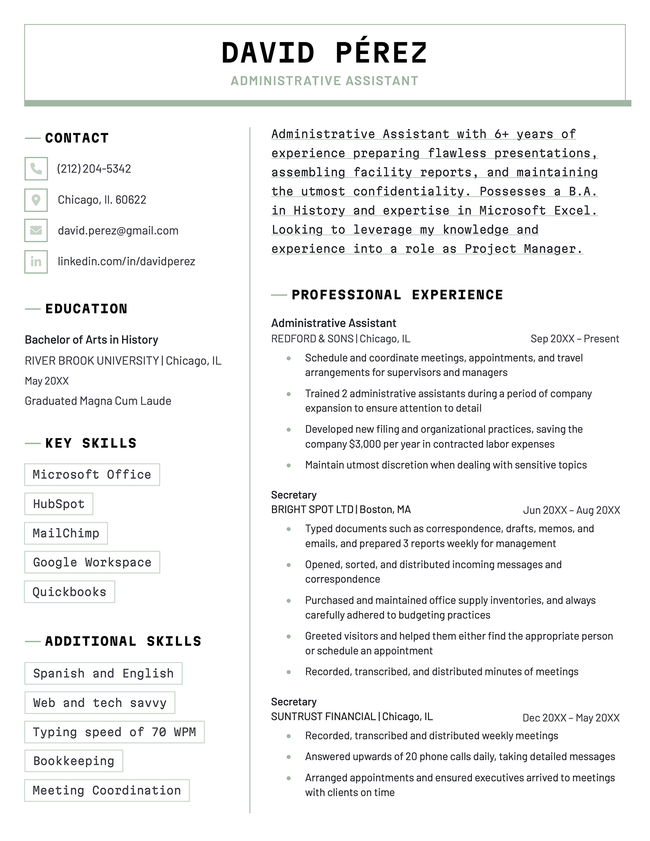
The Sharp two-column resume template in burgundy.
Download for Word
Pin It
0
Sharp
Word
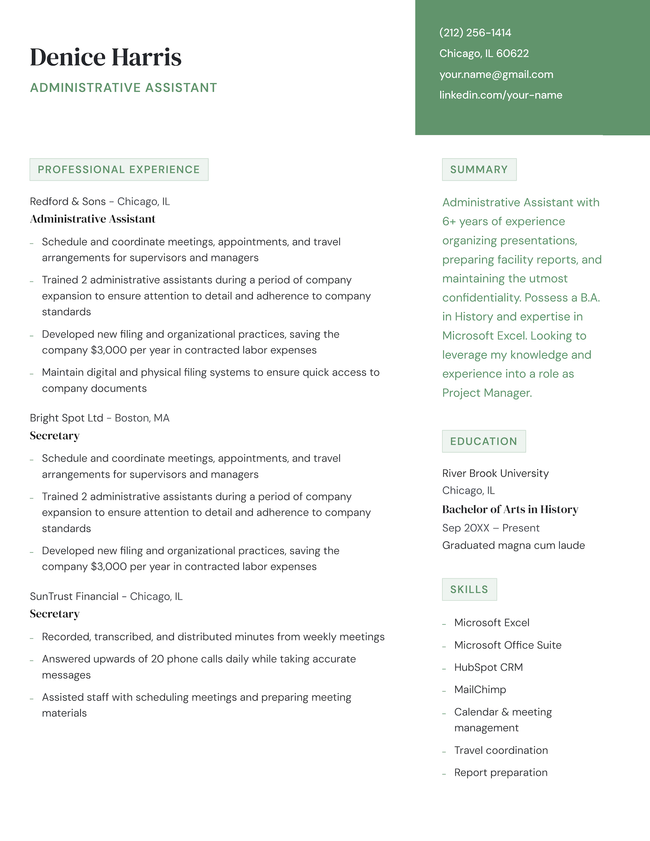
The Success two-column resume template in green.
Download for Word
Pin It
0
Success
Word
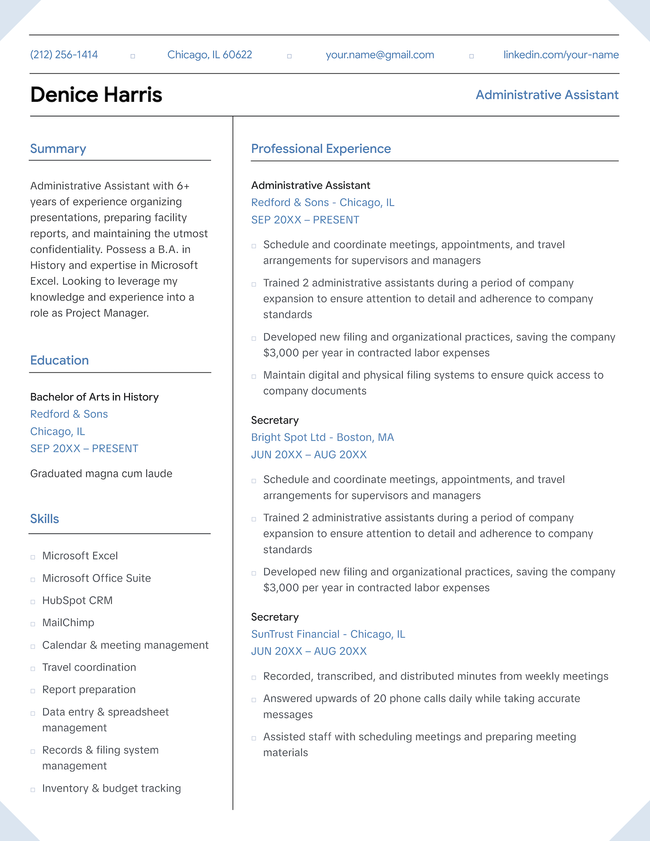
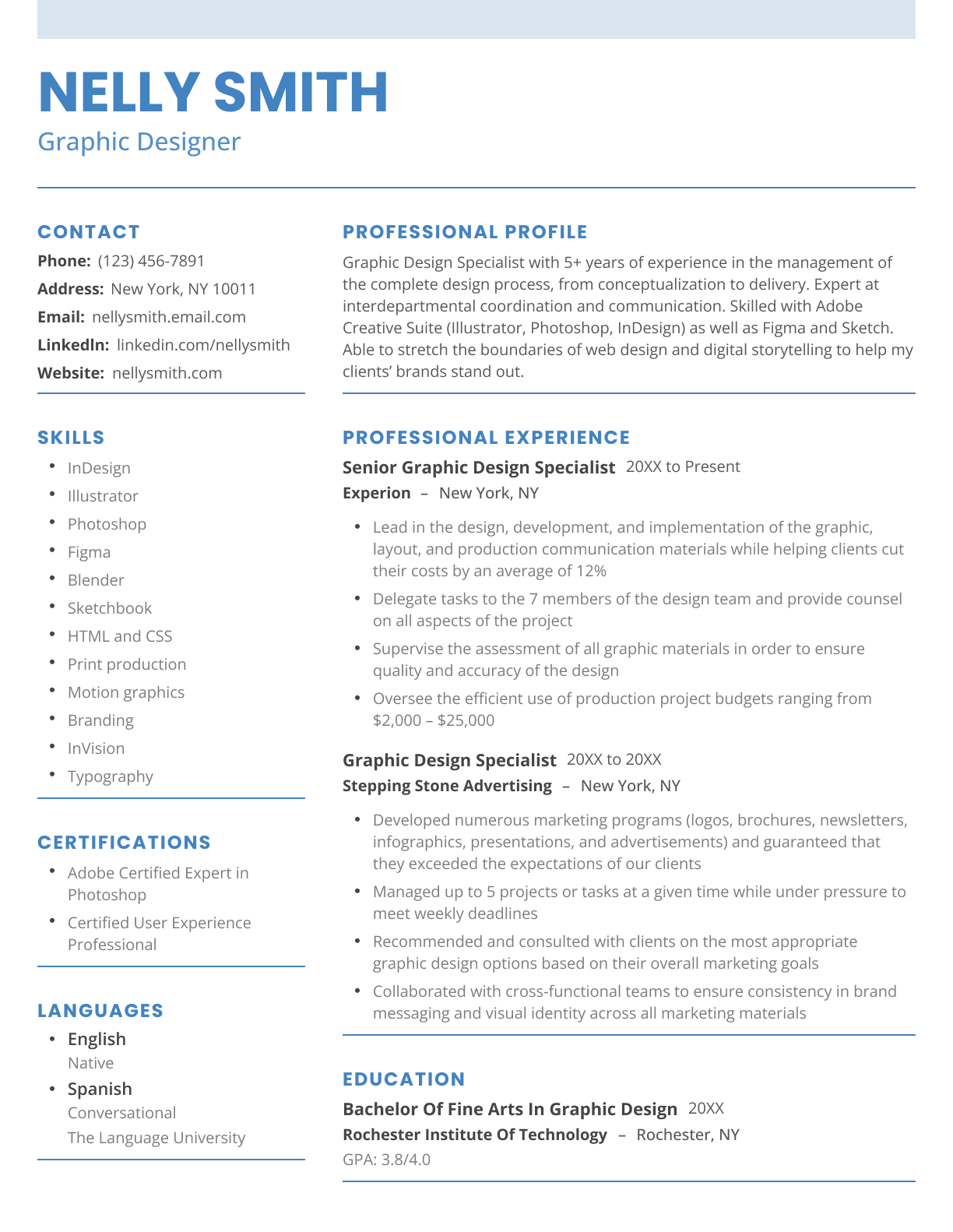
The Expert two-column resume template in blue.
Download for Word
Pin It
0
Expert
Word
An example of a modern, two-column resume template
Free Download Download for Word Download for PDFBuild My Resume
Pin It
29,653
Two Column
Word PDF
Easy Edit
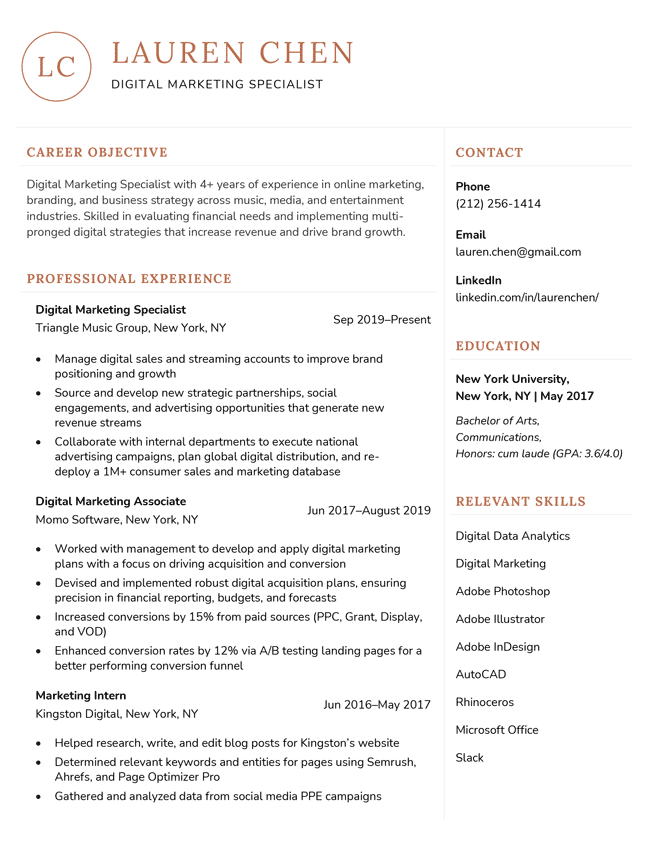
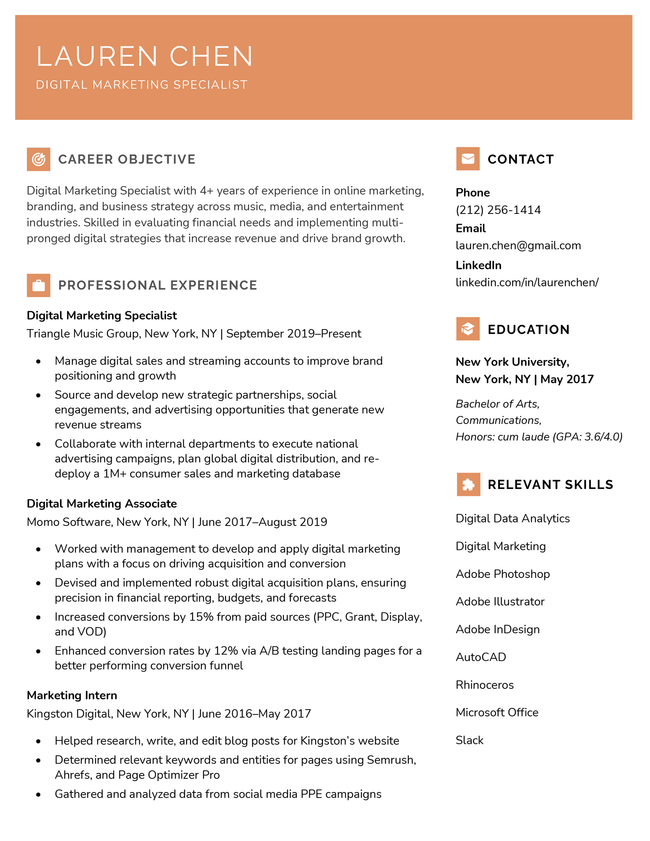
Pastel Template Orange
Edit This Template
Pin It
Pastel
PDF Word Text
The Clean modern resume template in yellow
Free Download Download for Word Open in G DocsBuild My Resume
Pin It
10,720
Clean
Word Google Docs
Easy Edit
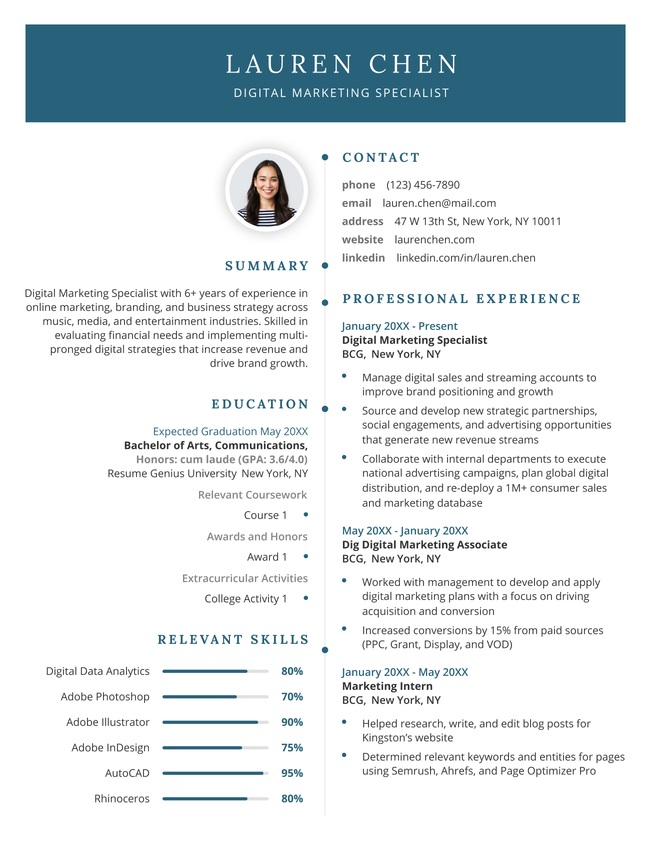
2026 resume template in dark blue.
Edit This Template
Pin It
2026
PDF Word Text
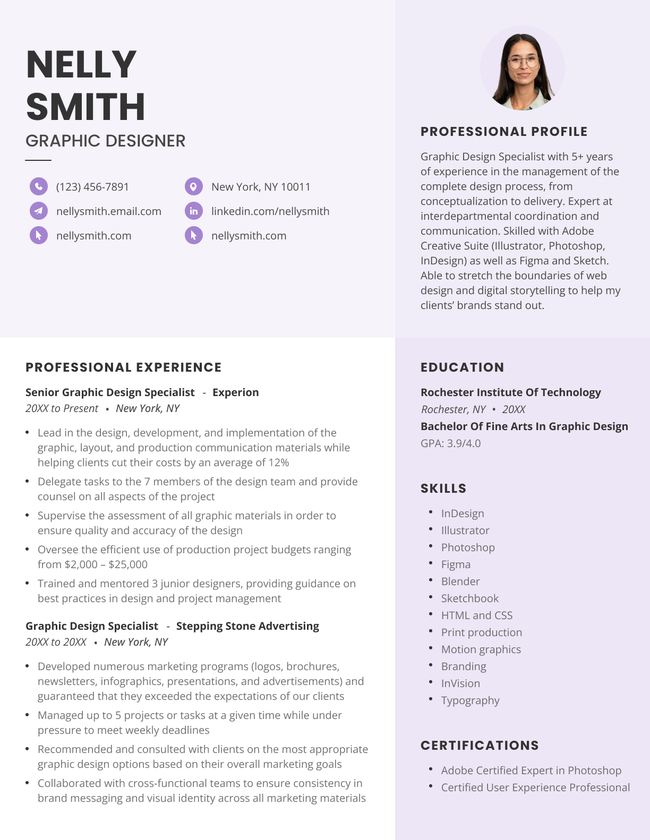
The 'Slate' resume template in yellow with two columns, a photo, and subtle shading in the lower left-hand corner.
Free Download Download for Word Download for PDFBuild My Resume
Pin It
7,566
Slate
Word PDF
The 'Bold' resume template in yellow, featuring a striking black header and two-column layout
Download for WordBuild My Resume
Pin It
3,226
Bold
Word
Professional Premium Resume Template, Green Color
Download for Word Build My Resume
Pin It
7,910
Premium
Word
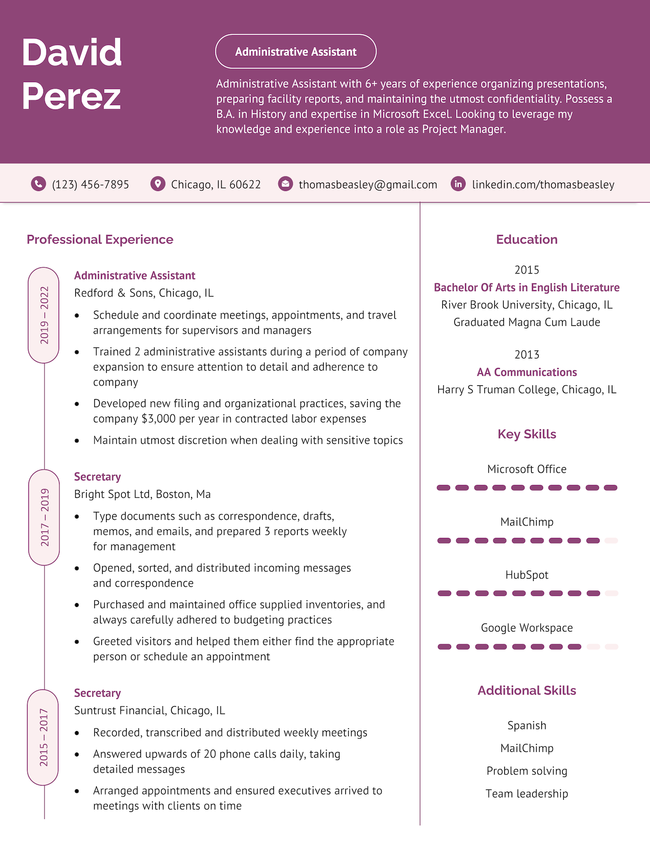
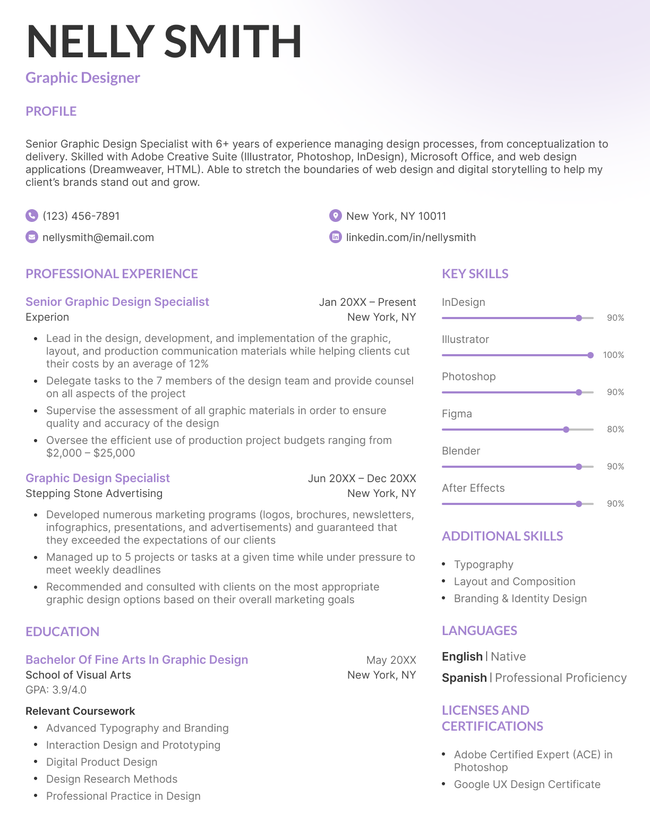
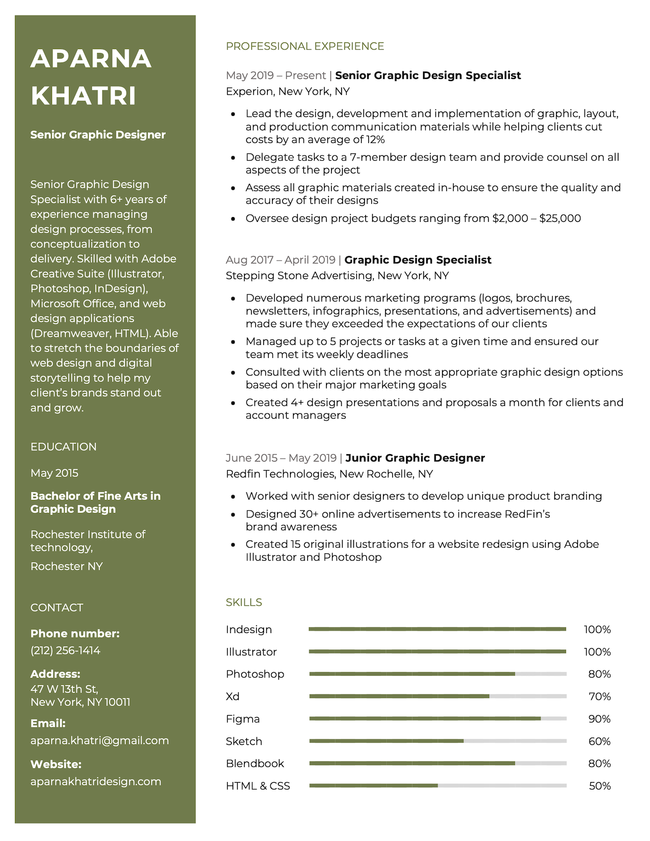
The "Standard" resume template in purple, with a bold header and unique skill bars
Free Download Download for Word Open in G DocsBuild My Resume
Pin It
5,022
Standard
Word Google Docs
The Unique modern resume template in orange
Download for WordBuild My Resume
Pin It
7,518
Unique
Word
Easy Edit
Magnate resume template in green
Edit This Template
Pin It
Magnate
PDF Word Text
Legacy resume template in brown
Free Download Download for Word Open in G DocsBuild My Resume
Pin It
383
Legacy
Word Google Docs
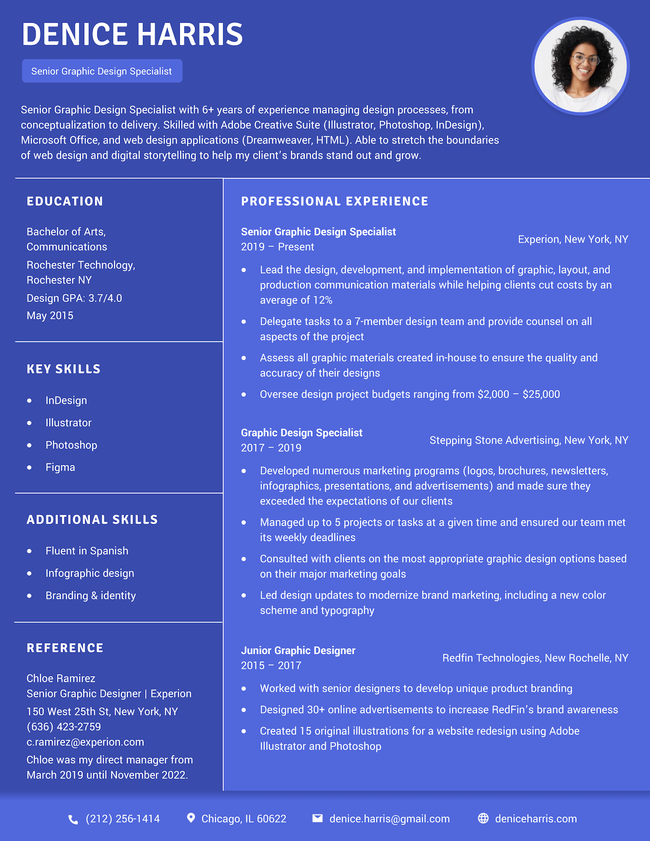
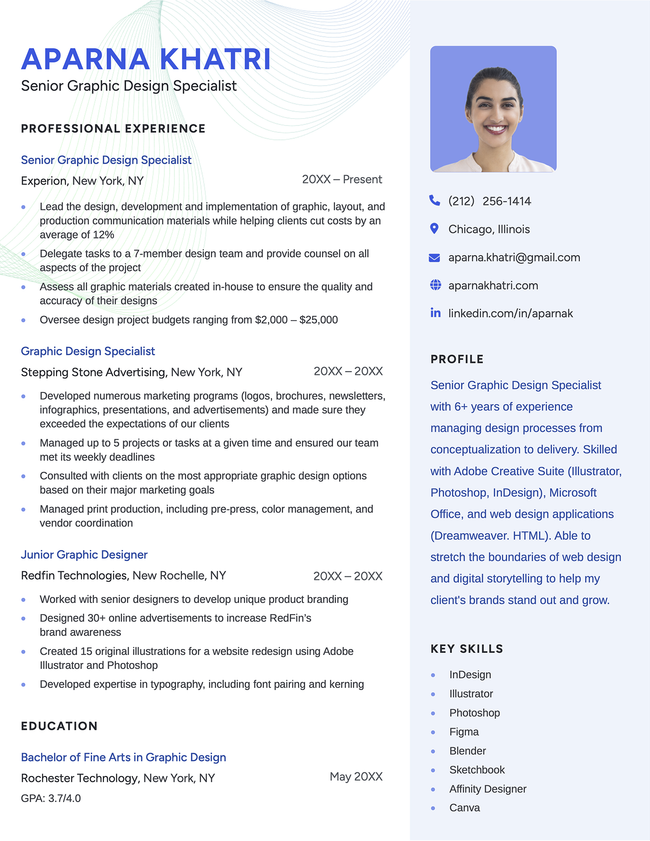
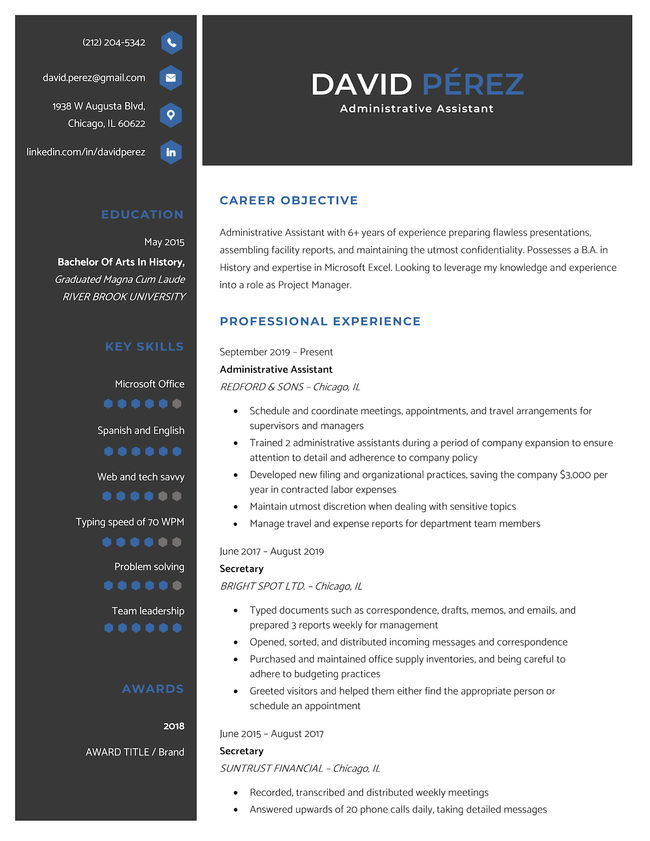
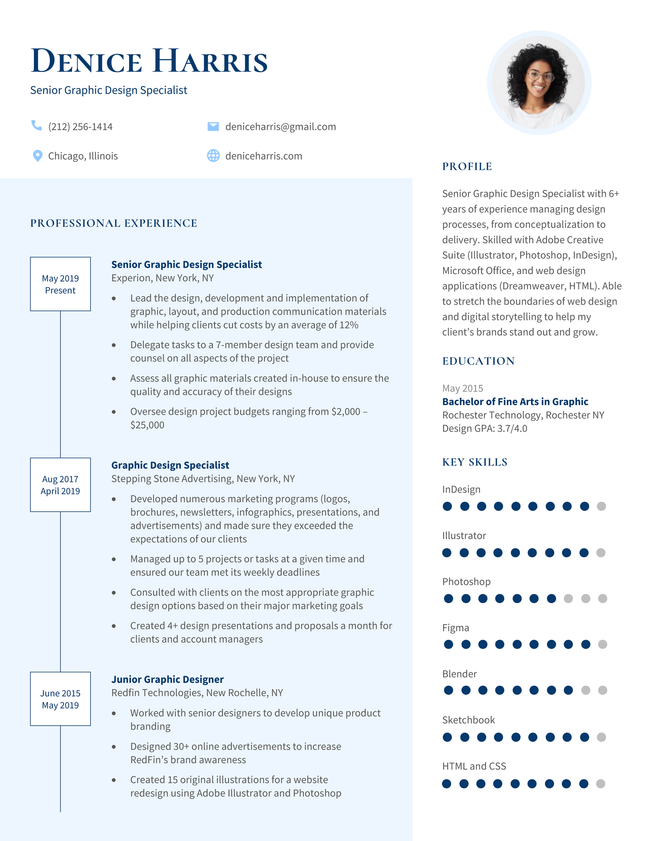
The "Quick" modern resume template in blue, featuring a sidebar and profile photo
Free Download Download for Word Open in G DocsBuild My Resume
Pin It
6,799
Quick
Word Google Docs
Easy Edit
Tech Template Violet
Edit This Template
Pin It
Tech
PDF Word Text
Easy Edit
Elite resume template violet
Edit This Template
Pin It
Elite
PDF Word Text
The Venture resume template in green.
Download for WordBuild My Resume
Pin It
117
Venture
Word
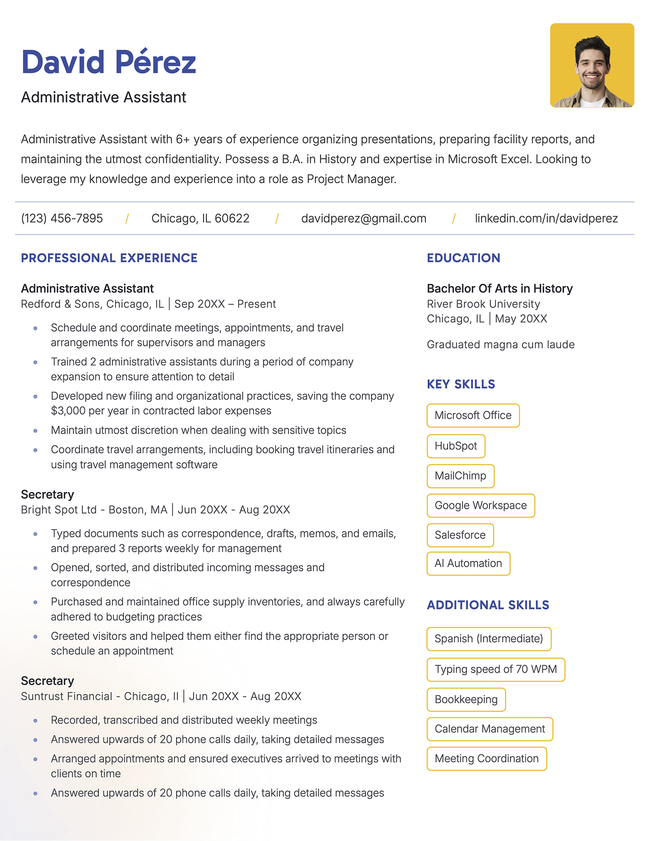
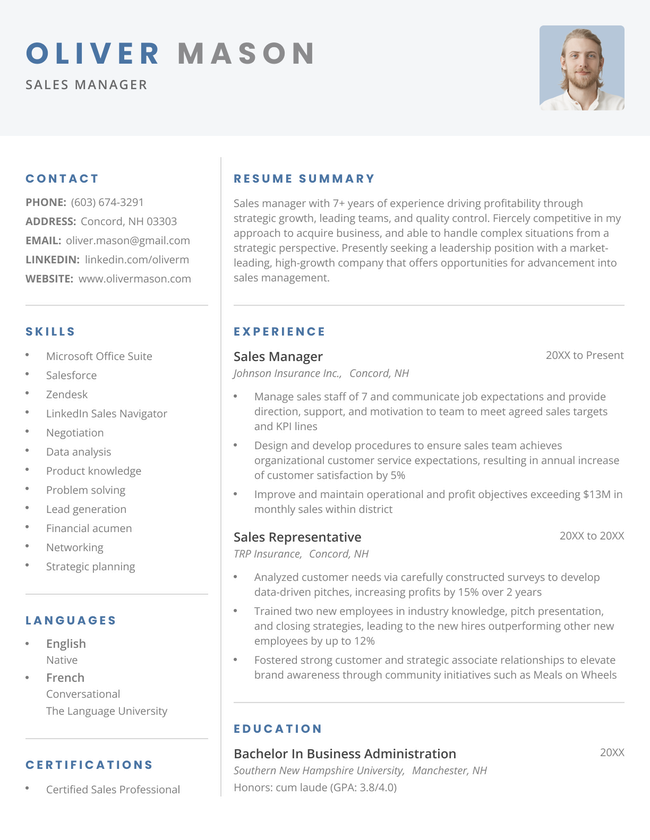
The "Social" resume template in blue, with a two-column layout and a photo at the top-right.
Free Download Download for Word Download for PDFBuild My Resume
Pin It
5,476
Social
Word PDF
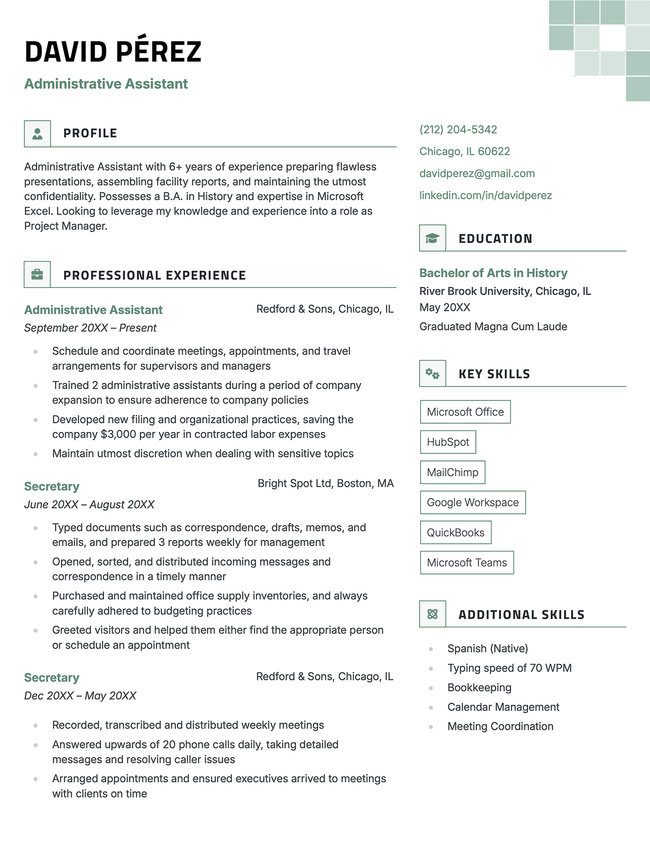
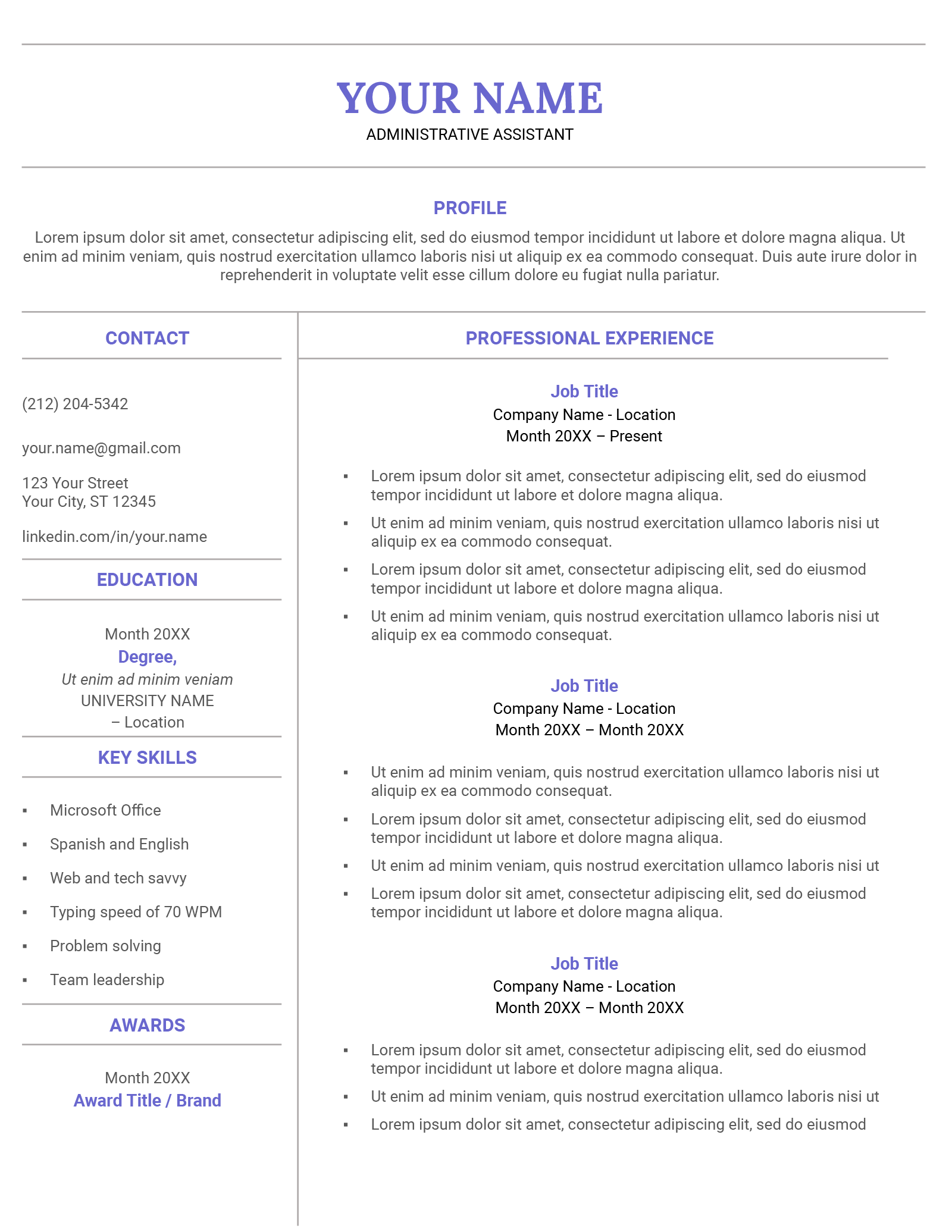
The 'graphite' resume template in green, featuring two columns and decorative squares in the upper right corner
Free Download Download for Word Download for PDFBuild My Resume
Pin It
3,157
Graphite
Word PDF
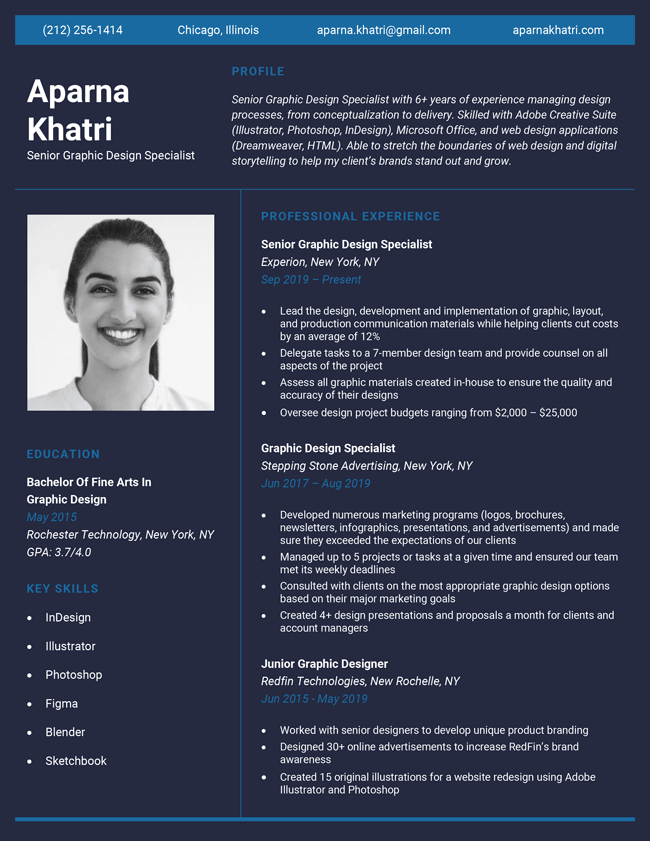
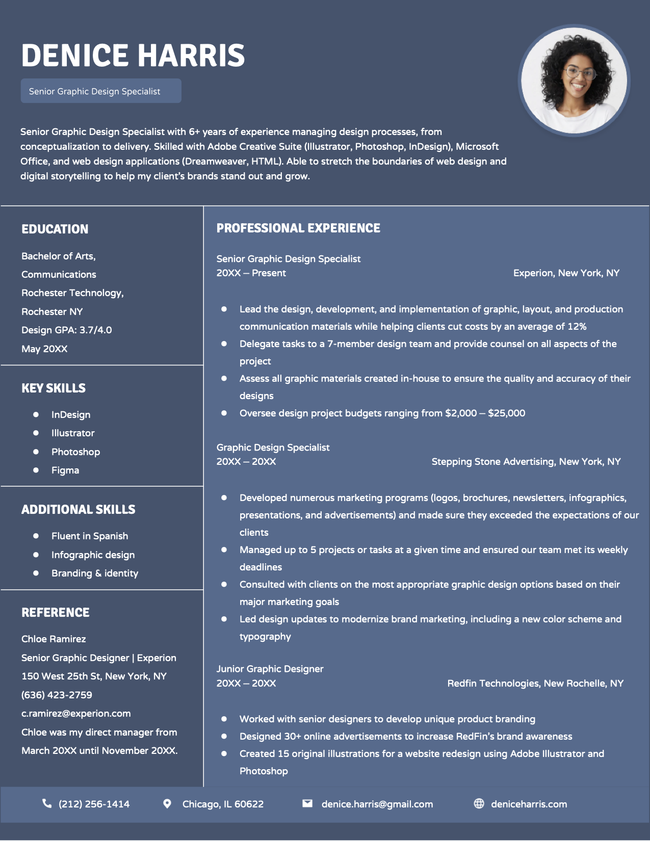
Pretty Resume Template hub image of Creative Resume Templates subpage, dark blue background with white text, with a headshot
Free Download Download for Word Download for PDFBuild My Resume
Pin It
14,367
Pretty
Word PDF
Stylish Modern Resume Template, Orange colored example for resume templates hubpage
Free Download Download for Word Open in G DocsBuild My Resume
Pin It
6,822
Stylish
Word Google Docs
Cool creative resume template in green
Free Download Download for Word Open in G DocsBuild My Resume
Pin It
1,135
Cool
Word Google Docs
The Cosmopolitan resume template in green
Free Download Download for Word Open in G DocsBuild My Resume
Pin It
3,901
Cosmopolitan
Word Google Docs
Everest resume template in blue
Free Download Download for Word Open in G DocsBuild My Resume
Pin It
3,320
Everest
Word Google Docs
Easy Edit
Paramount resume builder template in dark blue.
Edit This Template
Pin It
Paramount
PDF Word Text
The Compact functional resume template in black.
Download for WordBuild My Resume
Pin It
597
Compact
Word
The Strong functional resume template in green.
Download for WordBuild My Resume
Pin It
259
Strong
Word
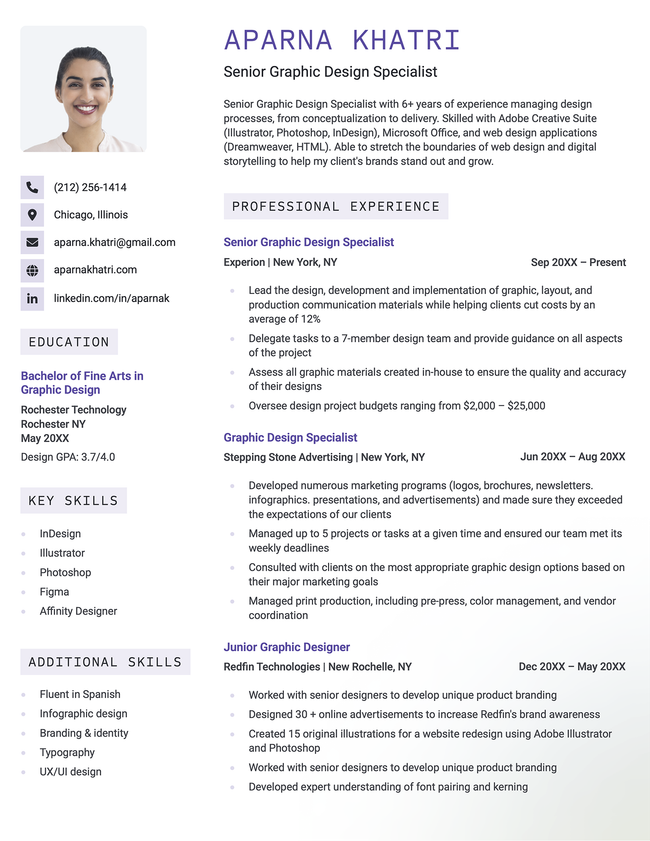
The 'Prime' resume template in purple with two columns, colorful accents, and a subtle gradient in the lower right-hand corner.
Download for WordBuild My Resume
Pin It
2,196
Prime
Word
Easy Edit
Contemporary resume template yellow
Edit This Template
Pin It
Contemporary
PDF Word Text
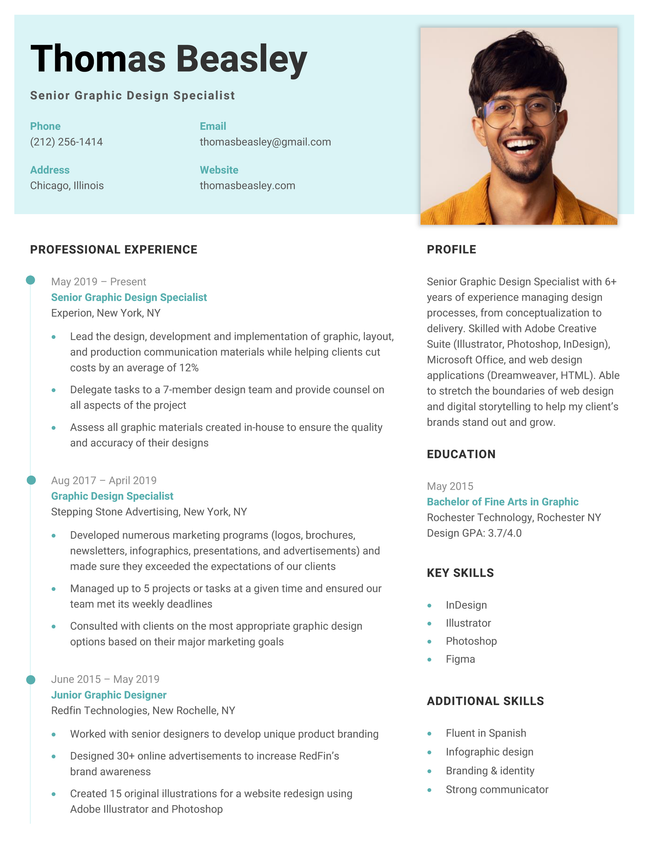
The "Top" photo resume template in cyan
Free Download Download for Word Open in G DocsBuild My Resume
Pin It
2,991
Top
Word Google Docs
The Stanford combination resume template in green.
Download for WordBuild My Resume
Pin It
246
Stanford
Word
Easy Edit
New Age Template Black
Edit This Template
Pin It
New Age
PDF Word Text
Easy Edit
Solid CV template in blue
Edit This Template
Pin It
Solid
PDF Word Text
Mockup infographic resume template in yellow
Download for WordBuild My Resume
Pin It
399
Mockup
Word
The "Photo" photo resume template in blue
Free Download Download for Word Open in G DocsBuild My Resume
Pin It
1,250
Photo
Word Google Docs
The "Headshot" photo resume template in aqua and orange.
Free Download Download for Word Open in G DocsBuild My Resume
Pin It
1,840
Headshot
Word Google Docs
The "Fun" photo resume template in teal, featuring a sidebar and modern style
Free Download Download for Word Open in G DocsBuild My Resume
Pin It
5,883
Fun
Word Google Docs
Easy Edit
Corporate Resume Dark Blue
Edit This Template
Pin It
Corporate
PDF Word Text
A colorful Google Docs resume template with unique, vertical headers.
Free Download Download for Word Open in G DocsBuild My Resume
Pin It
28
Colorful
Word Google Docs
Quick Google Docs resume template with a full-color blue background and two-column layout.
Free Download Download for Word Open in G DocsBuild My Resume
Pin It
32
Quick
Word Google Docs
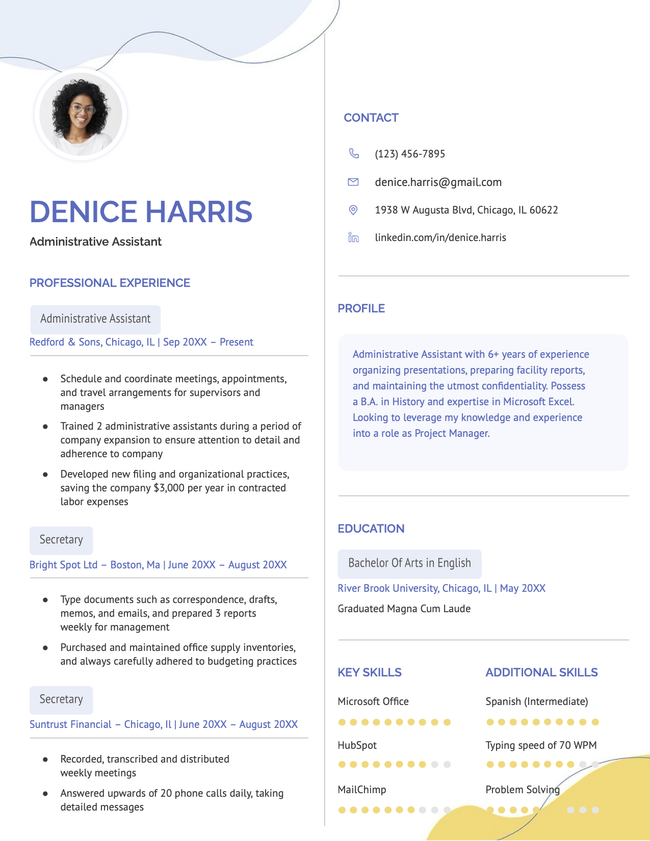
Creative Google Docs resume template in blue and yellow with a fresh, modern design.
Free Download Download for Word Open in G DocsBuild My Resume
Pin It
37
Two-Column
Word Google Docs
An example of the Canvas resume template for Google Docs
Free Download Download for Word Open in G DocsBuild My Resume
Pin It
132
Canvas
Word Google Docs
Unique Google Docs resume template.
Free Download Download for Word Open in G DocsBuild My Resume
Pin It
71
Unique
Word Google Docs
The "Cascade" resume template for Google Docs
Free Download Download for Word Open in G DocsBuild My Resume
Pin It
75
Cascade
Word Google Docs
Pretty Google Docs resume template in violet with a full-color background and resume photo.
Free Download Download for Word Open in G DocsBuild My Resume
Pin It
28
Pretty
Word Google Docs
The Cosmopolitan resume template for Microsoft Word
Download for WordBuild My Resume
Pin It
413
Cosmopolitan
Word

Additional free resume templates

  • All
  • ATS
  • Blank
  • Canva
  • Creative
  • CV
  • Google Docs
  • InDesign
  • LaTeX
  • LibreOffice
  • Pages
  • PDF
  • Photo / Headshot
  • Minimalist
  • Modern
  • Simple / Basic
  • Student
  • Two-Column
  • Word

Resume templates by layout & career level

  • Chronological
  • Combination
  • Functional
  • Infographic
  • Entry-Level
  • Mid-Career
  • Manager
  • Executive
Table of Contents
Table of Contents
  • Two-Column Resume Templates to Download and Edit
    • Pros and cons of using a two-column resume
    • How to make your two-column resume ATS-friendly
    • Frequently asked questions about two-column resume templates
      • When should I use a two-column resume template?
      • Are two-column resumes preferred by employers?
      • What is the best way to format a two-column resume?
    • Tools to help you fill in your two-column resume template
3 resume templates available in the Resume Genius builder with a banner explaining how quickly you can make a resume

Struggling to get interviews?

Make a professional resume

Share:

  • Copied

Pros and cons of using a two-column resume

A two-column resume is a flexible layout that works well in many job applications. Whether it’s the best choice for you depends on your industry, role, and personal style.

Pros

  • Uses space efficiently: A two-column resume lets you fit more information on one page without it feeling crowded
  • Stands out: A two-column structure is less common than traditional resumes, so it helps catch an employer’s eye
  • Visually appealing: Two-column layouts provide a clean, reader-friendly look that’s easy to scan quickly

Cons

  • Not fully ATS optimized: Some applicant tracking systems struggle to read content in multiple columns, especially if the formatting is complex
  • Not suited to more formal industries: Fields like law, finance, or government typically prefer traditional, single-column resumes
  • Can be challenging to format by yourself: Getting the spacing, alignment, and balance right isn’t always easy if you’re editing in a word processor

How to make your two-column resume ATS-friendly

Follow these tips to make sure your two-column resume can still be be read by applicant tracking systems:

  • Use standard section headings: Labels like “Work Experience,” “Skills,” and “Education” are easier for ATS software to recognize and organize
  • Avoid text boxes and graphics: Some ATS platforms struggle to process icons, charts, images, and layered design elements correctly
  • Use a standard font: Professional fonts like Arial, Calibri, or Helvetica improve readability for both recruiters and software
  • Place key information in the main column: Keep work experience and job titles in the wider column so they’re easier to scan
  • Stick to common file formats: PDF or DOCX files are usually the safest options, unless the employer requests a specific format
  • Test your resume before applying: Copy your resume into a plain text document to help you see whether the content reads in the correct order, or use a resume checker

Frequently asked questions about two-column resume templates

Here are answers to some of the most common questions about two-column resumes:

When should I use a two-column resume template?

You should use a two-column layout when you want to present your skills and experience in a space-efficient way. It’s especially useful if you have multiple skills, tools, or certifications you want to highlight alongside your work history.

This type of resume is popular in industries like tech, marketing, and design, where a clean and visually engaging layout can help your application stand out. It allows you to balance detailed experience with key highlights without overwhelming the page.

Are two-column resumes preferred by employers?

There isn’t a universal preference from employers for two-column resumes. It really depends on the industry, role, and how the resume is reviewed. In fields like tech, marketing, and design, employers are more likely to be used to seeing two-column layouts.

In more traditional industries such as law, finance, or government, employers may still prefer uncomplicated, single-column formats. That said, the content of your resume matters far more than the layout. Relevant experience, skills, and achievements will always carry the most weight.

What is the best way to format a two-column resume?

The best way to format a two-column resume is to place contact information and quick-reference details (like skills or tools) in the narrower left column, while keeping the main content, like your work experience, in the wider right column.

Supporting sections like education, certifications, languages, or additional skills can go in either column depending on their length and importance. Short, high-level items usually work well in the left column, while more detailed sections may be better placed on the right.

Tools to help you fill in your two-column resume template

Make your resume faster with these free writing tools:

  • Resume summary generator: Creates a short summary that highlights your most relevant skills and qualifications
  • Bullet point generator: Writes results-focused accomplishments for your work experience section
  • Skills generator: Identifies important keywords to include in your skills section based on your role
  • AI resume generator: Generates a complete resume draft from a short prompt about your professional history
  • ATS resume checker: Scans your resume for compatibility with applicant tracking systems

Want a professional resume fast?

Use our AI-powered resume builder to create a fully formatted resume in 10 minutes. Select a template, and our software will walk you through each step.
Build my resume
Share

Facebook

Twitter

Linkedin

Reddit

Copy link

https://resumegenius.com/two-column-templates
Resume Genius
LinkedIn Instagram Youtube Facebook Twitter Tiktok Pinterest Giphy
Resumes
  • Resume Builder
  • Resume Templates
  • ATS Resume Checker
  • AI Resume Generator
  • Resume Summary Generator
  • Resume Bullet Point Generator
  • Resume Skills Generator
  • Resume Parser
  • Resume Examples
  • How to Make a Resume
  • Resume Format
Cover Letters
  • Cover Letter Generator
  • Cover Letter Templates
  • Cover Letter Examples
  • How to Write a Cover Letter
  • Cover Letter Format
CVs
  • CV Maker
  • CV Templates
  • How to Write a CV
  • CV Examples
  • CV vs Resume
Policies
  • Terms & Conditions
  • Privacy Policy
  • CCPA/GDPR
  • Accessibility
  • Editorial Guidelines
Additional Resources
  • About Us
  • Affiliate Opportunities
  • Career Experts Program
  • Join Our Team
  • Press & Media Mentions
  • Pricing
  • Product Reviews
  • The Genius Blog
Support
  • Help & Support
  • Contact Us
  • Forgot Password
  • Frequently Asked Questions
Member of
Certified professional resume writer official seal

© 2026, Sonaga Tech Limited. All rights reserved

ResumeGenius.com is owned and operated by Sonaga Tech Limited, Hamilton, Zweigniederlassung Luzern with offices in Luzern Switzerland.

Your review would mean a lot to us.

We hope our free downloadable resources will help you on your path to career success. If you have time, a quick review would really make our day (it'll only take 15 seconds). Best of luck on the job hunt!

Leave A Review