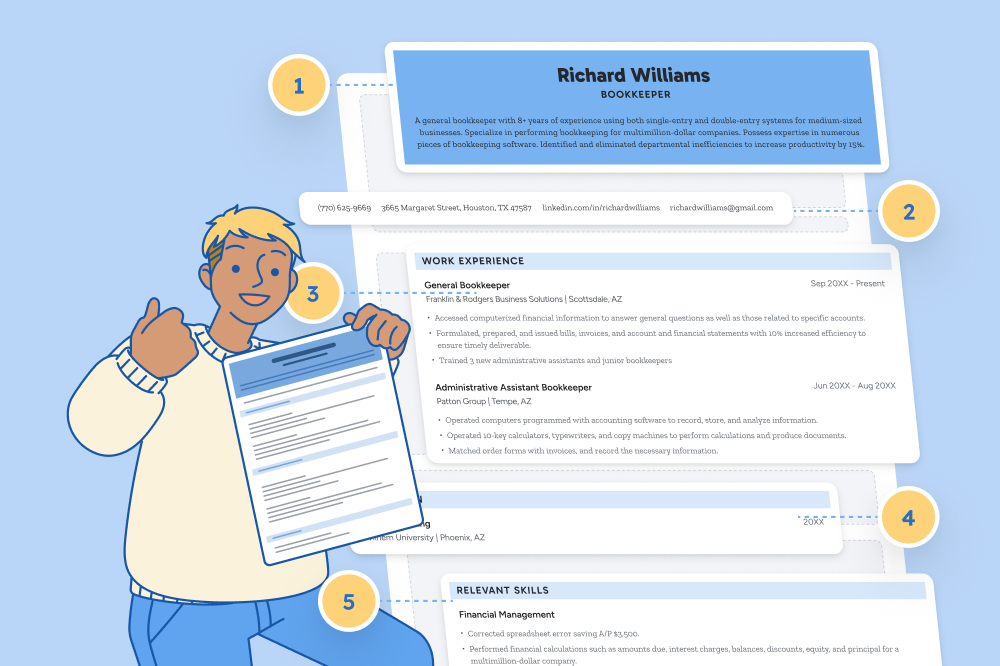


Make your resume in minutes.
Even if you already know how to write a resume, using a blank resume template speeds up the writing process by providing an outline that you can quickly fill in with your skills and experience.
Simple copy/paste blank resume template
This plain text template uses a versatile resume format that’s suitable for any industry. Paste it into Microsoft Word or Google Docs to add your contact details and qualifications.
FIRST AND LAST NAME
Email: youremail@gmail.com | Phone: 123 456 7891 | Address: 123 Street, City, State 12345 | Linkedin: linkedin.com/in/yourprofile
Resume Summary
[Industry] professional with [# of years] years of experience, seeking to apply [relevant skills] as a [Position Title] position at [Company Name]. Hold a [degree] in [area of study] and bring skills in [relevant skill]. Dedicated to supporting [Company’s Name]’s goals and taking on more responsibility quickly.
Relevant Experience
Current Job Title
Employer Name, Location | Start Date – End Date
- Include a bulleted list of your achievements
- Start each bullet off with an action verb (like “built” or “spearheaded”) to grab attention
- Use hard numbers when possible to quantify your accomplishments at work
Earlier Job Title
Employer Name, Location | Start Date – End Date
- List relevant accomplishments from your previous job
- Since you’re no longer in this job, use past-tense verbs
Education
Degree Name / Major
University, Location | Start Date – End Date
Skills and Certifications
- List relevant skills and certifications
- You should mostly list hard skills and technical skills
- Be specific by naming tools or software by name
Additional Resume Section
- Add any other relevant information about your background here
- For example: publications, languages, volunteer experience, or relevant hobbies
Downloadable blank resume templates (by style)
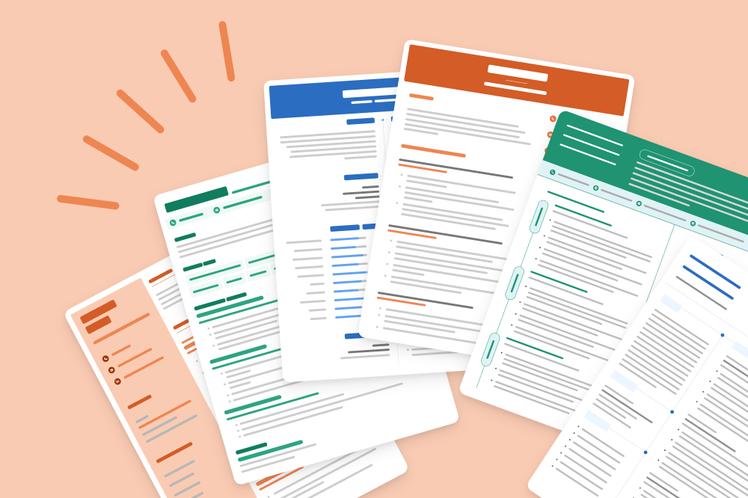
These free blank resume templates will give your resume a more professional appearance. Each layout is fully editable and easy to fill in. Their clean, modern designs will make your resume look more polished and complete so you make a stronger first impression on the employer.
Clean
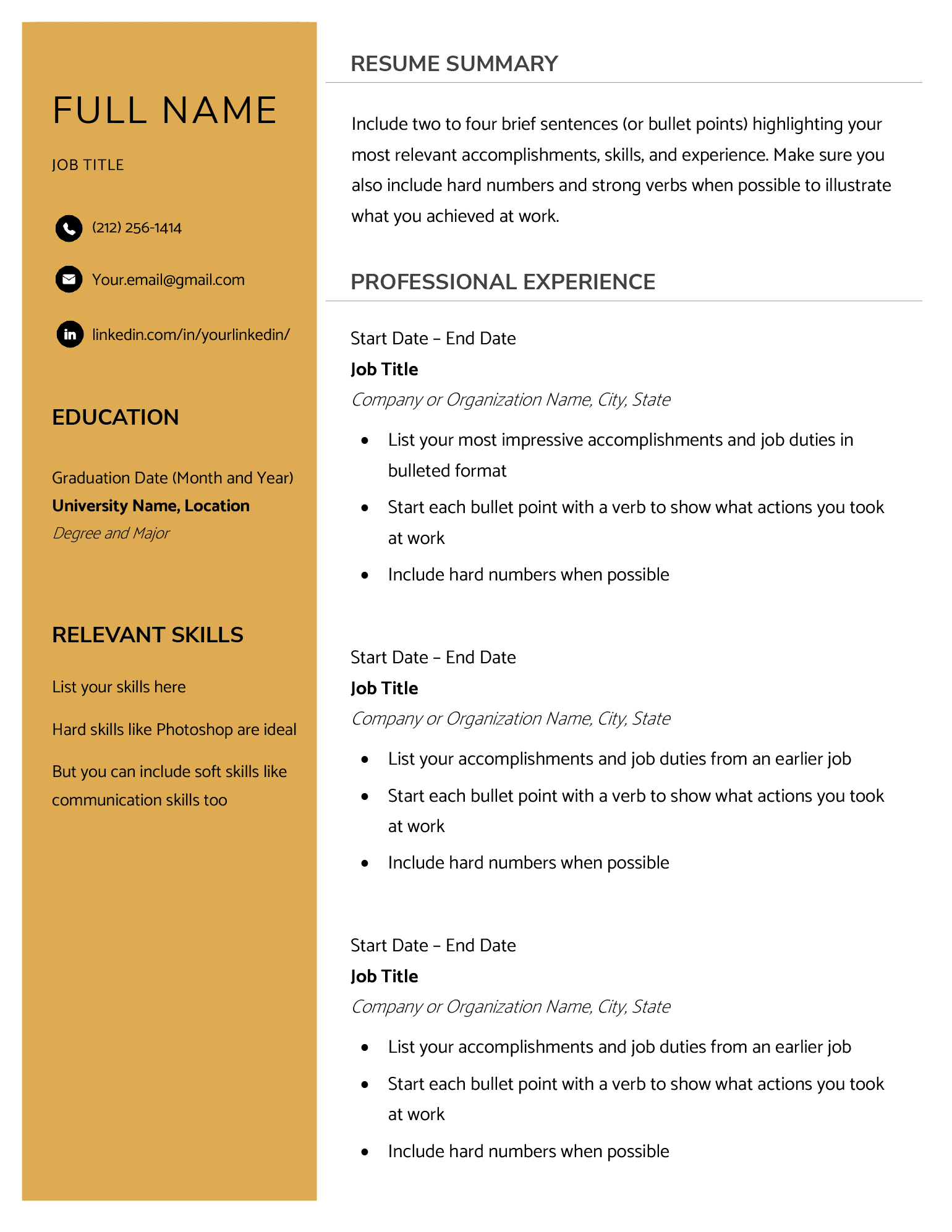
This template is a great choice for applicants who want to show professional growth. It provides plenty of space to describe your work experience, while the bold left-hand column clearly highlights your skills and academic achievements.
Fun
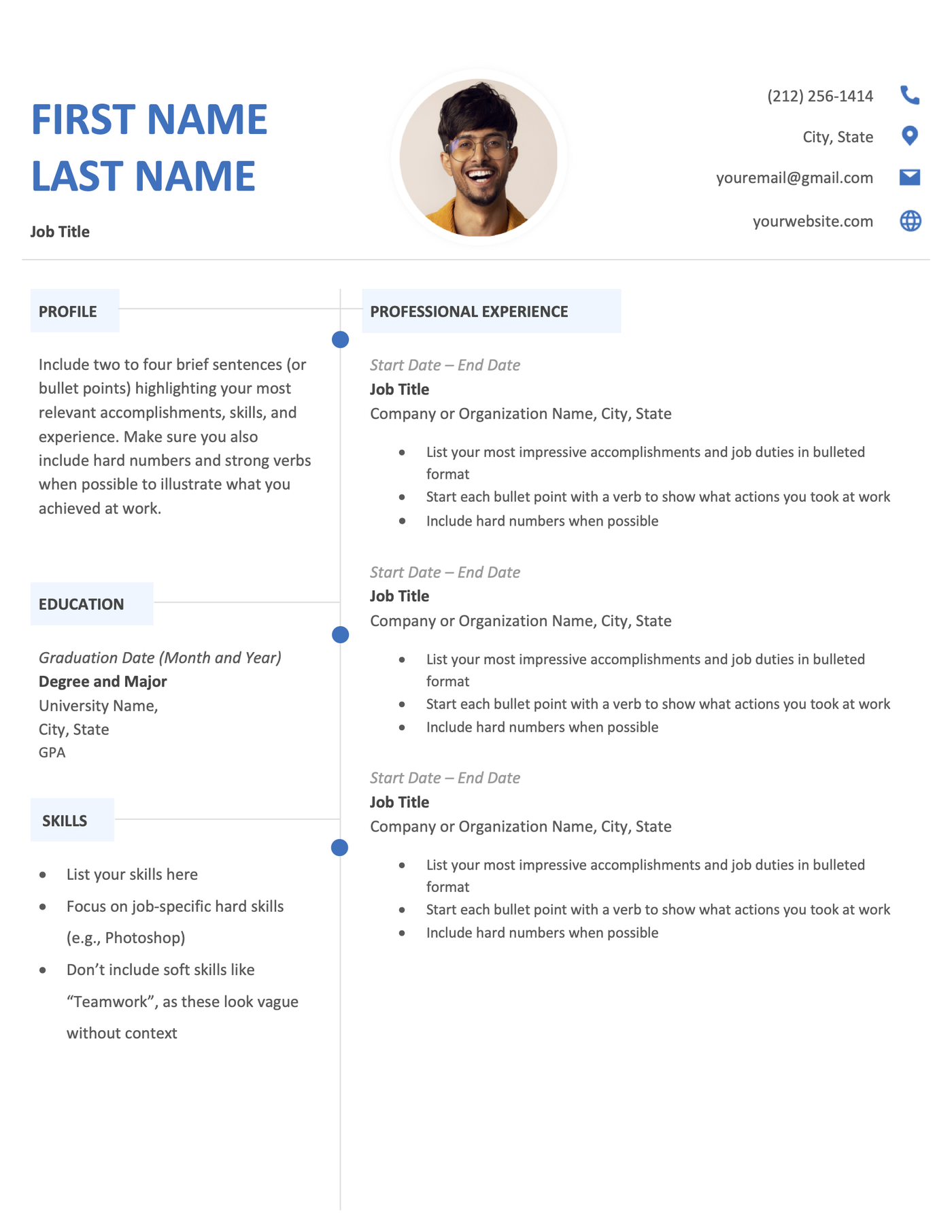
Perfect for creative professionals, this free resume template uses a two-column layout to balance your skills, qualifications, and work experience.
Stylish
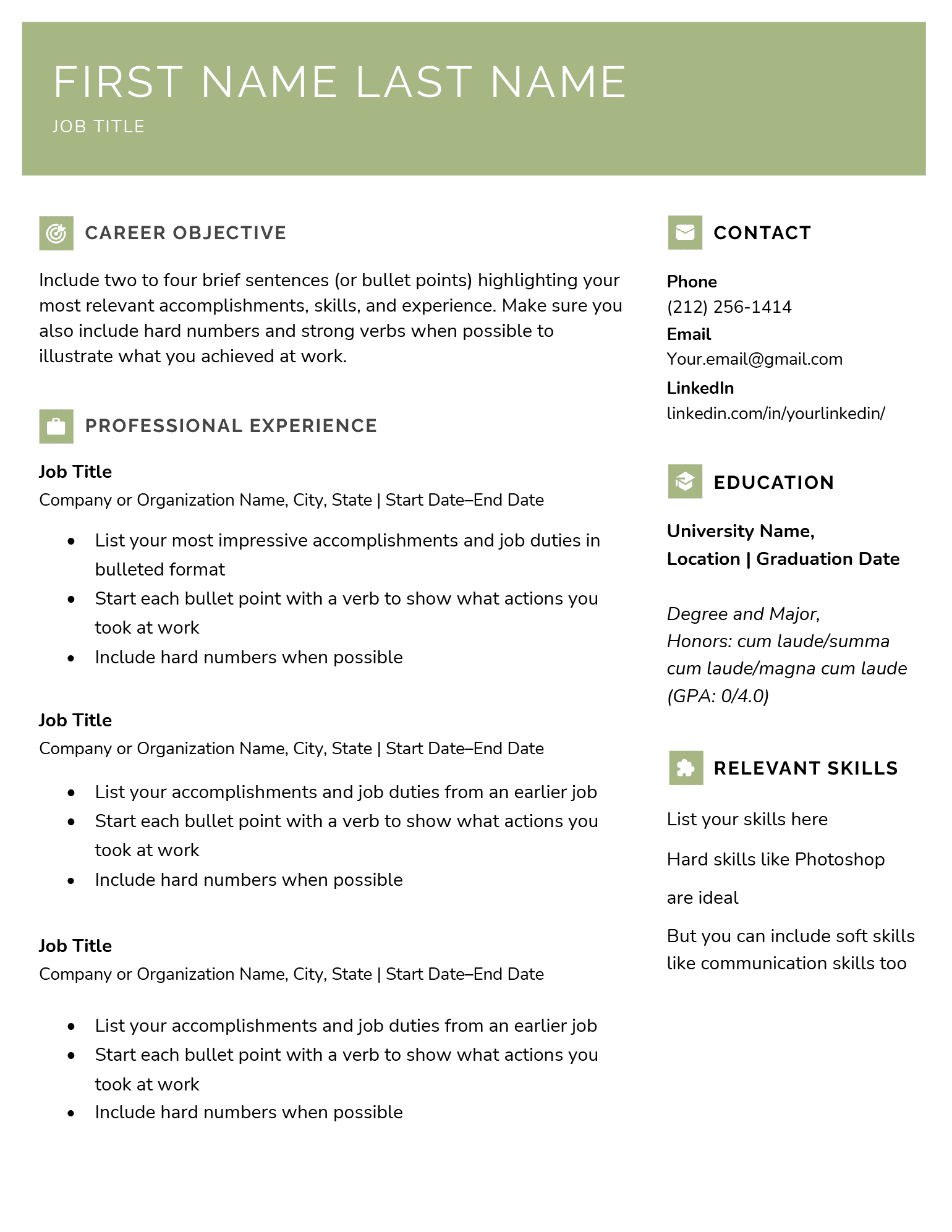
This resume template balances sections evenly and accents headings with simple icons, making it easy for hiring managers to quickly skim your resume for key information.
Classic
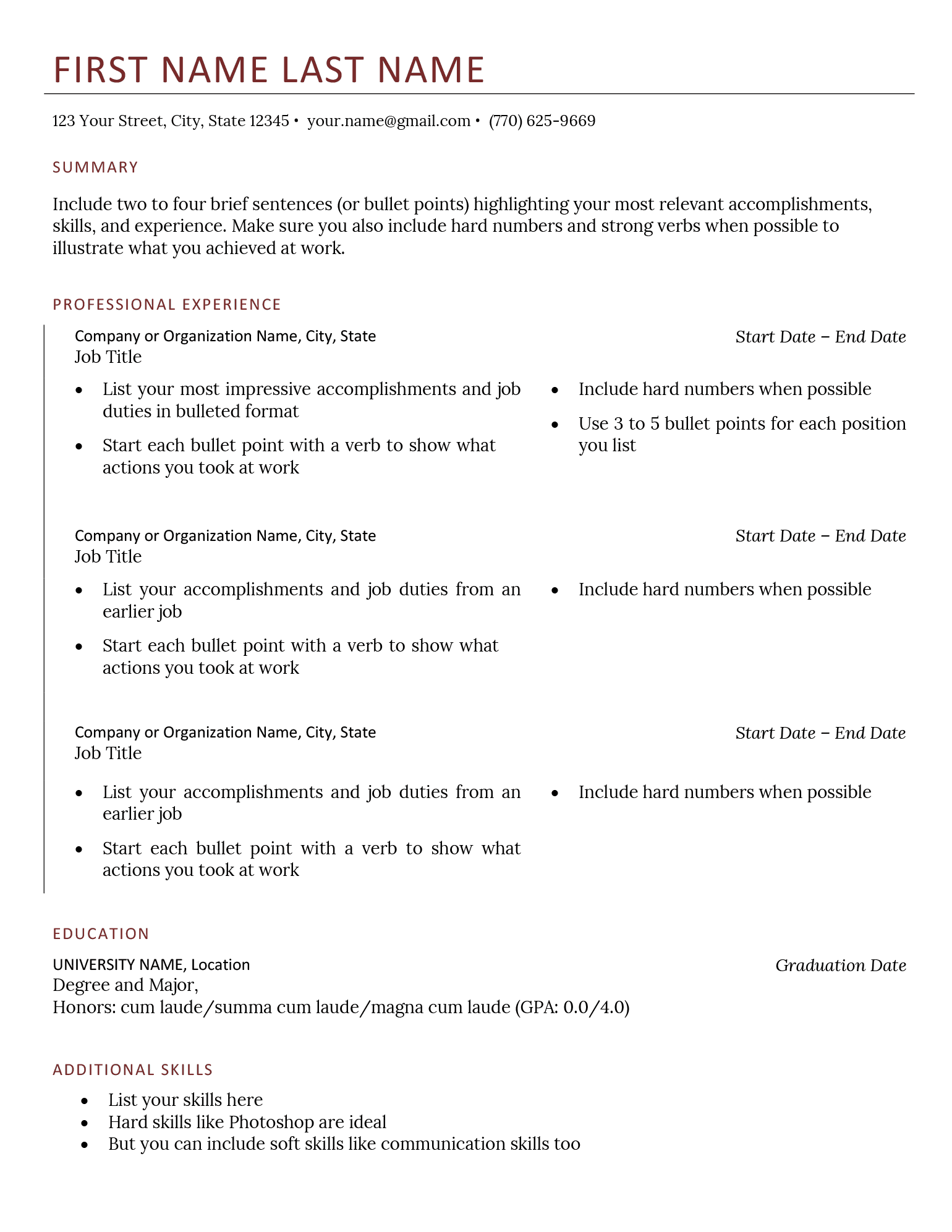
This traditional resume template is ideal for formal industries like accounting or law. Its space-efficient work experience section lets you write more about your skills and achievements without spilling onto a second page.
Corporate
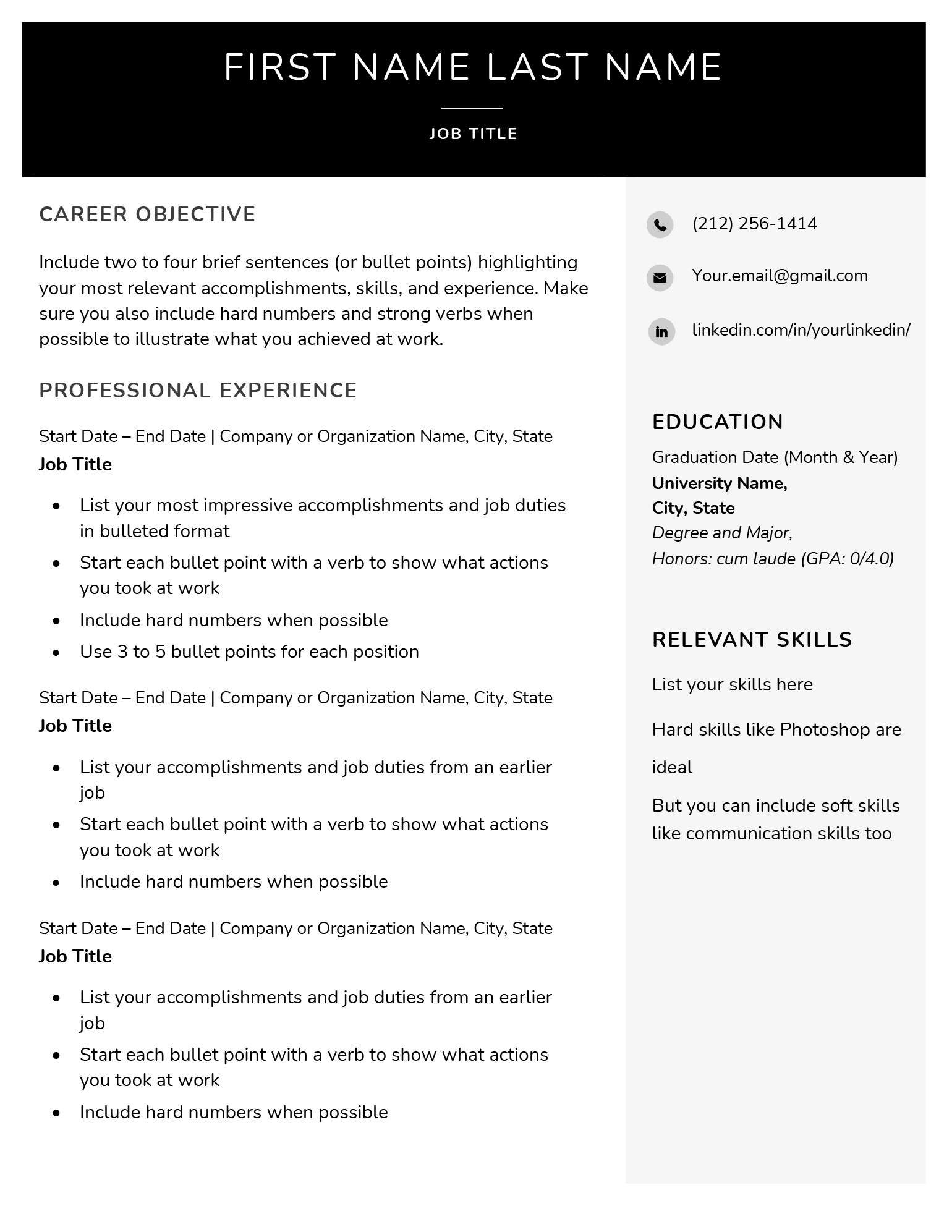
With strong lines and a bold header, this template projects confidence. It’s an ideal choice for manager-level resumes or roles in competitive industries like marketing.
Aesthetic
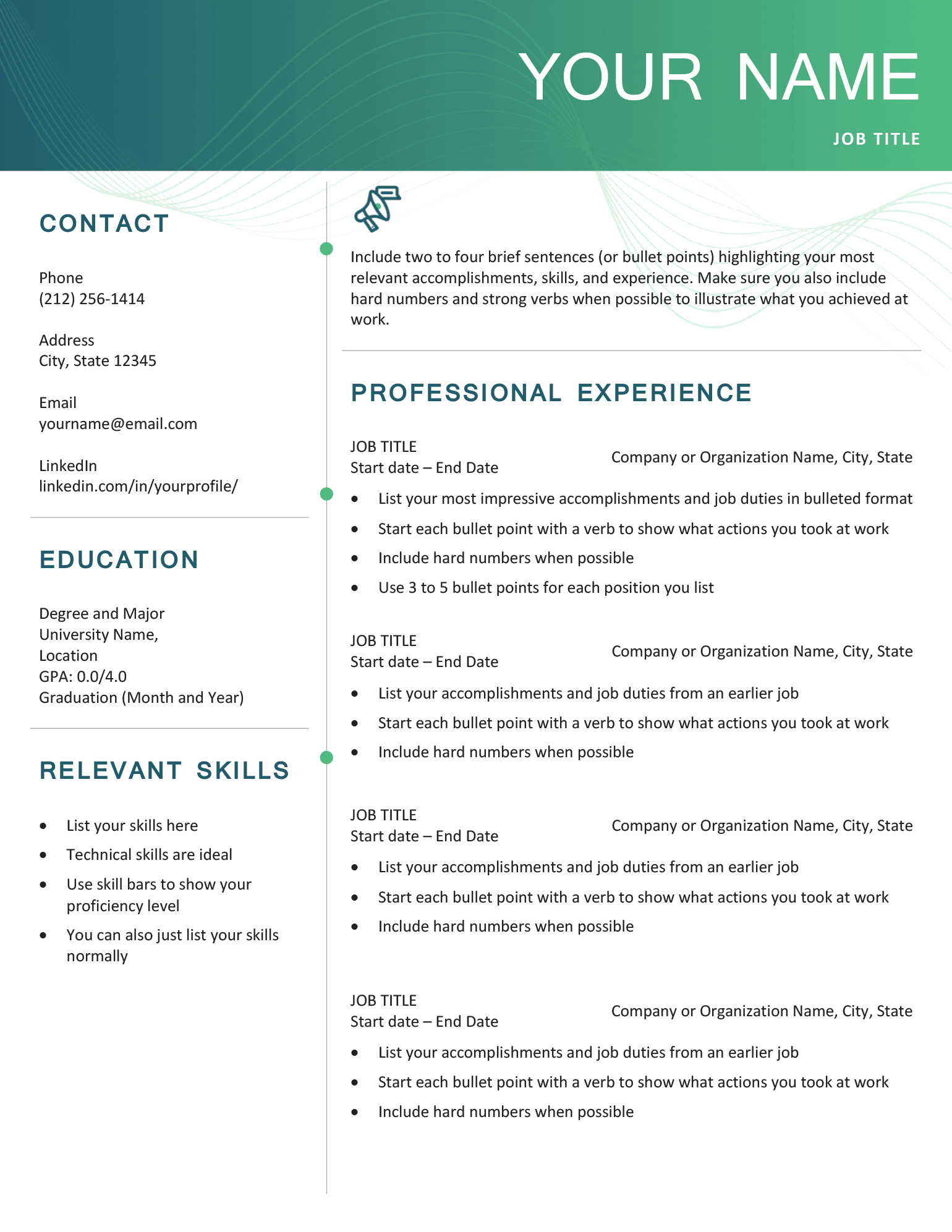
Suitable for modern companies in tech, marketing, and design, this template will help you show alignment and enthusiasm. Its modern header adds visual interest without distracting from your qualifications, making your resume look precise and strategic.
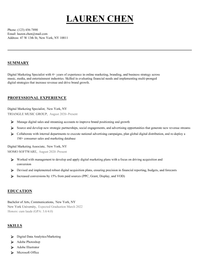
Our resume builder can make you a resume in as little as 5 minutes. Pick the template you want, and our software will format everything for you.
Fill-in free blank resume formats (by structure)
Chronological
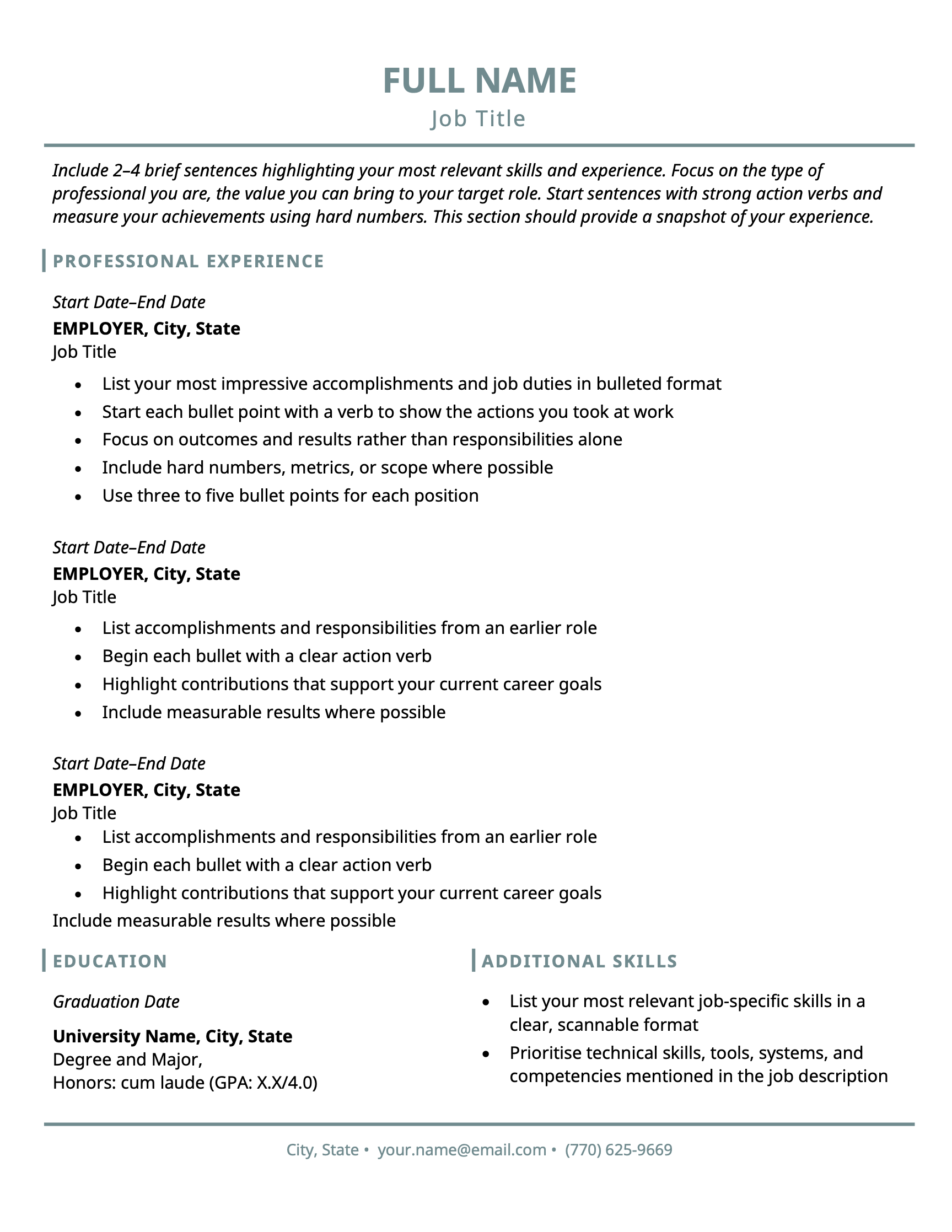
Chronological resumes emphasize your relevant experience and career growth by listing jobs in reverse-chronological order, starting with your most recent role.
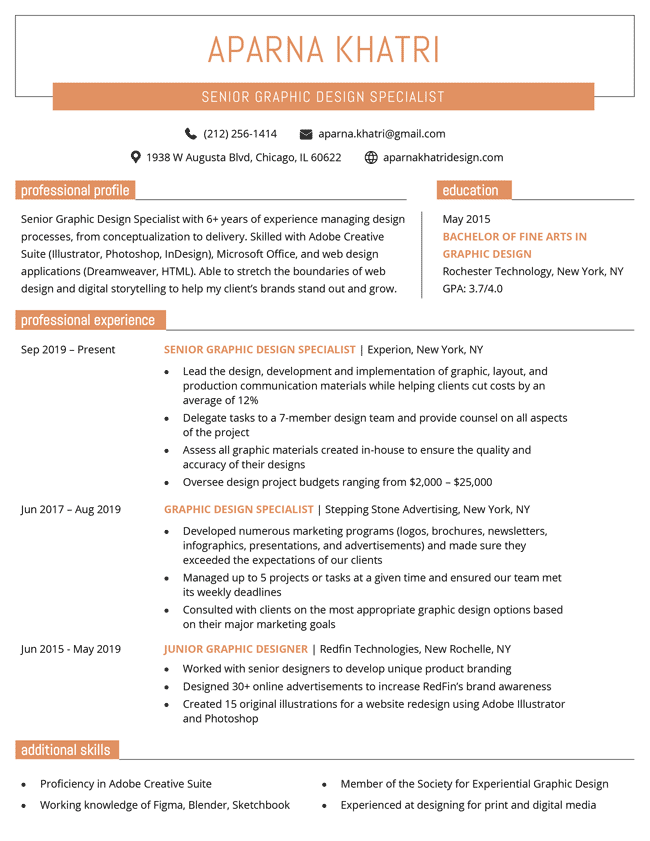
This simple template uses color and white space to break up information and improve readability.
When using this layout, list promotions as separate job entries to better highlight your career growth.
Functional
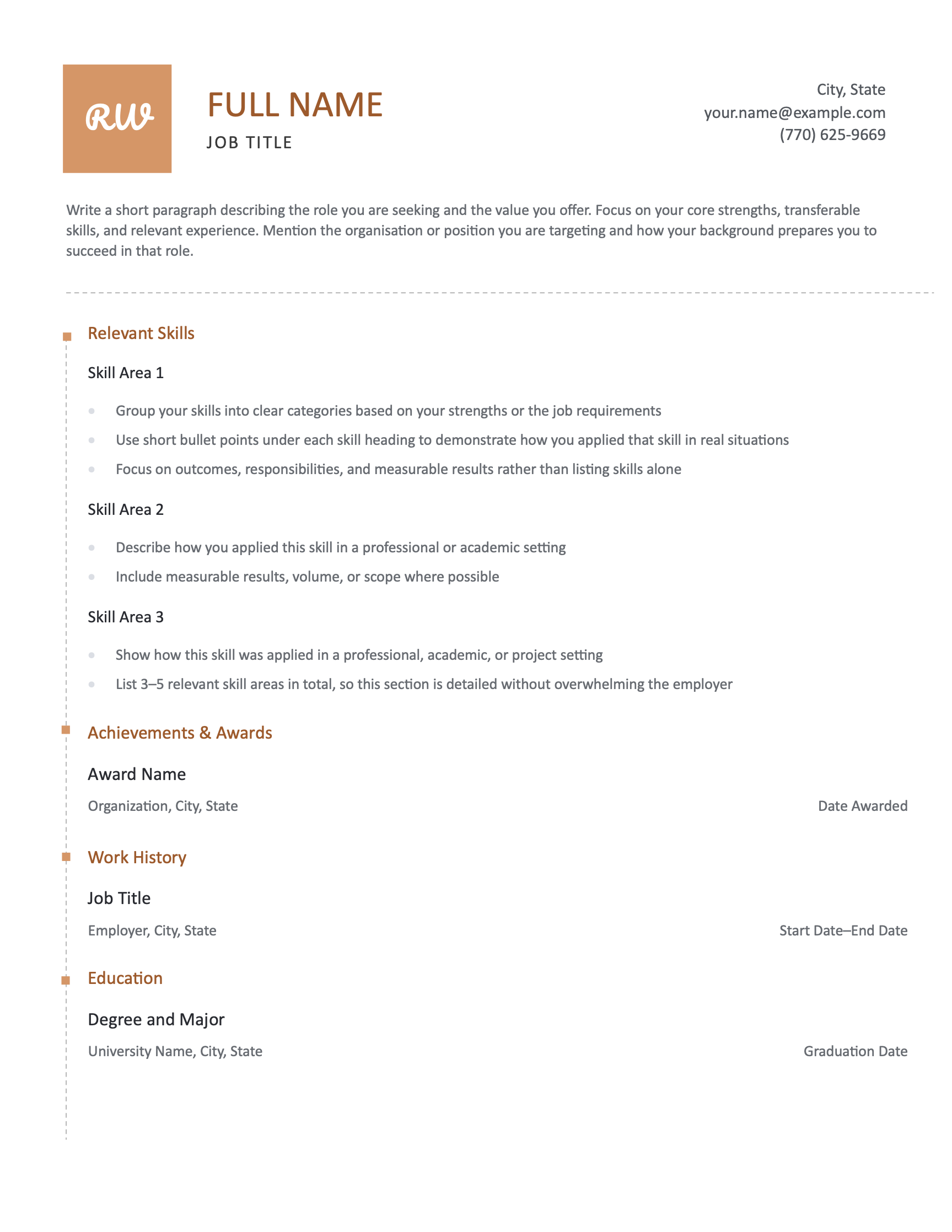
This template uses a functional resume format, emphasizing skill areas over work history. This approach is effective if you’re applying for your first job or switching careers.
Combination
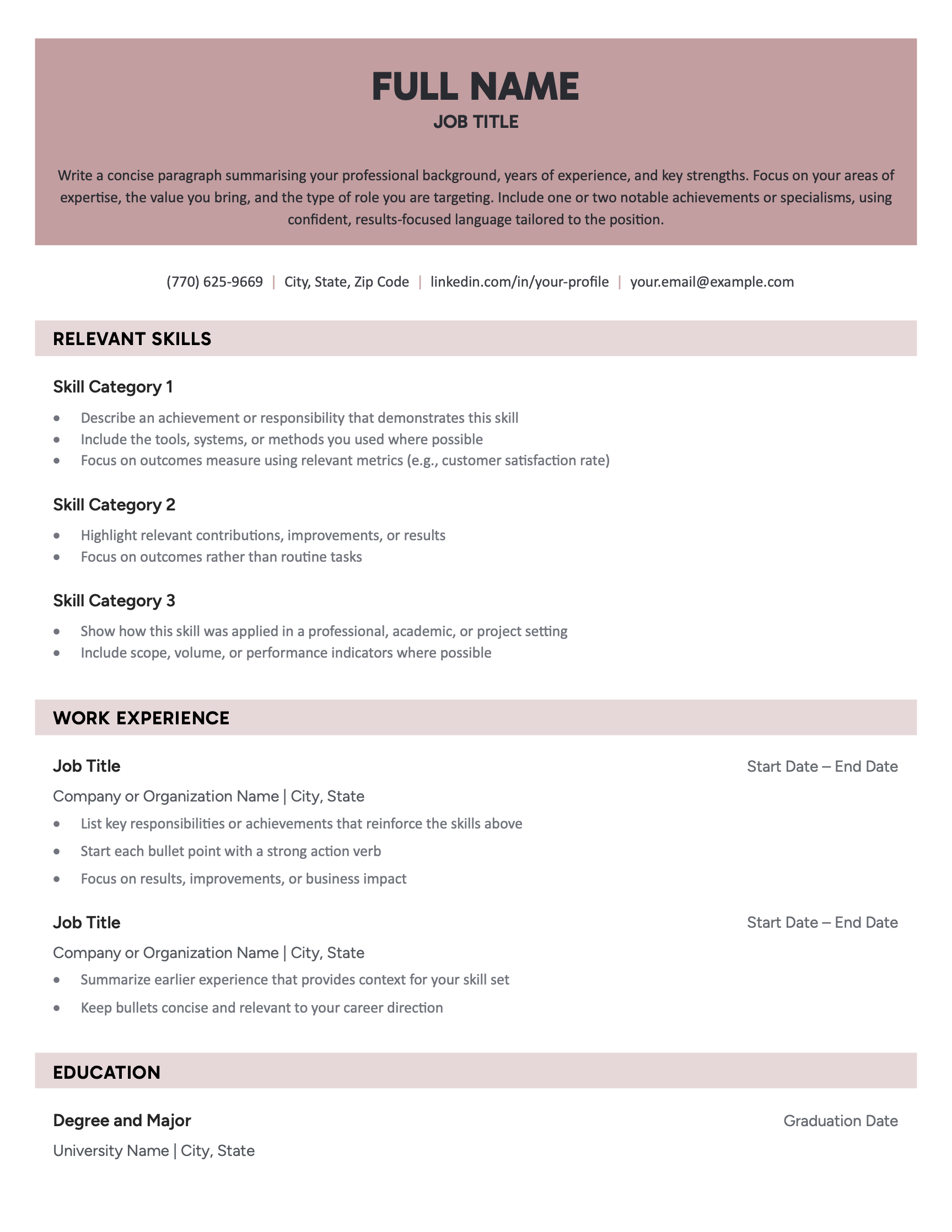
This modern blank resume template presents your skills and work history in a clean layout. Combination resumes work well for technical and freelance roles because they lead with a skills summary that gives employers a quick overview of what you can do. You can easily switch the skills you want to foreground, making it easy to tailor your resume to different employers.
How to use these blank resume templates
Here’s how to use our blank templates:
- Click the “Download This Blank Resume Template” button beneath the template you want
- Double-click the downloaded ZIP file
- Follow the instructions in the Read Me file in the unzipped folder to install any included fonts
- Open the Microsoft Word file and follow the instructions to personalize each section
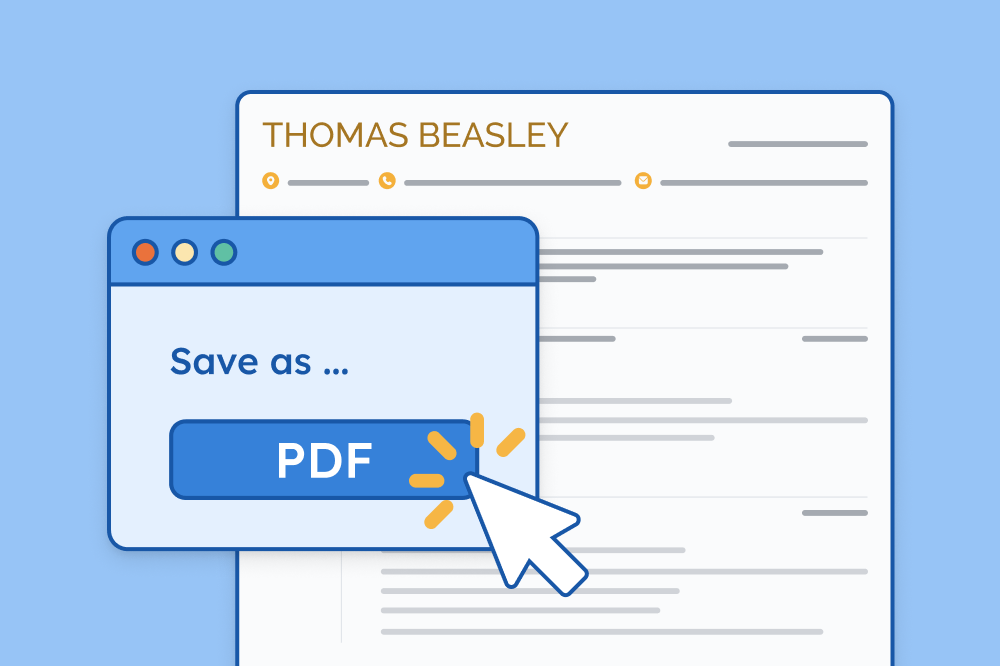
- Save your resume as a PDF when you’re finished so it looks consistent across all devices
Tools to help you fill in your blank resume template
Use these free writing tools to quickly describe your strengths, skills, and achievements for employers:
- Resume summary generator: Creates a personalized introduction that grabs attention and emphasizes your value
- Bullet point writer: Suggests achievement-focused bullet points for your work experience section based on your job titles
- Skills generator: Helps you identify skill keywords employers may be looking for — just enter your job title to pull up relevant keywords
- AI resume generator: Creates a first draft of your resume based on a prompt about your work history
- ATS resume checker: Reviews your finished resume’s formatting, keyword use, and ATS score to improve your job application’s relevance and visibility
Looking for more resume templates?
These templates are a small sample of our full selection. Here are some more templates that make writing a professional resume easy:
Templates for beginners:
Templates by design style:
Templates by file type:
About the Author

Seb is a Certified Professional Resume Writer with 10 years of combined experience in career counseling and editorial work. With a MA in International Communications from National Chengchi University (Taiwan), he helps job seekers translate their experience into employer-ready applications for global job markets.