
Resume Templates Modern Resume Templates
Modern Resume Templates to Download & Edit
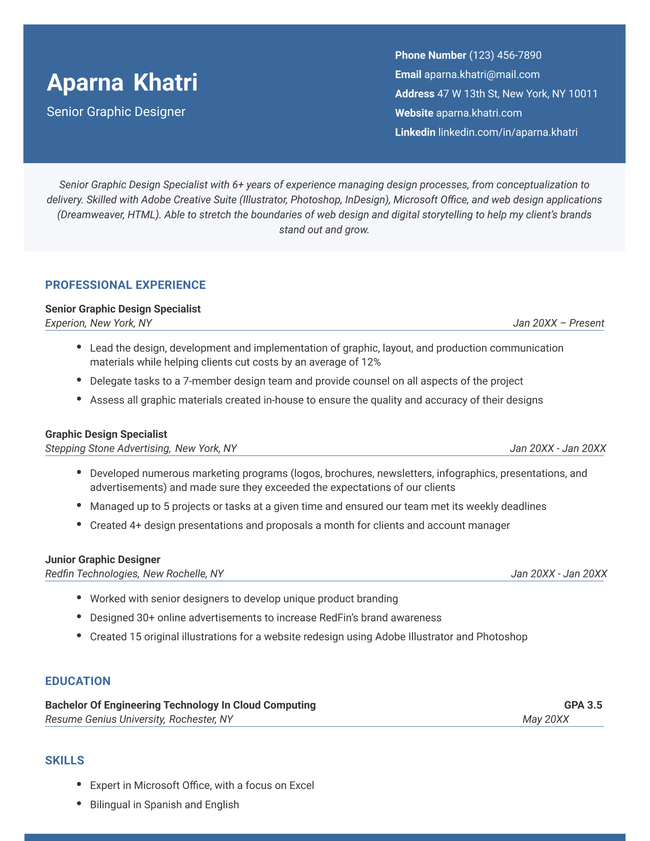
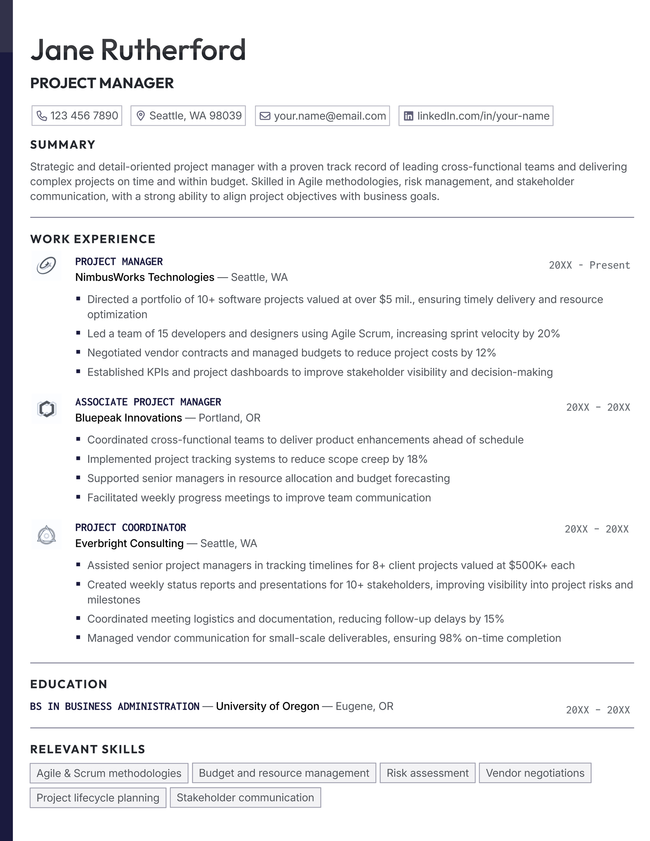
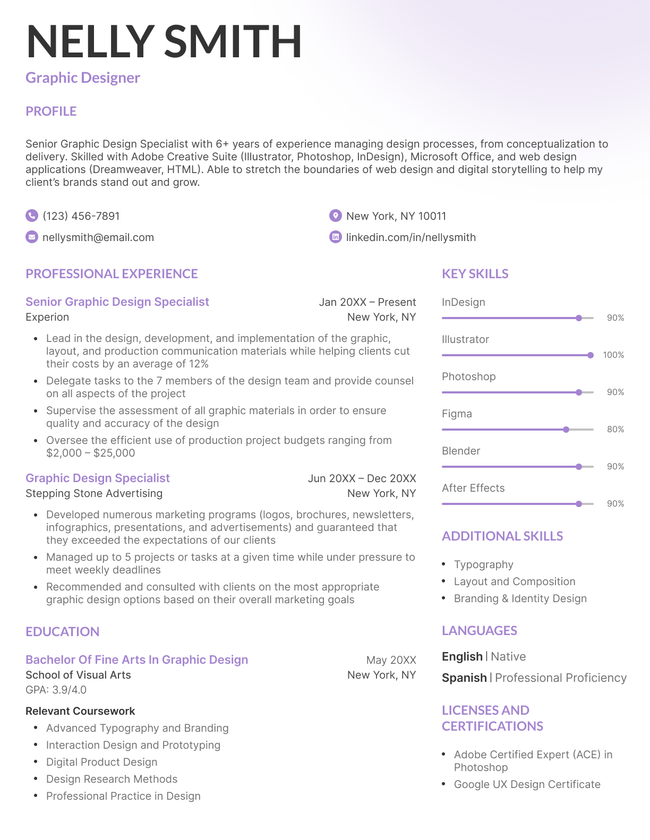
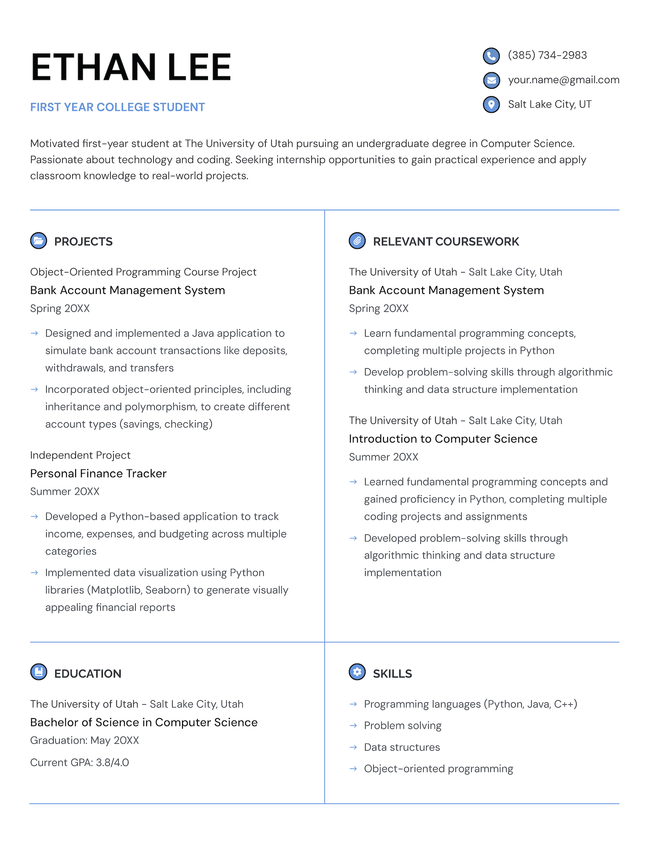
Download a free modern resume template with a contemporary layout, clean typography, and bold design elements that highlight your qualifications. Format your resume to 2026 hiring standards.
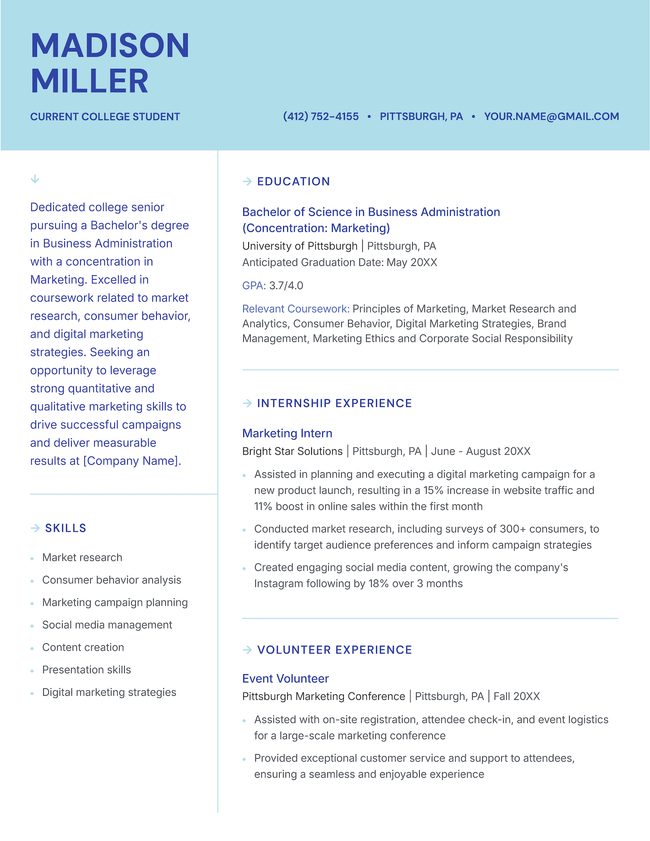
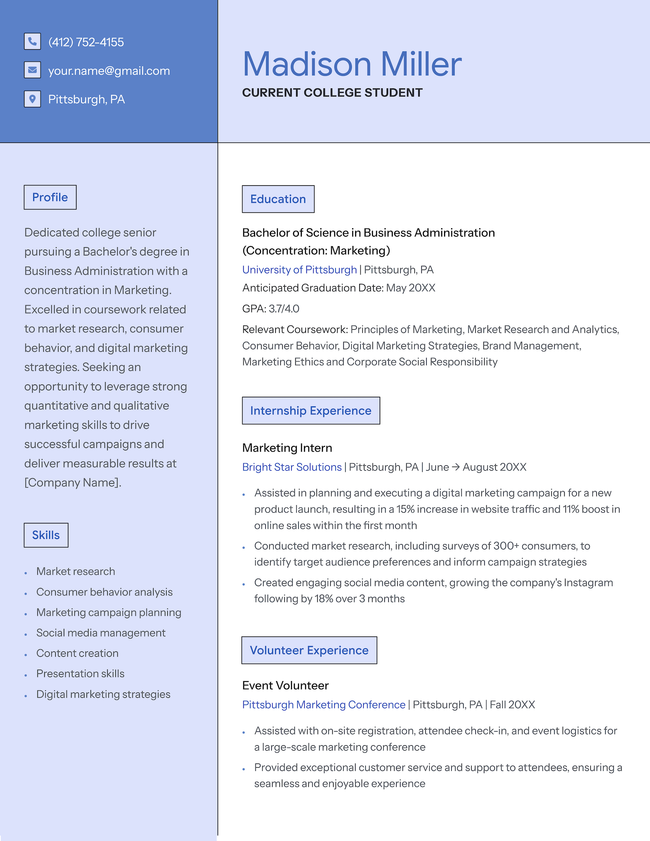
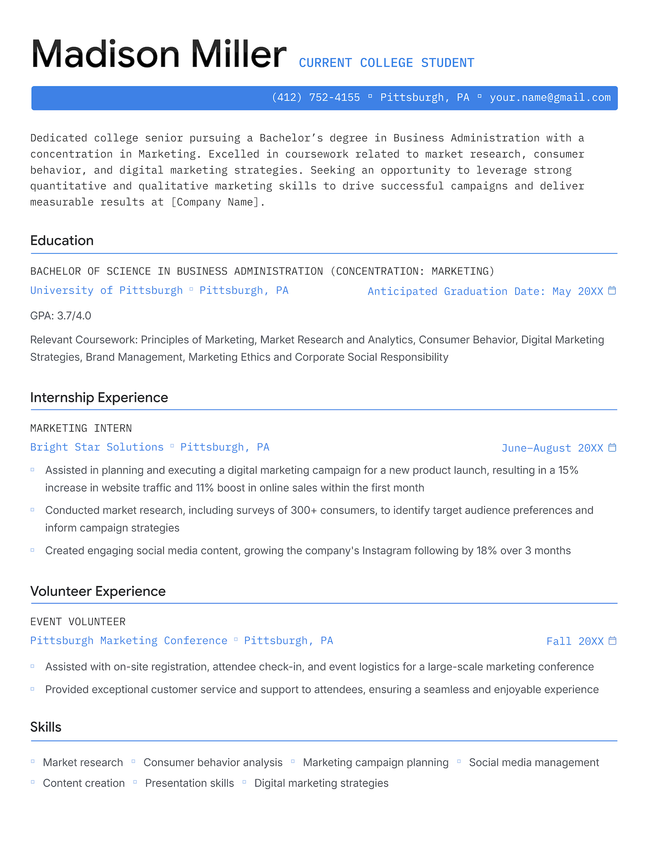
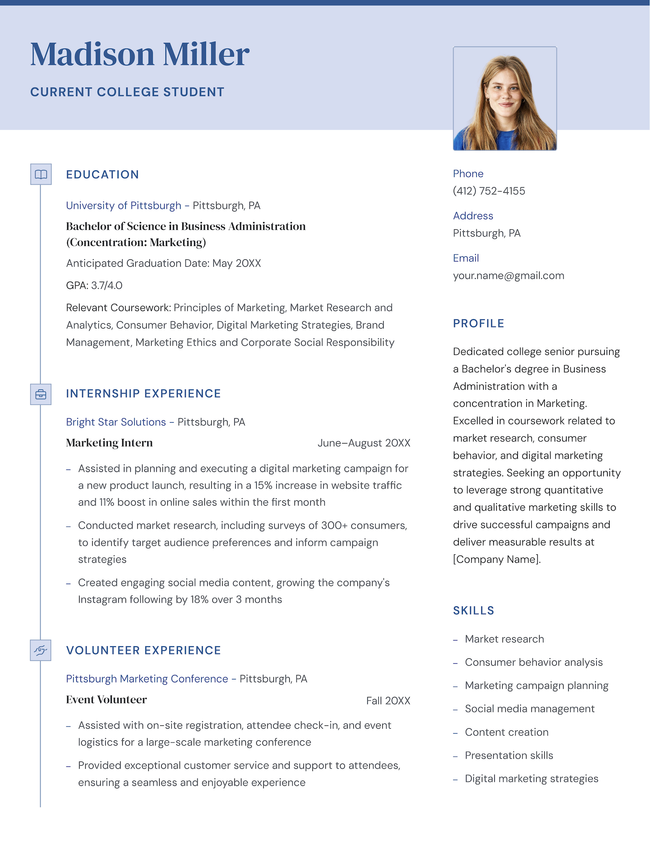
Additional free resume templates
Resume templates by layout & career level

Struggling to get interviews?
Why use one of our modern resume templates?
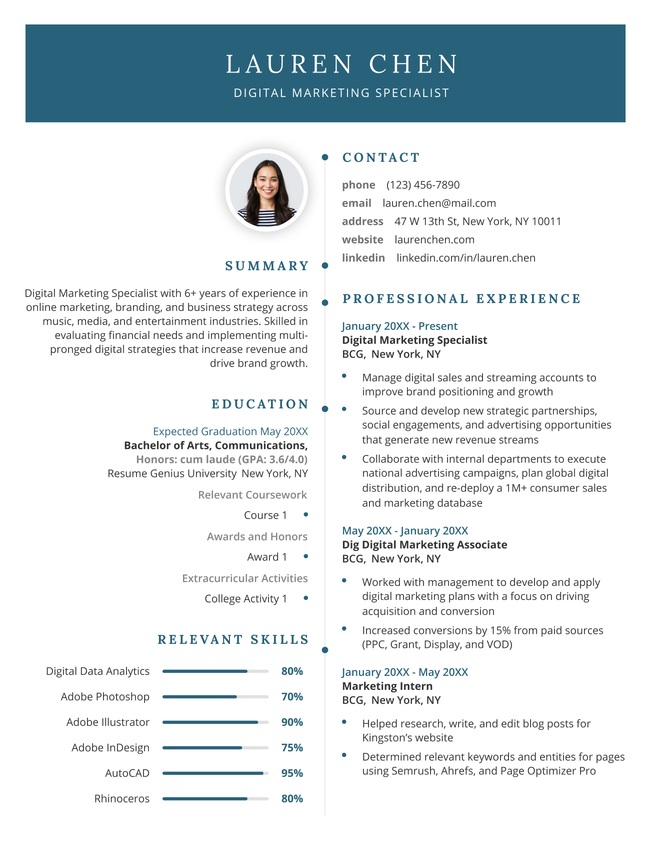
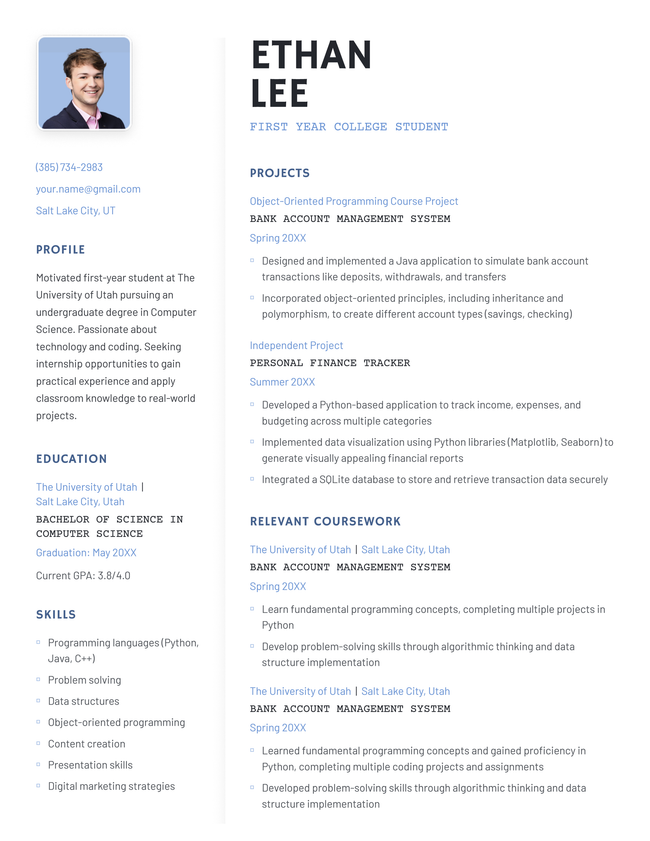
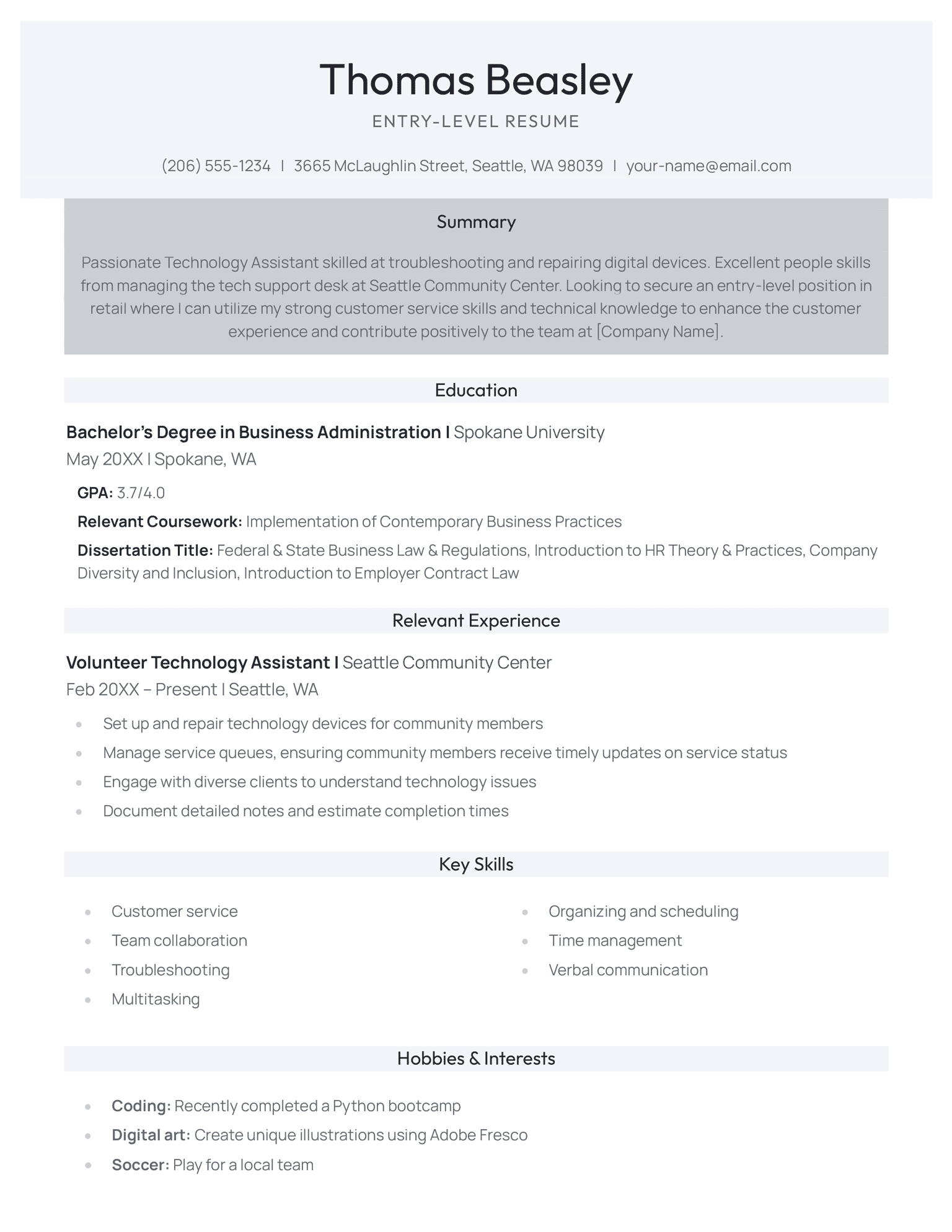
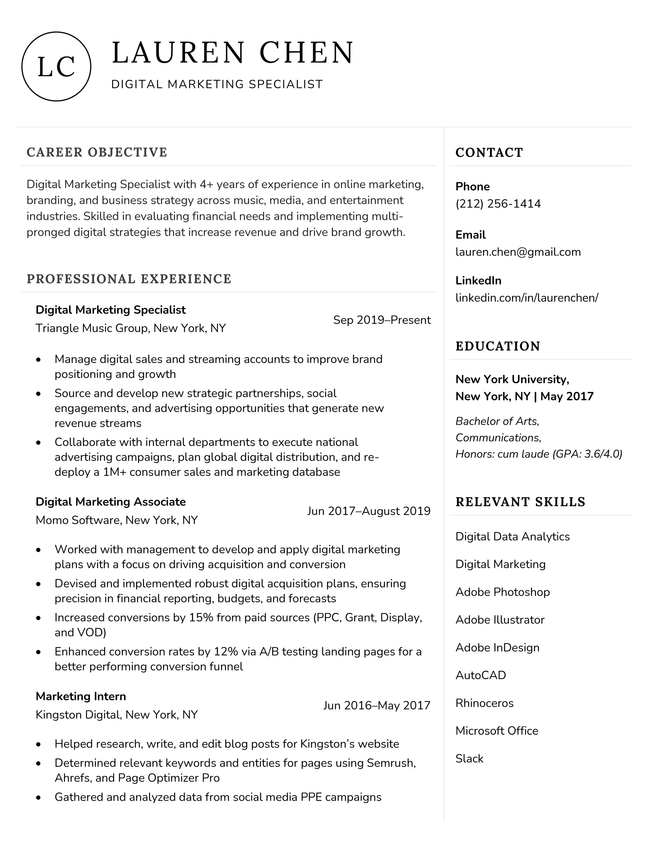
Using one of our modern resume templates is the easiest way to make your resume polished and compatible with modern recruitment software. Each template uses a clean layout that is easy to customize and read. All you need to do is personalize the resume sections with your own skills and experience.
Each resume template uses tech-focused design touches that balance contemporary character and professionalism. Suitable for any application but designed to appeal most to young and forward-thinking companies, the resumes are sleek, space efficient, and highly skimmable.
Bold headers and clear visual hierarchies help key qualifications and contact details stand out at a glance, while the layouts and typography are optimized for AI-readability. Your resume will be clear and persuasive regardless of whether the employer is using an ATS or reading your resume manually.
What do recruiters want from your resume in 2026?
Recruiters want resumes to be clean, clear, and ATS-friendly so they can quickly review application loads and select the best candidates.
According to our own job market research, most hiring managers only spend 1 to 3 minutes reviewing each resume that lands on their desk. Your document needs to make sense to a reader in a rush. You need to be clear and direct.
Key elements of a modern resume:
- Clean design
- Clear, logical format
- ATS-friendly formatting
- Conciseness and focus on the job
Clean design
Modern resume design uses subtle design elements that are professional and not distracting:
- Bold section headers
- Clean dividers
- Intentional white space
Overuse of color or graphic elements can actually hurt your chances of getting an interview — 62% of employers perceive design-heavy resumes poorly.
To make the right first impression, use subtle colors and clean sans-serif fonts. Our modern templates use both of these elements to give your resume character without distracting from your core qualifications.
A clear logical format
When manually reviewing resumes, hiring managers move fast. They want to quickly confirm that you have enough hands-on experience to manage the responsibilities of the role. To do so, they skim your resume’s left margin for relevant job titles, and then skim your bullet points for relevant achievments.
Using the right resume format makes it easy for employers to review your resume in this way. You should write a chronological resume if you have any experience relevant to the job.
The chronological resume format lists your most recent job first and goes backward, making your career history easy to follow.
Pros
- Go in reverse: List your most recent job at the top, then work backward through your past roles
- Add clear details: For each job, list your title, the company name, and the dates you worked there
- Lead with action: Start every bullet point with a strong action verb to describe your duties
- Prove your impact: Use clear numbers to highlight your achievements and career growth in each role
ATS-friendly formatting
Most US employers use ATS software to process resumes, helping standardize applications and screen out unqualified applications.
Survey of 1,000 hiring managers on their initial application review process. Data reflects the 852 respondents who actively use an ATS (excludes 148 who do not use or were unsure of their system). Source: 2025 Unfiltered Hiring Insights Report.
| Use | % | Count | |
|---|---|---|---|
| Grading and ranking resumes | 34.3% | 292 | |
| Filtering out resumes based on preset criteria | 43.1% | 367 | |
| Organizing resumes to assist with manual review | 22.7% | 193 |
Good formatting helps ensure your resume is processed accurately, improving your chances of success.
Use clear headers and simple text-based layouts and avoid complex visual elements like graphics and text boxes. This software-focused approach helps the ATS accurately interpret your qualifications.
Conciseness and focus on the job
Current hiring trends favor a balanced, highly focused approach to resume length. Recent research shows that 20% of hiring managers reject resumes that are too long or dense while 33% of hiring managers reject resumes that have unclear work histories.
This preference underscores the need for concise, results-oriented writing. Candidates should use the available space to prioritize relevant milestones that directly align with the target role’s specific requirements.
Every bullet point must deliver clear, quantifiable value. Eliminating outdated or redundant information ensures your most impactful achievements stand out during a manager’s brief initial scan.
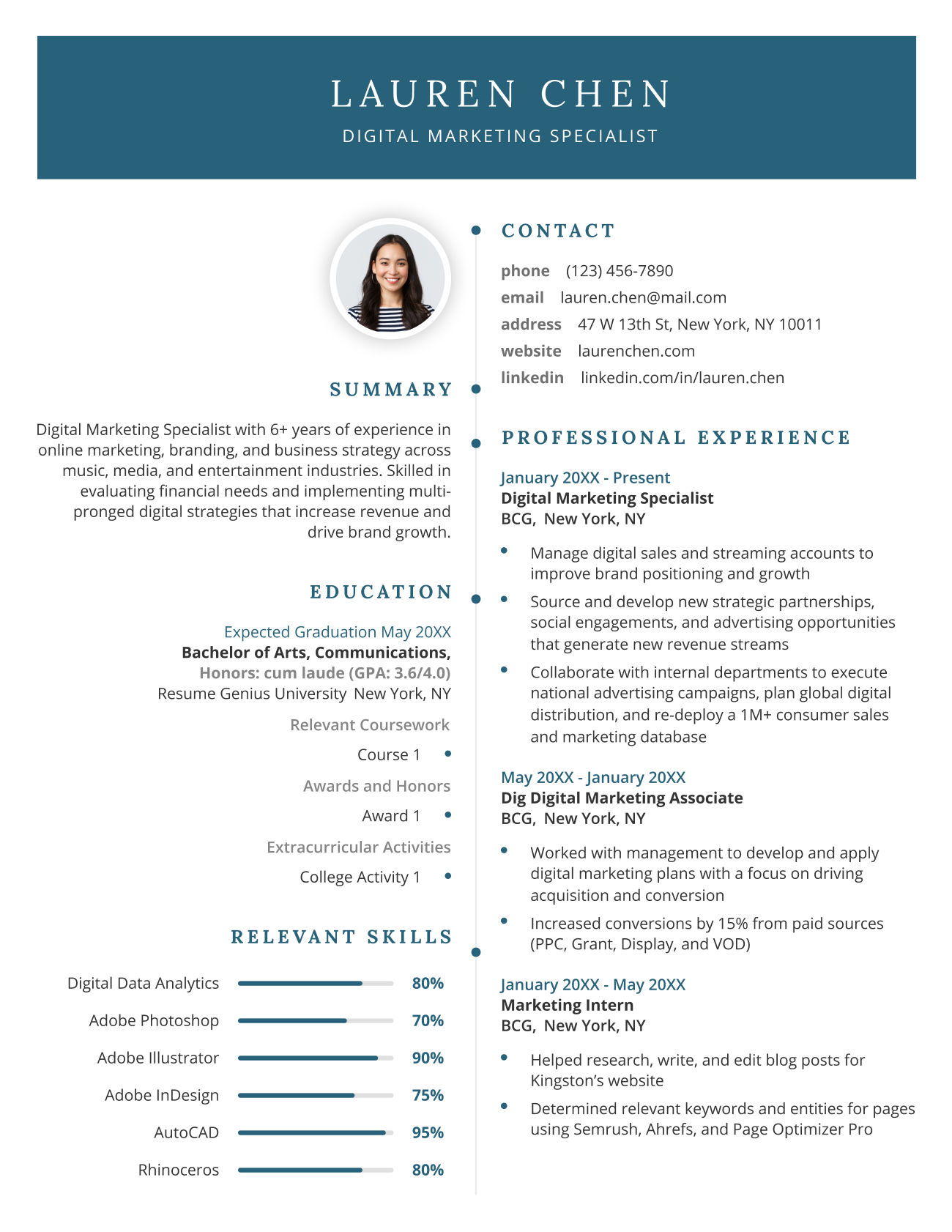
Example of a finished modern resume
This resume works because its clean, chronological structure is easy for a busy hiring manager to skim through. The standarized headings are ideal for an ATS scan and the muted color palette adds character without dazzling the reader.
Frequently asked questions (FAQs)
Here are answers to some of the most frequently asked questions about modern resume templates:
What is the best resume format?
The best resume format for most job applicants is the chronological resume format because it focuses on your job history. However, certain applicants benefit from using an alternative resume format.
Here’s how the different resume formats compare.
Common Resume Formats Compared
| Format | Description | Best For |
|---|---|---|
| Chronological | Lists work history starting with your most recent role to show clear career progression | Most applicants |
| Functional | Highlights core skills over job titles and timelines | Applicants with professional skillsets but no relevant experience, career changers |
| Combination | Leads with a detailed skills section, followed by a traditional work history | Engineering, IT, healthcare, and skilled trades where skills and experience are equally vital |
| Student | Emphasizes education, coursework, and internships over professional history | Recent graduates with limited work experience |
What sections should I put on my resume?
You should put the following sections on your resume:
- A header containing your name and contact information
- A resume introduction that highlights your key qualifications as a candidate
- A work experience section that showcases your most relevant professional experience
- An education section listing your highest level of education
- A list of your job-specific skills
- Any other relevant resume sections that can strengthen your resume
Should I add a photo on my resume?
You shouldn’t put a photo on your resume to apply for most jobs in Canada, the US, or the UK. Most employers would rather not know what you look like during the initial application stage to prevent unconcious hiring bias.
Adding a photo to your resume won’t disqualify your application but it will make you look out of touch with current hiring practices.
Acting and modelling roles are an exception. Employers often request headshots or a photo resume to check that your appearance fits their casting requirements. If you’re pursuing an acting or modelling role, make sure that you know how to take a professional resume photo that meets current hiring standards.
Tools to help you fill in your modern resume template
Create an application-ready resume faster with these writing tools:
- Resume summary generator: Creates an effective professional summary that highlights your key skills and qualifications
- Bullet point generator: Converts job duties into results-focused accomplishments
- Skills generator: Recommends important industry keywords based on your role
- AI resume generator: Automatically drafts a complete resume from a short prompt about your work history
- ATS resume checker: Checks your resume for ATS-friendly formatting and parsability
Want a modern resume fast?
