• Skip to Content
  • Skip to Footer

Resume Genius

Resume Genius

The World's Smartest Resume Builder

  • Resume Templates

    Professional Designs
    Basic
    Creative
    Modern
    Minimalist
    File Types To Download
    Word
    Google Docs
    PDF
    Pages
    Formats
    Chronological
    Functional
    Combination
    Infographic
    Situational Templates
    ATS
    Entry Level
    Picture
    Blank
    View All Free Resume Templates Use a Premium Template

    Monday to Friday, 8AM – 12AM (Midnight) and Saturdays and Sundays, 10AM – 6PM EDT (866) 215-9048

  • Resume Examples

    For Students
    High School
    Internship
    College
    Student CV
    By Experience
    No Experience
    Mid-Career
    Manager
    Executive
    Top Industries
    Teaching
    Nursing
    Administrative Assistant
    Customer Service
    Cashier
    Engineering
    Graphic Design
    Server
    View All Resume Examples Build My Resume Now

    Monday to Friday, 8AM – 12AM (Midnight) and Saturdays and Sundays, 10AM – 6PM EDT (866) 215-9048

  • Free Resources

    Tools
    • Resume Summary Generator
    • ATS Resume Checker
    • Bullet Point Generator
    • Skills Generator
    Resumes
    • How to Make a Resume for Any Job in 2026
    • The Best Resume Format for 2026
    • How to Put Skills on Your Resume
    • 40+ Professional Resume Summary Examples
    Cover Letters
    • Cover Letter Templates to Download
    • Cover Letter Examples for All Job Applications
    • How to Write a Cover Letter for a Job in 2026
    • Cover Letter Format: Template & Examples
    CVs
    • Professional CV Templates
    • 400+ CV Examples for Everyone
    • How to Write an Academic CV
    • CV Format: Examples & Guide
    Visit the Genius Blog Build My Resume Now

    Monday to Friday, 8AM – 12AM (Midnight) and Saturdays and Sundays, 10AM – 6PM EDT (866) 215-9048

  • Builders

    The Genius Resume Builder

    Make a professional resume in just a few minutes.

    AI Cover Letter Generator

    Write custom cover letters for every application.

    Professional CV Maker

    Create a detailed academic or professional CV.
    Resume Genius Customer Reviews 10 Best Resume Builders of 2026
    Build My ResumeLogin

    Monday to Friday, 8AM – 12AM (Midnight) and Saturdays and Sundays, 10AM – 6PM EDT (866) 215-9048

  • Pricing

Monday to Friday, 8AM – 12AM (Midnight) and Saturdays and Sundays, 10AM – 6PM EDT (866) 215-9048

Build My Resume Login

Monday to Friday, 8AM – 12AM (Midnight) and Saturdays and Sundays, 10AM – 6PM EDT (866) 215-9048

Resume Templates Simple Resume Templates

Basic & Simple Resume Templates to Download & Edit

Our simple and basic resume templates come in six different colors. Download each template for Word or open one in Google Docs to start making your own resume and applying for jobs.

Build My Resume NowUpload Existing Resume
  • All Templates
  • ATS
  • Google Docs
  • Modern
  • Photo
  • Simple
  • Student
  • Word
Chicago Resume Yellow

Featured simple resume template

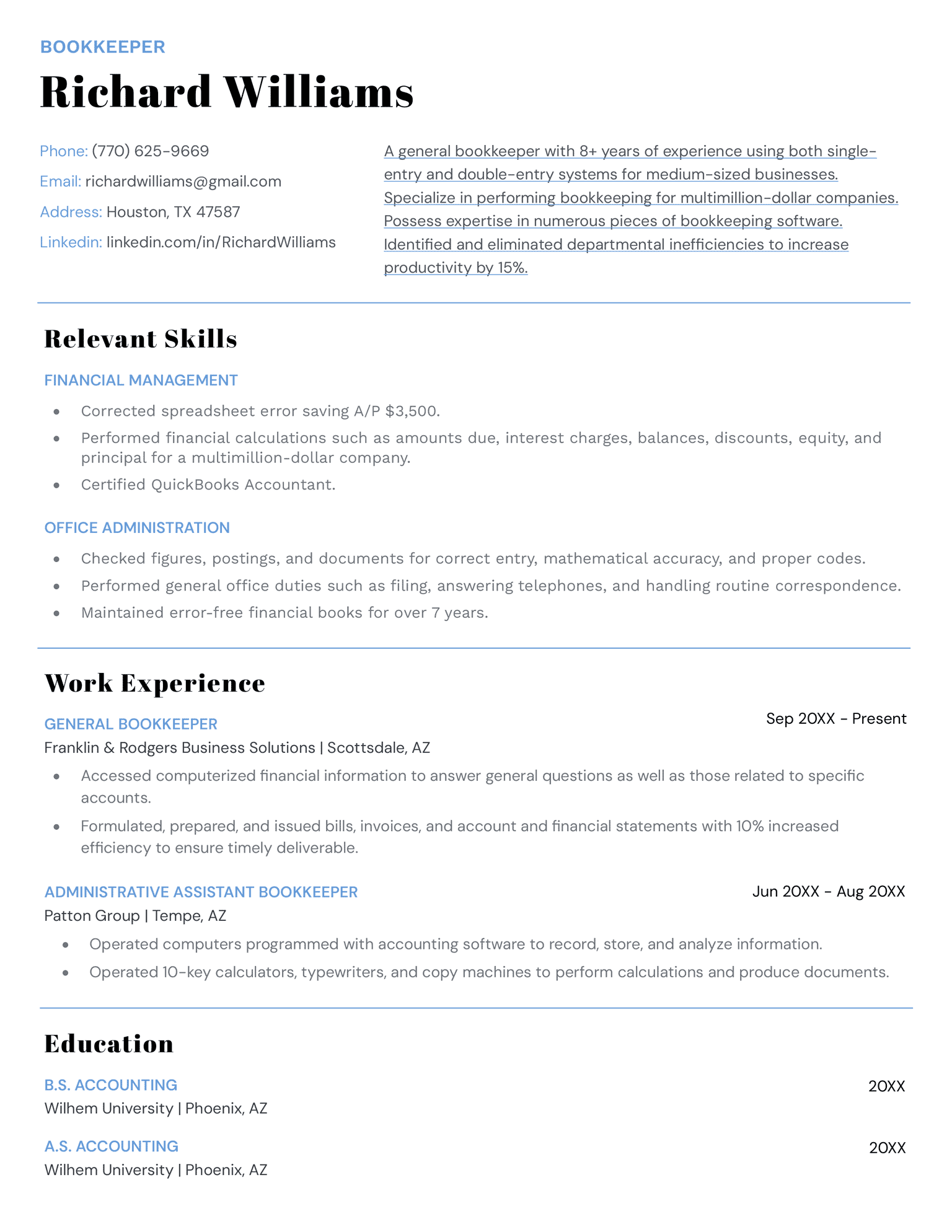
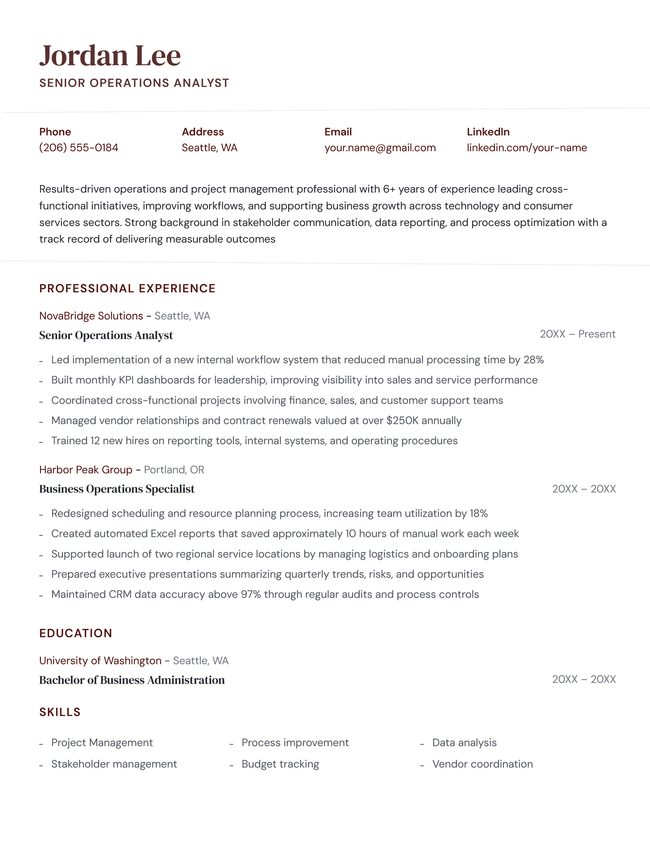
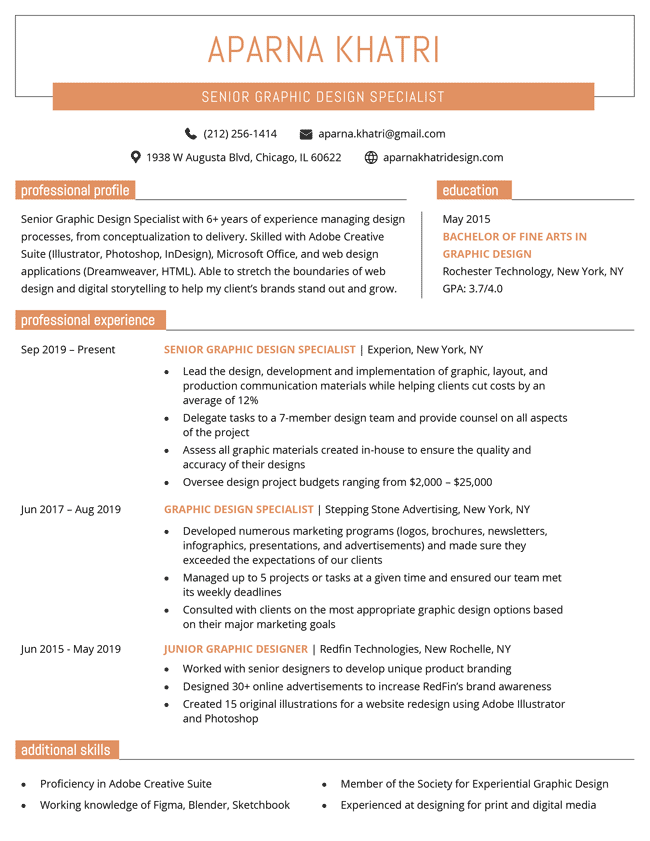
If you want a resume that looks polished, professional, and impossible to misread, this template delivers. Designed for maximum readability and ATS compatibility, it keeps the spotlight where it belongs: on your skills, achievements, and career story.


Chicago

Our most popular template, the Chicago design is a safe choice for any industry.

Format and styling details:

  • Page-length underlines used to separate resume sections
  • Clean layout and well-organized sections make this template easy to scan
  • Font used: STIX Two Text

Template Formats

PDF Word Text
Build My Resume Now

More basic and simple resume templates

Use these downloadable basic and simple resume templates to create a professional resume that keeps the focus on your skills and experience.

Easy Edit
Pantheon Resume Dark Blue
Edit This Template
Pin It
Pantheon
PDF Word Text
Easy Edit
New Professional Resume Template, Violet
Edit This Template
Pin It
Professional
PDF Word Text
White House Resume Template, Coral
Build My Resume Word Download Open in G Docs
Pin It
8,068
White House
Word Google Docs
Easy Edit
Classic Resume Orange
Edit This Template
Pin It
Classic
PDF Word Text
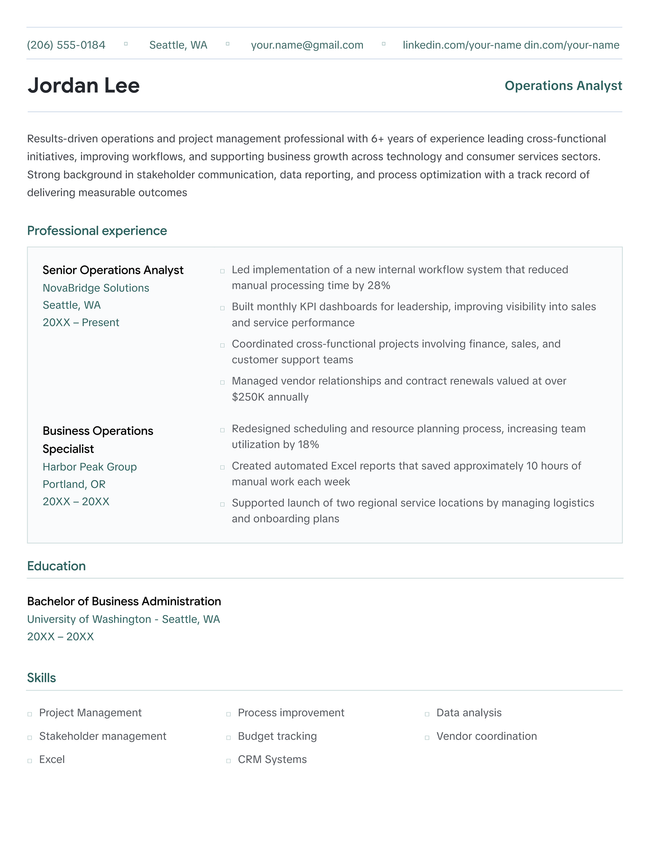
The Empire State basic resume template in turquoise, which uses subtle horizontal and vertical lines to distinguish sections
Build My Resume Word Download Open in G Docs
Pin It
2,464
Empire State
Word Google Docs
Turquoise Easy Resume Template
Build My Resume Word Download Open in G Docs
Pin It
9,224
Easy
Word Google Docs
Easy Edit
Connery Template Turquoise
Edit This Template
Pin It
Connery
PDF Word Text

Additional free resume templates

  • All
  • ATS
  • Blank
  • Canva
  • Creative
  • CV
  • Google Docs
  • InDesign
  • LaTeX
  • LibreOffice
  • Pages
  • PDF
  • Photo / Headshot
  • Minimalist
  • Modern
  • Simple / Basic
  • Student
  • Word

Resume templates by layout & career level

  • Chronological
  • Combination
  • Functional
  • Infographic
  • Entry-Level
  • Mid-Career
  • Manager
  • Executive
Table of Contents
Table of Contents
  • Basic & Simple Resume Templates to Download & Edit
    • When you should use a basic or simple resume format
    • 6 ways to make a simple resume that still grabs attention
      • 1. Stick to one or two colors
      • 2. Avoid icons and graphics
      • 3. Choose a common, readable font
      • 4. Keep your formatting consistent
      • 5. Balance white space and text
      • 6. Keep it to one page
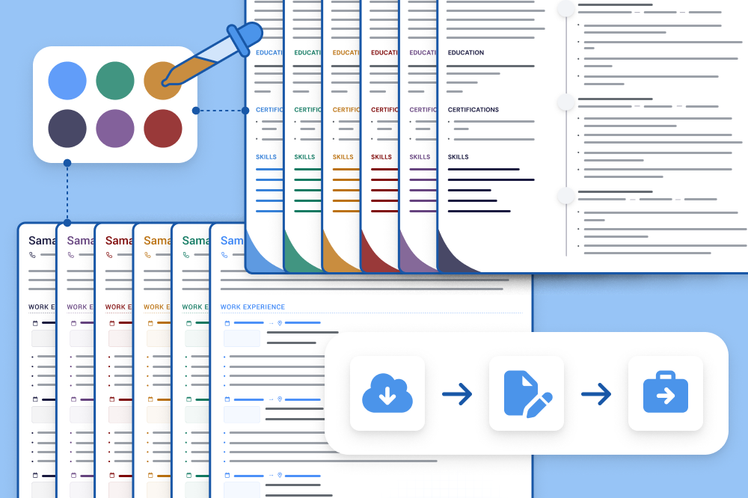
3 resume templates available in the Resume Genius builder with a banner explaining how quickly you can make a resume

Struggling to get interviews?

Make a professional resume

Share:

  • Copied

When you should use a basic or simple resume format

A basic or simple resume format is your safest choice when applying to industries that value tradition, structure, and professionalism.

Fields like finance, healthcare, government, education, and law typically expect a straightforward layout with clearly labeled sections and zero distracting graphics. In these environments, hiring managers care more about your qualifications than creative design elements.

Using a simple template keeps the focus on your experience, skills, and achievements.

6 ways to make a simple resume that still grabs attention

A simple resume doesn’t have to be boring. Here are some tips to make a straightforward resume that still stands out.

1. Stick to one or two colors

The easiest way to elevate a clean layout is by using one or two subtle, professional colors for your resume. This adds visual interest without distracting from your qualifications.

Stick to muted tones like navy, dark gray, or deep green to maintain a professional feel. Avoid bright or overly saturated colors that can make your resume look less formal. When used sparingly, a small touch of color helps guide the reader’s eye to each section.

2. Avoid icons and graphics

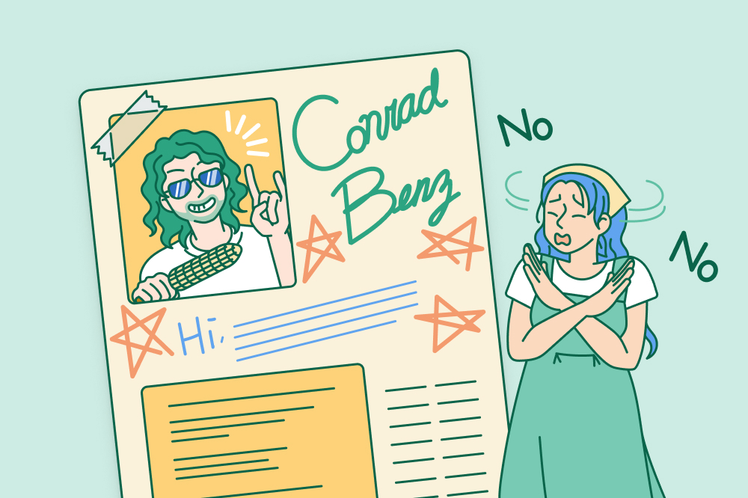
When you’re using a simple resume format, less is more. Skip icons, charts, headshots, and decorative graphics that can clutter your layout and distract from what employers actually care about: your experience and results.

Another important reason to avoid graphics is ATS compatibility. Many applicant tracking systems struggle to read text embedded in icons, text boxes, or design elements, which could cost you an interview. A clean, text-based layout ensures your resume can be read by both ATS software and humans alike.

3. Choose a common, readable font

A simple resume should be easy to scan. Choose a widely-used font like Arial, Calibri, Helvetica, or Times New Roman. These widely accepted fonts are easy on the eyes and display correctly across different devices and systems.

Avoid overly decorative or trendy fonts that can distract from your content or make your resume look unprofessional. Stick to a font size between 10–12 points for body text and slightly larger sizes for headings.

4. Keep your formatting consistent

Consistency is what makes a simple resume look polished instead of thrown together. Use the same font style and size throughout, align your dates and job titles consistently in every section, and keep spacing uniform from top to bottom. Small details like these make a big difference in how professional your resume appears.

5. Balance white space and text

A simple resume shouldn’t feel crowded. Leaving enough white space between sections, around margins, and between bullet points makes your resume easier to read and more visually appealing.

At the same time, avoid excessive empty space that makes your resume look unfinished. Aim for a balanced layout with the right mix of text and breathing room.

6. Keep it to one page

For most job seekers, a simple resume should fit neatly onto one page. Every word on your resume should count. Keep your bullet points concise and trim outdated or irrelevant roles to make the most of your space.

Share

Facebook

Twitter

Linkedin

Pinterest

Reddit

Copy link

https://resumegenius.com/resume-templates/basic-templates
Resume Genius
LinkedIn Instagram Youtube Facebook Twitter Tiktok Pinterest Giphy
Resumes
  • Resume Builder
  • Resume Templates
  • Resume Examples
  • How to Make a Resume
  • Resume Format
  • Resume Summary Generator
  • ATS Resume Checker
  • Resume Parser
  • Resume Bullet Point Generator
  • Resume Skills Generator
Cover Letters
  • Cover Letter Generator
  • Cover Letter Templates
  • Cover Letter Examples
  • How to Write a Cover Letter
  • Cover Letter Format
CVs
  • CV Maker
  • CV Templates
  • How to Write a CV
  • CV Examples
  • CV vs Resume
Policies
  • Terms & Conditions
  • Privacy Policy
  • CCPA/GDPR
  • Accessibility
  • Editorial Guidelines
Additional Resources
  • About Us
  • Affiliate Opportunities
  • Career Experts Program
  • Join Our Team
  • Press & Media Mentions
  • Pricing
  • Product Reviews
  • The Genius Blog
Support
  • Help & Support
  • Contact Us
  • Forgot Password
  • Frequently Asked Questions
Member of
Certified professional resume writer official seal

© 2026, Sonaga Tech Limited. All rights reserved

ResumeGenius.com is owned and operated by Sonaga Tech Limited, Hamilton, Zweigniederlassung Luzern with offices in Luzern Switzerland.

Your review would mean a lot to us.

We hope our free downloadable resources will help you on your path to career success. If you have time, a quick review would really make our day (it'll only take 15 seconds). Best of luck on the job hunt!

Leave A Review