




Struggling to get interviews?
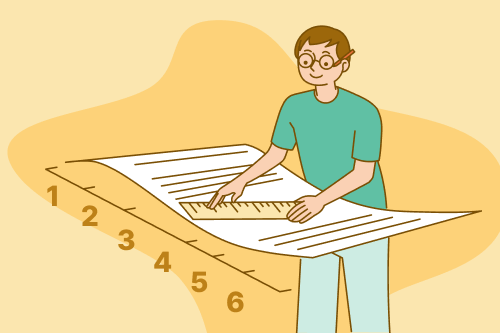
Your resume format is the way you structure and organize your resume. Resume formatting, on the other hand, refers to margins, fonts, and spacing.
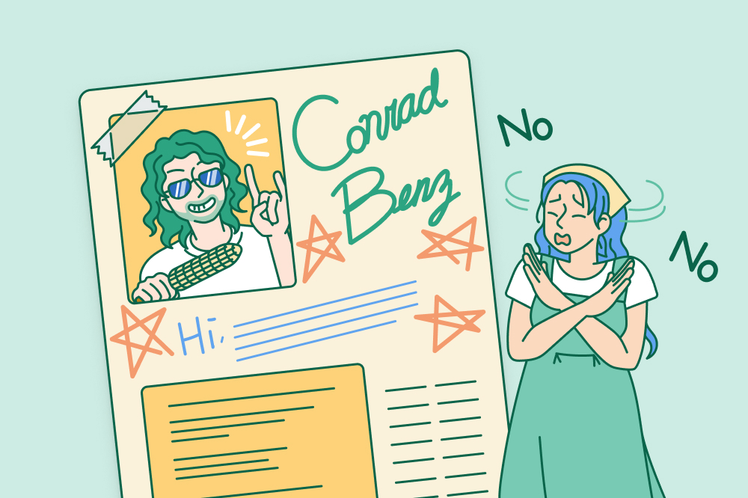
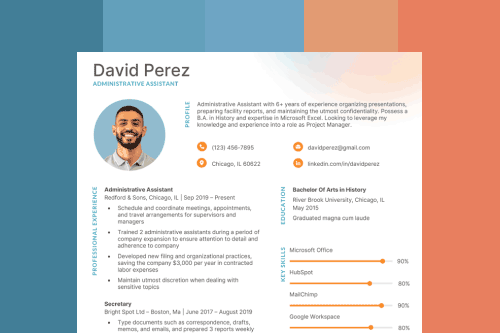
Show your attention to detail and professionalism by following these basic resume formatting guidelines:
- Left-align the content
- Use 1″ margins
- Select a professional, easy-to-read font
- Divide your information into clear sections
- Use bullet points to explain your work experience
- Keep your resume an appropriate length (one page for most candidates)
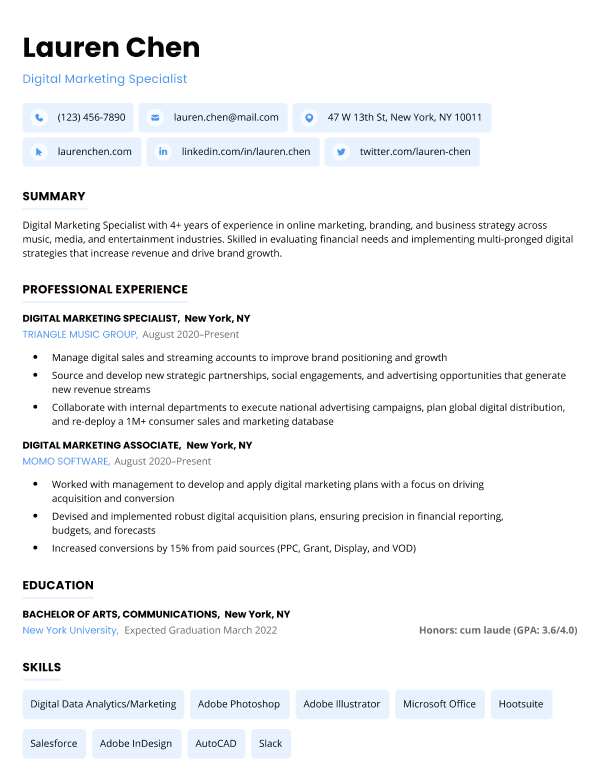
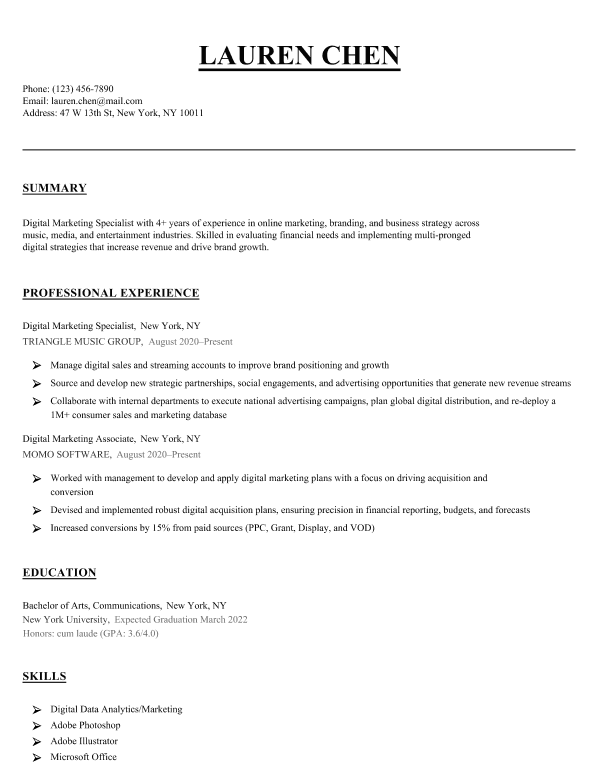
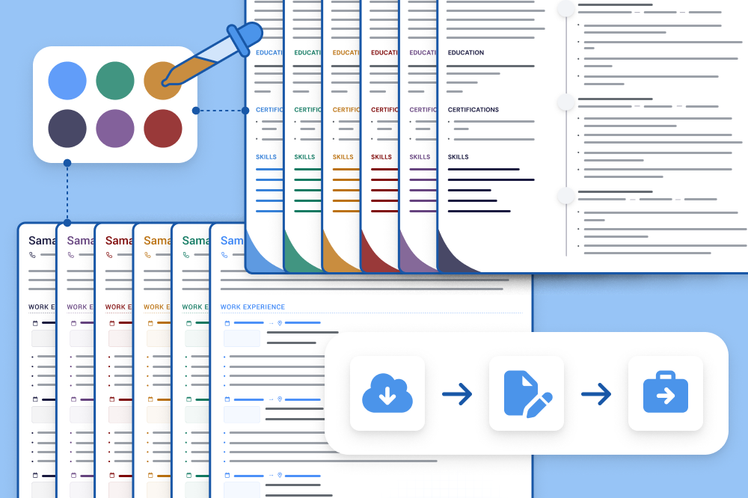
Our resume builder can make you a resume in as little as 5 minutes. Pick the template you want, and our software will format everything for you.
Resume formatting guidelines
Follow these guidelines to properly format your resume:
Left-align the content
Left-aligning content makes it easy for employers to read through your qualifications and easily find the information they’re looking for.
However, if you need to save space, right-aligning minor details on your resume like your education, certifications, or awards section is acceptable.
Use 1″ margins
In most cases, you should use 1” margins on your resume. However, anywhere between ½”–1″ is acceptable.
For example, if you have less work experience you should be able to fit all your qualifications on a one page resume with 1″ margins. But you may prefer to use narrower margins if you have years of work experience and need to fit more information on the page.
Select a professional, easy-to-read font
The font used on your resume should be professional and easy to read. Generally, this means sticking to commonly used fonts like Times New Roman or Calibri.
The most important thing is that your font choice doesn’t distract from the qualifications on your resume.
Here are some of the best fonts to use on your resume:
- Times New Roman
- Cambria
- Georgia
- Garamond
- Helvetica
- Calibri
- Didot
- Arial Narrow
- Trebuchet MS
- Lato
Additionally, the font size used for the body content of your resume should be between 10 and 12 points, depending on the font you’re using and your space requirements. Meanwhile, your name and section headers should be larger to help break up your resume into sections.
Divide your information into clear sections
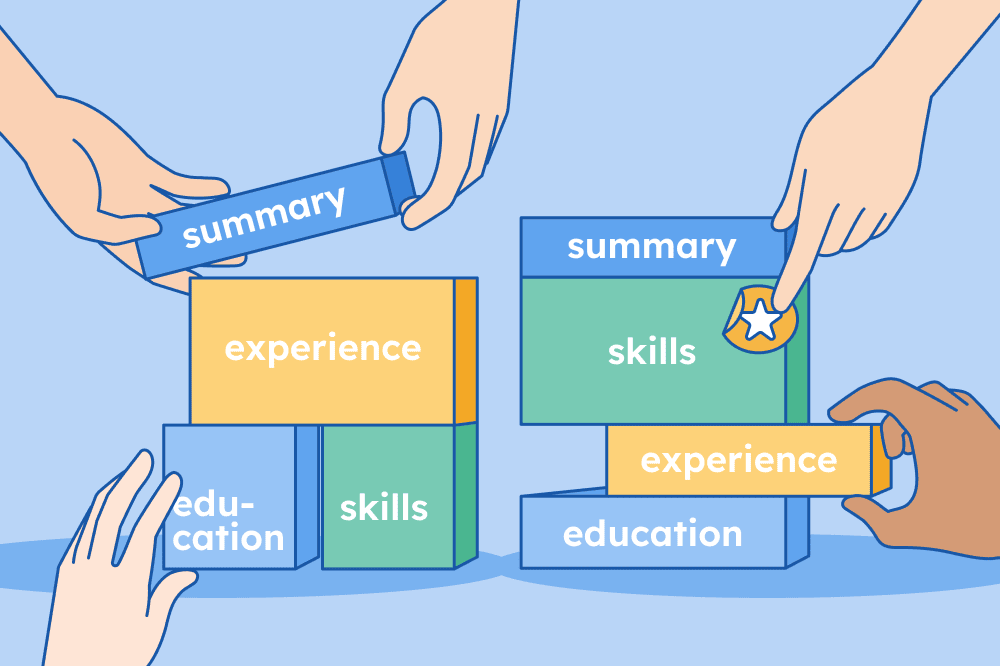
All the information on your resume should be divided into clear sections. This makes your resume easier for employers to scan through and find the information they’re looking for.
At a minimum, here are the sections you need to include:
If you want to highlight more information on your resume, you can add additional sections for things like volunteer work, awards, or publications.
Use bullet points for your work experience
All the details of your work experience should be formatted in concise bullet points that highlight some of your key professional accomplishments.
Each bullet should start with a specific action verb that highlights what you did while at your previous or current job. You should also include hard numbers when possible to illustrate the exact impact you made while working in each role.
For example, mention the estimated dollar amounts you saved, number of sales you made, or customers you helped.
Try our AI bullet point generator to get started writing effective bullet points for your work experience section:
Struggling to write your resume? Make clear, achievement-oriented bullet points for your resume in seconds with our free AI bullet point generator.
Use these work-experience bullet points to make a resume that lands you interviews.
Keep your resume an appropriate length
The ideal resume length for most people is one page, especially if you’re a recent graduate or have less than five years of work experience.
Hiring managers are typically busy, and one page gives you enough space to summarize your main qualifications and achievements without using up their time.
However, if you have more than 10 years of relevant work experience, you can use a two page resume to communicate the depth of your experience and skills.
Additional resume formatting tips
Here are some additional tips for making your resume flow better:
Don’t use first-person pronouns
Your resume should always be written in an implied first person perspective, meaning that you describe your responsibilities and accomplishments as your own, but omit “I” or “me.”
If you started each bullet point with first-person pronouns, your resume would get repetitive fast. For example, “I built this,” “I executed this strategy,” “I increased sales.”
Hiring managers understand that everything on your resume is referring to your own experience, so just directly state what you accomplished.
CORRECT:
“Executed a new marketing strategy that increased personal sales numbers by 10%”
INCORRECT:
“I executed a new marketing strategy that increased my personal sales numbers 10%”
Don’t double space your cover letter
Double-spacing your resume creates too much white space, which makes your resume look empty. You don’t want employers to think that you don’t have enough accomplishments to fill a one page resume. If you’re a recent graduate or still in school, you can include volunteer experience, student government positions, or school projects to make your resume longer.
The bullet points of your resume should always be single spaced. However, you should use double spacing directly underneath your resume header and each section heading to add visual breaks on the page.
Use past-tense when explaining previous work experience
If you’re currently employed and writing about experience from your present job, use the present tense for any responsibility that isn’t a one-time accomplishment. However, all your former jobs or achievements should be described using the past tense.
Stick to a consistent date format
The dates on your resume should follow a consistent format. For example, most job seekers state the month and year they began employment somewhere, followed by a dash and then the end date (or “Present” if the position is ongoing). Like this:
Content Editor
May 20XX–August 20XX
Big Software, New York, NY
However, it’s important to make sure you stick to the same formatting throughout your resume. If you start stating only the years you were employed (and not the months) halfway through your resume, it’s likely to confuse employers.
Proper resume formatting template
Here’s a resume template with proper formatting that you can copy and paste into Google Docs or Microsoft Word and fill out with your own information. This template is designed to help you stick to the basic resume formatting guidelines mentioned above.
FIRST AND LAST NAME
Email: youremail@gmail.com | Phone: 995 555 555 | Address: 1234 Lincoln Rd. Harrisburg, PA 17101 | Linkedin: linkedin.com/in/yourprofile
INTRODUCTION
Dedicated [industry] professional with [# of years] years of experience. Looking to leverage my abilities in [relevant skills] to fill the [position name] position at [Company Name]. An adaptable employee seeking to help achieve [Company’s Name]’s goals and take on new challenges as soon as possible.
WORK EXPERIENCE
Most Recent Job Title / Start Date – End Date
Employer Name / Location
- Include a bulleted list of your accomplishments
- Add hard numbers to these bullet points to illustrate your impact
Earlier Job Title / Start Date – End Date
Employer Name / Location
- List relevant accomplishments from an earlier job
- If you no longer perform this job, use past tense verbs to describe your experience
EDUCATION
Degree Name / Major
University, Location / Start Date – End Date
SKILLS
- List relevant skills
- Include a range of hard skills and soft skills
- Mention the specific names of software or tools you’re able to use
OPTIONAL SECTIONS
- Here’s where you can add any other relevant information
- For example, this section could be for languages, publications, certifications, licenses, or volunteer experiences
Final resume formatting checklist
Before you send off your application, here’s a final checklist to make sure your resume formatting is correct and helps you come off as a professional:
Is your contact information accurate?
Does your resume NOT include sensitive personal information?
Does your resume fit on one page (or two pages if you’re highly experienced)?
Is your information easy to read (fonts are above 10pt, sections aren’t crowded)?
Is the design of your resume appropriate for the position you’re applying for?
Did you include all relevant sections on your resume?
Did you include quantified achievements in your work experience section?
Does your resume address the requirements stated in the job ad?
Is your resume free of typos and grammatical errors?
Is all of your information clearly formatted and professional?
Are all your sections properly aligned (nothing looks pushed off to the side)?
About the Author

5
Years of Experience
205
Articles Written
4
Articles Reviewed
Lauren Mastroni is a Digital Content Writer at Resume Genius, where she creates data-driven career content and actionable job search advice. With a background in academic research, she brings a research-focused approach to topics like resume writing, interviewing, and career development. Lauren is dedicated to helping job seekers at all stages navigate the hiring process and present themselves more effectively to employers.









Share
Facebook
Twitter
Linkedin
Pinterest
Reddit
Copy link