
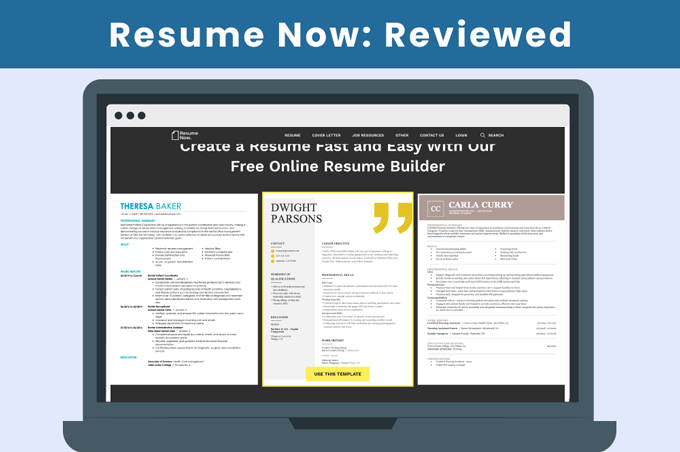
Resume Now is an online resume builder that helps users create resumes and other job application documents.
This review covers the platform’s key features, pricing structure, and user feedback so you know exactly what to expect.
Resume Now reviews from real users
To better understand Resume Now, it’s helpful to look at what users have shared about their experiences with the platform.
Resume Now holds 4.5 stars out of a maximum of 5 on both Trustpilot and SmartCustomer, two of the internet’s leading product review pages:
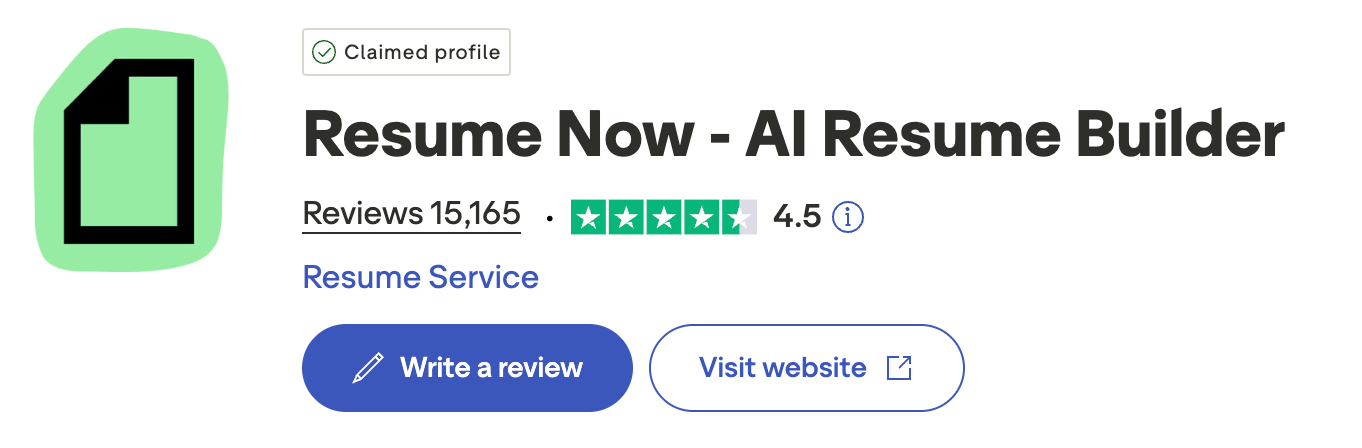
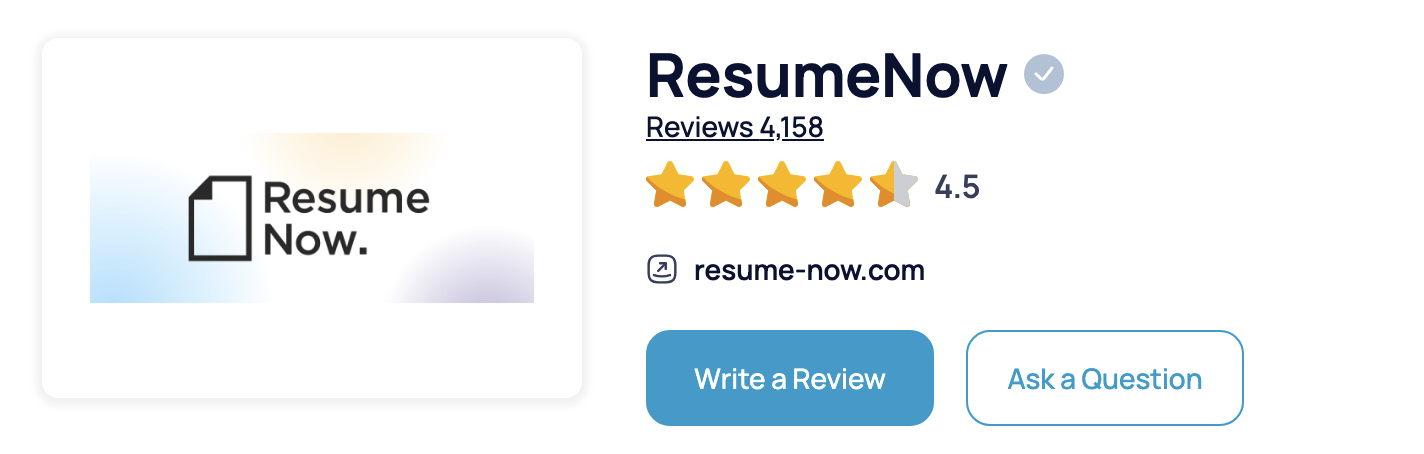
Over four-fifths of customers responding on SmartCustomer would recommend Resume Now to other people. The majority of users consider it both legitimate and well-regarded.
Positive reviews mention:
- User-friendly design
- High-quality templates
- Helpful AI suggestions
Negative reviews mention:
- Difficulty reaching customer service
- Confusion over subscription options
- Pricing transparency
Resume Now pricing
Resume Now offers two paid subscription options:
- 14-Day access: $2.45 for 14 days, then automatically renews at $23.95 every four weeks unless canceled
- Annual access: $5.85 per month, billed annually at $70.20
Both plans include ATS-friendly resume templates, unlimited downloads, resume check, a money-back guarantee, and access to the platform’s resume-building tools.
The main difference is the billing cycle, with the annual plan offering a lower monthly cost for long-term users.
Resume Now’s resume builder
Resume Now’s main product is its resume builder, which helps users create resumes section by section.
You can use Resume Now to improve your current resume or make a new resume from scratch.
Below, we’ll examine the builder’s features and effectiveness in both use cases.
Improving your current resume
If you already have a resume you want to update, you can upload it directly to Resume Now’s builder.
Resume Now parses your resume and generates a summary of your career:
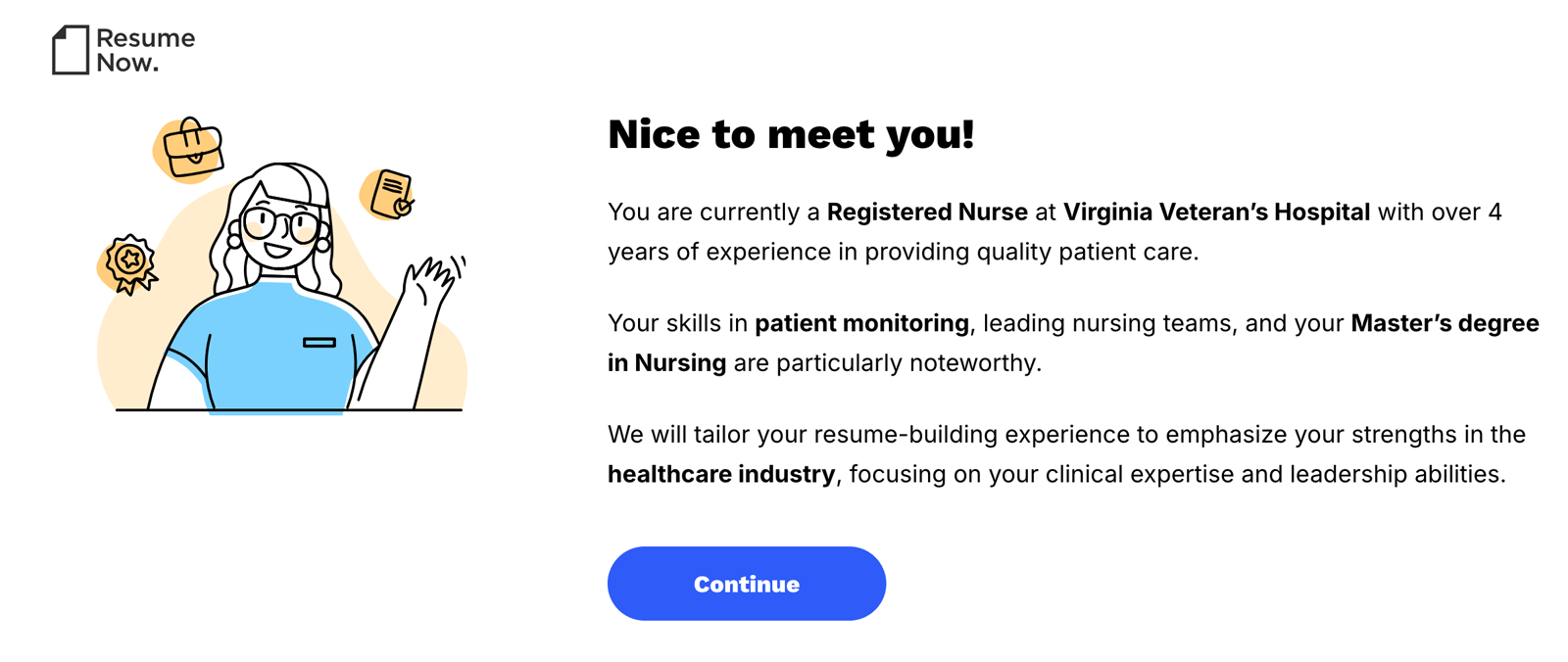
Then, Resume Now’s AI assistant suggests changes for your resume summary, bullet points, and skills.
Here’s an example of the changes the AI suggests. These are edits to a resume’s skills section:
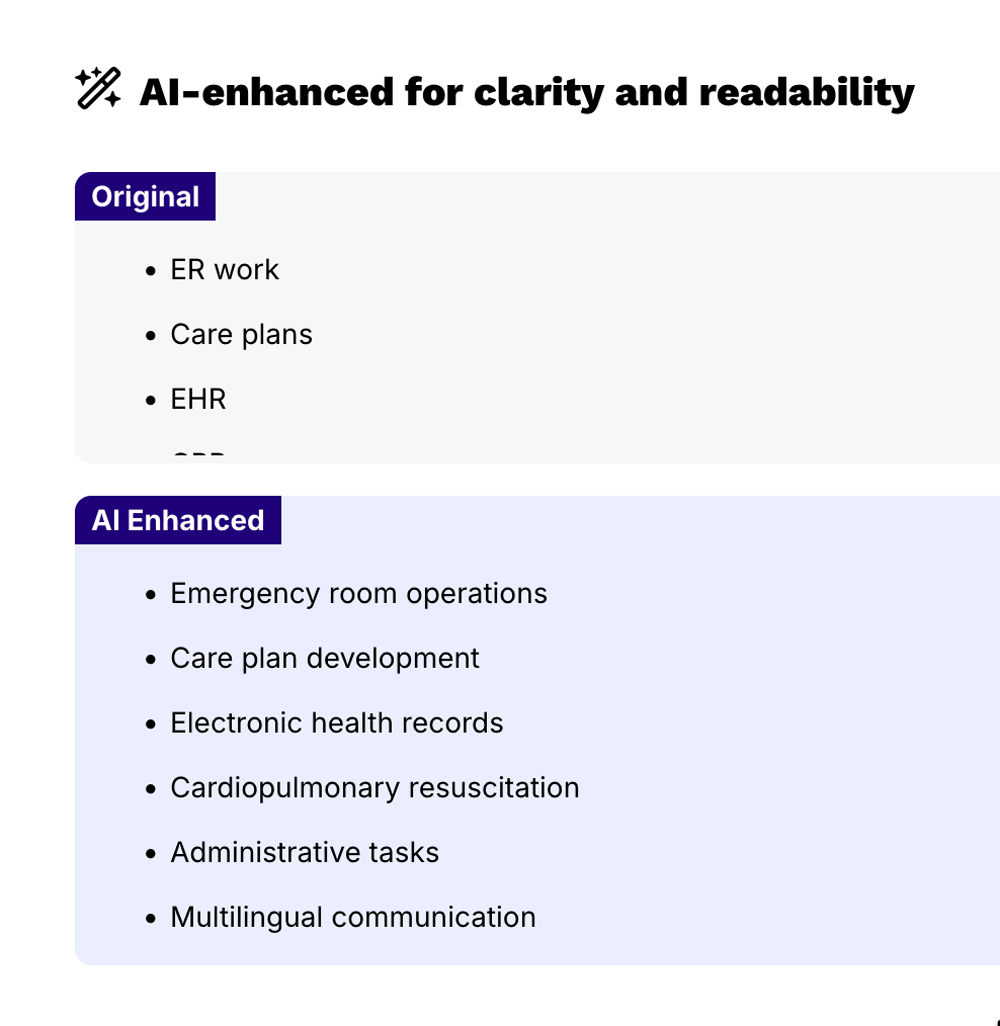
“ER work” could apply to anyone working in an ER such as a janitor, so Resume Now’s AI tool replaces this term with “emergency room operations” to clarify that this particular nurse is a trained medical professional.
When reviewing the AI suggestions, proofread them for accuracy and rewrite as necessary for an output that suits your own background.
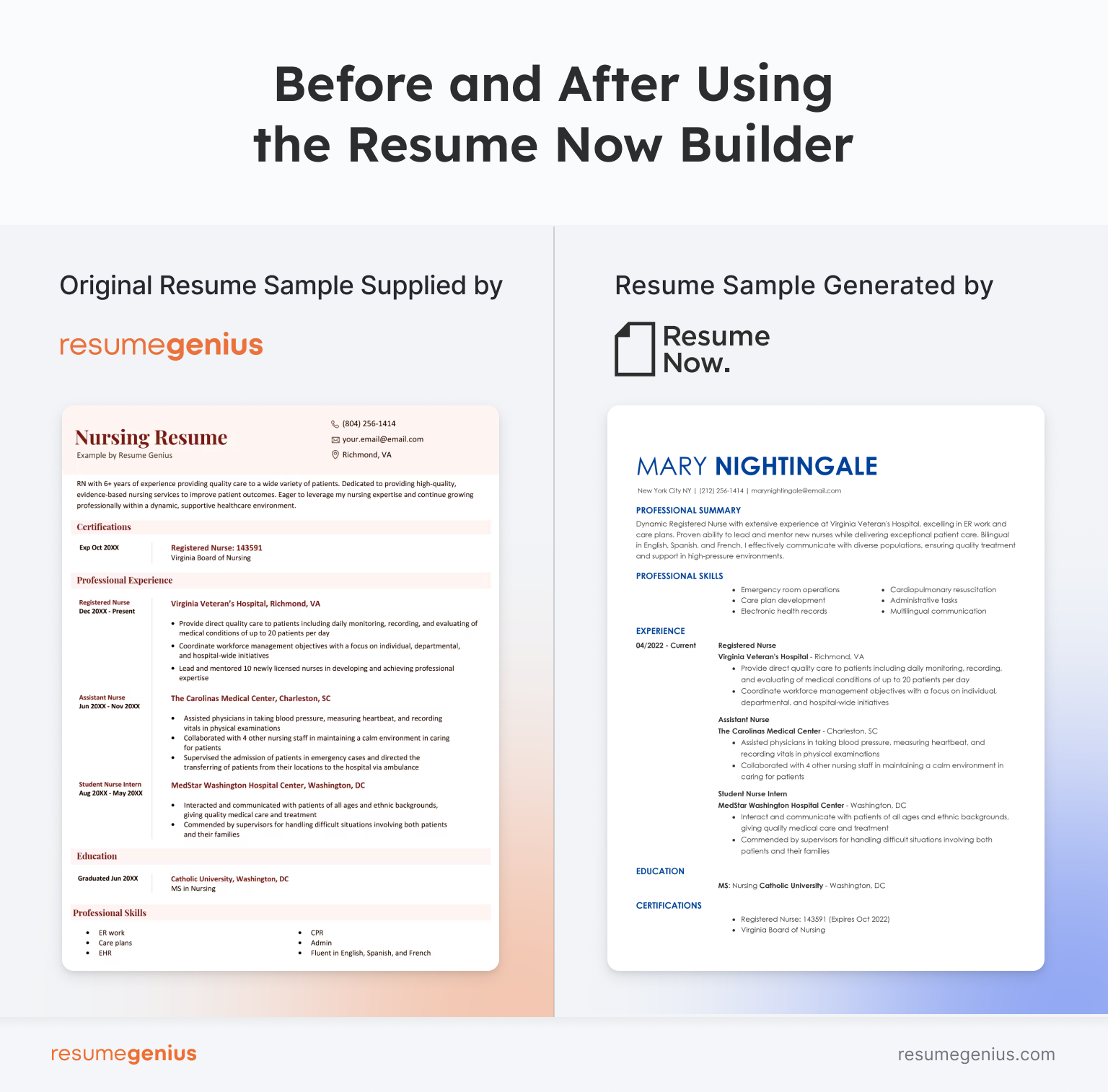
Here’s an example of how a resume looked before and after using Resume Now. We used one of our own resume templates so you can compare the design and writing quality of the two builders.
Creating a resume from scratch
If you don’t have an existing resume to update, you can use Resume Now’s builder to create one from scratch. The platform walks you through each section of the resume step by step, including your work experience, education, skills, and summary.
To help streamline the process, Resume Now provides AI-powered suggestions and pre-written content examples that can be customized to fit your background and target role. Users can also choose from a variety of templates and make formatting adjustments as they build their resume.
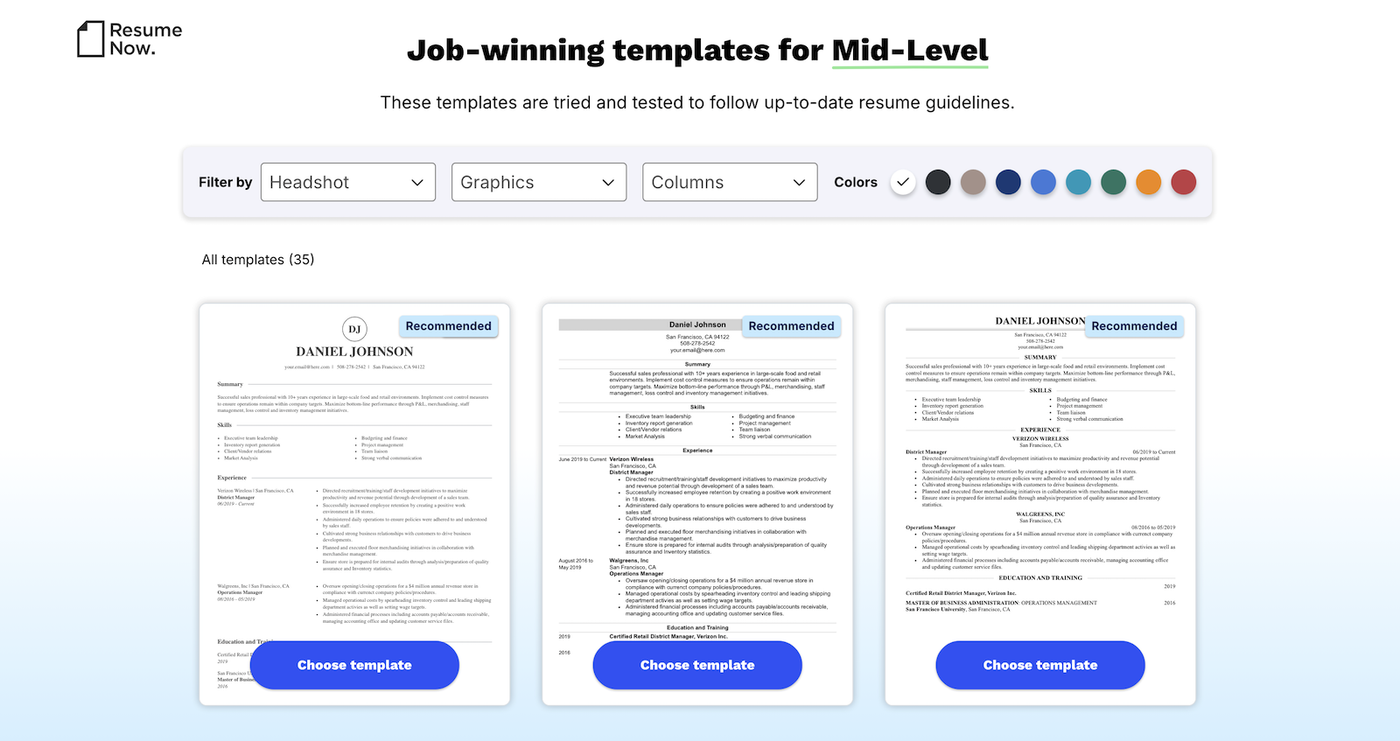
Here is an example resume we built from scratch using Resume Now’s builder:
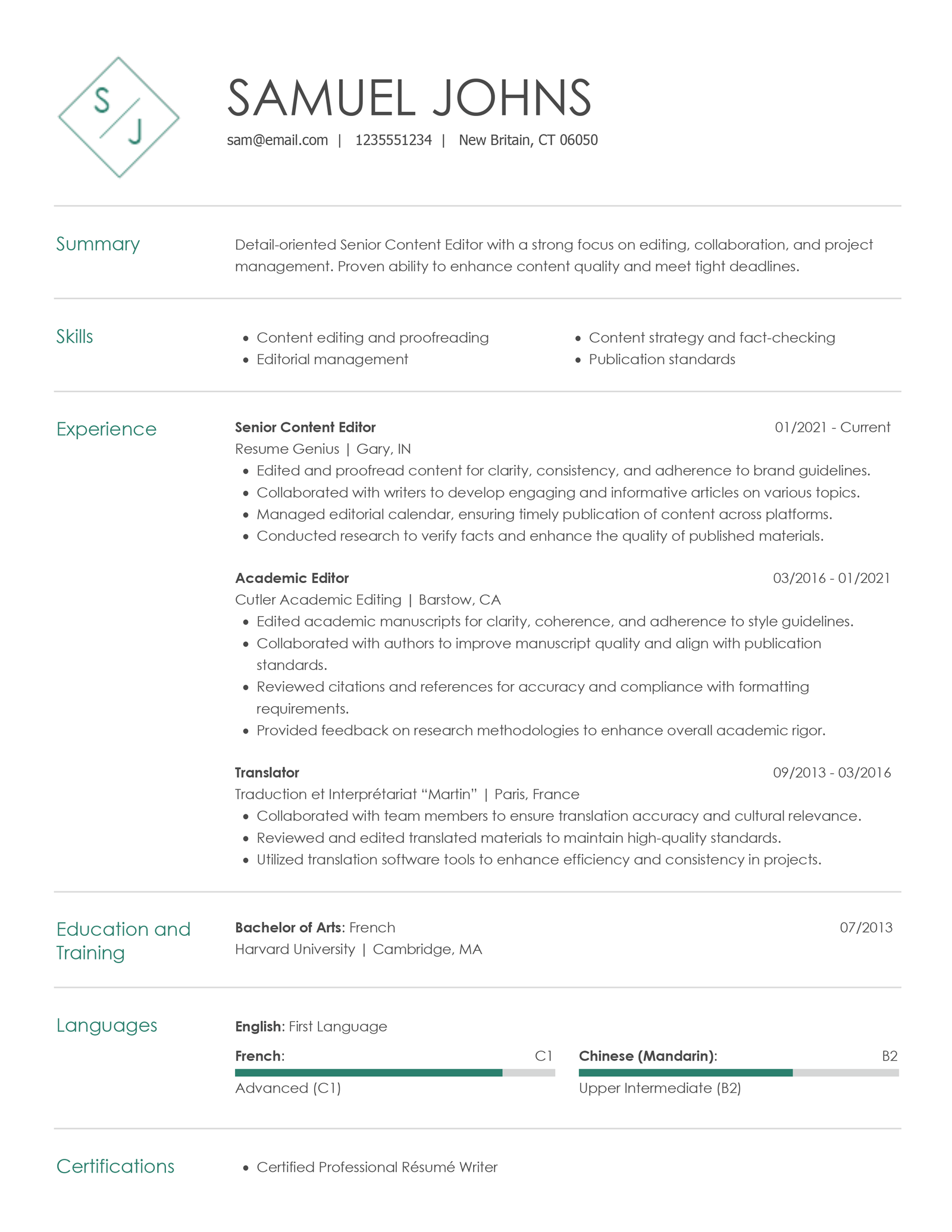
Template quality
Resume Now’s builder offers 35 templates in 9 color variations, for a total of 315 “looks.” Compared with other sites the Resume Genius team has reviewed, the selection is slightly less than Zety’s offering (666 color/design combos) and the Resume Genius builder’s 608 combinations.
The templates available include a mix of traditional, text-focused designs and more colorful, graphic-heavy styles.
ATS-friendliness
Resume Now states that its templates are designed to be ATS-friendly, meaning they are formatted to be readable by applicant tracking systems (ATS) commonly used by employers to screen resumes.
The templates generally use standard section headings, straightforward layouts, and clear formatting that help ATS software identify and categorize information such as work experience, education, and skills.
The platform also encourages users to include relevant keywords and job-specific skills, which can help improve resume compatibility with ATS screening processes. While no resume builder can guarantee success with every applicant tracking system, Resume Now’s templates follow many of the formatting best practices typically associated with ATS-friendly resumes.
As with any resume, users should review the final document to ensure the content aligns with the requirements of the specific role and accurately reflects their qualifications.
Additional Resume Now features
Here are some other features that come with a Resume Now subscription:
Resume review
Resume Now offers a resume review service, though it’s unclear how much human input is actually involved.
The process took two days, which suggests partial human oversight rather than a purely AI-generated review.
Here’s page one of the two-page feedback document we received from Resume Now for the resume above, to give you an idea of what to expect:
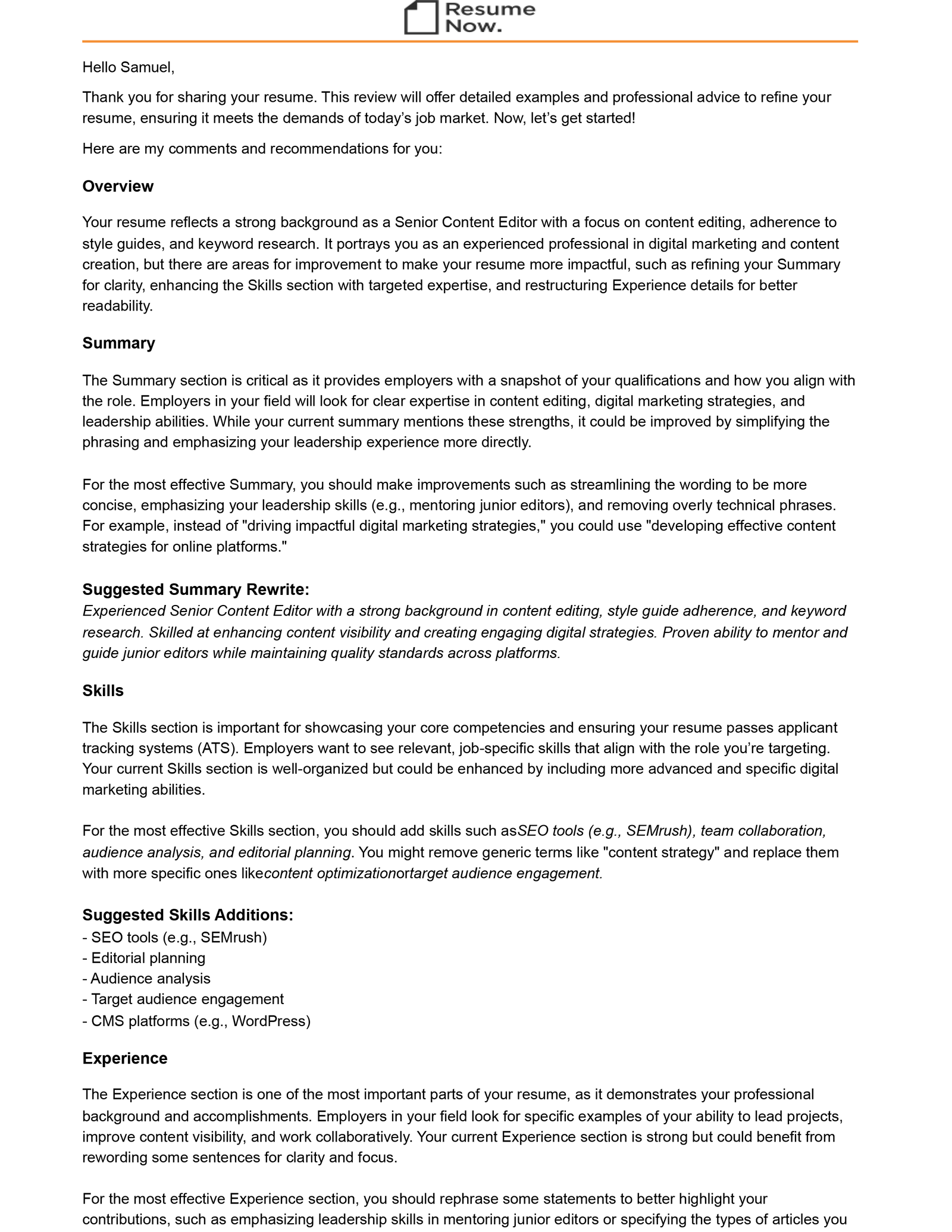
The review included commentary about each individual section, with suggestions on how to rephrase bullet points and sections.
This type of feedback can provide a reference point as you continue to refine your resume into the form you’re comfortable sending out for job applications.
Cover letter builder
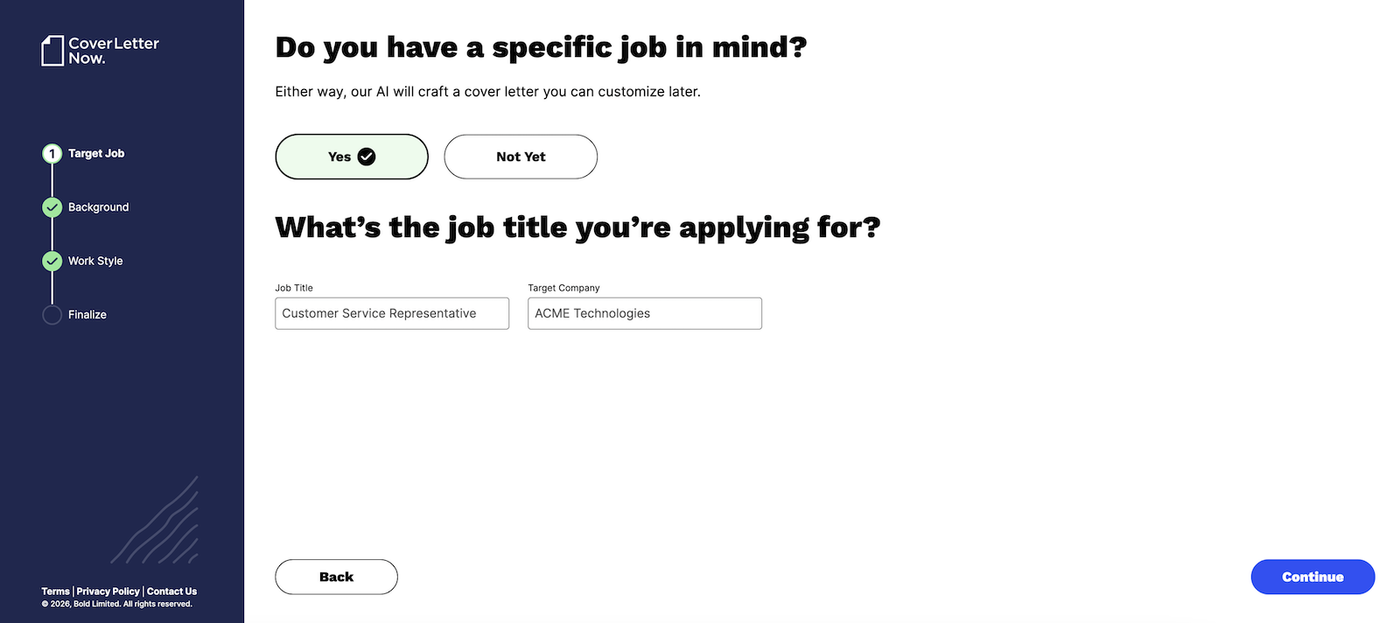
Resume Now also includes a cover letter builder that follows a similar guided approach to its resume builder.
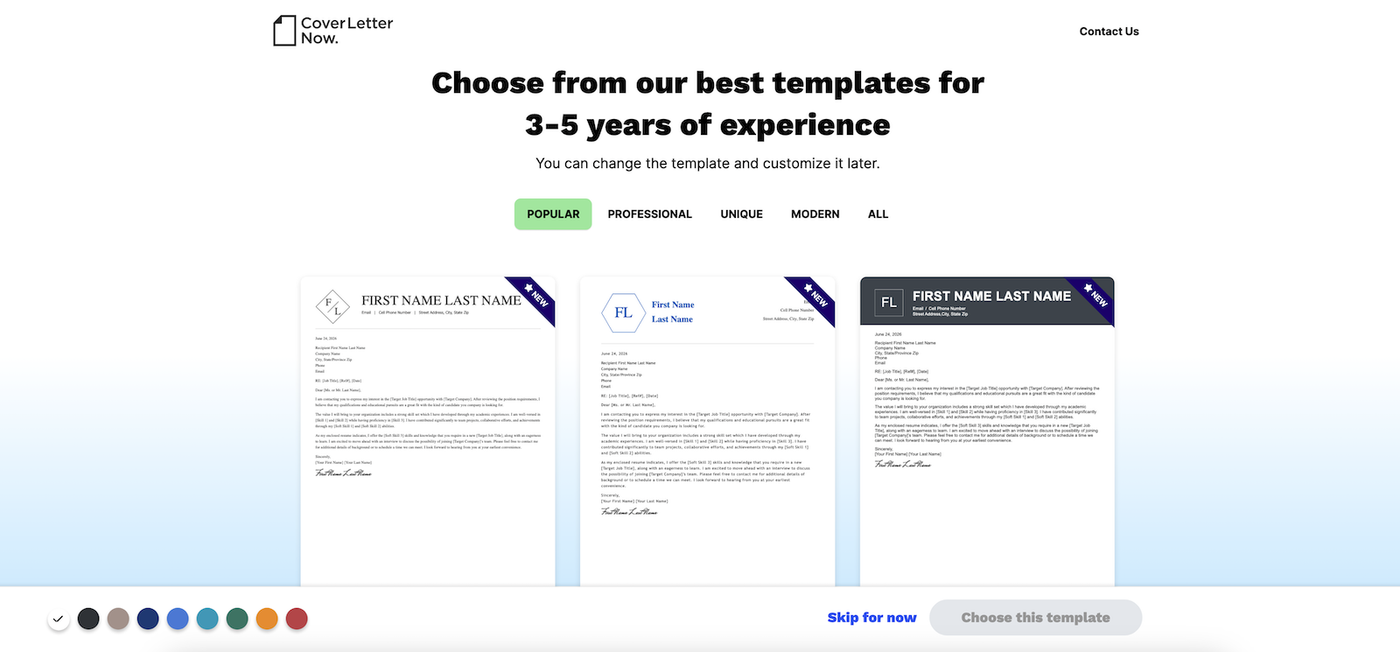
Users can choose from a selection of templates and create a cover letter by completing prompts about your work experience and target job.
How Resume Now compares with Resume Genius
Resume Now and Resume Genius are easy-to-use resume builders that offer writing support and a wide range of templates to choose from, but two tools differ in some areas.
Resume Now vs. Resume Genius
| Resume Now | Resume Genius | |
|---|---|---|
| Why choose it | Simple resume building with a straightforward selection of templates and basic AI support. | End-to-end AI support, extensive customization, and a broader range of templates. |
| Free version | No | Yes |
| Cheapest full access | $2.45 for first 14 days | $2.95 for first 14 days |
| Money back guarantee | 14-day money-back guarantee | 14-day money back guarantee |
| Build unlimited resumes | Yes | Yes (all versions) |
| File formats | PDF & DOC | PDF, Word, TXT |
| Free downloads | No | Yes (TXT only) |
| Template selection in builder | 35+ templates | 25+ designs |
| Free template downloads from website | 13 blank templates (Word, Google Docs, PDF) | 120+ blank templates (Word, Google Docs, Indesign, LaTeX, PDF, LibreOffice, InDesign) |
| AI writing assistant | AI resume summary generator | Start-to-finish AI support |
| Free resume review by an expert | No | Yes |
| Cover letter builder | Yes | Yes |
| US job board access | No | Yes |
| Free ATS resume checker | Yes | Yes |
Frequently asked questions
Here are answers to some of the most common questions about Resume Now:
Is Resume Now legit?
Yes, Resume Now is a legitimate resume-building platform that has been operating for years and provides tools for creating resumes and cover letters. It offers features such as customizable templates, guided writing assistance, and downloadable application documents.
As with any subscription-based service, you should review the pricing, renewal terms, and cancellation policy before signing up with Resume Now, as some users have reported confusion about recurring charges associated with paid plans.
Is Resume Now free?
No, Resume Now is not free, because you need to sign up for a paid subscription to download a Word or PDF version of your finished resume. While you can upload or create a resume for free, edit the content, and pick a design, you have to pay to be able to download the file.
How do you cancel Resume Now?
To cancel Resume Now’s subscription, go to your dashboard.
At the top, click on your name, and then “Settings.”
You can then contact Resume Now through either the phone number or email address provided to cancel your subscription.
More resume builder reviews
Learn about some alternative resume builder services by reading our other reviews:
- Zety reviews
- Novoresume reviews
- MyPerfectResume reviews
- Jobscan reviews
- Indeed resume reviews
- LiveCareer review
- Canva reviews
- ResumeNerd reviews
- Resume.io reviews
- Teal resume builder reviews
- Rocket Resume reviews
- Resume Genius reviews
- Enhancv reviews
- Kickresume reviews
- Monster resume builder review
- Best CV writing services
Build your resume in minutes

About the Author

Lauren Mastroni is a Digital Content Writer at Resume Genius, where she creates data-driven career content and actionable job search advice. With a background in academic research, she brings a research-focused approach to topics like resume writing, interviewing, and career development. Lauren is dedicated to helping job seekers at all stages navigate the hiring process and present themselves more effectively to employers.